

Here’s an uncomfortable fact for anyone shopping for a “gaming VPN”: a VPN almost never lowers your ping. By design, it encrypts your traffic and sends it through a remote server, which usually adds at least one extra hop between you and the game server. So when a product page promises “blazing-fast low-ping gaming,” the honest translation is usually “our servers aren’t terrible.”
That doesn’t make VPNs useless for gamers. It just means the search for the best VPN for gaming low ping is really a search for the VPN that adds the least latency, and occasionally, in specific situations, shaves a few milliseconds off a bad route. This guide covers how that works, what to test, and where most people go wrong.
Why a VPN Usually Adds Ping, Not Removes It
Ping is round-trip time: how long a packet takes to reach the game server and come back. Every network hop adds delay. A VPN inserts a detour through an encrypted tunnel to a server that may be hundreds of miles away, then out to the game.
The physics is simple. Distance matters most. A VPN server in your city adds very little. A VPN server three countries away adds a lot. Encryption and protocol overhead add a small amount on top, usually single-digit milliseconds on modern protocols but more on older, heavier ones.
There is one real exception. Sometimes your internet provider routes traffic to a game server along a slow, congested path. A VPN with better peering can, in that specific case, take a faster route. This is situational, not general. It depends on your ISP, your region, and the game’s server location. Anyone claiming a VPN universally lowers ping is selling something.
The One Case Where a VPN Can Lower Your Ping
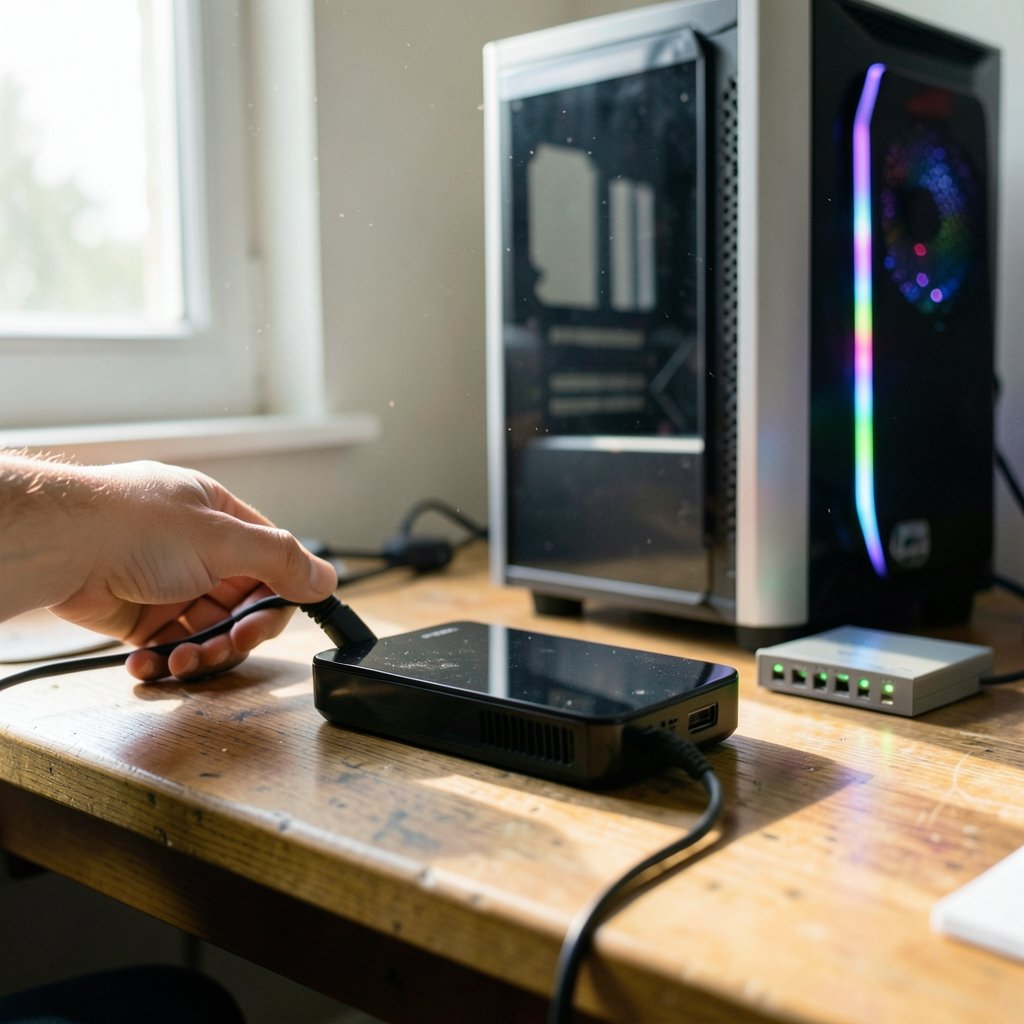
Picture this: you’re in a city with a decent connection, but your ISP hands off traffic to a major game server through an overloaded exchange point. Your ping sits at 90 ms and spikes to 200 ms during peak hours. You connect to a VPN server that peers directly with the game’s hosting provider, and your ping drops to 70 ms with fewer spikes.
That happens. It’s just not predictable from a product page. The only way to know is to measure your own connection before and after. What works for a player in one city on one ISP can do nothing, or make things worse, for a player two hundred miles away.
So the practical rule is: treat any ping improvement as a bonus you verify yourself, never as a promised feature.
What Actually Determines VPN Gaming Latency
Five factors dominate. Understanding them makes the marketing noise easier to filter.
Server distance and peering. The closest server with good routes to the game’s region wins. A nearby server on a bad network loses to a slightly farther one on a great network.
Protocol overhead. Newer, lighter protocols finish their handshake faster and add less per-packet overhead than older ones. For latency-sensitive play, this matters at the margins.
Server load. A crowded server causes jitter and packet loss, which feel worse than raw ping. A 60 ms connection with stable timing beats a 45 ms connection that stutters.
Throughput headroom. If the VPN caps your bandwidth below what the game and your voice chat need, you’ll get lag spikes that have nothing to do with ping.
Your own hardware. A weak router or an old Wi-Fi link adds more latency than most VPNs ever will. If you’re building or upgrading a rig, it’s worth checking a best motherboard for gaming roundup before blaming the tunnel.
Ping vs. Jitter vs. Packet Loss: Measure the Right Thing
Most gamers fixate on the ping number in the scoreboard. That number is a rough average. What actually ruins a match is jitter (how much ping varies) and packet loss (data that never arrives).
A connection at a steady 55 ms feels smooth. A connection bouncing between 40 and 120 ms feels broken even though the average looks fine. Before you judge any VPN, run a proper test:
- Note your in-game ping, jitter, and packet loss without a VPN during a normal session.
- Connect to the VPN’s closest server and repeat in the same game mode at a similar time of day.
- Run a traceroute to the game server with and without the VPN to see where the paths diverge.
- Repeat with a second server location, then keep whichever setup wins on stability, rather than only the lowest number.
Do this at the same time of day. Peak-hour results tell you far more than a quiet Tuesday morning test.
A Realistic Comparison of VPN Approaches for Gaming
Not every “gaming” feature is equal. Here’s how the common options actually stack up.
| Approach | Typical effect on ping | Best for | Watch out for |
|---|---|---|---|
| Closest standard server | Small increase (often 5–20 ms) | Stability, privacy while playing | Crowded servers at peak times |
| Routing advertised for games or “low-latency” routing | Varies; sometimes a small gain | Players with a bad ISP route | Marketing claims with no independent testing |
| Distant server for regional access | Large increase | Gaining access to a region’s store or servers | Unplayable latency in fast games |
| Router-level VPN | Same as device VPN, plus router overhead | Consoles without VPN apps | Older routers bottleneck throughput |
| Free VPN | Unpredictable, often worse | Nothing latency-sensitive | Bandwidth caps and crowded servers |
The pattern is clear. The best setup is usually the closest server on a fast protocol, tested against your actual game. A free service might be fine for casual browsing, but for competitive play, the caps and congestion are exactly the things that cause lag. If cost is the driver, read up on a best free vpn comparison with clear eyes about the trade-offs.
Practical Tips That Genuinely Reduce Latency
These steps help regardless of which VPN you pick, and several cost nothing.
Use wired Ethernet. Wi-Fi adds jitter that no VPN can fix. This is the single highest-impact change for most players.
Pick the nearest server, then test one neighbor. Don’t assume the closest is always fastest. Peering can make the second-closest better.
Choose a lightweight protocol. If your provider offers a modern, low-overhead protocol alongside older options, test both. The lighter one usually wins for fast games.
Close background bandwidth hogs. Cloud backups, updates, and streams compete for the same pipe. A VPN with limited headroom makes this worse.
Test during your actual play hours. A route that’s clean at noon can collapse at 9 p.m.
Don’t stack tools. Running a VPN alongside a proxy or a second tunnel usually adds hops and confusion. If you’re unsure how the two differ, this explainer on vpn vs proxy what is the difference clears it up quickly.
Common Mistakes People Make
A few traps show up again and again.
Believing the “gaming VPN” label means lower ping. In practice, that label usually signals DDoS protection, dedicated IPs, or access to other regions’ game servers. Those are legitimate features. They are not ping reduction.
Testing once and deciding forever. Networks change. A server that helped last month may not help now. Retest after ISP changes or game updates.
Ignoring the console problem. Most consoles don’t run VPN apps natively. You need router-level setup or a PC hotspot, and both add their own overhead. Measure before committing.
Chasing a 5 ms gain while losing stability. A slightly higher but steadier ping wins more fights than a lower one that spikes.
Skipping the baseline. Without a clean “before” measurement, you can’t tell whether the VPN helped or you just got a better lobby.
Choosing a Provider Without Getting Fooled
Since no product page can promise your ping will drop, judge providers on the things you can verify: server locations near your region, protocol options, clear documentation of server load policies, and a money-back window long enough to test properly.
Be skeptical of latency benchmarks in affiliate-driven “best of” lists. They’re rarely reproducible and often measured on a single connection in a single city. Independent, methodologically sound VPN latency testing is scarce, so your own traceroute is worth more than any chart. For a broader shortlist to start testing from, a best vpn 2025 overview is a reasonable starting point, as long as you treat every claim as a hypothesis to check.
One more consideration: if you’re playing on a laptop that struggles to hit 60 fps, the bottleneck isn’t your network at all. Stutter from a weak GPU feels like lag but isn’t. A list of best pc games for low end pcs can keep you gaming smoothly while you sort out hardware. Similarly, audio cues matter in competitive shooters, and a muddy headset can hurt more than 10 ms of ping, so it’s worth pairing network tuning with a solid best wireless gaming headsets 2026 pick. (Virtual private network)
When a VPN Is the Wrong Tool Entirely
If your goal is purely the lowest possible ping and you don’t need privacy or region access, the fastest option is usually no VPN at all. A direct connection removes the extra hop entirely. (Cybersecurity)
Use a VPN for gaming when you need one of these: hiding your IP from other players, protecting traffic on shared or public networks, accessing a game or store region, or possibly improving a bad ISP route. If none of those apply, spend your effort on Ethernet, router quality, and closing background apps instead. That’s boring advice, but it’s the advice that actually moves the number.
Conclusion
The honest answer to “what’s the best VPN for gaming low ping” is that there’s no universal winner, because a VPN is a detour and detours usually cost time. The best you can do is pick a provider with nearby servers, a lightweight protocol, and enough headroom to avoid jitter, then measure your own connection before and after. Occasionally a better route will shave off real milliseconds. More often, the win is stability, privacy, or access to a region, and those are worth having too. Test, compare, and keep whichever setup makes your matches feel smoother, not whichever one has the flashiest badge.
Frequently Asked Questions
Does a VPN lower ping for gaming?
Usually not. A VPN routes traffic through a remote server, which typically adds latency. In some cases, a VPN with better peering than your ISP can lower ping to a specific game server, but that depends on your provider, region, and the game, and must be tested on your own connection.
What is the best VPN protocol for low ping?
Lighter, modern protocols generally add less overhead and complete their handshake faster than older, heavier ones. The exact best choice varies by provider, so test the available options on your connection and keep whichever gives the steadiest ping and lowest jitter.
Can a VPN reduce lag spikes?
It can, but only when the spikes come from a bad ISP route that the VPN bypasses. If your spikes come from Wi-Fi interference, a congested home network, or an overloaded VPN server, a VPN will make things worse rather than better.
Should I use a free VPN for gaming?
Be cautious. Free services often cap bandwidth and run crowded servers, which causes jitter and packet loss that feel worse than slightly higher ping. For competitive play, a paid service with nearby servers and headroom is usually the safer bet.
How do I test whether a VPN helps my ping?
Record your in-game ping, jitter, and packet loss without the VPN during normal play. Then repeat with the VPN’s closest server at the same time of day, and run a traceroute both ways to compare routes. Keep the setup that is most stable, rather than only the one with the lowest number.
Do gaming VPNs actually improve performance?
The “gaming VPN” label usually refers to DDoS protection, dedicated IPs, or access to other regions’ servers, not ping reduction. Those features can be genuinely useful, but treat any claim of lower latency as something to verify yourself rather than accept.



