

Quick Answer: Why is my vpn so slow and how to fix it?
VPN slowness usually comes from encryption overhead, a distant or overloaded server, a weak protocol, or a local bottleneck like Wi-Fi interference and router limits. The fix is to switch protocols, pick a closer server, and test your connection with and without the tunnel to isolate the real cause.
Sometimes the VPN is not the culprit at all. ISP throttling, a congested home network, or a device that lacks hardware encryption support can all masquerade as VPN slowdown, and each needs a different remedy. Free services that cap bandwidth are another common source.
Before changing anything, compare protocol options, server distance, device hardware, DNS settings, and whether the slowdown happens on every site or just a few.
A Slow VPN Is Usually a Fixable Mismatch, Not a Broken Product
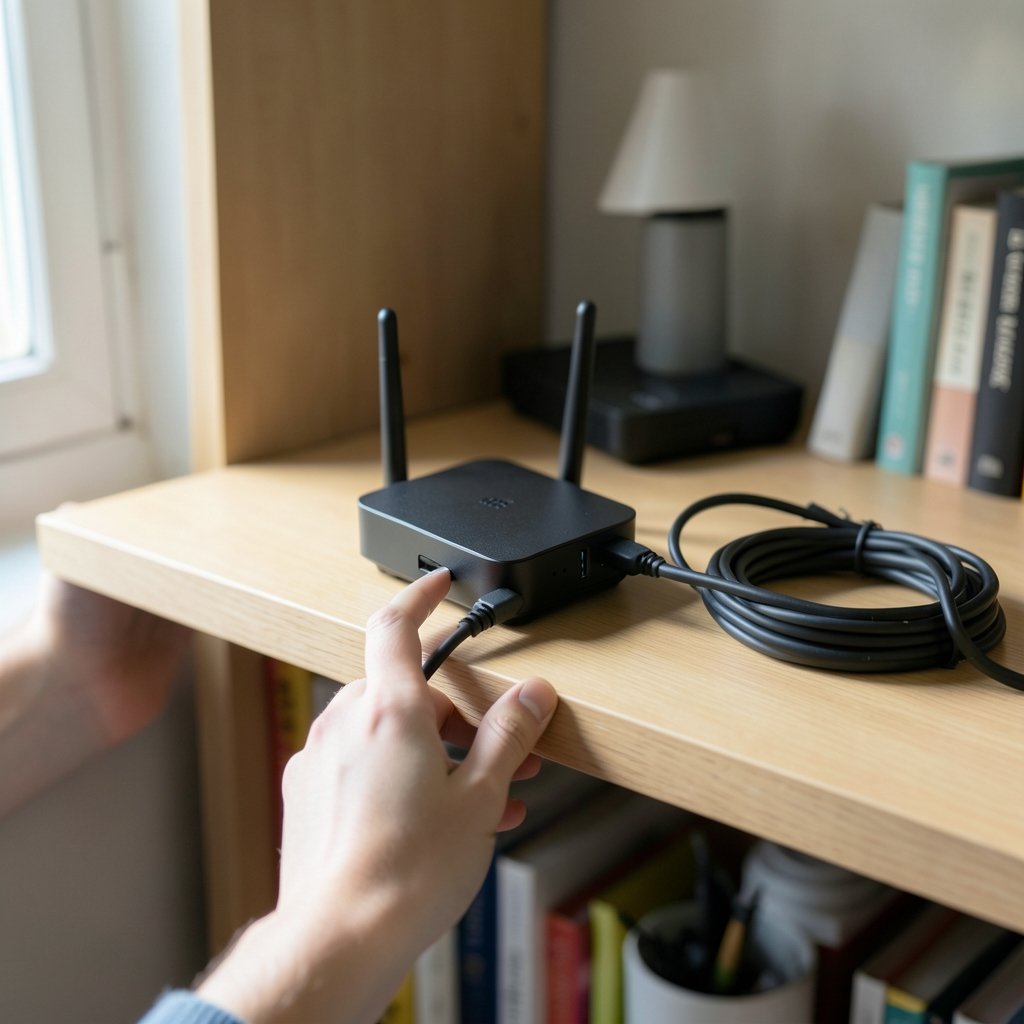
Roughly a third of internet users worldwide have tried a VPN, and a huge share of them abandon it within weeks. The reason is rarely privacy concerns. It is speed. People install a tunnel, watch their downloads crawl, and unplug it for good. That is a shame, because most VPN slowdown is a configuration mismatch rather than a flaw in the service itself.
The good news is that the fixes are mostly free and mostly fast. A few minutes of testing will tell you whether the problem lives in the protocol, the server, the network, or the device. This guide walks through each layer in the order that solves the most cases with the least effort.
Start by Proving the VPN Is Actually the Problem
Before touching a single setting, measure. Run a speed test with the VPN connected, then disconnect and run it again on the same server, at the same time of day. If the numbers are close, the VPN is innocent and you should look at your Wi-Fi, router, or ISP instead.
A useful pattern looks like this:
| Test | What it tells you |
|---|---|
| Speed test with VPN on | Your real-world tunneled throughput |
| Speed test with VPN off | Your baseline connection |
| Ping with VPN on vs off | Added latency from the tunnel route |
| Speed test on a second server | Whether one server is the bottleneck |
If the unplugged test is also slow, the tunnel is not your problem. If the gap is enormous, keep reading.
Fix 1: Switch to a Faster Protocol
Protocol choice is the single biggest lever most people never touch. Modern protocols like WireGuard are leaner than older designs and generally deliver higher throughput on the same hardware. OpenVPN, while rock solid, runs in userspace and can become a bottleneck on fast connections, especially on routers and older laptops.
Open your app’s settings and look for a protocol menu. Try WireGuard first, then IKEv2/IPsec, then OpenVPN as a fallback. Test each one for a minute. Many users see an immediate jump simply by moving off a legacy default.
One caveat: hardware matters. Devices without AES hardware acceleration will struggle with any encrypted tunnel, and no protocol switch will fully rescue them.
Fix 2: Pick a Closer, Less Crowded Server
Distance equals latency. A server three continents away adds round-trip time to every request, and that delay compounds across dozens of page loads. Choosing a server in your own country, or the nearest one available, is the fastest single change most people can make.
Server load matters just as much. Popular servers get oversubscribed at peak hours, which is why your connection feels fine at 7 a.m. and dreadful at 8 p.m. Many apps show a load percentage next to each location. Pick one under 60 percent if you can.
If you are choosing a provider in the first place, a comparison of the best vpn services will show which ones publish server load data and maintain enough capacity to avoid congestion.
Fix 3: Rule Out ISP Throttling and Local Congestion
Some internet providers are reported to slow down traffic they suspect is VPN-related, though hard proof is difficult to obtain and results vary by region. If your speed collapses only during evening hours and recovers on a different network, throttling becomes a plausible suspect.
Local congestion is far more common. Wi-Fi interference, a microwave running nearby, a router struggling under a dozen devices, or a household member streaming 4K video will all show up as “VPN slowness.” Test on an Ethernet cable. If wired is fast and wireless is slow, your tunnel was never the issue.
It is easy to blame the tunnel for problems that live in the walls.
Fix 4: Check MTU and MSS Settings
VPN encapsulation shrinks the effective packet size. When the tunnel’s MTU is set too high and MSS clamping is missing, large packets get fragmented or silently dropped. The symptom is distinctive: pages start loading, then hang. Small sites work, big ones stall.
The fix depends on your setup. On a router running OpenVPN, enabling MSS clamping usually resolves it. On desktop clients, lowering the MTU slightly in the adapter settings can help. This is a well-documented class of VPN problem and one of the most underdiagnosed.
Fix 5: Repair DNS and Stop Leaks
Slow DNS resolution feels exactly like a slow connection. Every new domain waits for a lookup, and if that lookup travels through a distant resolver, page loads drag. Switching to a fast public resolver inside the tunnel often shaves noticeable time off browsing.
While you are there, run a DNS leak test. If your queries are escaping the tunnel, you are both slower and less private than you think. Most reputable apps include a built-in leak protection toggle.
Fix 6: Reduce Extra Layers
Kill switches, double-VPN chains, and always-on firewall rules all add work. Chaining two VPNs roughly doubles encryption and routing hops, so unless you have a specific threat model that demands it, skip it. A kill switch is worth keeping, but if you are troubleshooting, disable it temporarily to see whether it is contributing.
The same logic applies to split tunneling. Routing only the traffic that needs protection through the tunnel leaves the rest of your connection at full speed. For most home users, that is a smarter trade than tunneling everything.
Fix 7: Match the Tool to the Job
Not every privacy problem needs a full tunnel. A proxy forwards traffic without encrypting it, which means far less overhead but also far less protection. Understanding the trade-off matters. This breakdown of vpn vs proxy what is the difference explains when each makes sense, and when a lighter tool beats a heavy one.
For general browsing on a trusted home network, a proxy or split tunnel may be all you need. For public Wi-Fi, keep the full tunnel on and accept the small speed cost.
Fix 8: Be Honest About Free Services
Free VPNs have to pay for servers somehow. Many cap monthly bandwidth, throttle speeds after a threshold, or oversubscribe a small server pool. That is a business model issue, not a bug you can configure away. If you rely on a tunnel daily, a paid plan is usually the difference between usable and unusable. (Use Strong Passwords)
That said, free options have improved. If budget is the constraint, this roundup of the best free vpn covers which services impose caps and which do not, so you can pick one that will not throttle you mid-month.
Fix 9: Check the Device in Addition to the App
An old router running VPN software in userspace can cap out well below your plan’s speed. The same is true of budget laptops and phones without hardware crypto acceleration. If your phone is fast and your laptop is slow on the same server, the laptop is the bottleneck.
Updating the app and the operating system is boring advice that genuinely helps. Protocol implementations improve, bugs get patched, and drivers matter. If you are troubleshooting other system-level slowdowns too, a guide on how to fix antimalware service executable high cpu usage covers a related performance drain that often gets blamed on the wrong software.
A Practical Troubleshooting Order
Working through these in sequence saves time:
- Run the with-and-without speed test to confirm the VPN is the cause.
- Switch to WireGuard and retest.
- Move to the nearest low-load server.
- Test on Ethernet to eliminate Wi-Fi.
- Lower MTU or enable MSS clamping if pages hang.
- Change DNS and run a leak test.
- Disable double-VPN and extra layers.
- Update the app and the operating system.
Most people find their answer in the first three steps. If nothing helps, contact the provider’s support with your test numbers. Specific data gets specific answers.
What Good Performance Actually Looks Like
Expect some cost. Encryption and routing are real work, and a tunnel that adds zero overhead does not exist. On capable hardware with a modern protocol and a nearby server, the drop is usually modest, often in the single-digit to low-double-digit percentage range. On older devices, it can be much larger.
The goal is not a VPN with no speed cost. It is a VPN whose cost you can measure and accept.
If you are still shopping and want to compare providers on throughput and server quality, a look at the best vpn services 2025 gives a current picture of which services prioritize performance rather than just privacy marketing.
Conclusion
A slow VPN is almost never a mystery. It is a stack of small, fixable mismatches: a legacy protocol, a server on the wrong continent, a crowded evening node, an MTU that fragments, a DNS resolver taking the scenic route. Each one is testable, and each one has a known remedy.
The method matters more than the settings. Measure with and without the tunnel. Change one variable at a time. Trust the numbers over the marketing. Users who do that usually recover most of their speed within an afternoon, and they end up understanding their own connection far better than they did before.
Frequently Asked Questions
Does a VPN always slow down your internet?
No. A VPN adds encryption and routing work, so some cost is normal, but on modern hardware with an efficient protocol the drop is often small. Many users notice no meaningful difference for browsing and streaming. The dramatic slowdowns people complain about usually trace back to a distant server, an overloaded node, or an old device rather than the concept of tunneling itself.
Why is my VPN fast on my phone but slow on my laptop?
The device is the variable. Laptops without hardware encryption acceleration, older Wi-Fi cards, and background software competing for bandwidth all drag tunneled throughput down. Try the same server and protocol on both devices at the same time. If the gap persists, update your laptop’s app and operating system, and test on a wired connection to rule out Wi-Fi.
Should I use a free VPN if speed matters?
Be careful. Many free services cap bandwidth, throttle after a data threshold, or run a small server pool that gets crowded at peak hours. That is structural, not a setting you can fix. Some free tiers are genuinely usable for light browsing, but anyone who depends on a tunnel daily will usually get better and more consistent speeds from a paid plan.
Can my internet provider slow down my VPN?
It has been reported by users in various regions, and it is technically possible for providers to treat VPN traffic differently. Proving it is difficult. A useful test is to compare speeds on your home connection against a different network, such as mobile data or a friend’s Wi-Fi, at the same time of day. If only one network is slow, the provider becomes a reasonable suspect. (Virtual private network)
Why do some websites hang or stall with the VPN on?
That pattern points to an MTU or MSS problem. VPN encapsulation reduces the effective packet size, and when large packets get fragmented or dropped, pages start loading and then freeze. Enabling MSS clamping on a router, or slightly lowering the MTU in your client, usually resolves it. It is one of the most commonly missed VPN issues.
Is it worth changing my VPN’s DNS settings?
Often, yes. Slow DNS resolution feels identical to a slow connection because every new domain waits on a lookup. If your resolver sits far from your location or is unreliable, switching to a fast public resolver inside the tunnel can noticeably speed up browsing. Run a leak test at the same time to confirm your queries stay inside the tunnel.



