
Verizon’s annual Data Breach Investigations Report has found for years that the human element plays a role in roughly two-thirds of breaches, and stolen or weak credentials remain the front door attackers use most often. That single number explains why hardware security keys moved from corporate IT closets into everyday life. A small USB stick that requires a physical tap can shut down the most common phishing attack completely, because a fake login page on the other side of the world cannot touch a key sitting in your pocket.
But “buy a security key” is easier said than done in 2026. Store shelves are crowded, spec sheets are full of jargon like FIDO2 and CTAP2, and prices swing wildly for devices that look nearly identical. This guide walks through what matters, what does not, and how to pick the right key for the way you actually work.
Why Hardware Keys Beat Every Other Login Method
Passwords can be guessed, reused, and leaked. One-time codes can be intercepted in real time by a convincing fake login page. Even push notifications have been defeated by “MFA fatigue” attacks, where an attacker spams approval prompts until a tired user taps yes. Hardware keys sidestep all of that because the cryptographic handshake is bound to the actual website’s address. A key that has been registered with one service will simply refuse to authenticate against an impostor.
That is why phishing-resistant MFA has become the phrase to look for in security guidance. The concept is straightforward: if an attacker cannot relay the login to the real site, they cannot complete the sign-in, no matter how good their fake page looks. If you want a broader comparison of how these approaches stack up, a look at passkeys vs passwords vs 2FA shows where physical keys fit alongside newer phone-based options.
The practical result is a device that costs less than a streaming subscription for a year and protects accounts that would take weeks to recover.
The Standards That Actually Matter
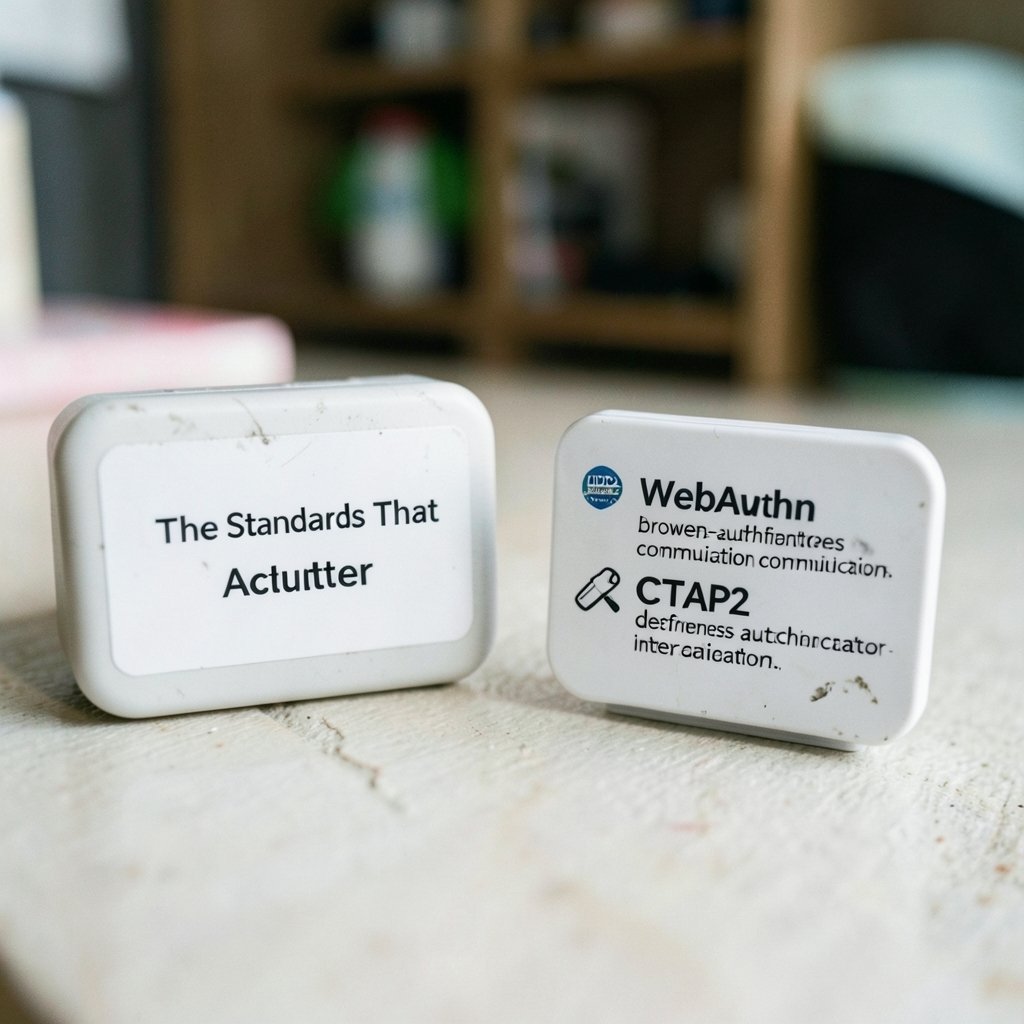
Two specifications do most of the work behind the scenes. FIDO2 is the umbrella standard, and it contains WebAuthn, which defines how browsers talk to authenticators, plus CTAP2, which defines how the authenticator itself communicates over USB, NFC, or Bluetooth. Certification is administered by the FIDO Alliance, whose certified product listings are the single best place to confirm that a key really supports the protocol it claims.
On the policy side, NIST’s Special Publication 800-63B on digital identity lays out authenticator assurance levels, and the Cybersecurity and Infrastructure Security Agency has published guidance urging organizations toward phishing-resistant authentication. Neither document will tell you which brand to buy, but both explain why a key with proper FIDO2 certification is a different class of product from a generic USB token. (NIST Cybersecurity Framework)
A useful rule of thumb: if a product page does not explicitly say FIDO2 or WebAuthn and does not appear on the FIDO Alliance certification list, treat the marketing claims with suspicion.
Form Factors: USB-A, USB-C, NFC, and Hybrids
The connector is the first decision, and it is also where most buyers make their first mistake. A key that does not physically fit your laptop is a key you will not use.
| Form factor | Best for | Watch out for |
|---|---|---|
| USB-A | Desktop towers, older laptops, office docking stations | Increasingly rare on thin laptops |
| USB-C | Modern laptops, tablets, phones | Some keys block adjacent ports |
| NFC | Phones and tablets, quick taps | Range and phone-case interference |
| Hybrid USB-A + NFC | Mixed device fleets | Slightly bulkier body |
| USB-C + NFC | Travelers with one bag for everything | Higher price tier |
A second consideration is how the key attaches to your life. Keys with a lanyard hole or a keyring loop survive far longer than loose ones, because the most common failure mode is not a broken chip. It is losing the device. Practical advice from people who manage fleets of these things: buy two identical keys, register both, and store the spare somewhere you would look if your bag disappeared.
Features Worth Paying For
Not every upgrade earns its price. Here is how the features sort out in practice.
Biometric verification. Fingerprint-enabled keys require a touch plus a biometric match before releasing credentials. This protects you if the key itself is stolen, since the thief cannot authenticate without your finger. The trade-off is cost and a small amount of setup friction. For anyone carrying a key on a commute, it is a meaningful upgrade.
Passkey storage. Some keys can hold discoverable credentials, meaning they can act as a passkey authenticator without a username being typed first. Support varies by vendor and firmware, so confirm this on the product’s official specification page rather than assuming it.
Durability and water resistance. Keys live on keyrings, in pockets, and occasionally in washing machines. A resin-sealed body with no moving parts is the norm, but check the rated ingress protection if you are clumsy.
Firmware update support. A key that can receive security patches years after purchase is worth more than one that cannot. Vendor documentation should state how updates are delivered.
Backup and recovery options. Some vendors offer ways to back up credentials or recover access if a key is lost. Read the fine print, because recovery features can weaken the very property that makes keys strong.
How to Set Up Keys Without Locking Yourself Out
The setup process is where enthusiasm turns into a support ticket. Follow this order.
- Buy at least two keys, ideally the same model so behavior is identical.
- Register both keys with every account that supports them before removing any older method.
- Keep your existing authenticator app or recovery codes active until both keys are confirmed working on a test login.
- Name the keys clearly in each account’s security settings, so you know which is the spare.
- Store the spare somewhere physically separate from your daily carry.
- Test recovery once, deliberately, while everything is calm.
The classic mistake is registering one key, then removing the phone-based authenticator, then losing the key. The second classic mistake is registering the spare but never testing it. An untested backup is a decoration.
Where Hardware Keys Fit in a Wider Security Stack
A security key protects logins. It does nothing for a compromised laptop, a reused password on a site that does not support keys, or a cloud service full of machine credentials. Thinking about the whole picture pays off.
For accounts that still rely on passwords, a password manager plus a key for the manager itself is a strong combination. For the growing number of automated tokens and API keys floating around modern infrastructure, the comparison of Astrix vs Oasis vs Entro on non-human identity security covers a problem that hardware keys simply cannot solve. On the device side, keeping local storage healthy and encrypted matters too; if you are upgrading a machine, this walkthrough on how to clone a hard drive to an SSD is a practical companion to any security cleanup. (Security token)
Physical security deserves a mention as well. A key protects your accounts, but a cheap camera covering your front door protects the hardware in your home. Roundups of the best home security cameras in 2026 are worth a read if you are building out that layer.
Common Mistakes and What Actually Works
Several patterns show up again and again among people who adopt keys and then quietly stop using them.
- Buying a single key. One lost key becomes an emergency. Two keys become a minor inconvenience.
- Choosing a connector that needs an adapter. Adapters get lost, and some hubs interfere with authentication.
- Ignoring the phone. If you log in on mobile, NFC support is not optional.
- Assuming every site supports keys. Many still do not. Keep a fallback method for those.
- Skipping the PIN. Many keys ask for a PIN as a second factor. Choose something memorable and do not reuse it.
- Forgetting browser support. Modern browsers handle WebAuthn well, but very old or unusual browsers may not. Update before you start.
What works in practice is boring: two keys, both registered everywhere, one on your person and one in a safe place, with a written note about which accounts use them. That is the entire strategy.
Matching the Key to the Person
Different users need different things, and pretending one model fits everyone leads to bad purchases.
The remote worker needs a USB-C key with NFC for phone logins, plus a spare. Portability and a keyring loop matter more than biometrics.
The IT administrator managing dozens of accounts should prioritize a key with strong firmware update support and clear vendor documentation, and should standardize on one model to reduce help-desk confusion.
The privacy-focused individual may prefer a key with biometric verification and minimal vendor account requirements, since some products push you toward a cloud dashboard.
The family tech supporter setting up relatives should choose the simplest possible device, register it themselves, and leave written instructions. Complexity is the enemy of adoption.
The Passkey Question
Passkeys stored on phones and in password managers have become the default recommendation for many consumer accounts, and for good reason: they are easier than keys and still phishing-resistant. So do hardware keys still have a place?
Yes, for three reasons. First, passkeys synced to a cloud account are protected by that account’s security, which creates a circular dependency. A hardware key breaks the loop. Second, keys work across ecosystems, so an account protected by a key is not tied to one phone platform. Third, for high-value accounts like email, banking, and password managers, a separate physical device adds a layer that software alone cannot replicate.
The sensible 2026 approach for most people is a mix: passkeys where they are convenient, hardware keys on the accounts that would hurt most to lose. If you are still deciding how far to go, the deeper comparison of passkeys vs passwords vs 2FA lays out the trade-offs clearly.
Conclusion
The best hardware security key in 2026 is not the one with the longest feature list. It is the one you will actually carry, that fits your devices without an adapter, that has genuine FIDO2 certification, and that you have paired with a tested spare. Buy two, register both everywhere, keep one close and one safe, and test the backup before you need it. That routine costs less than a dinner out and closes off the attack path that causes the most breaches year after year. Everything else, from biometrics to passkey storage, is a refinement on top of that foundation.
Frequently Asked Questions
Do I really need two hardware security keys?
Yes, in almost every case. A single key creates a single point of failure, and lost keys are far more common than broken ones. Registering two keys means a lost device is an inconvenience rather than a lockout. Store the spare somewhere physically separate from your daily carry.
Are hardware security keys compatible with phones?
Many are, provided the key supports NFC or connects over USB-C. Support varies by phone model and by the service you are logging into, so check both the key’s specification page and the account’s security settings before relying on it. USB-A keys generally need an adapter on phones, which is best avoided.
How is a security key different from a passkey?
A passkey is a credential, and it can live on a phone, in a password manager, or on a hardware key. A hardware key is a physical authenticator that stores or generates credentials. Both are phishing-resistant, but a hardware key is independent of any cloud account, which removes a dependency that synced passkeys carry. (Tesla website robotaxi semi roadster three hardware bets 2026)
What happens if I lose my security key?
If you registered a backup key, you log in with the spare and remove the lost key from each account’s security settings. If you did not, you will need to use whatever recovery method the service offers, which may mean recovery codes, a support process, or in the worst case, losing access. This is exactly why the backup matters.
Do security keys work with every website?
No. Support has grown steadily, but plenty of services still rely on passwords and codes alone. Before you remove an older login method, confirm that the site accepts security keys and that you can complete a full login with each of your registered keys. Keep a fallback for the rest.
Are biometric security keys worth the extra cost?
For anyone who carries a key outside the home, the fingerprint check adds real protection if the device is stolen, because the thief cannot authenticate without your finger. If the key never leaves a desk drawer, the benefit is smaller. Weigh the price difference against how exposed the key is day to day.



