
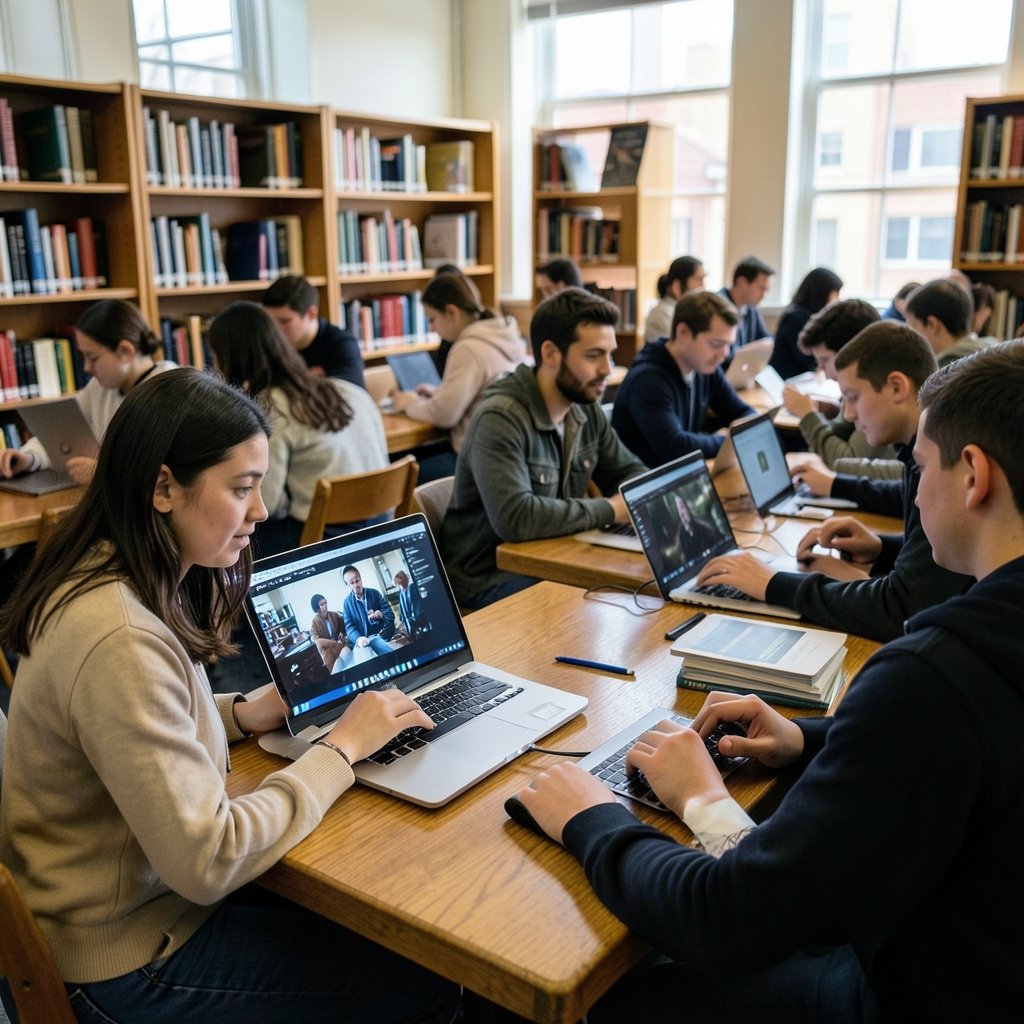
Roughly one in five college students now walks into class with a Mac, and Apple’s education discount has quietly become one of the most predictable ways to save a few hundred dollars on a laptop. But “buy a Mac” is no longer simple advice. Apple sells several families of computers, spread across price tiers, and the wrong pick can leave you short on storage or carrying a machine heavier than your textbooks.
This guide breaks down the decision the way a practical buyer would: by major, budget, and the small details that matter over four years of daily use.
Start With the Right Question
Most students ask “which Mac is best?” when the more useful question is “which Mac fits how I’ll actually work?” A journalism major writing in a browser and a film student rendering 4K footage have almost nothing in common beyond wanting a laptop that lasts.
Three factors decide most of the outcome:
Portability. You will carry this machine to lectures, the library, and home again. Weight and battery life matter more than benchmark scores you’ll never see again.
Memory (RAM). This is the single most important spec for longevity, because Apple’s laptops can’t be upgraded after purchase. Choosing 8GB to save money is the most common mistake students make, and it’s the one that hurts most in year three.
Storage. Cloud services help, but local space fills fast with course recordings, design files, and photo libraries. 256GB is workable; 512GB is comfortable.
The Current Lineup at a Glance
Apple refreshes Macs roughly every year, and the lineup available in late 2026 will likely use newer chips than the models sold in early 2025. Because exact specs and prices change with each refresh, always confirm details on Apple’s official product pages and education store on the day you buy. The table below shows how the families compare, which stays broadly stable even as chips advance.
| Model family | Best for | Portability | Typical student verdict |
|---|---|---|---|
| MacBook Air 13-inch | Most students | Excellent | The default pick |
| MacBook Air 15-inch | Big-screen note-takers | Very good | Great if weight isn’t an issue |
| MacBook Pro 14-inch | Demanding majors | Good | Worth it for heavy workloads |
| MacBook Pro 16-inch | Creative professionals | Fair | Rarely needed by students |
| Mac mini | Dorm desk setups | None (desktop) | Best value per dollar |
| iMac | Shared or design spaces | None (desktop) | Niche but lovely |
The Default Recommendation: MacBook Air
For the majority of students, the 13-inch MacBook Air is the answer, and it isn’t a close call. It is light enough to forget in a backpack, silent because it has no fan, and efficient enough to get through a full day of classes on one charge in most real-world use.
The Air handles writing, research, spreadsheets, video calls, coding in a text editor, and light photo editing without strain. What it does not handle gracefully is sustained heavy work: long video exports, large 3D renders, or running several virtual machines at once. Those tasks cause the fanless design to slow itself down to stay cool. (MacBook Air)
A few practical notes that trip people up:
- Buy more memory than you think you need. If your budget allows only one upgrade, make it RAM. It future-proofs the machine far more than a faster chip.
- Skip the base storage if you keep local files. External drives are cheap, but carrying one everywhere gets old.
- Check the education store before checkout. Apple’s education pricing has historically applied to students, parents of students, and staff, and summer back-to-school promotions have often added a gift card. Terms, dates, and eligible countries change yearly, so verify on Apple’s site rather than trusting last year’s blog post.
When the MacBook Pro Earns Its Price
The 14-inch MacBook Pro makes sense for a narrower group: students in film, animation, architecture, music production, or heavy data science. Its advantages are real — active cooling for sustained loads, a better display, more ports, and support for higher memory configurations.
Be honest about whether you’re in that group. Many students buy a Pro “just in case” and end up carrying extra weight for power they never use. If your heaviest task is a 20-minute Zoom call and a 40-page paper, the Air is the smarter purchase, and the savings can go toward memory or storage instead.
For students who want a desktop-class setup in a dorm room, the Mac mini deserves a mention. Paired with a decent monitor and keyboard, it delivers strong performance for the money and never leaves your desk. The trade-off is obvious: no portability.
Match the Mac to Your Major
Different disciplines stress a laptop in different ways. Here’s a practical mapping:
- Humanities, law, business: MacBook Air, prioritising battery and light weight. Almost any current model works.
- Computer science: MacBook Air with extra memory, or a 14-inch Pro if you run containers and virtual machines locally. Check whether your department requires specific software; some engineering programs still lean on Windows-only tools.
- Design and media: 14-inch MacBook Pro, larger screen, more storage. Colour accuracy and sustained performance matter here.
- Music and audio: MacBook Pro, because audio work benefits from consistent performance under load and low-latency connectivity.
- Engineering and architecture: verify software compatibility before buying. This is the one category where a Mac may not be the right tool at all.
Students who also game or follow hardware news should keep an eye on how the broader market shifts; coverage of the Xbox layoffs and studio sales in 2026 and the Steam Deck stock situation and its alternatives both affect the “one device for everything” calculation. A Mac plus a cheap console or handheld is often a better combination than an expensive do-everything laptop.
The Upgrade Math Nobody Explains Well
Apple’s pricing ladder is designed to nudge you upward. A memory bump and a storage bump can push a mid-tier laptop close to the price of the next model up, which then has its own upgrade options. Before you climb, ask what you’re actually buying.
Memory affects how many things you can do at once and how well the machine ages. Storage affects convenience. Chip tier affects how fast heavy tasks finish. For most students, that’s the priority order, reversed from what marketing emphasises.
A simple rule that works in practice: buy the cheapest model that comfortably meets your needs today, then put the savings toward memory. Students who overspend on chip tiers and underspend on memory usually regret it by junior year.
Buying Advice That Saves Real Money
Timing matters as much as configuration. A few habits pay off:
- Use education pricing. It’s the easiest discount available and applies to a wide group of buyers.
- Watch the back-to-school window. Summer promotions have historically bundled gift cards, effectively lowering the net cost.
- Consider refurbished units from Apple. They carry a full warranty and are indistinguishable from new in practice.
- Skip AppleCare+ only if you’re careful. For a laptop that travels daily, accidental damage coverage is often worth it.
- Check your university’s IT page. Many institutions publish recommended specs and some negotiate their own deals.
If you’re comparison shopping across the wider market, it helps to know what else is launching; a look at the best phones expected in 2026 shows how quickly adjacent devices are changing, and the Nintendo Switch 2 Lite and Samsung chip rumours for 2026 illustrate why waiting for a rumoured refresh is usually a bad strategy for a student who needs a laptop now.
For students in technical fields who spend their evenings writing code, the choice of software matters too; a good code editor for Mac costs nothing and runs beautifully on even the base Air.
Common Mistakes to Avoid
A short list of errors that show up again and again:
Buying the maximum spec “for the future.” Technology depreciates fast. Buy for the next three years, not the next eight.
Ignoring the keyboard and screen. You’ll stare at both for thousands of hours. Try them in a store if you can.
Forgetting the accessories budget. A case, a dongle or two, and an external drive add up. Factor them in.
Assuming all discounts stack. Education pricing and promotional gift cards have specific rules; read them before assuming the total.
Overlooking the secondhand market. A well-kept previous-generation MacBook Air is often the best value in the entire category for a student on a tight budget.
What About the Other Devices?
A Mac rarely lives alone. If you already own an iPhone or iPad, the integration helps with study: handoff between devices, shared clipboards, and messaging from the laptop. That’s a real argument for staying with Apple devices rather than a marketing line.
It’s also worth watching how platform economics shift, since app prices and store policies affect what students pay for software. Apple’s ongoing dispute over app store fees, covered in this analysis of the Apple Supreme Court case and the 27 percent app store fee in 2026, could eventually change pricing for the apps you rely on. Similarly, hardware roadmaps from other companies shape what’s available and at what price; Tesla’s robotaxi, Semi, and Roadster hardware bets for 2026 are a reminder that every tech purchase is a bet on a moving market. And if you’re shopping around seasonal sales events, this guide to Black Friday car deals and prices for 2026 shows how discount timing works in another category entirely, which is a useful mental model for laptop promotions too.
Conclusion
For most students in 2026, the answer is straightforward: a MacBook Air with extra memory is the best Mac you can buy. It’s light, quiet, efficient, and capable of handling nearly every academic task without complaint. Step up to the 14-inch MacBook Pro only if your coursework genuinely demands sustained performance, and consider the Mac mini if your laptop never leaves the desk.
The bigger lesson is about how to buy. Confirm current specs and education pricing on Apple’s official pages the day you order, prioritise memory over chip tiers, and resist the pull of the top of the range. A well-chosen mid-tier Mac will carry you through a degree and beyond; an over-specced one just costs more on the way.
Frequently Asked Questions
Is a MacBook Air enough for a computer science student?
For most coursework, yes. Writing code, running a local server, and using a text editor are light tasks. The exception is heavy virtualisation or large local machine-learning workloads, where extra memory and the 14-inch Pro’s cooling help. Check your department’s software requirements first.
How much memory should a student Mac have?
Choose the highest memory configuration your budget allows, and treat it as the priority upgrade. Memory can’t be added later, and it determines how well the machine handles many browser tabs, large documents, and future software updates. Base configurations are fine for light use but age faster.
Is Apple education pricing worth it?
Yes, for eligible buyers. Apple has long offered reduced pricing to university students, parents of students, and education staff, and summer promotions have often added a gift card. The exact terms, dates, and participating countries change each year, so confirm on Apple’s education store before ordering.
Should students buy a MacBook Pro instead of an Air?
Only if your work is genuinely demanding: video editing, 3D rendering, audio production, or heavy data work. The Pro’s fan and better display matter for sustained loads. For essays, research, and video calls, the Air is lighter, cheaper, and more than capable.
Is it better to buy more storage or a faster chip?
Storage, for most students. Local files, recordings, and app installs fill a drive quickly, and external drives are inconvenient to carry. A faster chip helps only with tasks that push the processor hard, which is a minority of student workloads.
When is the best time to buy a Mac for university?
Late summer, when back-to-school promotions typically run, is the traditional window. Buying refurbished from Apple is a strong alternative at any time of year, since those units carry a full warranty. Avoid waiting for a rumoured refresh if you need the machine for the start of term.



