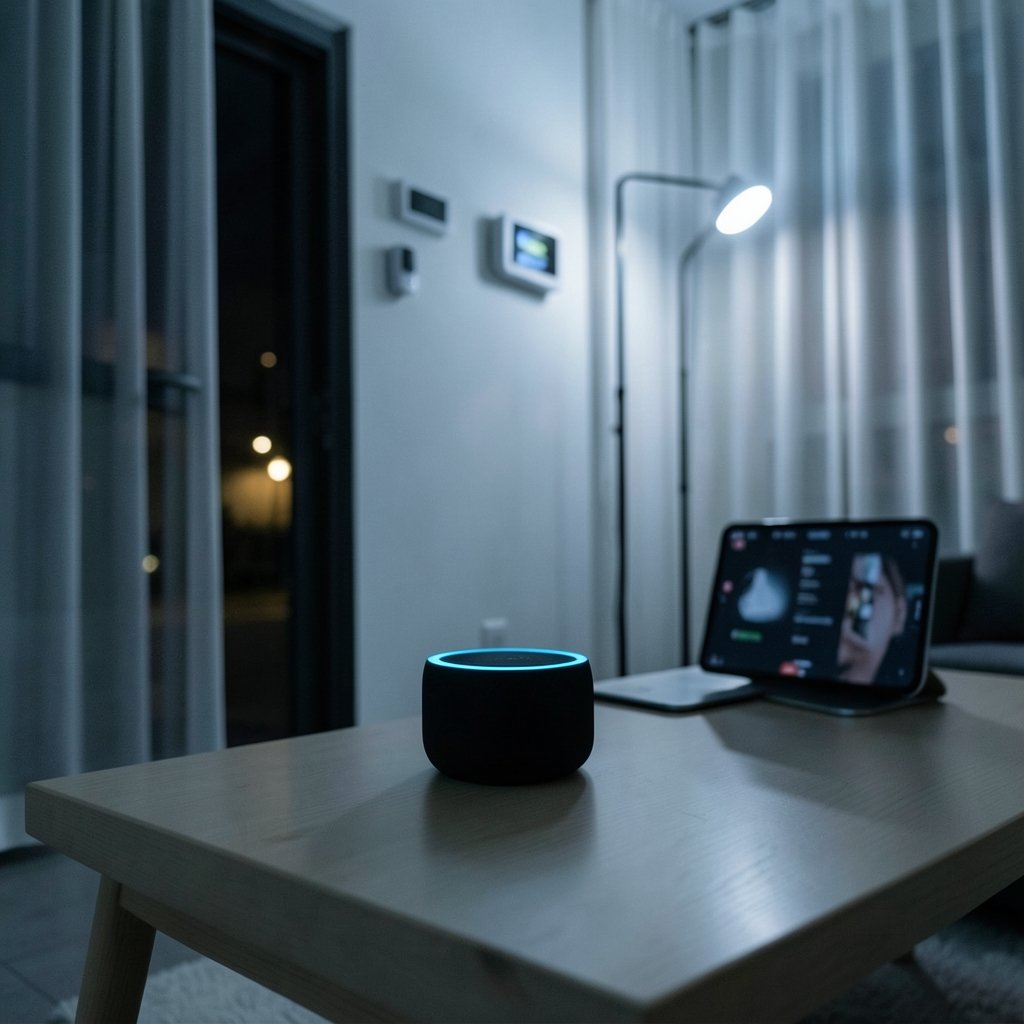
A 2024 survey by the research firm Parks Associates found that the average U.S. household with smart home technology owns roughly six connected devices. Six. That number tells you something important: people do not stop at one gadget. They start with a smart speaker or a video doorbell, discover it saves them a small daily annoyance, and then keep going. The trick is knowing which devices genuinely earn their keep and which ones end up in a drawer by March.
This guide focuses on everyday living, not gadget-collector bragging rights. It covers the categories that deliver real, repeatable value, the mistakes that trip up first-time buyers, and the practical details that reviews often skip.
Start With the Foundation, Not the Flashy Stuff
The most common mistake people make is buying devices in the wrong order. They grab a discounted smart bulb, then a smart plug, then a camera, and discover none of them talk to each other properly. The result is four apps on a phone and a household that quietly stops using all of them.
The smarter sequence is to pick a platform first, then a hub or bridge if needed, then devices. A hub is not glamorous, but it is the difference between a collection of gadgets and an actual system. A device like the Home Center Lite smart home hub is worth understanding early, because hubs determine which protocols a home can speak and how much local control it keeps when the internet goes down. (Home automation)
A practical rule: if a device needs its own app to do anything useful, treat that as a warning sign. Devices that work through a standard platform and a shared app tend to survive the long haul. Those that depend on a single vendor’s cloud service are one corporate decision away from becoming e-waste.
Smart Speakers and Displays: The Control Layer
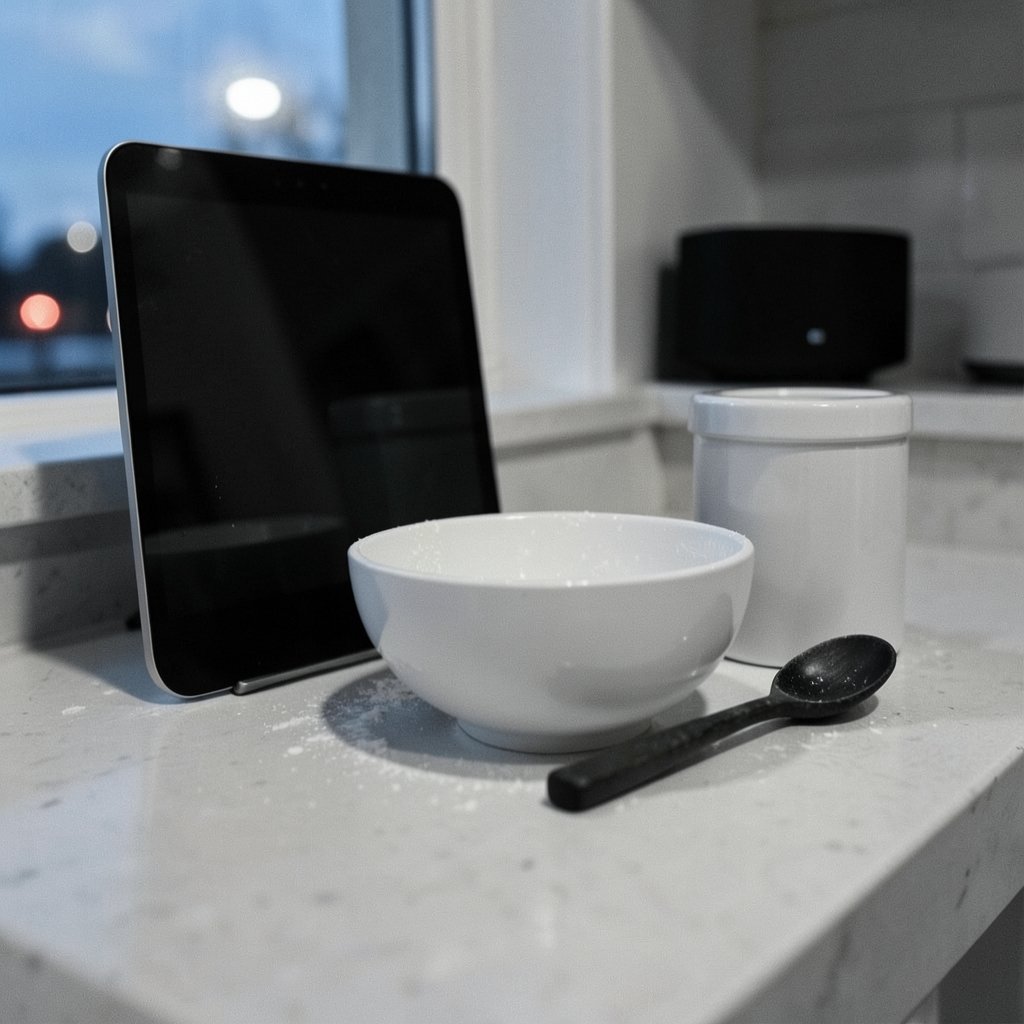
Voice assistants remain the entry point for most households, and for good reason. Hands-free control matters most in the kitchen, when hands are covered in flour, and in the bedroom, when the lights should go off and nobody wants to find a phone.
The practical advice is to buy for the platform already in the house. An iPhone-heavy household will have an easier time with Apple’s assistant; Android and mixed households usually lean toward Google or Amazon. The differences between them matter far less than the friction of mixing them badly. For a deeper comparison of models and their strengths, this guide to the best smart speakers for home automation covers the practical trade-offs.
One underrated tip: put a display model in the kitchen and a plain speaker in the bedroom. Displays shine for timers, recipes, and video calls. In a bedroom, a glowing screen at 2 a.m. is a feature nobody asked for.
Smart Lighting: The Cheapest Real Upgrade
Lighting is where most people should begin. It is inexpensive, reversible, and immediately noticeable. A couple of smart bulbs in the living room and a smart plug on a lamp deliver more day-to-day satisfaction than a fancy thermostat in a house with a fixed schedule.
What actually works in practice:
- Start with lamps, not ceiling fixtures. Swapping a bulb in a lamp takes thirty seconds. Rewiring a ceiling light does not.
- Use smart plugs for dumb lamps. A plug costs less than a bulb and works with any lamp already owned.
- Set schedules around sunrise and sunset, not clock times. Seasonal light shifts make fixed times feel wrong half the year.
- Buy fewer, better bulbs. Cheap bulbs flicker, buzz, and lose connection. A small number of reliable ones beats a bargain multipack.
The common mistake is buying color-changing bulbs for every room. Most households set them to warm white within a week and never touch the color wheel again. Save the color for one accent space and spend the difference on reliability.
Smart Locks and Security: Where Convenience Meets Caution
Security devices are the category where cheaping out hurts most. A smart lock that fails is not an inconvenience; it is a person standing on a porch at night. This is the one area where spending more is genuinely justified, and where professional installation is often worth the fee.
Practical guidance from people who live with these devices: check the battery level monthly, keep a physical key accessible outside the home, and confirm the lock’s fail-safe behavior before trusting it. A lock that defaults to locked when the battery dies is very different from one that defaults to open. The best smart locks for home security comparison lays out those differences clearly, and they matter more than any app feature.
For the broader picture, including cameras and sensors, a roundup of the best home security systems helps sort subscription-based systems from local-storage ones. The subscription question is the one buyers most often overlook. A camera that costs $40 and requires $10 a month forever is a very different purchase than one that records locally.
Security is also where standards matter. The U.S. National Institute of Standards and Technology published its foundational cybersecurity guidance for connected device makers, NISTIR 8259, in 2020. It is not light reading, but the takeaway for buyers is simple: device security is not automatic, and manufacturers who publish clear security policies are generally the ones taking it seriously. (Cybersecurity)
Streaming Devices: The Quiet Workhorse
Nobody calls a streaming stick exciting, but it may be the most-used smart device in the house. Televisions ship with slow, ad-heavy software that ages badly. A $30 streaming device fixes that for years.
The practical rule is to match the device to the television. An older 1080p set does not need a premium 4K streamer. A new OLED does. This guide to the best streaming devices for every TV breaks it down by screen type and budget. One tip that saves real frustration: buy the version with a wired ethernet port if the router sits nearby. Wi-Fi drops during the final minutes of a close game are a special kind of annoyance.
The Interoperability Question Nobody Explains Well
Here is where a lot of buyers get lost. Matter is an industry standard meant to let devices from different brands work together. The Connectivity Standards Alliance published Matter 1.0 in October 2022, and later versions have added device types since. Thread is a low-power networking protocol often paired with Matter.
The important caveat: a box that says “Matter compatible” does not guarantee smooth operation. Compatibility depends on firmware versions, hub support, and which features a manufacturer actually implemented. Buyers should check the official certification listings rather than trusting the box, and should expect that a device bought today may need a firmware update before it behaves.
The gap between “certified” and “works in your house” is where most smart home disappointment lives. That is not a reason to avoid the standards. It is a reason to check the specific model against the specific hub before buying.
Practical Habits That Make a Smart Home Bearable
After the shopping decisions, daily life depends on a few unglamorous habits. These are the ones that separate households where the technology fades into the background from households where it becomes a second job.
- Name devices clearly. “Living room lamp” beats “Lamp 2.” Voice control only works if the names are obvious.
- Keep one app as the home screen. Scattered apps kill adoption. Consolidate where possible.
- Write down the Wi-Fi password for guests and the guest network for devices. Putting every gadget on a separate network is a small step that limits damage if one device is compromised.
- Update firmware quarterly. Set a reminder. Security patches do not install themselves.
- Test the failure modes. Unplug the router for an hour and see what still works. The answer will tell you whether the setup is genuinely useful or just cloud-dependent.
The best smart home is the one you stop noticing. When a light comes on as someone walks in with groceries, that is success. When someone has to open an app, wait for a spinner, and try again, the technology has failed at its only real job.
Budgeting Realistically Across Categories
Spending priorities vary by household, but a sensible allocation for a first setup looks roughly like this:
| Priority | Typical Spend | Why It Comes First |
|---|---|---|
| Smart plugs and bulbs | $40–$100 | Cheapest, most reversible, immediate payoff |
| Smart speaker or display | $50–$150 | Becomes the control layer for everything else |
| Streaming device | $30–$100 | Fixes the worst software in most homes |
| Smart lock | $150–$300 | High value, but reliability is non-negotiable |
| Hub or bridge | $80–$200 | Adds local control and cross-brand device support |
| Cameras and sensors | $100–$400 | Best added once the basics are stable |
The order matters more than the totals. Households that buy security cameras before they own a single smart plug tend to end up with an app they check anxiously and nothing else. Households that start small and add deliberately end up with systems that actually run the house. For readers planning a broader renovation or upgrade, a list of home improvement ideas for every budget is a useful companion, since wiring, outlets, and network placement all affect what is possible later.
Mistakes That Cost the Most
Three errors come up again and again. First, buying on discount without checking platform compatibility, which turns a bargain into a return. Second, ignoring the router. A house full of devices on an old router is a house full of dropouts, and a mesh system often fixes more problems than any new gadget. Third, treating every purchase as permanent. Smart home technology ages faster than furniture, and a willingness to replace a hub or a streamer every few years is healthier than loyalty to a brand that has moved on.
A related beginner-friendly starting point is a curated list of the best smart home devices for beginners, which keeps the first purchases small and the learning curve gentle. And for anyone who values a good night’s sleep as much as a good gadget, the same principle applies: the fix should be simple and it should work without an app. That is the standard worth holding every device to.
Conclusion
The best smart home devices for everyday living are not the ones with the longest feature list. They are the ones that solve a small, repeating annoyance and then disappear into the background. Lighting and plugs deliver the fastest return. A speaker or display becomes the control layer. A streaming device quietly fixes the television. Locks and cameras deserve more caution and more budget, because reliability matters more there than anywhere else.
The through-line is discipline. Pick a platform, check compatibility against official certification listings rather than marketing copy, keep firmware current, and test what happens when the internet drops. Households that do those four things end up with technology that earns its place. Households that skip them end up with six devices and four apps, which is exactly where this article started.
Frequently Asked Questions
What is the single best first smart home device to buy?
A smart plug or a smart bulb. Both cost little, install in minutes, and deliver an immediate, visible benefit through schedules and voice control. They also teach the basics of app setup and naming without much risk. Starting with a camera or a lock means starting with the highest-stakes, most complex category, which is the wrong order for most people.
Do smart home devices still work when the internet goes down?
It depends entirely on the device and the platform. Devices that rely on a cloud service often stop responding to voice commands and app controls during an outage. Devices paired with a local hub can frequently continue running schedules and automations. Before buying, check whether the manufacturer documents local control, and test it by unplugging the router for an hour.
Is Matter compatibility enough to guarantee devices will work together?
No. Matter is a real standard, published by the Connectivity Standards Alliance starting with version 1.0 in October 2022, but real-world compatibility depends on firmware versions, hub support, and which features a manufacturer implemented. Buyers should check official certification listings and confirm support for the specific hub in the home rather than relying on the packaging.
How much should a household expect to spend on a basic smart home setup?
A sensible starting setup covering smart plugs, a couple of bulbs, a speaker, and a streaming device typically lands between $200 and $400. Security devices, locks, and hubs push that higher. The important point is sequencing: spend small amounts first, confirm the platform works, and add expensive categories only once the basics are stable.
Are smart locks safe to rely on as a primary entry method?
They can be, with precautions. Keep a physical key accessible outside the home, check battery levels monthly, and confirm whether the lock fails secure or fails open when power runs out. Quality varies enormously at the low end, so this is the category where paying more and using professional installation is usually the right call.
How often should smart home devices be updated?
At minimum, check for firmware updates quarterly and enable automatic updates where the manufacturer offers them. Security patches are the main reason. Devices that no longer receive updates should be treated as aging hardware and replaced, especially cameras and locks, since an unpatched connected device is a genuine risk rather than a minor inconvenience.