
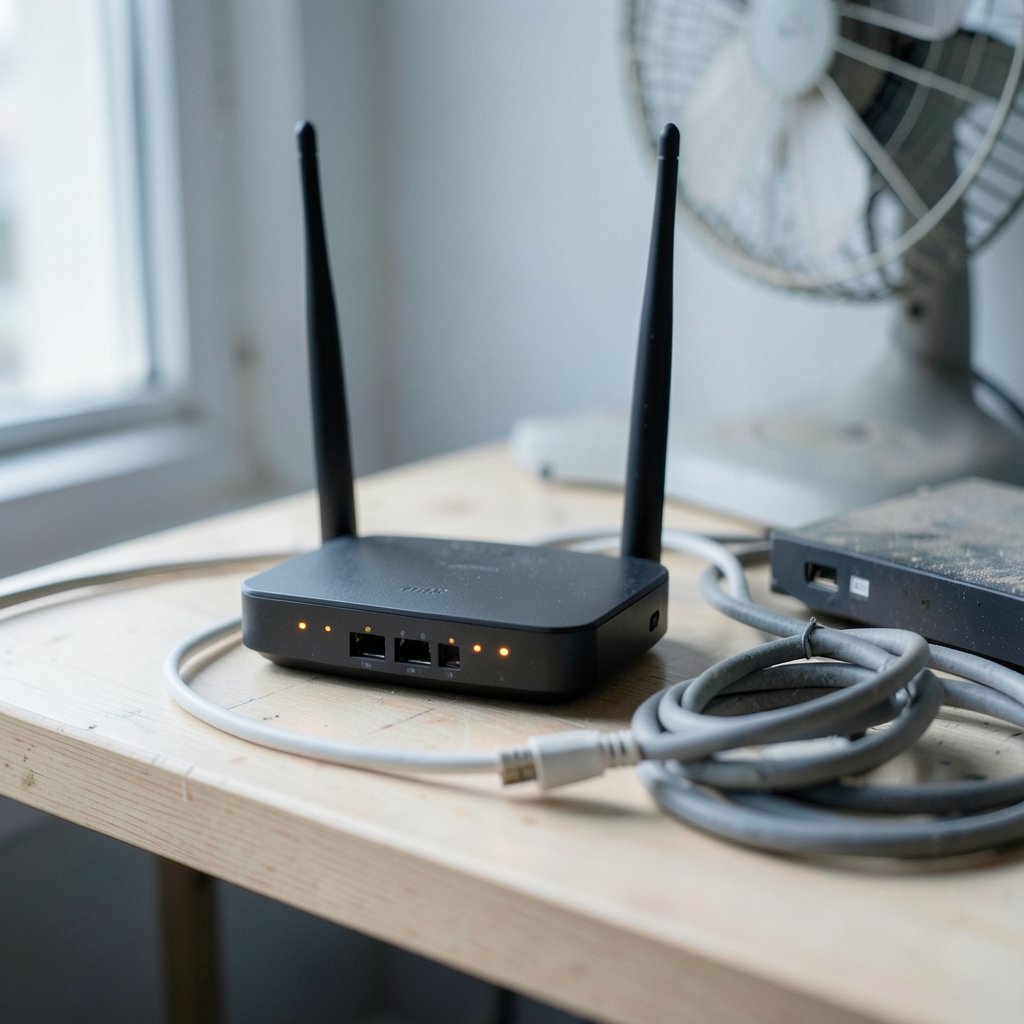
Quick Answer: Why is my internet so slow at night?
Evening slowdowns usually come from network congestion, not a broken connection. When millions of households stream video, game, and download at the same time, shared broadband segments get crowded and speeds drop. Readers can act on this by testing at different hours, switching Wi-Fi channels, using wired connections, or upgrading their plan or provider.
The pattern differs by technology. Cable and mobile networks share capacity across a neighborhood, while fiber-to-the-home generally holds up better under heavy load. Some slowdowns are local (Wi-Fi interference, old routers), and others happen deep in an ISP’s backbone or at peering points.
Before acting, check your connection type, router age, Wi-Fi band and channel, device count, plan speed tier, and whether the drop happens on every device or just one.
A strange thing happens to home internet after dinner. A connection that streamed 4K video at lunchtime suddenly stutters through a two-minute clip at 9 p.m., and speed tests that showed full bars at noon now crawl. This is one of the most common complaints in broadband support queues, and the explanation is rarely a single broken piece of equipment. It is usually a mix of shared infrastructure, crowded airwaves, and the simple fact that everyone in the neighborhood is online at once. (FCC Broadband Speed Guide)
The Evening Peak: When Everyone Logs On at Once

Residential broadband is a shared service. Whether the connection runs over cable, DSL, or fiber, subscribers on the same segment draw from a pool of capacity. In the evening, that pool gets busy. Streaming services, video calls, online games, cloud backups, and software updates all compete for the same bandwidth between roughly 7 p.m. and 11 p.m.
Cable networks are especially exposed to this pattern. The DOCSIS standard that cable internet uses shares downstream bandwidth across a neighborhood node, and providers deliberately oversubscribe those nodes because not every household uses full speed at once. Statistical multiplexing works well on average, but during peak hours the averages stop helping.
The FCC has documented this pattern for years through its Measuring Broadband America program, which consistently shows lower speeds during evening hours than during off-peak windows. The drop is not a malfunction; it is a design trade-off baked into how residential networks are built.
Why Fiber Usually Handles the Evening Better
Fiber-to-the-home changes the math. A passive optical network splits capacity among a smaller number of homes than a typical cable node, and providers often provision more headroom per subscriber. That does not make fiber immune to evening congestion, but the effect is usually milder.
The practical takeaway is simple: if evening slowdowns are severe and the household has access to fiber, switching technology is often the most effective fix. Anyone weighing providers should compare the upload speeds too, since upstream capacity is where many connections struggle first. A guide to the best internet for gaming covers latency and jitter alongside raw speed, which matters more than headline megabits for evening use. (Internet access)
Wi-Fi Interference Peaks Along With Internet Traffic
Not every evening slowdown happens on the ISP’s side. In apartment buildings and dense suburbs, Wi-Fi interference rises sharply at night because neighbors’ networks are all active. The 2.4 GHz band has only a handful of non-overlapping channels, and in a crowded building those channels fill up fast.
A few practical checks help separate Wi-Fi problems from ISP problems:
- Run a speed test on a wired connection and again over Wi-Fi at the same time of night.
- If wired speeds look normal but Wi-Fi collapses, the issue is inside the home.
- Use a Wi-Fi analyzer app to see which channels nearby networks occupy, then switch the router to a quieter one.
- Move the router away from walls, microwaves, baby monitors, and cordless phone bases.
- Test the 5 GHz band, which has more channels and less interference, though shorter range.
People often blame the provider when the real culprit is a router sitting in a cabinet behind a television. Placement and channel choice routinely matter more than the plan tier.
Bufferbloat: When the Connection Feels Slow but Isn’t
There is a frustrating middle case: speed tests show plenty of bandwidth, yet video calls freeze and web pages hang. The likely cause is bufferbloat, a condition where oversized buffers in routers and modems add latency under load. Evening hours make it worse because household traffic peaks at the same time.
The Bufferbloat project has spent years documenting how excess buffering degrades responsiveness even on fast connections. The fix is often a router with smart queue management, such as fq_codel or CAKE, which keeps latency low when the line is busy. Many modern routers include this feature under names like “gaming mode” or “QoS.” It is one of the most underrated upgrades for anyone who works or games in the evening.
Traffic Management and Busy-Hour Policies
Some providers manage traffic during peak windows. That can mean deprioritizing certain traffic types, throttling heavy users, or shaping video streams. Disclosure rules vary widely by country, and enforcement has shifted over time, so it pays to read the fine print of a plan.
The practical signs of traffic management include slowdowns that hit specific services (a streaming platform, for example) while general browsing stays fast, or speeds that recover sharply after a set hour. If the pattern is that precise, the ISP is likely shaping traffic rather than suffering congestion.
What is internet privacy and how can you protect it is worth reading alongside this, since some traffic-management tools inspect packet contents, and privacy-conscious users may want to know how that works before choosing a provider.
Upstream Congestion: The Overlooked Bottleneck
Most people measure download speed and ignore upload. That is a mistake. On cable and many fiber deployments, upstream capacity is far smaller than downstream, and it congests first. Evening video calls, cloud photo backups, and online gaming all lean on upload.
Symptoms of upstream congestion include choppy video calls while downloads feel fine, failed file uploads, and lag spikes in games. A quick test: run an upload speed test at noon and again at 9 p.m. If the evening number collapses, the upstream path is the problem. The best internet security tools won’t fix that, but a plan with symmetrical speeds will.
Peering and Backbone Congestion
Sometimes the slowdown is not in the neighborhood at all. It sits at the peering points where an ISP exchanges traffic with content networks. When a major streaming service and an ISP disagree over interconnection terms, or when a backbone link saturates, specific destinations slow down while the rest of the internet stays fine.
Diagnosing this is tricky for a home user. The tell is inconsistency: fast speeds to one service and slow speeds to another, at the same hour, on the same device. A traceroute run at peak time can reveal which hop adds latency, though interpreting the results takes some patience.
Old Equipment and Household Load
Evening is when every device in the house wakes up. Phones sync photos, laptops install updates, consoles download patches, and smart TVs buffer previews. An aging router with a weak processor can choke on that load even when the line itself is fine.
Common mistakes people make:
- Keeping a router for six or seven years because it “still works.”
- Running dozens of devices on a single-band router.
- Using powerline adapters that degrade badly under household electrical noise.
- Ignoring firmware updates that fix stability bugs.
A router refresh every three to four years, matched to the plan speed, resolves a surprising share of evening complaints. For households with heavy gaming or streaming, best internet security australia offers a useful comparison of router-level protection features worth checking before buying.
How to Diagnose Evening Slowdowns Properly
Good diagnosis beats guesswork. The key is comparing measurements taken the same way at different times.
| Test | What it reveals | How to run it |
|---|---|---|
| Wired speed test at noon vs. 9 p.m. | ISP-side congestion | Same server, same device, Ethernet cable |
| Wi-Fi vs. wired at peak time | In-home wireless problem | Run both within minutes of each other |
| Upload test at peak time | Upstream congestion | Compare against off-peak results |
| Latency under load | Bufferbloat | Ping test while streaming video |
| Traceroute at peak time | Peering or backbone issue | Note which hop adds delay |
The Ofcom home broadband performance reports use a similar methodology and are a useful reference for how regulators measure real-world speeds. Running tests the same way each time is what makes the numbers comparable; a Wi-Fi test at noon and a wired test at night tells you nothing.
Practical Fixes That Actually Work
Once the cause is clear, the fixes tend to be straightforward:
- Switch to wired Ethernet for the devices that matter most, especially during peak hours.
- Move to the 5 GHz or 6 GHz band and pick a less crowded channel.
- Enable smart queue management on the router to tame bufferbloat.
- Schedule large downloads outside the 7–11 p.m. window.
- Upgrade the router if it is more than a few years old.
- Ask the ISP about peak-hour performance and compare plan tiers.
- Consider fiber if it is available and evening speeds are consistently poor.
Anyone dealing with duplicate or corrupted downloads caused by flaky evening connections may find how to find duplicate images on the internet handy for cleaning up the mess afterward.
When to Escalate to the Provider
Some problems need the ISP. Contact support when wired speeds fall well below the advertised tier during peak hours, when the drop affects every device and every service, or when latency spikes make calls unusable. Keep a log of test results with timestamps; providers respond faster to evidence than to complaints.
It also helps to know the plan’s terms. A “up to” speed claim is not a guarantee, but regulators in many countries require providers to disclose typical peak-hour performance. Comparing the contract against measured results gives a legitimate basis for a complaint or a switch.
Conclusion
Evening slowdowns are rarely mysterious once the layers are separated. Shared neighborhood capacity, crowded Wi-Fi channels, bufferbloat, upstream limits, and peering congestion each produce a distinct pattern. The fix follows the diagnosis: better Wi-Fi hygiene for local problems, a router upgrade for household load, and a technology or provider switch when the bottleneck sits on the ISP’s side. A little structured testing at the right hour beats any amount of guessing, and it usually saves money compared with blindly upgrading to a faster plan that was never the problem.
Frequently Asked Questions
Does everyone experience slower internet at night?
No, but most households on shared networks see some drop during peak hours. Fiber subscribers often notice less, and people in low-density areas with fewer active neighbors may see almost none.
Is slow evening internet a sign my router is broken?
Not usually. A failing router tends to drop connections or overheat regardless of the hour. If the slowdown follows a strict evening pattern, congestion is the more likely cause.
Can a VPN fix slow internet at night?
Sometimes. A VPN can bypass ISP traffic shaping on specific services, but it adds overhead and may slow things further. It is worth testing, not a guaranteed fix.
Why are upload speeds worse than downloads in the evening?
Upstream capacity is smaller than downstream on cable and many fiber plans, so it congests first. Video calls and cloud backups feel the pinch before downloads do.
How can I tell if my ISP is throttling me?
Look for slowdowns tied to specific services at specific hours while general browsing stays fast. Comparing results across services and times is the clearest signal.
Should I upgrade my plan to fix evening slowdowns?
Only if wired tests show the line falling below the plan’s advertised tier. If the bottleneck is Wi-Fi or bufferbloat, a faster plan will not help.



