
Quick Answer: What is wifi 7 and do you need it?
Wi-Fi 7 is the newest generation of wireless networking, built on the IEEE 802.11be standard, and most households do not need it yet. It delivers its biggest gains only when a Wi-Fi 7 router pairs with Wi-Fi 7 client devices and a fast internet plan, so the upgrade pays off mainly for gamers, smart-home power users, and people moving large files.
Wi-Fi 6 and 6E remain capable and cheaper for everyday browsing, streaming, and video calls, and they run on the same home broadband connection. Before spending money, check your internet speed, the number of connected devices, your router’s age, the Wi-Fi generation of your phones and laptops, and whether your region allows 6 GHz use.
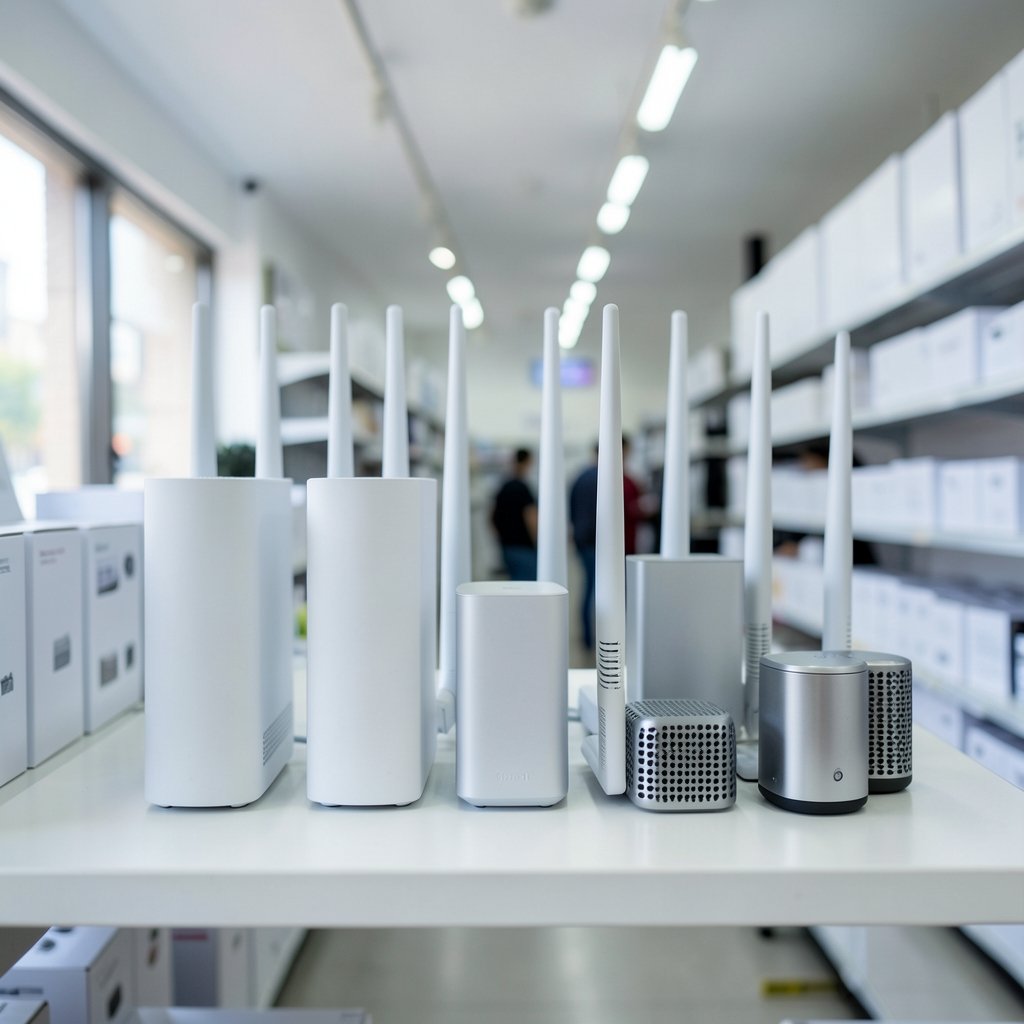
Most people asking about Wi-Fi 7 are standing in an electronics store, staring at a router box covered in numbers, and wondering whether the extra money buys anything real. The honest answer sits somewhere between “it’s genuinely a leap forward” and “your current router is probably fine.” The technology is real, the speed claims are real but wildly theoretical, and the practical benefit depends almost entirely on what else is in your house. This guide breaks down what Wi-Fi 7 actually does, where it helps, and where it is simply a marketing sticker.
What Wi-Fi 7 Actually Is
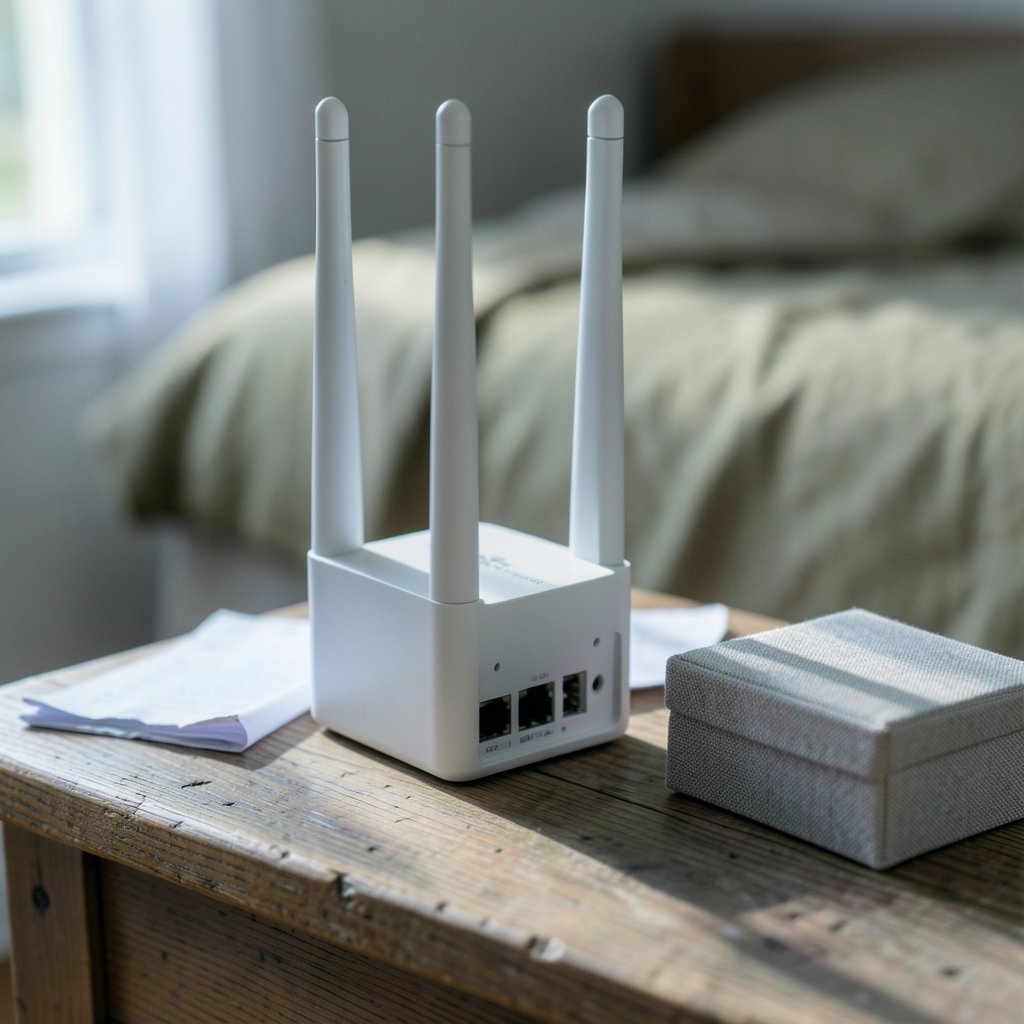
Wi-Fi 7 is the consumer-friendly name for the IEEE 802.11be standard, the successor to Wi-Fi 6 (802.11ax) and Wi-Fi 6E. The Wi-Fi Alliance, the industry group that certifies wireless gear, introduced the Wi-Fi 7 label at CES in January 2024, while the underlying IEEE amendment was still being finalized. That gap matters: certification and standardization are related but not identical processes, which is why early routers shipped with “draft” firmware.
The headline number vendors love is roughly 46 Gbps of theoretical peak throughput, about 2.4 times Wi-Fi 6’s theoretical ~9.6 Gbps. Treat that figure the way you’d treat a car’s top speed on a closed track. No home sees anything close to it, because real-world throughput is limited by your internet plan, walls, interference, and the client device in your hand.
What genuinely changed is how the standard handles congestion and latency. Four features do most of the work:
| Feature | Wi-Fi 6 / 6E | Wi-Fi 7 |
|---|---|---|
| Max channel width | 160 MHz | 320 MHz |
| Modulation | 1024-QAM | 4096-QAM |
| Multi-link operation | Not supported | Supported (2.4/5/6 GHz) |
| Spectrum puncturing | Limited | Fine-grained |
| Theoretical peak | ~9.6 Gbps | ~46 Gbps |
The Four Features That Matter in Practice
Wider channels
Doubling the channel width from 160 MHz to 320 MHz is like widening a highway from four lanes to eight. More data moves at once. The catch is that 320 MHz channels exist almost entirely in the 6 GHz band, which regulators have opened in the US since April 2020 and in much of Europe, but not everywhere. If your country hasn’t freed that spectrum, the widest channel simply isn’t available.
Multi-link operation
Multi-link operation (MLO) lets a device talk on two or three bands at the same time instead of hopping between them. In practice, this is the feature most people will actually feel, because it cuts the brief stalls that show up as lag spikes in games or stutter in video calls. It’s less about raw speed and more about consistency.
Higher-order modulation
4096-QAM packs more bits into each transmission. It only works when the signal is clean, so it rewards devices close to the router and penalizes ones behind three walls. Expect it to shine in a living room and vanish in a garage.
Spectrum puncturing
Interference from a neighbor’s network usually kills an entire channel. Wi-Fi 7 can carve out the noisy slice and keep using the rest, which helps in apartment buildings where the airwaves are crowded.
Do You Actually Need Wi-Fi 7?
The blunt test is whether anything in your home can use it. A Wi-Fi 7 router talking to a Wi-Fi 6 laptop behaves like a Wi-Fi 6 network. The upgrade only takes effect when both ends support the standard, and client adoption has been gradual. Plenty of phones and laptops sold today still ship with Wi-Fi 6 or 6E radios.
Second, the internet plan caps everything. If the household pays for 500 Mbps service, a router capable of multi-gigabit wireless throughput changes nothing about download speed. Wi-Fi 7’s advantages show up on the local network: transferring files between devices, backing up to a NAS, streaming a VR headset, or running dozens of smart-home gadgets at once. (Wi-Fi 7)
Third, device density matters more than people expect. A modern home might have 30 to 50 connected devices: phones, laptops, tablets, TVs, speakers, doorbells, thermostats, robot vacuums, and game consoles. Wi-Fi 7 handles that crowd better than older standards, which is why large families and smart-home enthusiasts notice a difference even when their internet plan is modest.
If someone is weighing whether to buy now or wait, the practical framing is simple: upgrade if the current network drops calls, stutters during gaming, or struggles with a full house of devices. Wait if the current setup works and the household mostly streams video. For readers tracking how new hardware generations get certified and filed with regulators, this breakdown of the ps portal 2 wifi alliance filing 2026 shows how device paperwork shapes what actually reaches shelves. (Wi-Fi CERTIFIED 7)
Where Wi-Fi 7 Genuinely Shines
Gaming and VR. Low latency is the whole point of MLO, and headsets and consoles benefit most. A stable 5 ms improvement matters far more in a competitive shooter than a 200 Mbps bump in download speed.
Large-file workflows. Video editors, photographers, and developers moving gigabytes between machines see real gains, provided both ends support the standard and the router has a fast wired backhaul.
Crowded homes. Apartment buildings with dozens of neighboring networks benefit from spectrum puncturing. So do households where everyone streams at once.
Mesh systems with wireless backhaul. A mesh node that connects to the main router over Wi-Fi 7’s wider channels delivers more usable speed to the far end of the house. This is one of the most underrated upgrades, because it fixes the “dead bedroom” problem that plagues older mesh kits.
Where It’s Overkill
Small apartments with modest broadband. A one-bedroom flat with 300 Mbps service and five devices gains almost nothing.
Streaming-only households. Netflix, YouTube, and video calls run comfortably on Wi-Fi 5, let alone Wi-Fi 6.
Budget-constrained buyers. Wi-Fi 7 routers carry a premium, and the money often goes further toward a better internet plan or a wired connection to the main TV.
Anyone with older client devices. If every phone and laptop in the house is three years old, the router upgrade sits idle.
Common Mistakes People Make
Buying the router but not checking the clients. This is the single most common error. A buyer spends on a flagship router, plugs it in, and sees no change because the laptop’s wireless card is the bottleneck. Check the device spec sheet before buying.
Assuming 6 GHz is available everywhere. Regulatory approval varies by country. A router sold in one market may not legally use 320 MHz channels in another, and importers sometimes discover this the hard way.
Ignoring the wired backhaul. The fastest wireless link still bottlenecks at the modem. A router with a 2.5 GbE or 10 GbE WAN port paired with a 1 Gbps modem is a sports car in a traffic jam.
Placing the router in a closet. Wireless signals hate metal, concrete, and water. Central placement on a shelf beats a fancy router in a cabinet every time.
Skipping firmware updates. Early Wi-Fi 7 firmware had rough edges, and MLO interoperability between brands improved substantially through updates. Update before judging performance.
Overpaying for unused bands. Some buyers pay for tri-band hardware they never configure. A simpler dual-band model often serves a small home better.
Naming conventions trip people up too, and this explainer on the best name wifi covers how router labels and network names get chosen, which helps when comparing spec sheets that all look alike.
Wi-Fi 7 vs. Wi-Fi 6E: What’s the Real Difference?
Both standards use the 6 GHz band, so the practical gap is narrower than marketing suggests. Wi-Fi 6E already delivers clean spectrum and fast speeds. Wi-Fi 7 adds wider channels, MLO, and better interference handling on top. For a household that already owns a good Wi-Fi 6E system and has no latency-sensitive use case, the upgrade is a want, not a need.
The comparison shifts when buying new. If a router is being replaced anyway and the price gap is small, buying Wi-Fi 7 future-proofs the purchase for five or six years, which is roughly the lifespan of home networking gear. Paying a modest premium for a longer useful life is usually rational.
What to Check Before Buying
- Confirm the internet plan’s speed and whether the modem supports multi-gigabit.
- List the Wi-Fi generation of every phone, laptop, console, and TV in the house.
- Check whether the local regulator permits 6 GHz use.
- Count connected devices, including smart-home gear.
- Decide whether a mesh system or a single router fits the floor plan.
- Verify the router’s wired ports, since a slow WAN port caps everything.
- Read independent throughput tests rather than trusting the box.
Buyers replacing work vehicles or fleet equipment face a similar matching exercise, and this guide to a used truck dealer frames the same logic: match the tool to the actual job rather than the spec sheet’s biggest number.
Setting It Up Without Wasting Money
Start with placement. Put the router high, central, and out of cabinets. Then run a speed test on a Wi-Fi 7 client standing three meters away, and again in the room where the network usually fails. If the far-room number is poor, a mesh node or a wired access point fixes more than a router upgrade ever will.
Next, separate the bands. Give the 6 GHz network its own name so devices that support it connect deliberately, and leave 2.4 GHz for smart-home gadgets that need range rather than speed. Enable MLO only if the router and clients both handle it well; some early firmware implementations caused instability, and disabling it temporarily is a legitimate troubleshooting step.
Finally, wire what doesn’t move. Televisions, desktop computers, and game consoles near the router perform better on Ethernet, which frees wireless capacity for phones and tablets. Wi-Fi 7 is at its best when it isn’t carrying traffic that a cable could handle.
The Verdict
Wi-Fi 7 is a genuine technical advance, not a marketing fiction. Wider channels, multi-link operation, and smarter interference handling make crowded, latency-sensitive networks noticeably better. But the benefits arrive only when the router, the client devices, the internet plan, and the home’s layout all cooperate.
For most households, the sensible path is to keep a working Wi-Fi 6 or 6E system, fix placement and wiring first, and upgrade to Wi-Fi 7 when replacing a router that has reached the end of its life or when a specific problem, like gaming lag or a dead zone, demands it. Buyers who upgrade for a concrete reason tend to be delighted. Buyers who upgrade for the number on the box tend to be disappointed, and that distinction is the whole story.
Frequently Asked Questions
Is Wi-Fi 7 faster than a wired connection?
Not in practice. A gigabit Ethernet cable delivers a steady 1 Gbps with near-zero latency, while Wi-Fi 7’s real-world wireless throughput typically lands well below its theoretical peak and varies with distance and interference. Wired connections remain the most reliable option for stationary devices.
Will a Wi-Fi 7 router speed up my older phone or laptop?
No. Older devices connect using their own Wi-Fi generation, so a Wi-Fi 6 phone on a Wi-Fi 7 router performs like a Wi-Fi 6 phone on a Wi-Fi 6 router. The router can improve consistency across many devices, but it cannot add capabilities the client lacks.
Do I need a new internet plan to benefit from Wi-Fi 7?
Only if the current plan is the bottleneck for what you do. Wi-Fi 7 improves the local network, so file transfers between devices and mesh backhaul get faster regardless of the plan. Internet download speeds stay capped by whatever the provider delivers.
Is Wi-Fi 7 safe, and does it use more radiation?
Wi-Fi 7 operates within the same radiofrequency safety limits as earlier standards and has been certified by regulators in markets where it is sold. Higher throughput does not mean higher exposure; power levels remain governed by the same rules that apply to Wi-Fi 6 and 6E equipment.
How long will a Wi-Fi 7 router stay current?
Home networking gear typically remains useful for five to seven years, and Wi-Fi 7 is expected to follow a similar cycle before a successor standard arrives. Buying a certified model with regular firmware support extends that window considerably.
Can I mix Wi-Fi 7 and older devices on the same network?
Yes. Wi-Fi standards are backward compatible, so Wi-Fi 5, 6, and 6E devices connect normally to a Wi-Fi 7 router. They simply use their own capabilities, and the router manages the mix.



