Here’s a fact that surprises a lot of shoppers: a “QLED” monitor is not a new kind of display at all. It’s a regular LCD panel with a quantum-dot film layered into the backlight. Samsung started using the QLED label for its quantum-dot LCD televisions at CES in January 2017, and the branding later spread to monitors. OLED, by contrast, is a genuinely different technology in which every pixel makes its own light. That single design difference explains almost every practical trade-off buyers argue about, from black levels to burn-in risk to price.
The Core Difference in Plain English
Think of a QLED monitor as a bright lamp shining through a stack of filters. The backlight is always on, and liquid crystals open and close to block or pass light. Quantum dots sharpen the color, but the panel is still transmissive. When a scene needs true black, the backlight must dim in zones or stay lit, which is why dark scenes can look slightly gray or show halos around bright objects.
An OLED panel is emissive. Each pixel switches on or off independently. When a pixel is off, it emits no light at all. That gives near-infinite contrast and blacks that genuinely disappear in a dark room. It also allows extremely fast pixel response, which matters for fast-moving games.
One confusion worth clearing up early: QD-OLED is OLED, not QLED. It pairs an emissive blue OLED layer with quantum-dot color conversion. The quantum dots improve color; they don’t turn it back into an LCD. (OLED)
Contrast and Black Level: OLED Wins Clearly
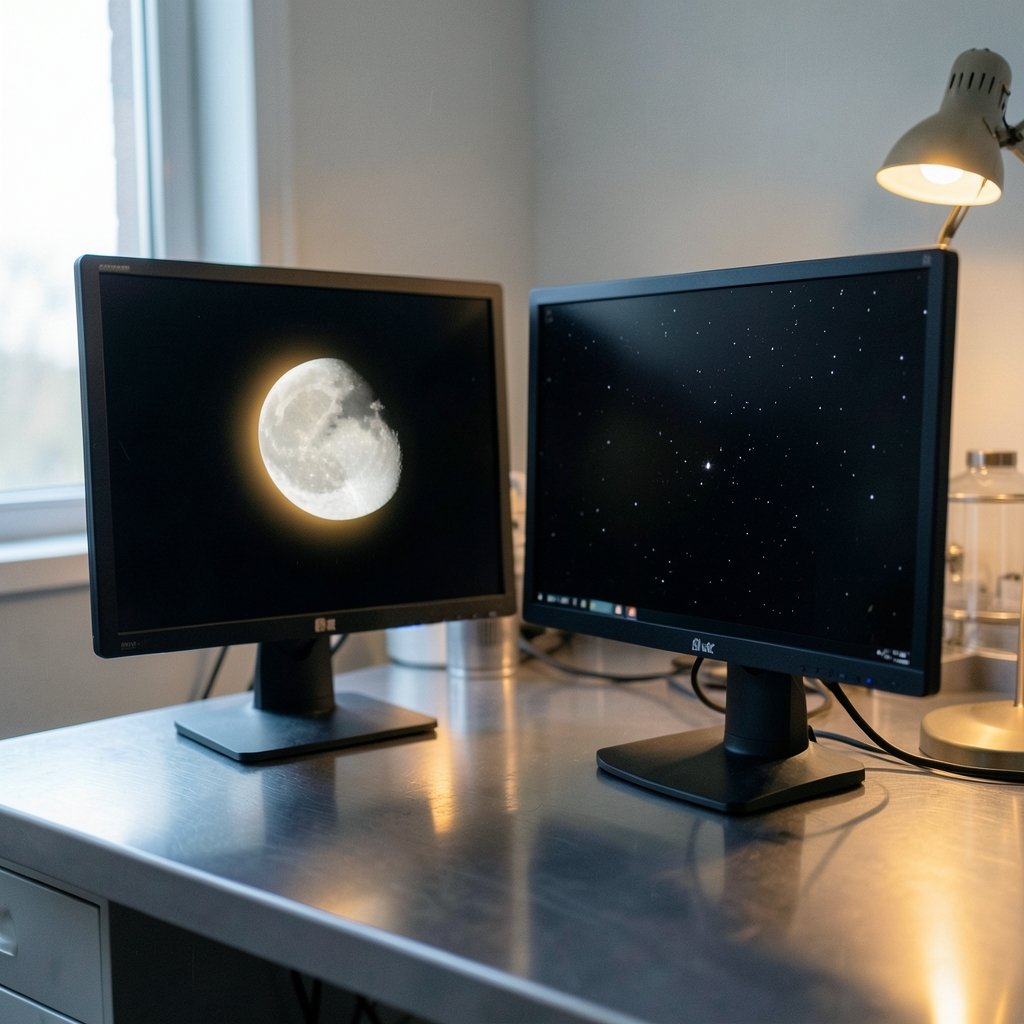
This is the least controversial category. Because OLED pixels can shut off completely, contrast is effectively unlimited. QLED monitors rely on local dimming zones, and the more zones a panel has, the better it handles dark scenes. Budget QLED monitors with few zones can show noticeable blooming, that soft glow that bleeds around a bright object on a black background.
For movie nights, horror games, and space sims, OLED’s advantage is obvious the moment the lights go down. In a bright, sunlit room, the gap narrows because your eyes adapt and ambient light lifts the blacks anyway.
Brightness and HDR: QLED Usually Has the Edge
QLED and other LCD monitors generally reach higher peak brightness than OLED monitors. That matters in two situations: a room with lots of daylight, and HDR content where small specular bright spots should stand out. OLED monitors have gotten brighter with each generation, so the gap is narrower than it was a few years ago, but it hasn’t closed completely. (OLED TV)
Be careful with vendor brightness numbers. They’re measured differently from brand to brand, and a “peak” figure may apply to a tiny portion of the screen for a few seconds. Look for independent testing with a documented method rather than trusting a spec sheet. If bright-room visibility is your top priority, a QLED panel is the safer pick. For a broader look at how display specs translate into real-world experience, comparisons like the Samsung 4K 360Hz QD OLED monitor 2026 breakdown show how much of the marketing language overlaps between categories.
Motion and Response Time: OLED’s Home Turf
OLED pixel response is typically far lower than LCD response, with sub-0.1 ms figures commonly cited for the pixels themselves. That reduces motion blur and smearing in fast games. QLED monitors have improved a lot, and high-refresh LCDs with good overdrive tuning look excellent, but OLED still has the cleaner motion signature.
A practical warning: response time claims are not standardized across vendors. A monitor advertised at “0.03 ms” and another at “1 ms” may be measuring different things entirely. Refresh rate, overdrive quality, and panel tuning often matter more than the headline number.
Burn-In: The Real Cost of Going OLED
Image retention, commonly called burn-in, is the genuine downside of OLED. Static elements like a taskbar, spreadsheet gridlines, dock icons, or a game HUD can leave faint permanent traces if they sit in the same spot for long stretches. Monitor makers mitigate this with pixel shifting, logo dimming, and periodic panel care routines that run when the screen is idle.
QLED monitors are immune to burn-in because the backlight doesn’t wear unevenly per pixel, which makes them the safer choice for all-day productivity work, trading desks, and anyone who leaves the same window open for eight hours.
Warranty coverage for burn-in varies by brand, region, and model year. Some manufacturers now explicitly cover it; others don’t. Check the current policy for the exact model before buying, because this is one of the few specs that can change your ownership experience years later.
Text Clarity and Productivity Work
Here’s an issue reviewers often underplay: OLED subpixel layouts, particularly the triangular arrangements used in some QD-OLED panels, have historically caused color fringing on small text compared with conventional RGB-striped LCDs. Newer panel generations and improved font rendering have reduced the problem, but it’s still worth checking in person if you stare at documents all day.
If your monitor is mostly for spreadsheets, code, and email, a QLED panel offers three quiet advantages: no burn-in anxiety, often sharper text rendering, and a lower price. That combination is hard to beat for office work.
Price, Sizes, and Selection
QLED and LCD monitors are generally cheaper at any given size and resolution, and they cover a much wider range, including budget 1080p panels, big ultrawides, and high-refresh 1440p screens. OLED monitors carry a premium and cluster in the smaller high-refresh sizes, roughly 27 to 32 inches at 1440p or 4K with 240 Hz and up.
The price gap has been narrowing, and OLED has expanded quickly in the monitor market since around 2022–2023. Still, at the same budget, QLED typically buys you a bigger or higher-resolution screen.
| Category | OLED | QLED (LCD + quantum dots) |
|---|---|---|
| Black level and contrast | Near-infinite, pixels switch off | Good with local dimming, some blooming |
| Peak brightness | Improved but generally lower | Generally higher |
| Pixel response and motion | Excellent, very low blur | Very good, tuning dependent |
| Burn-in risk | Real for static content | None |
| Text clarity | Can show fringing on some panels | Typically cleaner |
| Price at a given size | Higher | Lower |
| Best for | Dark-room gaming, movies, media | Bright rooms, productivity, budget builds |
Matching the Monitor to Your Actual Habits
The honest answer to “which is better” depends on what you do for hours at a time, not on what looks best in a showroom.
- Dark-room gaming and movies: OLED. The contrast and motion clarity are the whole point.
- Mixed use with long work sessions: QLED is the lower-stress choice, since you never think about static elements.
- Bright room with big windows: QLED, for the extra brightness headroom.
- Competitive gaming on a moderate budget: A well-tuned high-refresh QLED often beats a cheaper OLED with fewer features.
- Content creation with HDR grading: OLED’s contrast helps, but verify text rendering and brightness against your workflow.
It’s the same logic that applies to handheld gaming hardware, where screen technology and use pattern decide the winner rather than raw specs, as in this Rog Ally X vs Steam Deck OLED comparison. Context beats spec sheets.
Common Mistakes Buyers Make
The first mistake is comparing a TV spec sheet to a monitor one. QLED versus OLED arguments often mix the two contexts, and burn-in behavior, brightness, and typical viewing distance differ between them.
The second is buying OLED for a static-screen workflow and then babying the monitor forever. If you’ll be annoyed by hiding your taskbar and running pixel refresh cycles, buy QLED and stop worrying.
The third is chasing peak brightness numbers without checking the measurement method. A panel that hits a huge number on a 2% window for a few seconds may look dimmer than a rival in a full-screen bright scene.
The fourth is ignoring the room. A gorgeous OLED wasted in a sun-drenched home office delivers less than a bright QLED in the same spot.
Practical Setup Tips That Actually Help
If you go OLED, set the taskbar to auto-hide, use a dark theme, enable a screensaver after a few minutes, and let the panel care routine run when prompted. Don’t unplug the monitor right after shutting down; many OLEDs run a short compensation cycle when idle.
If you go QLED, spend your tuning time on local dimming behavior and overdrive. Test a dark game scene and a fast panning shot, then adjust until blooming and overshoot are acceptable. Calibrate brightness to your room rather than maxing it out, since eye strain is a bigger daily factor than HDR bright spots.
Whichever you choose, buy from a retailer with a clear return policy. Panel uniformity varies unit to unit, and a week of real use tells you more than any review. For buyers weighing ecosystems more broadly, the same principle of matching hardware to habits shows up in phone decisions like this iPhone 18 vs Galaxy S26 buying guide.
Conclusion
OLED is the better monitor technology for contrast, black level, and motion, and it’s the clear pick for dark-room gaming and movie watching. QLED is the better choice for bright rooms, long productivity sessions, and tighter budgets, and it carries zero burn-in risk. Neither is universally superior; the winner is the panel that matches your habits. Decide based on your room’s light, how many static windows you keep open, and whether you’d rather have deeper blacks or higher brightness. Get those three answers right and the OLED versus QLED debate resolves itself.
FAQ
Is QLED better than OLED?
Neither is better across the board. QLED wins on peak brightness, burn-in immunity, and price. OLED wins on contrast, black level, and motion clarity. The right pick depends on your room and how you use the screen.
Does QLED have burn-in problems?
No. QLED monitors are LCD panels, so they don’t suffer image retention the way OLED does. That makes them the safer option for all-day static content like spreadsheets, code editors, and dashboards.
Is QD-OLED the same as QLED?
No, and this trips up a lot of shoppers. QD-OLED is an OLED panel that uses quantum dots for color conversion. It still has per-pixel light emission, true blacks, and burn-in risk. QLED is an LCD with a quantum-dot backlight film.
How long do OLED monitors last before burn-in?
There’s no fixed answer. It depends on brightness settings, how much static content you display, and how often the panel care routines run. Many users see no meaningful retention for years, while heavy static-content users can notice faint traces sooner.
Are OLED monitors bright enough for a sunny room?
Often, but not always comfortably. OLED brightness has improved, yet QLED monitors generally reach higher peak brightness. If your desk faces a window with direct daylight, a bright QLED is usually the more comfortable choice.
Should I buy OLED or QLED for programming and office work?
QLED is the more practical pick. You avoid burn-in worry entirely, text rendering is typically cleaner, and you’ll pay less. OLED makes more sense if the same monitor doubles as your gaming and movie screen in a dim room.
That final point deserves one last caveat: panel care routines and firmware updates vary widely by brand, so check the manufacturer’s support track record before committing. A great panel with abandoned firmware ages worse than a modest one that keeps receiving fixes. Read owner forums for your specific model rather than launch reviews alone, since long-term burn-in and dimming behavior only surface after months of daily use. With those checks done, either technology will serve you well for years.