
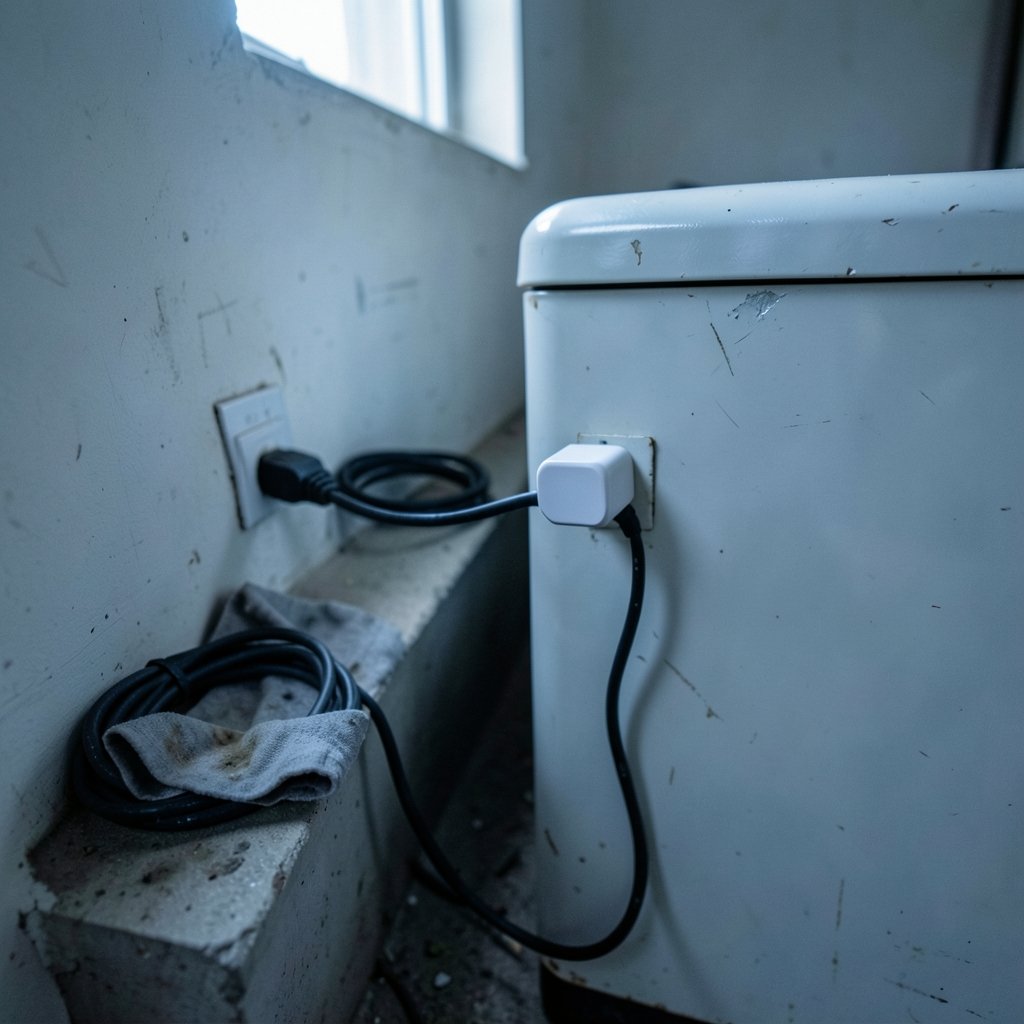
A plug that costs about twenty dollars can reveal that the old chest freezer in the garage quietly drains more electricity than the refrigerator in your kitchen. That small discovery is why smart plugs with energy monitoring have become one of the most practical entry points into the connected home. They switch appliances on and off; they also turn vague guesses about electricity use into numbers you can act on.
This guide explains how these plugs measure power, where their readings fall short, which features matter, and how to turn the data into real savings. It also covers the mistakes people make in the first week of ownership, because those mistakes are remarkably common.
How a Smart Plug Measures Energy
A monitoring plug contains a small current sensor and a voltage reference. By sampling both many times per second, it calculates power in watts, then multiplies by time to estimate energy in kilowatt-hours. Most consumer units report apparent power directly and estimate real power from it, which is why readings can drift for motors and other inductive loads. Device specifications usually state accuracy as a percentage range rather than an exact figure, so treat readings as close estimates, not laboratory measurements.
The practical upshot: for resistive loads like lamps, kettles, and space heaters, cheap plugs are usually accurate enough to trust. For devices with motors or compressors, expect a margin of error and compare against your utility meter over a week if precision matters.
Why Real Power and Apparent Power Differ
Real power (watts) is the energy that actually does work. Apparent power (volt-amperes) also includes power that sloshes back and forth without doing useful work. The ratio between them is the power factor. A plug that only reports apparent power can overstate consumption for devices with a low power factor, such as older refrigerators or pumps.
Many apps hide this complexity behind a single wattage number. If a plug offers a power-factor reading, use it; if not, cross-check a motor-driven appliance against a whole-home monitor or your meter before drawing conclusions.
Features That Actually Matter
Not every feature earns its place. Here is what separates a genuinely useful monitoring plug from a novelty.
| Feature | Why it matters | Worth paying for? |
|---|---|---|
| Per-second or per-minute logging | Captures short bursts like a kettle boil | Yes, for diagnosis |
| Historical charts and CSV export | Reveals weekly and seasonal patterns | Yes |
| Scheduling and timers | Automates savings without effort | Yes |
| Power-factor or apparent-power display | Improves accuracy for motors | Sometimes |
| Local control without cloud | Keeps working if the vendor’s servers fail | Yes, for reliability |
| Energy-cost estimates | Converts kWh into currency | Nice to have |
| Matter or Thread support | Future-proofs interoperability | Increasingly yes |
The Matter standard, introduced in 2022, is gradually reshaping which plugs work with which ecosystems. Before buying, check the current specification status through the Connectivity Standards Alliance rather than relying on a retailer’s compatibility badge.
Matching Plugs to Appliances
A plug rated for 10 amps is not suitable for a 15-amp load, and a plug designed for lamps should never run a space heater. Always check the maximum load rating against the appliance’s label. For heavy loads, choose a plug explicitly rated for them and look for recognized safety certification marks.
Beyond safety, think about what you want to learn:
- Always-on devices (routers, set-top boxes, chargers) are best for finding standby waste.
- Cyclical devices (fridges, dehumidifiers) reward plugs with long-term logging.
- Short-burst devices (kettles, microwaves) need fine-grained sampling to be measured fairly.
- Entertainment setups benefit from plugs paired with other gear; if you are building out a room, the roundup of best smart speakers for home automation pairs naturally with switched sockets.
Turning Data Into Savings
The first week of data is usually the most surprising. People discover that a “standby” games console draws nearly as much as a lamp, or that a space heater left on a timer costs more than expected. The fix is rarely dramatic; it is usually a schedule, a reminder, or an honest decision to unplug something.
Here is a workflow that works in practice:
- Baseline first. Run each plug for seven days with no automation, so you capture normal behavior.
- Rank by cost, not by wattage. A 2,000-watt heater used for twenty minutes may cost less than a 150-watt device running all day.
- Automate the obvious. Put chargers and entertainment gear on schedules that match actual use.
- Recheck after a month. Confirm the savings are real and not shifted elsewhere.
If heating and cooling dominate your bill, monitoring plugs are only part of the answer; the best smart thermostats to save energy tackle the bigger load, while plugs handle the smaller, sneakier draws.
Common Mistakes People Make
Mistake one: trusting a single reading. A plug sampled during a compressor’s off-cycle shows almost nothing. Watch a full cycle before judging.
Mistake two: ignoring the plug’s own consumption. Monitoring plugs draw a small amount of standby power themselves. Multiplied across a dozen plugs, that adds up, and it is worth checking each model’s stated standby figure.
Mistake three: overloading sockets. Daisy-chaining a monitoring plug behind another plug or extension strip invites overheating. One plug, one appliance, one wall socket.
Mistake four: buying for the app, not the hardware. Apps get abandoned; hardware does not. Prefer plugs that keep schedules running locally even if the cloud service changes.
Mistake five: skipping certification checks. Retailer listings sometimes overstate safety approvals. Verify claims against the certifying body’s public database, such as the UL Solutions Product iQ lookup, rather than trusting a badge image.
Safety and Regulatory Context
In the United States, appliance energy use is shaped by Department of Energy standards and the FTC’s Energy Labeling Rule, though smart plugs themselves generally fall outside those appliance definitions. In the European Union, the Ecodesign framework and energy labelling rules cover many household appliances, and a plug’s own standby draw is a relevant angle. Checking primary sources such as the U.S. Department of Energy and EUR-Lex is more reliable than repeating marketing claims. (ENERGY STAR Products)
Certification marks matter too. UL and ETL are the common North American marks; CE and UKCA apply in Europe and the UK. A genuine mark indicates the product passed safety testing, which is exactly the assurance you want on a device sitting between mains power and a heating appliance.
Where Monitoring Plugs Fit in a Smart Home
Monitoring plugs are often the first device people buy and the last one they think about. They work well as diagnostic tools and less well as permanent infrastructure unless you commit to reading the data. Pairing them with a hub or a broader setup helps; the Home Center Lite smart home hub is the kind of controller that can consolidate schedules across plugs and sensors.
For renters, plugs are ideal because they require no wiring. For homeowners planning a larger build-out, they are a low-risk starting point alongside the best smart home devices for beginners. And if security is on your mind, monitoring plugs can even report whether a device is drawing power, a crude but useful presence signal that complements the best smart locks for home security. (Smart plug)
Accuracy, Expectations, and the Long View
No consumer plug replaces a calibrated meter. Expect readings to be close but not exact, and expect variation between units of the same model. The value is in relative comparison: which device costs more, which schedule saves more, which appliance behaves unexpectedly. Over months, that relative picture becomes genuinely useful, especially when seasonal changes shift your baseline.
It also helps to keep perspective on scale. A plug might shave a few dollars a month off a bill; a thermostat or insulation upgrade can save far more. Monitoring plugs are the flashlight, not the renovation.
Conclusion
Smart plugs with energy monitoring earn their place by making invisible costs visible. They are cheap, safe when chosen carefully, and genuinely educational in the first month of use. The readers who get the most from them are not the ones with the fanciest app; they are the ones who baseline for a week, automate the obvious waste, and recheck the numbers later. Buy for hardware quality and certification, treat readings as estimates, and let the data guide small, repeatable changes rather than dramatic ones.
Frequently Asked Questions
How accurate are smart plug energy readings?
Most consumer plugs estimate real power from sampled voltage and current, and specifications usually quote accuracy as a percentage range. Resistive loads like lamps and heaters tend to read closely; motors and compressors can drift. Treat readings as good estimates and compare against your utility meter if precision matters.
Can a smart plug measure a refrigerator or freezer?
Yes, provided the plug is rated for the appliance’s load and you log over a full cycle or longer. Compressors cycle on and off, so a single snapshot is misleading. Long-term logging reveals the true daily consumption, including defrost cycles that spike usage briefly.
Do monitoring plugs work without the internet?
Many keep local schedules running if the connection drops, but live monitoring and app charts usually require the cloud. If reliability matters, look for plugs that advertise local control or Matter support, which reduces dependence on a single vendor’s servers.
How much do smart plugs themselves consume?
Monitoring plugs draw a small standby load to power their radios and sensors. The figure varies by model and is usually stated in the specifications. Across many plugs the total becomes noticeable, so factor it into any savings calculation.
Are smart plugs safe for space heaters?
Only if the plug is explicitly rated for the heater’s current draw and carries a recognized safety certification. Heaters are high-load devices, and underrated plugs or daisy-chained extension strips can overheat. Check the appliance label and the plug rating before pairing them.
What is the difference between watts and kilowatt-hours?
Watts measure the rate of power use at any moment; kilowatt-hours measure energy consumed over time. A 1,000-watt device running for one hour uses one kilowatt-hour. Bills are based on kilowatt-hours, which is why duration matters as much as wattage when judging cost.
What to Buy First
If you are starting from nothing, buy one monitoring plug before buying five. Use it on the appliance you suspect most, run the seven-day baseline described above, and let the results decide what comes next. A single plug moved between devices over a few weeks teaches more than a houseful of plugs installed at once and never checked.
When you do expand, standardize on one ecosystem where possible. Mixing brands multiplies apps, accounts, and firmware quirks, and it makes comparing data across devices harder than it needs to be. A handful of plugs from the same line, with consistent logging and export, will serve you better than a bargain assortment.
Finally, revisit your setup once a year. Firmware updates change behavior, vendors retire cloud services, and your household’s habits shift with the seasons. A plug that was useful for a winter heater may be better redeployed to a summer dehumidifier. The hardware is durable; the value comes from pointing it at the right load and actually reading what it reports. Treated that way, a modest investment in monitoring plugs pays back in awareness long after the novelty fades.



