
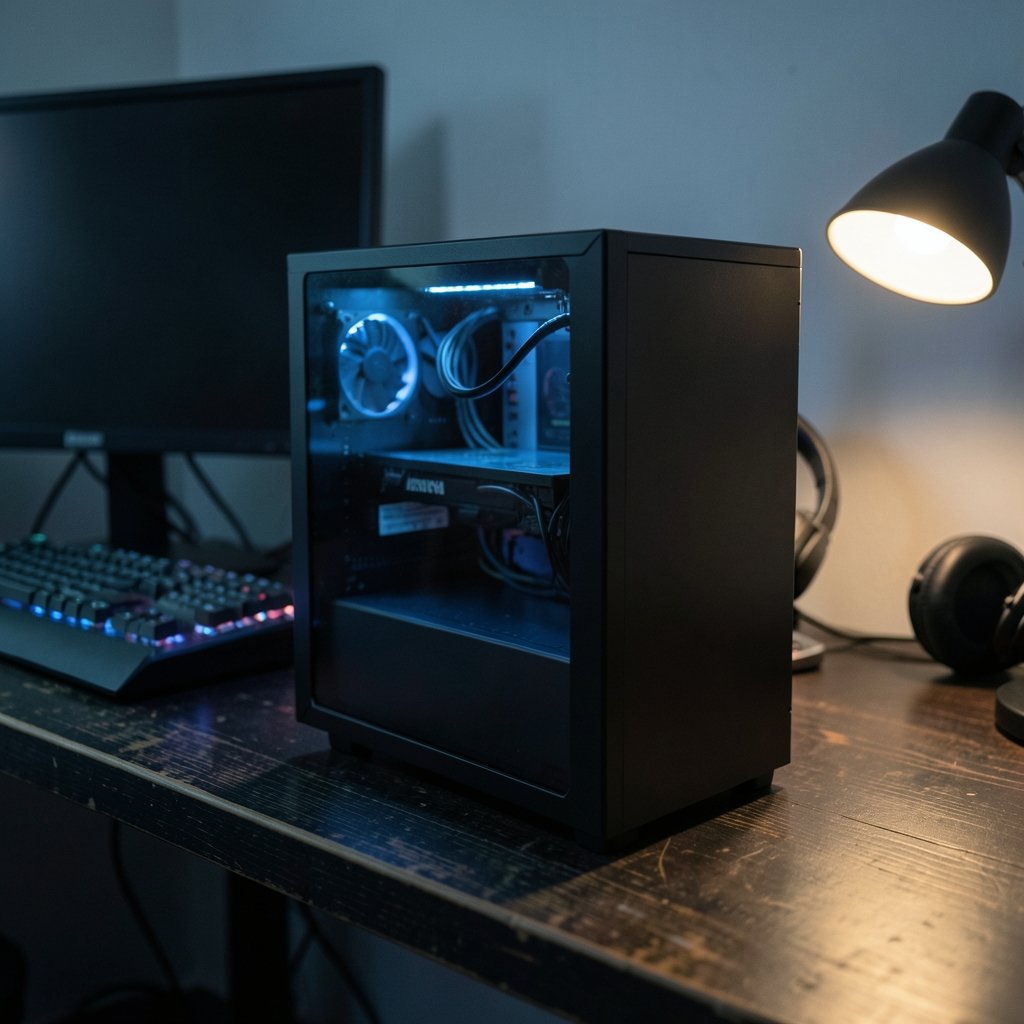
Roughly one in three PC gamers now buys a prebuilt machine rather than assembling one, and the reasons are easy to understand. Graphics cards cost more than they did five years ago, cable management is a genuine skill, and a single faulty component can turn a weekend build into a month of troubleshooting. A prebuilt PC trades that risk for a warranty, a single point of contact, and a machine that works the moment it comes out of the box.
That convenience comes with traps, though. The prebuilt market in 2026 is crowded with systems that look impressive in a product photo and disappoint six months later. This guide walks through what actually separates a good prebuilt from a bad one, which categories matter, and the mistakes that cost buyers the most money.
Why prebuilts finally make sense in 2026
The economics shifted quietly. Component pricing has stabilized compared with the wild swings of recent years, but the gap between building and buying has narrowed. System integrators buy GPUs and memory in bulk, and many pass along savings that a solo builder can’t match. For anyone who values their time at more than minimum wage, the math often favors a prebuilt.
The bigger change is support. Boutique builders and major OEMs now compete on warranty terms, and a well-chosen system can come with multi-year coverage that includes labor. If a power supply fails in month fourteen, that matters far more than saving forty dollars on a self-built equivalent.
There’s also the resale and upgrade angle. A prebuilt with a standard motherboard, a retail-spec power supply, and a roomy case can be upgraded piece by piece for years. The trick is knowing which systems use off-the-shelf parts and which use proprietary designs that lock you in.
The four tiers that actually matter
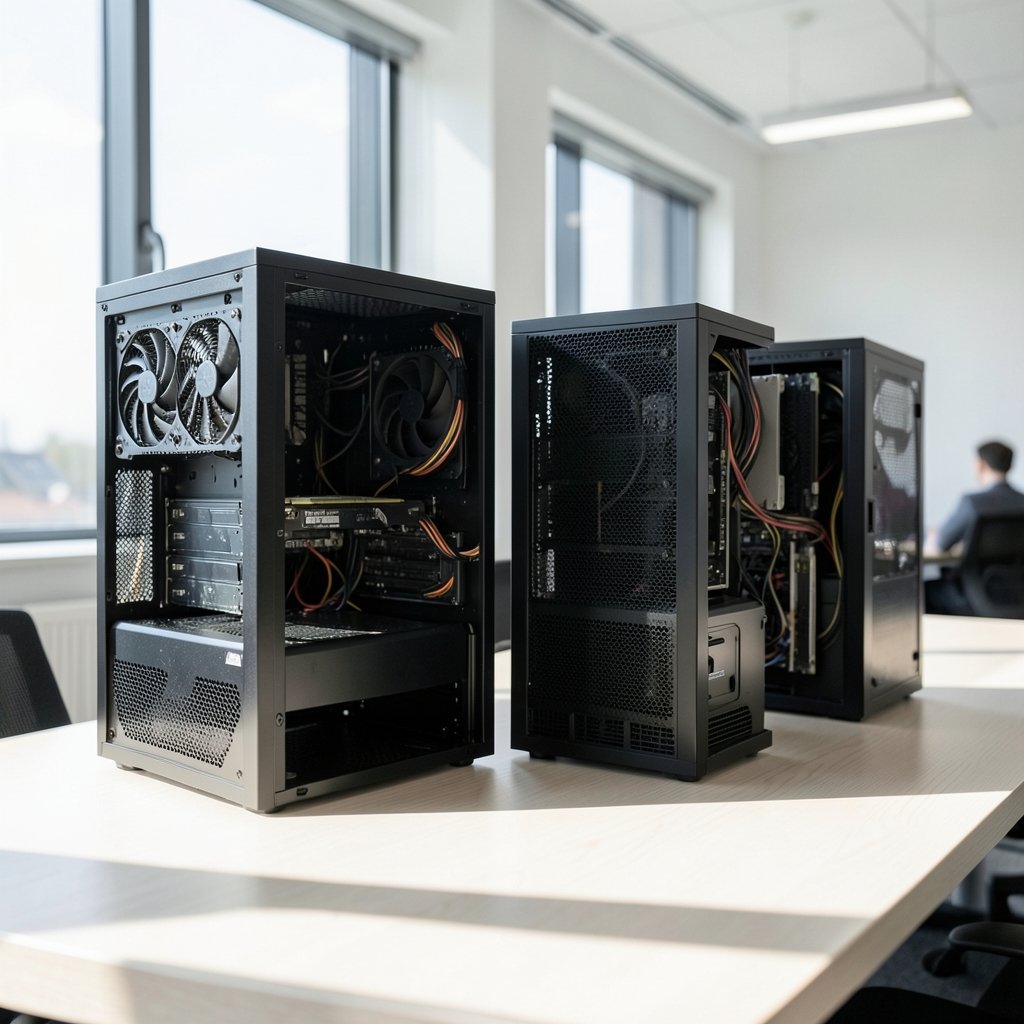
Prebuilt shopping gets confusing because every vendor invents its own naming scheme. Strip that away and the market splits into four practical tiers. The table below shows how they differ in purpose rather than in marketing language.
| Tier | Typical target | What to prioritize | What to avoid |
|---|---|---|---|
| Budget 1080p | 1080p, 60–100 fps | Current-gen entry GPU, 16GB RAM | Old-gen GPUs sold as “gaming” |
| Mid-range 1440p | 1440p, high refresh | Strong GPU, quality PSU | Weak PSU hidden behind big GPU |
| High-refresh 4K | 4K or ultrawide | Top-tier GPU, cooling headroom | Small cases with poor airflow |
| Enthusiast/creator | 4K plus workloads | CPU cores, RAM capacity, fast SSD | Overpaying for RGB and branding |
The single most important rule: the GPU generation decides value more than any other spec. A system with a current-generation mid-tier card usually beats one with a previous-generation high-tier card at the same price, because driver support, efficiency, and feature sets move forward each cycle. Always confirm the exact GPU model and generation before comparing prices.
Where prebuilts go wrong: the PSU problem
If there’s one component that separates a good prebuilt from a bad one, it’s the power supply. It’s also the part vendors cut first, because most buyers never look at it.
A quality unit carries an 80 Plus certification and comes from a recognizable manufacturer. A cheap unit may claim a wattage it can’t sustain, lack proper protection circuitry, and fail under load. When a PSU fails, it can take other components with it. That’s why experienced buyers treat the PSU as a dealbreaker rather than a detail.
Practical approach: pull up the vendor’s spec sheet and look for the PSU brand and certification level. If the listing says only “650W power supply” with no manufacturer, treat that as a warning. Ask support directly. A vendor that can’t answer a PSU question is telling you something.
The same logic applies to cooling. A high-end GPU crammed into a case with two intake fans and no exhaust path will thermal-throttle, and no amount of benchmark marketing fixes physics. Look for mesh front panels, at least three case fans, and a CPU cooler that isn’t the stock boxed unit on a high-wattage chip.
System integrators vs. big-box OEMs
The prebuilt world splits into two camps, and each has real trade-offs.
Boutique system integrators build from standard parts, publish detailed specs, and often let you configure components individually. You get retail-spec motherboards, off-the-shelf PSUs, and cases you can actually work in. The downside is price and lead time, and support quality varies widely between companies.
Big-box OEMs offer aggressive pricing, retail availability, and consistent warranty service through national networks. The trade-off is that many use proprietary motherboards, non-standard PSU connectors, and cases designed around cost rather than airflow. Some also ship with bundled software that slows a machine down out of the box.
Neither camp is universally better. A buyer who wants to upgrade the GPU in two years should favor standard parts. A buyer who wants a machine that’s serviced quickly under warranty may prefer the OEM route. The mistake is assuming all prebuilts are the same, because they aren’t.
The bloatware and configuration trap
A prebuilt that benchmarks well on day one can feel sluggish by week two. The usual culprit is bundled software, often called bloatware: trial antivirus suites, vendor utilities, game launchers, and background services that compete for resources.
The fix is straightforward. On first boot, open the installed-programs list and remove anything you didn’t ask for. Check startup items and disable what you don’t need. This takes fifteen minutes and often recovers noticeable performance, especially on budget systems with limited RAM.
Configuration matters just as much. Two systems with the same GPU can perform very differently depending on RAM speed and channel configuration. A single stick of memory running in single-channel mode can cost meaningful frame rates in CPU-bound games. Confirm the system uses matched pairs in dual-channel, and check that the RAM is running at its rated speed rather than a conservative default. Many prebuilts ship with memory at stock settings, leaving performance on the table until you enable the rated profile in the BIOS.
Storage is the other quiet compromise. A system advertised with a large hard drive and no SSD will feel slow regardless of GPU. Insist on an NVMe SSD as the boot drive, with a hard drive only as secondary storage if at all.
How to compare two prebuilts fairly
Most buyers compare the wrong numbers. Frame rate claims from vendors are unreliable, and raw core counts don’t translate directly into gaming performance. A better method is to normalize every candidate against the same checklist. (Best Gaming PCs)
- Identify the exact GPU model and generation; a tier name alone is not enough.
- Confirm the CPU platform and whether the socket has a future upgrade path.
- Check RAM capacity, speed, and channel configuration.
- Verify the SSD type and capacity as the boot drive.
- Look up the PSU brand and 80 Plus certification.
- Read the warranty terms, including labor coverage and duration.
- Check the return window and restocking fees.
- Look for independent reviews of the specific model, not the brand.
If a listing fails on step one or step five, stop there. Those two items drive most of the long-term satisfaction gap between systems.
It also helps to think about what you’ll actually play. Someone who mostly plays competitive shooters benefits far more from a high-refresh 1440p setup than from a 4K card that costs twice as much. Someone who streams or edits video needs CPU cores and RAM headroom that a pure gaming build can skip. Matching the machine to the workload beats chasing benchmark charts, and it’s the kind of practical reasoning that saves real money.
Warranty, returns, and the fine print
Warranty terms vary more than most buyers expect. Typical coverage runs one to three years, and the difference between “parts only” and “parts and labor” can be substantial. Some vendors require you to ship the entire system back for service; others ship replacement parts. Read the terms before buying, not after something breaks.
Return windows are usually short, often fifteen to thirty days. That’s enough time to run a stress test, check temperatures under load, and confirm the system behaves. Do this in the first week. A machine that passes a sustained load test and holds stable temperatures is very likely healthy. A machine that crashes or throttles is better returned than repaired.
One more piece of fine print worth checking: whether upgrading components voids the warranty. Some vendors allow user upgrades; others don’t. If you plan to add memory or swap a GPU later, confirm the policy first.
Where the wider tech market fits in
Gaming PC value doesn’t exist in a vacuum. Component prices move with supply, and adjacent markets influence what you’ll pay. Console and handheld launches can shift demand for chips, and platform news affects pricing across the board, as the chatter around the Nintendo Switch 2 Lite and Samsung 8LPU Plus chip rumor shows. Big structural changes, like the Xbox layoffs and studio sales, also shape which platforms get the best releases, which in turn influences what hardware is worth buying.
For buyers weighing a PC against a console, the best phones of 2026 comparison is a useful reminder that “gaming” now spans many devices. A PC remains the most flexible option, but it’s not the only one. If a headset matters for your setup, the roundup of the best wireless gaming headsets for 2026 is worth a read before you budget. (Gaming computer)
Timing purchases around sales events also pays off. Deal seasons bring genuine discounts on prebuilts, and the same logic that drives Black Friday car deals applies here: the best offers reward buyers who did their homework before the event rather than during it.
Common mistakes that cost real money
The most expensive mistake is buying on GPU branding alone. A system labeled with a high-tier card name may use a lower-tier variant with less memory or a reduced power limit. Always confirm the exact model string.
The second mistake is ignoring the case. Buyers fall for glass panels and RGB, then discover the machine runs hot and loud. Airflow is unglamorous and essential.
The third is skipping the return window. A prebuilt that seems fine in light use can fail under sustained load. Test it properly in the first week.
The fourth is overpaying for future-proofing. Buying the absolute top tier rarely pays off, because next-generation parts usually deliver similar performance for less money within a couple of years. A well-chosen mid-range or upper-mid system tends to hold value and satisfaction better.
Finally, don’t ignore the software side. Platform fee changes and store policies affect what you pay for games over the life of the machine, and stories like the Apple SCOTUS 27 percent App Store fee case show how quickly digital marketplace rules can shift. The same forward-looking logic applies to hardware bets, as the Tesla robotaxi, Semi, and Roadster hardware strategy illustrates: pick the platform positioned for the long run.
Conclusion
The best prebuilt gaming PC in 2026 isn’t the one with the biggest GPU name or the flashiest case. It’s the one with a current-generation graphics card, a power supply you can identify by brand, memory running in dual-channel at its rated speed, an NVMe boot drive, and a warranty that covers labor. Get those five things right and almost everything else is details.
Buyers who do a little homework before clicking “add to cart” consistently end up happier than those who chase specs on a product page. Confirm the exact parts, test the machine in the first week, and match the tier to the games you actually play. That approach beats any single recommendation, because it works no matter what the market does next year.
Frequently asked questions
Is a prebuilt gaming PC worse than building one yourself?
Not inherently. The gap comes down to component choices. A prebuilt built from standard parts with a quality power supply performs identically to a self-built machine with the same specs. The risk is that some prebuilts cut corners on the PSU, cooling, or memory configuration. Check those three items and the difference largely disappears.
How much should I spend on a prebuilt gaming PC in 2026?
It depends on your target resolution. Budget 1080p systems sit at the low end, mid-range 1440p systems in the middle, and high-refresh 4K systems at the top. Rather than anchoring to a single number, compare systems within a tier and check what each one spends on the GPU versus the case and lighting.
What specs matter most for gaming?
The GPU matters most, followed by the CPU, then RAM configuration. A current-generation mid-tier GPU paired with a competent CPU will outperform an older high-tier card in most modern titles. RAM should be at least 16GB in dual-channel, and the boot drive should be an NVMe SSD.
Can I upgrade a prebuilt PC later?
Often yes, but it depends on the builder. Systems using standard motherboards, off-the-shelf power supplies, and roomy cases are straightforward to upgrade. Some big-box OEMs use proprietary parts that limit your options. Confirm upgradeability and warranty implications before buying.
How do I spot a bad power supply in a prebuilt?
Look for a brand name and an 80 Plus certification on the spec sheet. If the listing gives only a wattage with no manufacturer, ask support directly. A vague answer is a red flag. The PSU is the component most often downgraded to hit a price point, and it’s the one that can damage everything else.
How long should a prebuilt gaming PC last?
A well-chosen system typically stays capable for four to six years, with a GPU upgrade extending that further. Longevity depends more on the quality of the power supply and cooling than on the GPU tier, since overheating and unstable power are the usual causes of early failure.



