
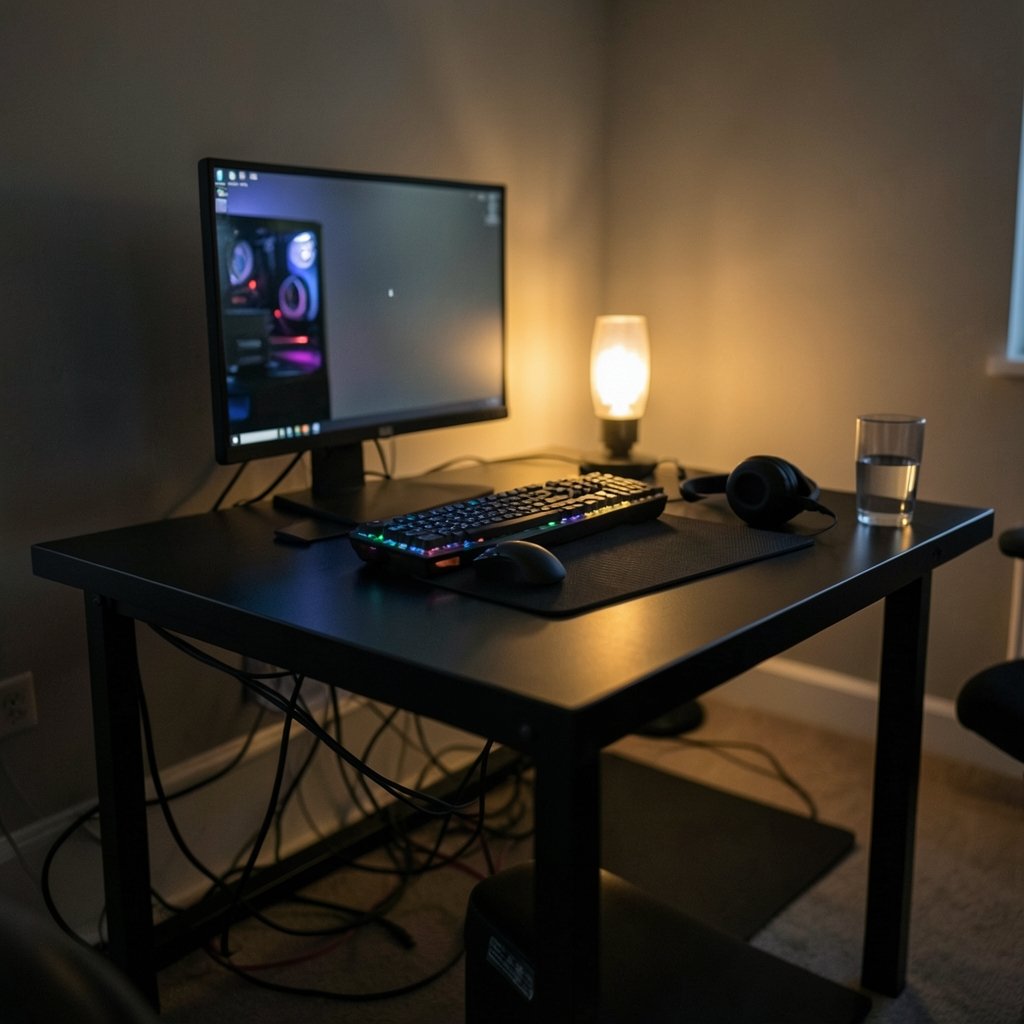
A gaming desk has one job, and it is harder than it sounds: stay still. Every flick of a mouse, every panicked keyboard slam, every leaned-on elbow sends force into the surface. If the frame flexes, your aim drifts. If the surface wobbles, your monitor sways. And if the desk is too shallow, your face ends up six inches from a 32-inch panel.
That is why the “best gaming desk” question in 2026 is really a stability question. The market has matured. RGB light strips are fading, motorized height adjustment is spreading down into mid-range prices, and buyers are finally asking about weight capacity and wobble instead of glow. Here is a practical, no-hype look at what separates a desk that lasts five years from one that rattles by month three.
Why Stability Beats Every Other Feature
A desk’s stiffness comes from three things: frame material, leg design, and how the top is attached. Steel frames resist twisting far better than particleboard panels with thin metal skins. Four-leg or T-leg designs resist side-to-side sway better than a single central column. And a top bolted through a steel crossbar will always feel more solid than one screwed into a hollow core.
This matters more for gamers than for office workers. Mouse tracking depends on a flat, motionless surface. A desk that shifts even two millimeters under a fast swipe changes your cursor path. Competitive players notice this immediately; casual players notice it as “something feels off.”
The practical test is simple. Push the desk gently from the front corner. Then push from the side. A good desk moves as one rigid unit. A bad one twists, and you can feel the top separate from the frame.
The Desk Categories That Actually Matter in 2026
Most buying guides split desks by looks. That is the wrong axis. Split them by how you use them.
| Category | Best for | Typical price band | Main trade-off |
|---|---|---|---|
| Fixed steel gaming desk | Single-monitor setups, tight budgets | Low to mid | No height flexibility |
| Motorized standing desk | Long sessions, back health, dual monitors | Mid to high | Wobble at max height |
| L-shaped corner desk | Multi-monitor, streaming, dual-PC | Mid to high | Large footprint |
| Desk frame plus custom top | Buyers with specific size needs | Mid | Assembly effort |
| Compact / apartment desk | Small rooms, console plus PC hybrid | Low | Limited depth and load |
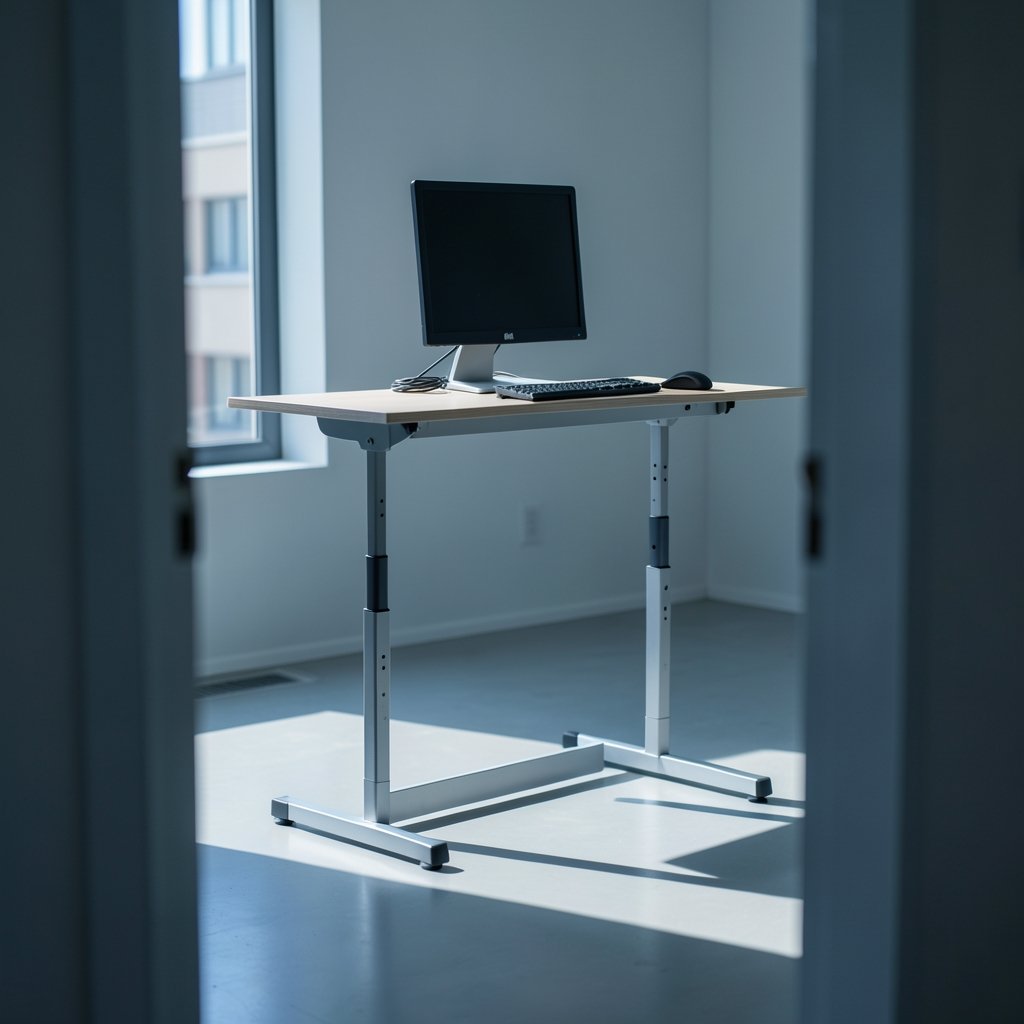
The motorized segment deserves special attention. Standing desks have become the default recommendation for anyone who sits eight hours a day, and the health logic is sound: alternating posture reduces static load on the lower back. But standing desks are also where most wobble complaints originate, because a two-stage telescoping leg extended to 48 inches is inherently less rigid than a fixed leg at 30 inches. If you rarely stand, a fixed desk is often the sturdier choice for the same money.
What to Check Before You Buy
Depth Is the Spec People Ignore
Width gets all the attention. Depth decides whether the desk actually works. A 24-inch-deep surface puts a 27-inch monitor close enough that you will feel the panel’s edges. Thirty inches is the practical minimum for a single large monitor plus keyboard. Thirty-one to thirty-three inches is comfortable for dual screens.
Measure your room before you fall in love with a 63-inch-wide desk. A wide desk in a narrow room becomes a wall you have to walk around.
Weight Capacity Has to Cover More Than You Think
Manufacturers list a load rating, but the real number is lower once you add up the hardware. A dual-monitor arm, two 27-inch panels, a PC tower, speakers, and a mic boom can easily hit 60 to 80 pounds. Add a heavy chair leaned against the front edge and you are loading the frame unevenly.
Look for a rated capacity at least double your estimated load. That headroom is what keeps a desk from developing a sag in the middle two years in.
Cable Management Is a Design Decision, Not an Accessory
The cleanest setups are built, not cleaned. Desks with a rear cable tray, a grommet near the monitor arm, and a channel down one leg are dramatically easier to keep tidy than flat slabs. If a desk has no routing at all, budget for an under-desk tray and adhesive clips on day one. Retrofitting cable management onto a finished setup is the single most common frustration buyers report.
Height Range and Your Actual Body
A fixed desk at 29 to 30 inches suits most people between roughly 5’7″ and 6’0″. Outside that range, adjustability stops being a luxury. Shorter users often find their feet dangling or their shoulders creeping up; taller users end up hunched. A standing desk’s height range, not its motor speed, is the number to compare.
Matching the Desk to Your Setup
A single-monitor, single-PC setup needs almost nothing: a rigid top, decent depth, and a place to hide four cables. Spending premium money here is usually wasted.
Dual monitors change the math. Two panels plus arms put asymmetric load on the frame, and the center of the desk becomes the weakest point. A crossbar or a solid steel spine under the top fixes this. Corner desks handle dual and triple setups well because the load spreads across two spans instead of one.
Streamers and dual-PC users should think about depth and rear access before anything else. Reaching behind a desk to swap a cable is a weekly chore if the desk sits against a wall with no gap.
If you are also upgrading the rest of the battle station, the same logic applies elsewhere: pick gear for how it performs under load, not how it photographs. That holds whether you are comparing wireless gaming headsets or deciding between storefronts in a Humble Bundle vs Fanatical vs Green Man Gaming price comparison.
Assembly: Where Most Regrets Begin
Nearly every desk complaint traces back to assembly. The pattern is predictable. Someone builds a two-leg standing desk alone, tightens the leg bolts before the frame is square, and lives with a wobble forever.
What actually works:
- Build on a flat floor, not carpet, and use a spirit level on the frame before attaching the top.
- Leave every bolt finger-tight until all legs and crossbars are in place, then tighten in a diagonal pattern.
- Check the feet. Most wobble is an unadjusted foot, not a bent frame.
- Re-tighten everything after two weeks. Bolts settle under load, and the first re-torque is the one that matters.
- Anchor tall or heavy desks to the wall if the manufacturer supplies a bracket. This is a safety item, not an optional extra.
The single most common mistake is over-tightening one side first. It pulls the frame out of square and no amount of later adjustment fully fixes it.
Budget Realities for 2026
Desk prices have flattened. Entry-level steel gaming desks sit in the same range they did two years ago, while motorized frames have crept downward as more manufacturers enter the category. The mid-range is where the value is: a solid frame with a decent top costs far less than a premium brand name, and the difference in daily use is small.
Where premium money does buy something real: warranty length, motor quality on standing desks, and surface finish durability. A cheap laminate top will show mouse wear within a year of heavy use. A textured or coated surface lasts much longer.
Watch for seasonal discount windows rather than buying on impulse. Deal events move furniture pricing noticeably, and the same discipline that pays off on big-ticket electronics applies here. If you are timing a broader upgrade, the strategy behind Black Friday car deals — wait for the window, know your target price, do not settle — works just as well on desks.
Common Mistakes That Cost Money
Buying for width and ignoring depth is the classic error. A 55-inch desk that is 24 inches deep feels more cramped than a 47-inch desk at 30 inches.
Buying a standing desk you never raise is another. If the motor is a feature you will use twice, put the money into frame rigidity instead.
Skipping the monitor arm budget is a third. A desk-mounted arm frees the entire surface and improves ergonomics more than a wider top does. But cheap arms sag, and a sagging arm on a light desk can tip the whole thing. Match arm quality to desk weight. (Desk)
Finally, measure the doorway and stairwell. A 63-inch top that will not fit up the stairs is a return shipping bill waiting to happen. Desks that ship as frame plus separate top avoid this entirely.
Where the Desk Fits in a Bigger Upgrade
A desk is infrastructure. It outlives the monitor, the keyboard, and probably the PC. That is the argument for spending on the frame and going modest on the top, since tops are replaceable and frames are not.
The same long-life reasoning shows up across the hardware world. Buyers weighing platform commitments think about how long a device stays supported, which is why stories like the Apple SCOTUS 27 percent App Store fee case and the Tesla robotaxi, Semi and Roadster hardware bets get so much attention. A desk will not make headlines, but it will still be under your monitor when the next console generation arrives. (Ergonomics)
That is also why it pays to think about what sits on the desk. Rumors like the Nintendo Switch 2 Lite and Samsung 8LPU Plus chip talk shape how much space people need, and industry shifts such as the Xbox layoffs and studio sales change which platforms end up on the surface. If you are planning a full refresh, a best phones 2026 shortlist is a reasonable companion read.
How to Decide in Ten Minutes
Rank your needs in this order: depth, stability, weight capacity, cable routing, height adjustability, looks. Then set a budget and buy the most rigid frame that fits.
If you sit more than six hours a day and have any back discomfort, move height adjustability up the list and accept a little more wobble at full extension. If you play competitively, keep the desk fixed and low, and put the money into a rigid frame and a good arm.
Either way, verify the numbers on the manufacturer’s own spec page rather than a marketplace listing. Weight capacity, height range, and warranty terms are the three figures that decide whether a desk is still solid in 2031.
Conclusion
The best gaming desk in 2026 is not the one with the most features. It is the one that does not move when you do. Prioritize a steel frame, at least 30 inches of depth, a load rating with real headroom, and cable routing built in from the start. Assemble it patiently, re-tighten after two weeks, and it will outlast every other piece of gear on it. Buy the frame for a decade, the top for a few years, and skip anything that exists only to look good in a photo.
Frequently Asked Questions
How much should I spend on a gaming desk in 2026?
Most buyers get a solid, stable desk in the mid range. Below that, expect thinner frames and shorter warranties. Above it, you are paying mainly for motor quality, finish durability, and brand support. Spending more than the mid range rarely improves daily stability.
Is a standing desk better than a fixed gaming desk?
Not automatically. Standing desks win on posture flexibility and lose some rigidity at maximum height. If you will genuinely alternate between sitting and standing most days, the trade is worth it. If you mostly sit, a fixed desk at the right height is usually sturdier for the same money.
What depth do I need for a dual-monitor setup?
Thirty inches is the practical floor, and 31 to 33 inches is comfortable. Below 28 inches, dual 27-inch panels end up too close, and you lose room for a keyboard, mouse pad, and monitor arms without crowding the front edge.
How much weight can a gaming desk hold?
Ratings vary widely by model, so check the manufacturer’s spec page rather than a retail listing. As a rule, look for a capacity at least double your estimated load. Monitor arms, panels, a tower, and speakers add up faster than most people expect.
Why does my new desk wobble?
In most cases it is assembly, not the desk. An unadjusted foot, bolts tightened before the frame was square, or a build done on carpet are the usual culprits. Rebuild on a hard flat floor, leave bolts finger-tight until everything is aligned, then tighten diagonally and re-check after two weeks.
Do I need a desk with built-in cable management?
It helps more than any other convenience feature. A rear tray, a grommet near the monitor arm, and a leg channel make a clean setup easy to maintain. Without them, you will be adding trays and clips yourself, and retrofitting is far more annoying than buying it built in.



