
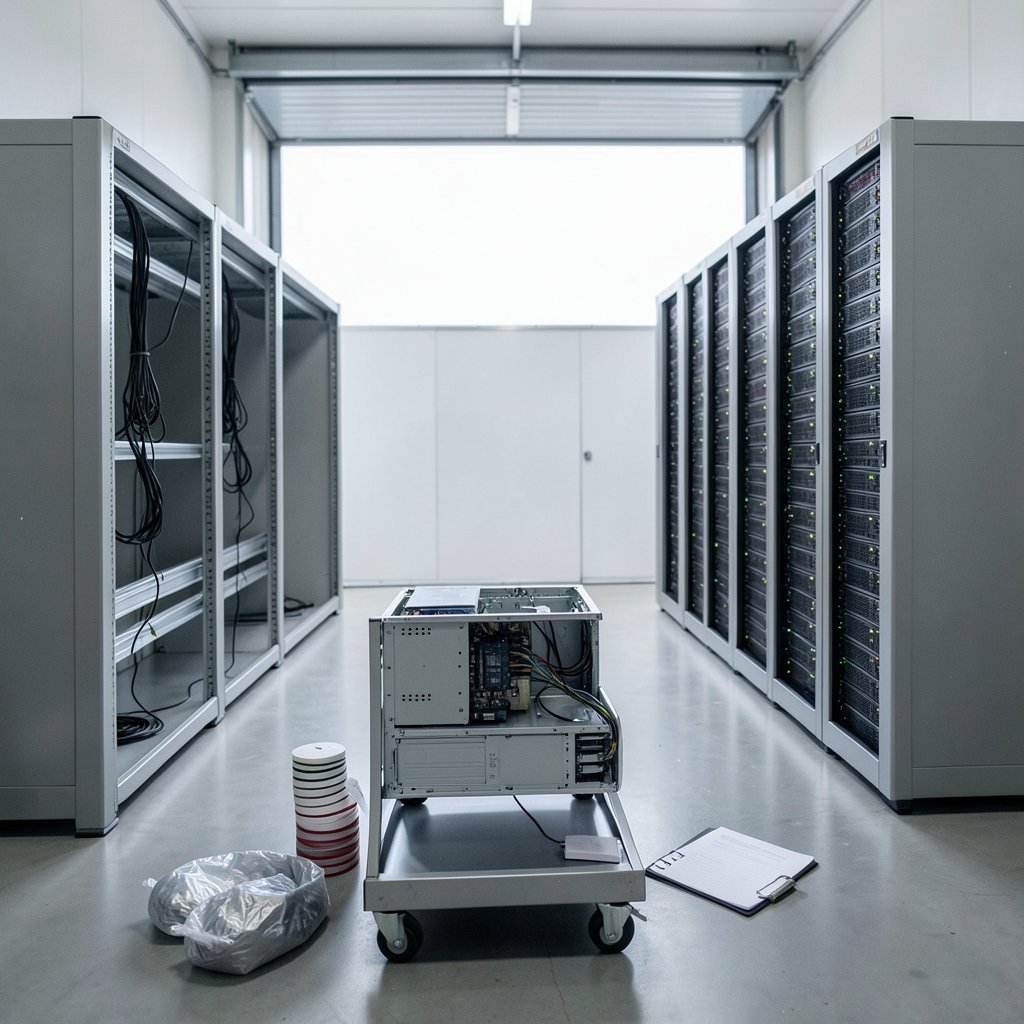
Most data center migrations do not fail because the servers are heavy. They fail because of a spreadsheet nobody updated, a firewall rule nobody documented, or a compliance officer who says “no” three weeks before cutover. Industry outage surveys have repeatedly identified power and cooling as leading causes of major facility incidents, which is exactly why moving workloads between sites is so nerve-wracking: you inherit a new physical plant and a new set of unknowns at the same time.
This guide covers the challenges that actually bite during a migration, the mistakes teams make over and over, and what genuinely works in practice. If you are still early in planning, it helps to understand what an AI data center actually requires, because the power and cooling profile of modern AI racks changes the whole calculus of where you can move.
Why Is Dependency Discovery the First Real Wall?
Every migration plan starts with an inventory. Almost every inventory is wrong.
Applications rarely live alone. A “simple” customer portal might touch an identity provider, three databases, a message queue, a file share, and a legacy reporting job that runs at 2 a.m. and nobody remembers who owns it. When teams move the portal without the reporting job, nothing breaks for six weeks. Then month-end close fails.
The practical fix is not a better spreadsheet. It is traffic-based discovery: watching actual network flows for 30 to 60 days rather than trusting a configuration management database. Teams that skip this step consistently discover 20 to 40 percent more dependencies during cutover than their documentation showed. That discovery happens at the worst possible moment, under pressure, at 3 a.m.
A second trap: latency-sensitive workloads. Applications with tight response budgets, or with large datasets that are read constantly, are often the last things that should move. Re-architecting them in place is frequently cheaper than moving them and then discovering that every transaction now crosses a region boundary.
What Makes Legacy and Mainframe Workloads So Stubborn?
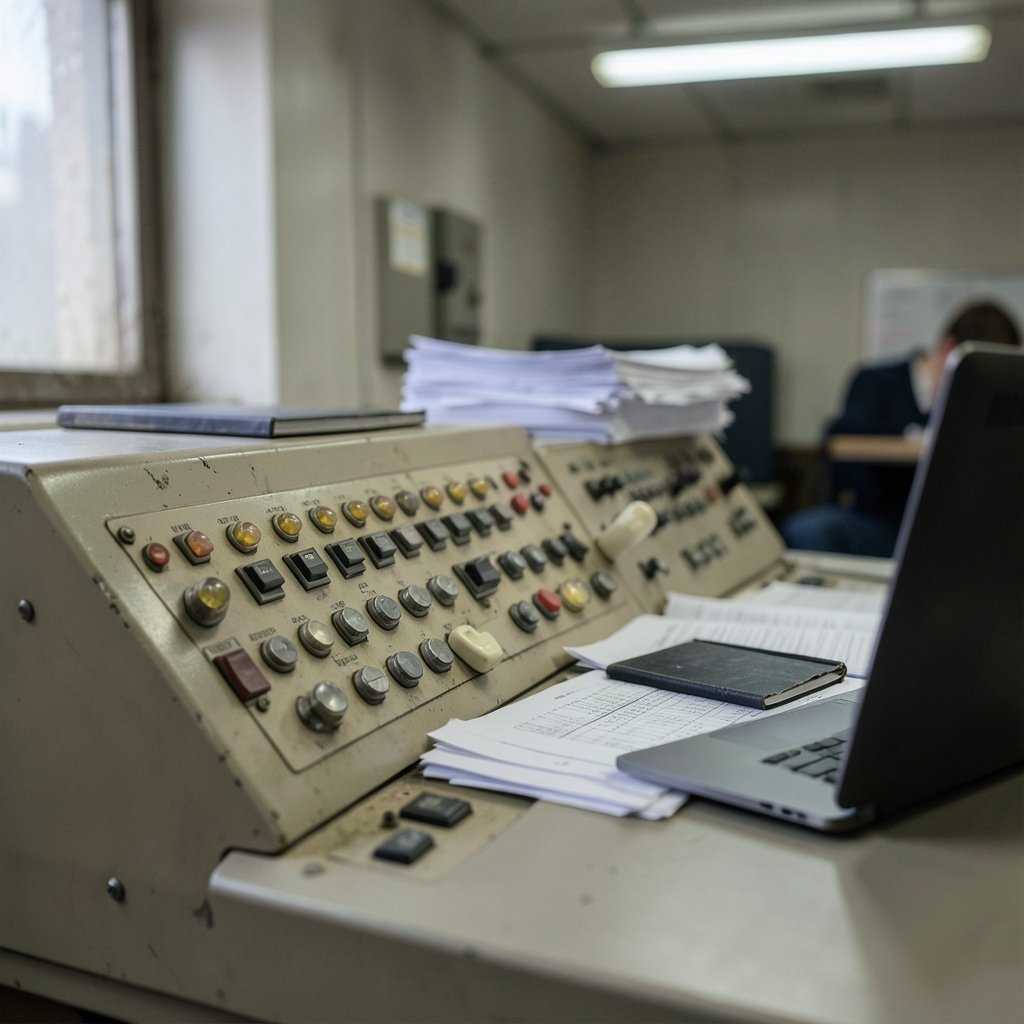
Older systems carry two problems at once: undocumented behavior and no clean way to test it.
A mainframe job that has run unchanged since 2004 may encode business logic that exists nowhere else. Nobody wrote it down because nobody needed to. When you migrate it, you are not porting code, you are reverse-engineering a business process. That takes domain experts, and those experts are often close to retirement.
The mistake teams make here is treating legacy migration as an infrastructure project. It is a knowledge-extraction project with an infrastructure component attached. What works in practice is running legacy and modern systems in parallel for at least one full business cycle (including month-end and year-end close) and comparing outputs line by line. It is slow and expensive, and it is still cheaper than a failed cutover.
How Do Power, Cooling, and Physical Constraints Reshape the Plan?
Migration is often a facility change as much as a compute change. Moving into a new hall means new power distribution, new cooling topology, and new failure modes.
Modern high-density workloads make this harder. A rack drawing 40 to 100 kW cannot be cooled by the same design that handled 5 kW racks, and older facilities frequently cannot be retrofitted economically. This is the same pressure driving the backlash over Google’s data center plans in India, where water use and grid load have become genuine public arguments rather than abstract concerns. Similar tensions show up in the Google Finland data center debate around Muhos and Otanmaki, where environmental and land-use questions shaped timelines. (Data center)
The practical lesson: verify the destination facility before you commit the migration schedule. Confirm actual delivered power per rack, cooling capacity at your target density, and redundancy tier. Facility standards such as the Uptime Institute Tier classification and ANSI/TIA-942 exist precisely because these differences matter, and they should shape your sequencing, not your marketing deck.
Why Do Cost Models Keep Blowing Up?
Egress and inter-cloud data transfer are the classic budget surprises. Providers publish their pricing, but most migration business cases model compute and storage carefully and treat data movement as a rounding error. Then the first full data sync runs, and the invoice arrives.
| Cost category | Usually modeled well | Usually underestimated |
|---|---|---|
| Compute and storage | Yes | No |
| One-time data transfer | Sometimes | Often |
| Ongoing replication during parallel running | Rarely | Almost always |
| Dual-running licenses | Rarely | Almost always |
| Decommissioning and data destruction | No | Yes |
| Staff time for remediation | No | Yes |
The dual-running problem deserves special attention. Teams plan for a cutover weekend and then run both environments for nine months because decommissioning keeps slipping. Every extra month carries duplicate licensing, duplicate monitoring, duplicate patching, and a growing risk that stale copies of data drift apart. Set a hard decommission date before cutover, with an owner and an executive sponsor, or it will not happen.
How Do Compliance and Data Residency Constrain the Plan?
Sector rules and residency requirements can veto a migration plan outright, and they are jurisdiction-specific and constantly evolving. Financial services, healthcare, and public sector workloads often carry rules about where data may physically reside and who may access it.
The mistake is bringing compliance in at the end to “sign off.” Bring them in at the start and ask a specific question: which datasets are legally prohibited from leaving this country, region, or facility? The answer frequently splits the migration into two programs with different timelines, and discovering that late can invalidate months of design work.
Reference material helps frame the conversation. NIST publishes foundational cloud guidance, including SP 800-145 (the cloud computing definition) and SP 800-146 (cloud computing synopsis and recommendations), both of which give teams shared vocabulary for what “private,” “public,” and “hybrid” actually mean in a compliance context. Verify the current revisions before citing them in a formal document. (NIST Cybersecurity Framework)
What About Downtime Expectations?
Stakeholders now assume near-zero downtime. Legacy systems frequently cannot deliver it, because they were never built with redundancy.
The gap between expectation and reality is where migrations get political. The fix is not a technical one. It is explicit, written downtime agreements per application, negotiated with the business owner, with a named approver. Vague promises like “minimal disruption” become weapons later.
In practice, a phased, wave-based cutover beats a big-bang move almost every time. Group applications by dependency cluster, move the least critical cluster first, and treat each wave as a rehearsal that improves the runbook for the next one. The first wave will be messy. Plan for that instead of pretending otherwise.
Where Does Sustainability Fit In?
Energy and water use have moved from a footnote to a decision criterion. Communities and regulators now ask hard questions about grid impact and cooling water, and those questions affect permitting and timelines. The broader question of whether AI data centers are bad for the environment is genuinely contested, but the operational point is not: power availability and sustainability commitments can constrain where you migrate and how fast.
The same pressure is reshaping the hardware supply chain. Reports that the Tesla Megapack is nearly sold out through 2027 for AI data centers illustrate how long the lead times for power infrastructure have become. If your migration depends on new electrical capacity, order early or the schedule slips regardless of how good your runbooks are.
What Does a Realistic Migration Runbook Contain?
A runbook that works in practice has a few non-negotiables:
- A rollback trigger, defined in advance. A specific metric and threshold that forces a rollback, instead of deciding via “we’ll decide in the room”.
- Named owners for every application cluster, with phone numbers rather than distribution lists alone.
- A communications cadence with a single status page the whole business can read.
- Tested restore procedures for the destination environment, verified before cutover rather than after.
- A freeze window on unrelated changes for at least two weeks around each wave.
Teams that skip rollback planning tend to push forward through failures because stopping feels like admitting defeat. That instinct turns a two-hour incident into a two-day outage.
How Do You Keep the Team From Burning Out?
Migration work is unglamorous and it lands on top of everyone’s day job. The predictable failure mode is a core team of four people doing everything for eight months and then making errors from exhaustion during the highest-stakes week.
What works: rotate on-call, protect the migration team from routine tickets, and schedule the cutover so the same people are not working consecutive overnight windows. The most expensive mistake in any migration is a tired engineer at 4 a.m. Budget for it the way you budget for hardware.
There is also a skills dimension worth naming. If your team is learning both migration mechanics and new analytical tooling at once, split the effort. Practical guidance on how to use AI for data analysis can help teams validate migrated datasets faster, and small automation wins like a tap road game style incremental approach — one small validated step at a time — beats trying to automate everything at once. Even consumer-grade tooling teaches the same lesson: a home center lite hub works because it does a few things reliably rather than everything badly. Migration tooling should be judged the same way.
What Actually Works, Summarized Honestly
The migrations that go well share a profile: discovery based on real traffic, compliance engaged early, a destination facility verified for actual power and cooling density, a cost model that includes dual-running and egress, a hard decommission date, and a rollback trigger everyone agreed to before the first byte moved. None of that is glamorous. All of it is learnable.
Conclusion
Data center migration challenges are rarely about hardware. They are about incomplete knowledge: undocumented dependencies, unverified facilities, unmodeled costs, and unspoken downtime assumptions. The teams that succeed treat migration as a knowledge problem first and a logistics problem second. They watch real traffic instead of trusting inventories, they bring compliance and facilities into the room on day one, they set decommission dates they actually enforce, and they define rollback triggers while everyone is still calm. Do those things and the migration becomes a hard project rather than a crisis. Skip them and you will learn the same lessons at 3 a.m., with the business watching.
FAQ
How long does a typical data center migration take?
There is no reliable average, and figures vary widely by survey methodology. What matters more is scope: a single application cluster can move in weeks, while an enterprise program with legacy dependencies and compliance constraints commonly runs in phases across a year or more, including parallel running before decommissioning.
What is the biggest cause of migration failure?
Incomplete dependency discovery. Applications that appear standalone usually are not, and undocumented connections surface during cutover when there is no time to plan for them. Traffic-based discovery over 30 to 60 days catches far more than configuration databases do.
Can we migrate with zero downtime?
Rarely for legacy systems. Near-zero downtime is achievable for modern, redundant, stateless workloads. For older systems, negotiate explicit per-application downtime windows with a named business approver in writing rather than promising “minimal disruption.”
How should we handle data residency rules during migration?
Ask compliance a specific question at the start of planning: which datasets are legally prohibited from leaving a given country, region, or facility? The answer often splits the project into separate programs with different timelines. Sector rules are jurisdiction-specific and change, so verify against the relevant regulator.
What costs do teams most often underestimate?
Ongoing data replication during parallel running, duplicate licensing while both environments are live, staff time for application remediation, and decommissioning with secure data destruction. One-time transfer costs get modeled; the recurring ones frequently do not.
When should we decommission the old environment?
Set the date before cutover, assign an owner, and get executive sponsorship. Without a hard deadline, dual-running quietly extends for months, carrying duplicate licensing, duplicate patching, and a growing risk that stale data copies drift out of sync with production.



