
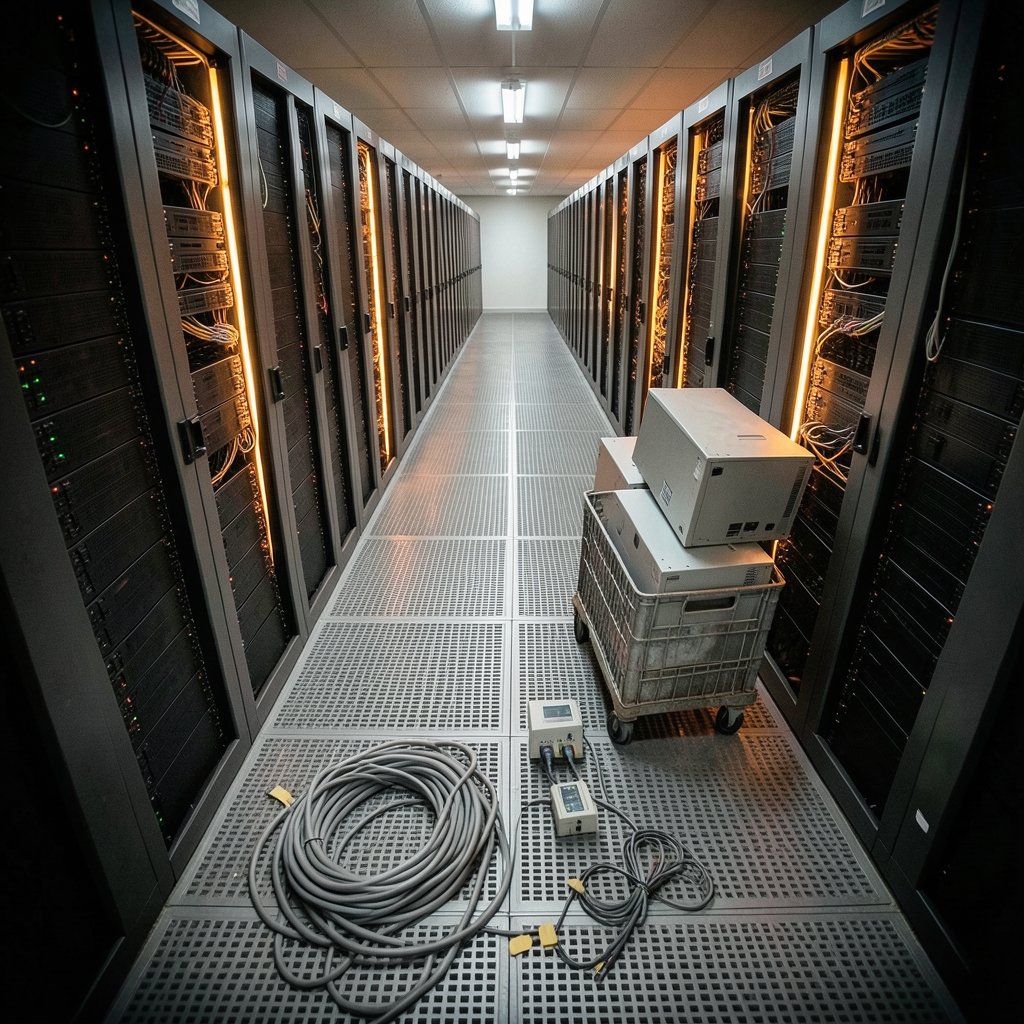
Roughly 70 percent of enterprise data center migration projects run late, over budget, or both. That number has held stubbornly steady for years, and it is not because engineers are bad at their jobs. It is because migration is a logistics problem disguised as a technology problem. The servers move. The people, contracts, dependencies, and tribal knowledge are what fight back.
This guide is for the person who has been handed a migration plan and told it looks fine on paper. It covers the real mechanics, the decisions that bite later, and the practical habits that separate clean cutovers from three-week outages.
What Data Center Migration Really Involves
Data center migration is the process of moving workloads, data, and infrastructure from one facility or platform to another. That could mean leaving a colocation cage for a hyperscale cloud, consolidating two aging halls into one modern site, or repatriating workloads from public cloud back to owned hardware.
The scope is broader than most project charters admit. A migration touches:
- Physical assets — servers, storage arrays, network gear, cabling, and the racks themselves
- Workloads — applications, databases, and the dependencies between them
- Data — the actual bytes, plus backups, archives, and retention obligations
- Identity and access — directory services, certificates, secrets, and service accounts
- Network topology — IP addressing, routing, firewalls, and DNS
- Contracts and compliance — colocation leases, cloud agreements, audit scopes, data residency rules
Miss any one of those and the cutover window becomes a suggestion rather than a plan. For a grounding in what the destination facilities actually look like, it helps to understand what an AI data center involves, since power density and cooling design now shape which sites can host which workloads.
The Four Migration Strategies, Ranked by Real-World Pain
Most teams choose between four broad approaches. Each has a personality, and each fails in a predictable way.
| Strategy | What It Means | Best For | Common Failure |
|---|---|---|---|
| Lift and shift | Move as-is, no changes | Fast exits, lease deadlines | Carries technical debt into a more expensive home |
| Replatform | Minor tuning during the move | Databases, middleware | Scope creep mid-project |
| Refactor | Rebuild for the new environment | Long-lived core apps | Timeline doubles, savings arrive late |
| Repatriate | Move cloud workloads back on-prem | Predictable, steady-state loads | Underestimating operational staffing |
The honest ranking by pain is not by cost. Lift and shift is the fastest and the most likely to leave you paying cloud rates for a badly configured virtual machine that idles at 4 percent utilization. Refactoring is the cleanest long-term and the most likely to miss its date.
“The migration itself is rarely the hard part. The hard part is knowing what you actually have, and most organizations do not have an accurate application dependency map.” — a sentiment repeated across nearly every enterprise infrastructure postmortem
That is the single most useful thing to internalize. Inventory accuracy beats migration tooling every time.
Why the Cloud Repatriation Wave Is Real but Oversold
Since roughly 2021, a steady stream of organizations has moved workloads back from public cloud to owned or colocated facilities. The drivers are consistent: predictable workloads turned out to be cheaper on owned hardware, egress fees stung, and latency-sensitive systems performed better closer to the users.
But the trend is more nuanced than the headlines suggest. Most repatriation is partial. A company moves its steady-state database tier on-prem and keeps burst capacity, analytics, and dev environments in the cloud. That hybrid outcome is the norm, not the exception. (Uptime Institute Tier Standard: Topology)
The regulatory picture is also shifting. The EU Data Act (Regulation (EU) 2023/2854) introduced cloud-switching provisions designed to reduce lock-in and make provider-to-provider migration easier, with switching obligations applying from September 2025. Whether that deadline lands cleanly in practice is still an open question, but it changes the negotiation posture: providers now have to document how you leave.
If you are weighing a move in either direction, the environmental and community questions deserve a real look, not a checkbox. The debate over whether AI data centers are bad for the environment is genuinely contested, and it directly affects siting decisions, permitting timelines, and local political risk for any new facility.
The Dependency Mapping Step Everyone Skips
Here is the practical tip that saves the most money: spend 15 percent of your total migration budget on discovery before you move a single thing.
Discovery means building three artifacts:
- An application dependency map — which service calls which, over what protocol, at what latency tolerance
- A data gravity assessment — which datasets are so large or so tightly coupled that moving them costs more than moving the compute to them
- A compliance register — which workloads carry residency, audit, or contractual constraints that limit destination options
The common mistake is treating discovery as a documentation exercise. It is not. It is the thing that tells you the migration order. Teams that skip it discover their dependency graph during cutover, at 2 a.m., usually via a phone call from someone in finance asking why the reporting system is down.
A useful heuristic: if two applications share a database and a latency budget under 10 milliseconds, they migrate together or not at all.
Physical Moves: The Mechanics That Still Matter
Cloud-native teams sometimes forget that a large share of migrations still involve trucks. Physical relocation has its own discipline.
Sequencing the Move
Move in waves, not in one heroic weekend. A workable wave structure:
- Non-production first — dev, test, and staging environments. These shake out network and identity issues with low blast radius.
- Low-risk production — internal tools, batch jobs, systems with tolerant users.
- Tier-2 business systems — anything with a defined SLA but limited customer exposure.
- Tier-1 and regulated systems — the ones with auditors and executives attached.
The Details That Cause Outages
- IP address changes break hardcoded configurations in places nobody remembers. Audit for literal IPs in config files before the move.
- Certificate and DNS TTLs need to be shortened days in advance, not hours.
- Time synchronization across sites causes authentication failures that look like random password problems.
- Serial numbers and hardware fingerprints change, which can trip licensing checks on older software.
One more thing worth planning for: power. Modern accelerators have pushed rack densities far beyond what older halls were designed to handle. The scramble for capacity is real enough that Tesla Megapack supply is reportedly nearly sold out through 2027 as operators race to secure on-site energy storage, which tells you something about how tight the infrastructure pipeline has become.
Network and Security: Where Migrations Quietly Break
Security architecture is the most common source of post-migration surprises. Three patterns recur.
Firewall rule sprawl. Old rules referencing old subnets linger. New rules get added on top. Six months later, nobody can explain 40 percent of the rule base. Build a rule decommissioning task into the project plan from day one.
Identity boundary mismatches. Moving a workload across a network boundary often moves it across an authentication boundary too. Service accounts that worked on-premises may fail against a cloud identity provider, and the error messages are rarely helpful.
Logging gaps. Compliance scopes follow data. If logs land in a new region, the audit scope changes. Confirm where log data is stored before the first production workload moves, not after.
For teams running heavy analytical workloads on the destination side, it is worth learning how to use AI for data analysis properly, because a migration is often the moment when reporting pipelines get rebuilt, and rebuilding them badly is expensive. (Data migration)
Regulation and Siting: The Constraints Nobody Budgets For
Local opposition has become a genuine schedule risk. Community pushback over water use, grid load, and noise has delayed projects across multiple regions, and the pattern is now well documented in specific markets, including the Google data center backlash in India in 2026. The lesson for migration planners is direct: destination selection is a stakeholder management exercise, not solely a real estate decision.
The same dynamic shows up in Europe, where wildlife and land-use objections have reshaped specific projects, as seen in the disputes around the Google data center in Finland and the wolves near Muhos and Otanmäki. Permitting timelines in these cases routinely stretch beyond the migration project’s own schedule.
On the standards side, two references anchor most planning:
- NIST SP 800-145 (September 2011) remains the canonical definition of cloud computing characteristics, and it is still the document auditors cite when arguing about what counts as a cloud service.
- The EU Energy Efficiency Directive recast (Directive (EU) 2023/1791) introduced data center reporting obligations that affect which facilities can credibly host regulated workloads.
A Practical Migration Checklist
Strip away the vendor decks and the work reduces to a sequence. This one holds up across project sizes.
- Baseline the current state. Utilization, dependency maps, contract end dates, compliance obligations.
- Define the destination requirements before shortlisting sites or providers. Power density, latency to users, residency, connectivity.
- Model the cost over five years, including egress, staffing, and the migration itself. Three-year models hide the second wave of spending.
- Pick the strategy per workload, not per project. A single migration can use all four approaches.
- Run a pilot with a real workload, not a toy one.
- Build the rollback plan first. If you cannot describe how to go back, you do not have a cutover plan.
- Decommission aggressively. The old environment is a cost center the day after cutover. Turn it off.
- Run a post-migration review within 30 days, while memories are accurate.
The step people skip most often is number seven. Deferred decommissioning is where migration budgets quietly double, because organizations run two environments for eighteen months and call it “risk management.”
Conclusion
Data center migration rewards preparation over heroics. The teams that come out clean are not the ones with the best tooling or the biggest cutover war room. They are the ones who spent real money on discovery, sequenced their waves honestly, and shut down the old environment on schedule instead of letting it linger.
The technology will move. The question is whether the dependencies, contracts, and compliance scopes move with it, or whether you find out about them at 2 a.m. Plan for the second thing. It is the one that actually happens.
How long does a typical data center migration take?
Small migrations of a few dozen workloads can complete in six to twelve weeks. Enterprise-scale moves involving hundreds of applications, multiple sites, and regulated data typically run twelve to twenty-four months from discovery through decommissioning. The discovery and planning phase alone usually consumes 15 to 25 percent of that timeline.
What is the biggest cause of migration failure?
Inaccurate inventory. Organizations routinely underestimate how many undocumented dependencies exist between applications, and those dependencies surface during cutover rather than during planning. A secondary cause is deferred decommissioning, which extends dual-running costs far beyond the original budget.
Is it cheaper to repatriate workloads from the cloud?
It depends entirely on workload shape. Steady-state, predictable workloads with high utilization often run cheaper on owned or colocated hardware once depreciation and staffing are counted honestly. Bursty, variable, or short-lived workloads usually stay cheaper in the cloud. Most organizations end up hybrid, not fully committed either way.
What should be migrated first?
Non-production environments. Development, test, and staging systems shake out network routing, identity integration, and certificate issues with minimal business exposure. Moving them first turns the production cutover into the second time you have done it, which is a meaningfully easier position.
How do you handle data residency during a migration?
Build a compliance register before shortlisting destinations. For each workload, record which jurisdictions its data may legally reside in, which audit frameworks apply, and where log data is permitted to be stored. Logging location is the most commonly missed item, because teams track primary data but forget that logs follow the same rules.
Do you need to refactor applications during migration?
Rarely, and not by default. Refactoring is the right call for long-lived core systems that will run for another decade, and the wrong call for anything approaching end-of-life. Refactoring during a migration reliably extends the timeline, so treat it as a separate project with its own budget rather than a bonus deliverable inside the move.



