
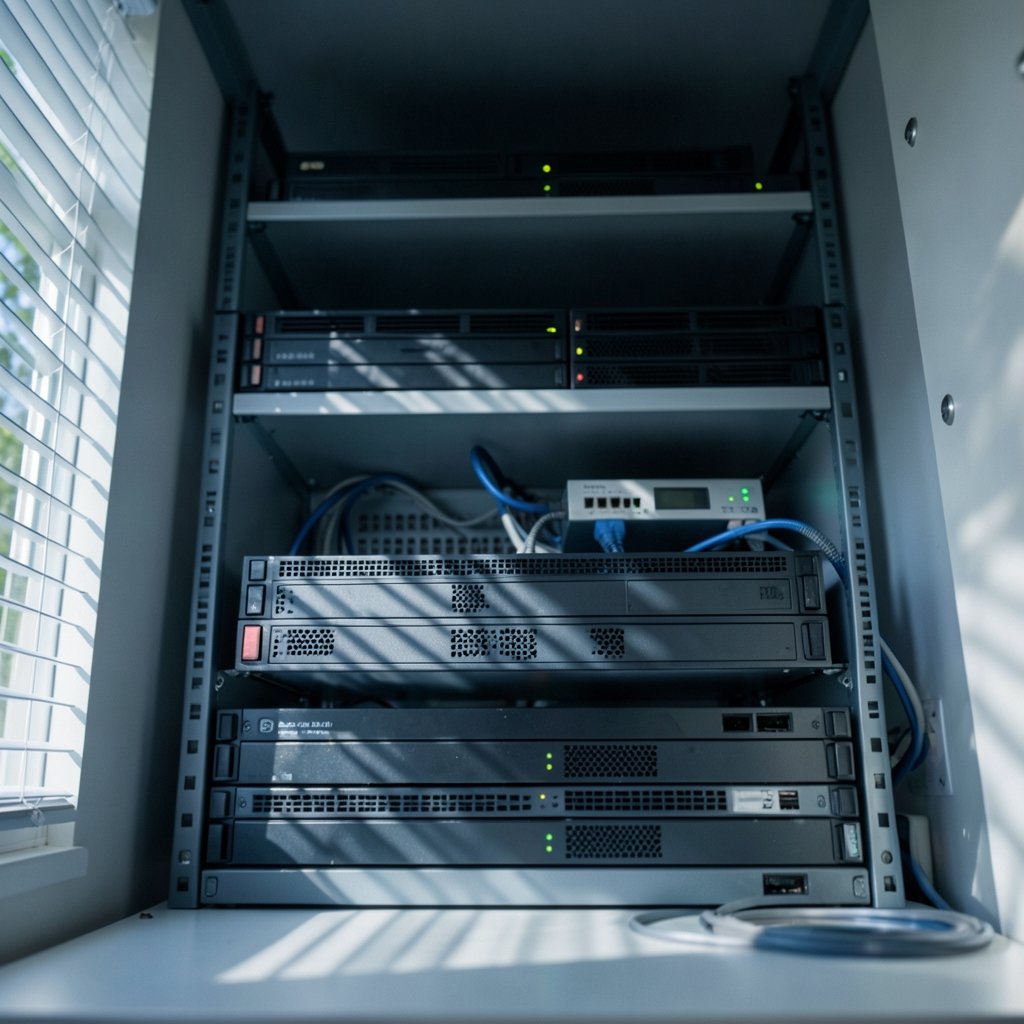
Amazon S3 launched in March 2006, and almost twenty years later its API is still the interface most object storage tools imitate. That single design decision shaped an entire software category. Today you can point the same command-line client at a hyperscaler, a rack of refurbished servers in a closet, or a laptop test container, and it just works.
That compatibility is a gift and a trap. The gift is portability. The trap is that “S3-compatible” gets printed on marketing pages with wildly different meanings. This guide covers the tools that matter, where they break, and the mistakes people make in their first month of running them.
What Object Storage Tools Actually Do
Object storage throws away the folder tree. Instead of directories, you get a flat namespace of buckets holding objects, each with a key, a payload, and a bag of metadata. There’s no seeking to byte 4,000 of a file, no locking, no partial overwrite. You put an object or you get an object. That sounds limiting until you realize it’s why object stores scale to petabytes without drama.
The tools around that model split into rough families:
- Servers that store the bytes (MinIO, Ceph RADOS Gateway, OpenStack Swift)
- Clients that move and manage data (rclone, s3cmd, AWS CLI, vendor SDKs)
- Gateways and migration layers that translate between protocols
- Management and observability tools for lifecycle rules, replication, and cost control
Most real deployments use two or three of these together. A team might run MinIO on-premises, sync to it with rclone, and audit bucket policies with a scripting layer. The tooling choice matters less than understanding which family solves which problem.
The Compatibility Layer That Runs Everything

The S3 API became a de facto standard in a way few protocols manage. MinIO, Ceph’s RADOS Gateway, Backblaze B2, Cloudflare R2, and Google Cloud Storage’s XML API all implement S3-compatible interfaces. That means one client can talk to all of them.
This is the single most important fact in the category. If you’re evaluating object storage tools, ask one question first: does it speak S3, and how completely?
Partial compatibility is where people get burned. A vendor might support GET and PUT perfectly and then fail on multipart upload completion, bucket policies, or presigned URLs with custom expiry. You discover this in production, usually at 2 a.m., usually during a restore.
Practical advice: before committing to any S3-compatible store, run a compatibility test suite against it. Push a 6 GB file through multipart upload. Generate a presigned URL and fetch it from a different machine. Set a lifecycle rule and confirm it fires. Test server-side copy between buckets. Those four checks catch most surprises.
Consistency: The Detail That Changed
For years, S3 offered eventual consistency for overwrites and deletes. In December 2020, that changed to strong read-after-write consistency for all operations. Every S3-compatible vendor then had to decide whether to match.
Most did, eventually. Some older on-premises clusters still run configurations where a listing immediately after a write may not show the new object. If your application reads its own writes, verify this before you build on it. It’s a cheap test and an expensive surprise.
Self-Hosted Servers: MinIO, Ceph, and Swift
Three open-source projects dominate on-premises object storage, and they serve very different audiences.
| Tool | Best For | Complexity | Notes |
|---|---|---|---|
| MinIO | Small-to-mid clusters, S3-first workloads | Low | Single binary, fast to deploy; license terms have changed over time, so check the current LICENSE file |
| Ceph (RADOS Gateway) | Large unified storage estates | High | Delivers block, file, and object from one cluster; needs real operational skill |
| OpenStack Swift | OpenStack-native environments | Medium | Predates OpenStack itself, tracing back to Rackspace’s Cloud Files work |
MinIO is the one people actually try first, and for good reason. You download a binary, run it, and you have an S3 endpoint in under two minutes. The tradeoff is that simple deployment doesn’t equal simple operations at scale. Erasure coding, drive failure handling, and upgrade paths all need planning.
Ceph is the opposite experience. Getting a cluster healthy takes days, not minutes, and you’ll want someone who understands placement groups. In exchange, you get one storage system serving object, block, and file needs. For organizations already running Ceph for volumes, adding RADOS Gateway is nearly free.
Swift sits in a narrower niche. If you’re not on OpenStack, there’s little reason to start there.
The honest ranking for most teams: try MinIO first, move to Ceph only when you need unified storage or你已经 outgrown a single-purpose cluster. (If you’re evaluating adjacent infrastructure decisions, the same “start simple, measure, then scale” logic applies to storage unit deals: compare local prices and sizes when teams need overflow capacity fast.)
Client Tools: Where Most Hours Get Spent
Servers get the architecture diagrams. Clients get the actual work.
rclone is the workhorse. It’s an open-source command-line tool that syncs and copies data across dozens of backends: S3, B2, Google Cloud Storage, Azure Blob, and plenty more. It handles retries, checksums, bandwidth limits, and server-side copies. If you’re migrating between object stores, rclone is almost always the answer.
Three rclone mistakes that show up constantly:
- Using `sync` when you meant `copy`. Sync deletes destination files that don’t exist at the source. People learn this the hard way.
- Ignoring `–transfers` and `–checkers` defaults. On high-latency links, raising concurrency dramatically changes throughput. On small instances, it causes throttling.
- Skipping `–dry-run`. Always dry-run a sync against a new remote. Always.
s3cmd is older, simpler, and still useful for quick bucket operations and policy edits. AWS CLI is the reference implementation and the safest bet for anything involving IAM, bucket policies, or newer S3 features. Vendor SDKs (boto3, the AWS SDKs for Go and Java) handle application-level access.
If your team is building automation around data pipelines, the same evaluation discipline applies to best AI automation tools for small businesses — pick tools that fail loudly and predictably, not ones that hide errors.
Gateways, Migration, and the Hybrid Pattern
Pure on-premises and pure cloud are both rare. Most organizations end up hybrid, and that’s where gateways earn their keep.
A gateway presents an S3 interface and writes to something else underneath, whether that’s a different cloud, a tape archive, or a NAS. The appeal is obvious: applications don’t change, storage does. The risk is equally obvious: the gateway becomes a single point of failure and a performance ceiling.
If you use a gateway, monitor it like a production database. Watch request latency, error rates, and cache hit ratios. A gateway that silently degrades into pass-through mode will make your “fast” tier look broken.
For migration specifically, the pattern that works is boring: inventory the buckets, estimate egress costs, run rclone in dry-run, then run it for real in batches with checksums verified afterward. Teams that skip the inventory step routinely discover a 40 TB bucket nobody documented.
Common Mistakes and What Actually Works
After enough deployments, the failure patterns get predictable. These recur.
Treating object storage like a file system. Applications that list buckets with millions of keys, or that expect rename to be cheap, will perform badly. Rename in object storage is copy-plus-delete. Design around it.
Skipping lifecycle policies. Data accumulates forever by default. Set expiration and transition rules on day one, not year three. Storage bills grow quietly.
Underestimating egress. Getting data in is often free. Getting it out frequently isn’t. Model your read patterns before you commit.
Ignoring small-object overhead. A million 4 KB objects costs far more in request charges and metadata than the same bytes in a few large files. Batch small records into larger objects where the workload allows.
Assuming compatibility. Covered above, but worth repeating. Test it.
What works, in practice: pick one client (rclone or AWS CLI) as your team standard, document the exact flags, and script the common operations so nobody improvises at 2 a.m. Boring beats clever in storage operations. The teams with the fewest incidents are the ones whose runbooks are short and whose commands are copy-pasteable. (Amazon S3)
If you’re pairing storage work with content or research workflows, similar tooling discipline pays off — see best AI research tools for students and professionals for a comparable evaluation framework.
Choosing a Stack Without Overthinking It
A decision path that works for most teams:
- Single application, cloud-native. Use the hyperscaler’s native object store and its SDK. Don’t add a gateway.
- Multiple clouds or a hybrid requirement. Standardize on S3 semantics, use rclone for movement, and keep a compatibility test suite in CI.
- On-premises, under 500 TB. MinIO, deployed with erasure coding, monitored properly.
- On-premises, large and multi-protocol. Ceph, with staff who’ve run it before.
- Regulated data with residency rules. On-premises or a regional cloud, with encryption keys you control.
Notice what’s absent: exotic tools. The category has consolidated because the S3 API won. Newer entrants compete on price, latency at the edge, or zero-egress pricing rather than on protocol novelty.
One more consideration that rarely makes the comparison table: operational maturity. A team of two should not run Ceph. A team of twenty with a storage specialist probably should. Tool choice follows staffing, not the other way around.
Conclusion
Object storage tools have converged on a single interface and diverged on everything else: licensing, operational burden, pricing models, and how completely they implement the spec. The S3 API is the lingua franca, rclone is the universal mover, and MinIO and Ceph cover most self-hosted needs. The failures that hurt are rarely about picking the wrong server. They’re about assuming compatibility, skipping lifecycle rules, and treating a flat namespace like a folder tree.
Pick boring tools. Test compatibility before you trust it. Dry-run your syncs. And write down the flags, because the person running the migration next year won’t be the one who figured them out.
FAQ
What is the difference between object storage and file storage?
File storage organizes data in a hierarchy of folders and supports partial reads and in-place edits. Object storage uses a flat namespace of buckets and objects, accessed over HTTP APIs, with each object carrying its own metadata. Object storage scales further and simpler, but it gives up POSIX semantics like locking and random writes.
Is MinIO really S3-compatible?
Largely yes, for the core operations most applications use: PUT, GET, DELETE, multipart upload, presigned URLs, and bucket policies. Edge cases exist, particularly around newer S3 features and some IAM behaviors. Test your specific operations rather than trusting the compatibility claim, and check the project’s current license terms since they have changed over time.
Do I need a gateway to use object storage on-premises?
No. Gateways are useful when you need to bridge protocols (for example, presenting S3 to applications while writing to a NAS or archive tier) or to add caching. For a straightforward on-premises deployment, running MinIO or Ceph directly is simpler, faster, and removes a failure point.
How do I migrate data between two object stores?
Use rclone. Inventory both sides first, estimate egress costs, then run a dry-run sync to see exactly what would move. Run the real transfer in batches, verify checksums afterward, and keep the source intact until you’ve confirmed the destination serves reads correctly. Avoid `sync` mode unless you genuinely want destination deletions.
Why is my object storage bill higher than expected?
Three usual culprits: request charges from huge numbers of small objects, egress fees from frequent reads outside the provider’s network, and unbounded data growth from missing lifecycle policies. Audit object counts and average object size first, then set expiration and transition rules.
Can I use the same client tool for every object store?
Mostly. rclone supports dozens of backends and is the best single choice for multi-store work. AWS CLI and s3cmd target S3 and S3-compatible endpoints specifically. For anything involving IAM, bucket policies, or the newest S3 features, the native AWS tooling remains the safest option.



