
Quick Answer: What is data center migration?
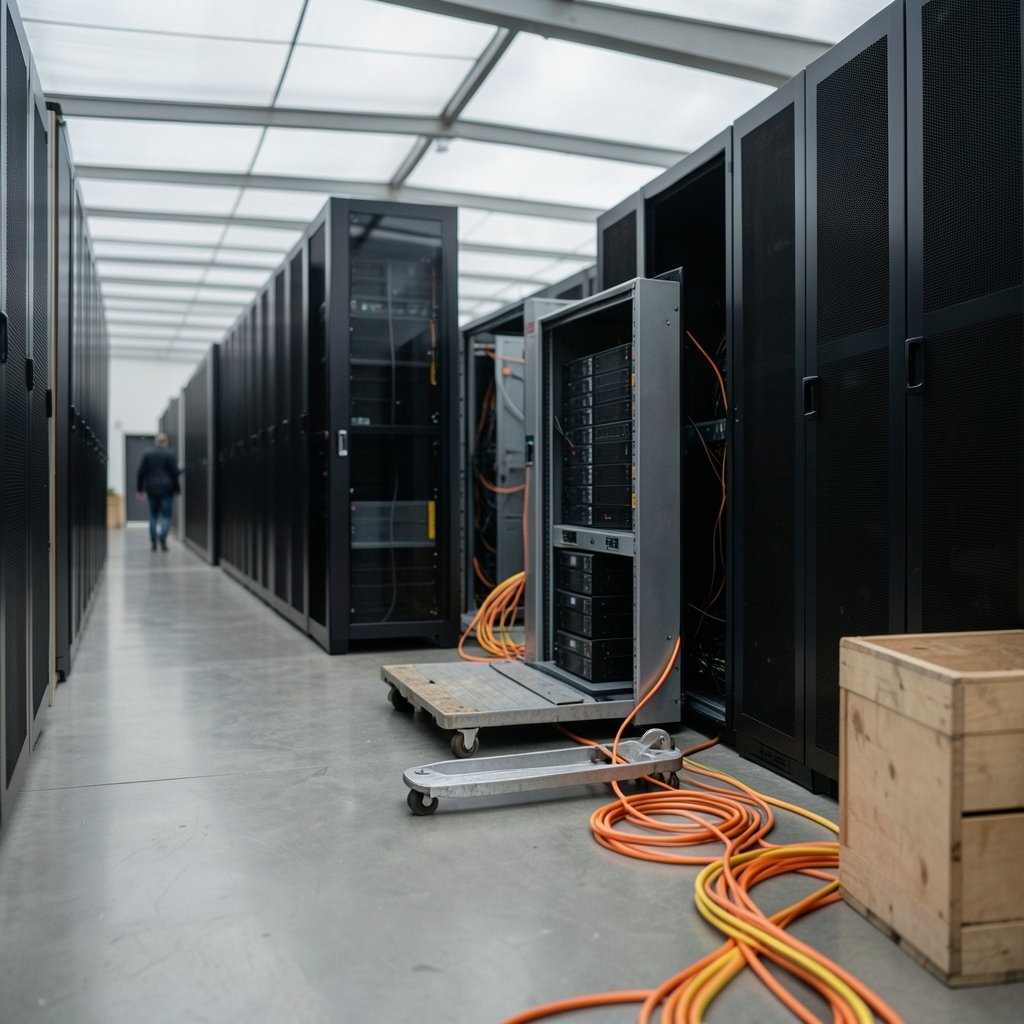
Data center migration is the process of moving applications, data, servers, and supporting infrastructure from one computing environment to another. That could mean relocating from an owned facility into a colocation site, shifting workloads between cloud regions, or consolidating several older rooms into one modern hall.
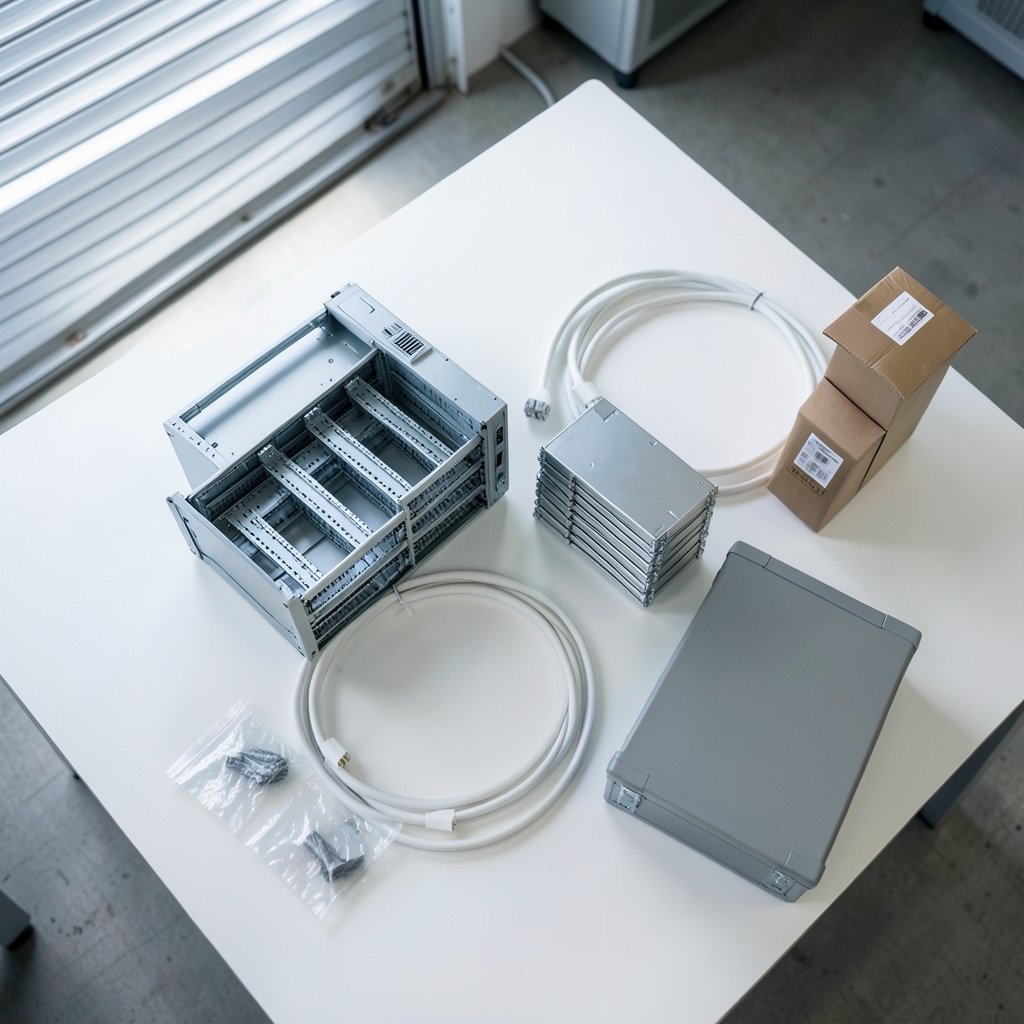
The term covers both physical moves (racking and shipping hardware) and logical moves (replicating workloads and cutting over traffic). Some teams do a hybrid of both at once, which is where most complexity lives.
Before acting, compare scope, application dependencies, downtime tolerance, network capacity, security and compliance controls, egress and exit costs, rollback options, and validation criteria.
Every year, organizations spend enormous sums relocating servers, storage, and applications between facilities. One widely cited industry estimate puts the global colocation and data center services market in the hundreds of billions of dollars, and migration work is a steady slice of that spending. Yet the failure stories rarely make headlines: the cutover that ran 14 hours past plan, the dependency nobody mapped, the storage array that arrived cracked. Understanding what migration actually involves is the difference between a controlled move and a very long weekend.
Why migrations happen at all
Companies rarely move data centers for fun. The triggers are usually financial or physical. Leases expire. A facility runs out of power capacity. Hardware reaches end of life. A merger leaves two redundant footprints. Sustainability targets push teams toward more efficient halls, a theme that shows up in debates over whether AI data centers are bad for the environment and how older, less efficient sites compare.
There’s also the pull of modernization. Moving is the cheapest moment to re-architect, because you’re already touching every system. Teams that treat migration purely as forklift work often miss that window and end up paying for a second move later.
The main types of data center migration
Not all migrations look alike. The table below maps the common patterns against their typical risk profile.
| Migration type | What moves | Typical downtime | Main risk |
|---|---|---|---|
| Physical relocation | Racks, servers, cabling | Hours to days | Transit damage, power rebalancing |
| Colocation shift | Hardware into a provider site | Hours | Contract terms, cross-connect limits |
| Cloud migration | Workloads to a hyperscaler | Minutes to hours | Egress costs, refactoring debt |
| Cloud-to-cloud | Workloads between providers | Minutes | Data transfer, identity remapping |
| Consolidation | Many rooms into fewer | Days per wave | Dependency surprises |
| Hybrid split | Some stays, some moves | Varies | Network latency, split-brain data |
Each pattern demands a different playbook. A colocation shift is mostly logistics and facilities coordination. A cloud migration is mostly application discovery and refactoring. Mixing the two mental models is a classic error.
Phase one: discovery and dependency mapping
The unglamorous truth is that most migration pain is born in discovery. Applications talk to each other in ways nobody documented. A reporting tool quietly reads from a database in another building. A batch job authenticates against a domain controller that’s staying put.
What actually works in practice is automated discovery first, interviews second. Network flow data and agent-based scanning reveal real traffic patterns; human memory reveals intent. Both matter. A common mistake is trusting the CMDB (configuration management database) as gospel. In most organizations it’s 60 to 80 percent accurate at best, which is not good enough when a missed dependency means a failed cutover at 2 a.m.
Practical tip: build a dependency graph and color-code it by migration wave. Anything with more than a handful of inbound connections gets moved late, not early.
Phase two: designing the target environment
The target design determines whether the move is a lift-and-shift or a transformation. Lift-and-shift is faster and cheaper upfront but often imports old inefficiencies into a new, more expensive environment. Refactoring costs more now and less later.
Facility comparisons matter here. Infrastructure redundancy frameworks, such as the tiered classification system maintained by the Uptime Institute, give teams a shared vocabulary for comparing source and target sites. A Tier III source moving into a Tier II target is a downgrade that needs explicit sign-off, not a footnote.
Security controls deserve the same rigor. Frameworks like the NIST security and privacy control catalog help teams confirm that access control, logging, and encryption requirements survive the move intact. Migration is a classic moment for controls to silently lapse, because systems get rebuilt by engineers focused on uptime rather than compliance.
Phase three: wave planning and cutover
Nobody sensible moves everything at once. Workloads get grouped into waves, ordered by dependency depth and business criticality. Low-risk, low-dependency systems go first as a rehearsal. Customer-facing systems go last.
Cutover itself is a runbook exercise. A workable runbook lists every step, every owner, every verification check, and a hard decision point for rollback. The most common mistake is treating rollback as an afterthought. If the team can’t articulate the exact conditions that trigger a reversal, and the time it takes to execute, the plan isn’t finished.
Downtime tolerance is the single number that shapes the entire plan. A four-hour window and a four-minute window produce completely different architectures, from backup-and-restore to live replication with DNS steering.
Phase four: validation and decommissioning
The move isn’t done when the servers power on. Validation means confirming performance baselines, data integrity, backup jobs, monitoring coverage, and security posture. Teams routinely forget to re-point monitoring and alerting, then discover weeks later that a critical system has been unmonitored since cutover.
Decommissioning is where money gets saved or wasted. Old hardware sitting powered off in a rack still costs rent. Contracts with exit clauses still bill. A disciplined decommissioning checklist, covering data destruction certificates, license reclamation, and contract termination dates, turns migration from a cost center into a genuine saving.
The risks that actually bite
Ask anyone who has lived through a large migration and the same handful of problems come up.
Egress and exit costs. Moving data out of a cloud provider is rarely free, and the bill can shock finance teams who approved the inbound move years earlier. Get written pricing before committing to a target.
Latency surprises. Splitting an application across two sites adds milliseconds that compound. Chatty applications that ran fine on a single campus can fall over when stretched across regions.
Compliance drift. Cross-border data movement triggers legal obligations. The EU’s General Data Protection Regulation constrains where personal data can live, and migration plans that ignore residency requirements create regulatory exposure that surfaces months later.
The people problem. Migration consumes senior engineers. Running a move alongside normal operations without backfilling capacity is a reliable route to burnout and outages.
Public-sector experience is instructive here. Federal consolidation efforts, tracked over many years by the U.S. Government Accountability Office, have repeatedly shown how hard it is to hit closure and optimization targets once dependencies and legacy systems enter the picture. If well-resourced agencies struggle, smaller teams should plan conservatively.
How AI workloads are reshaping migration planning
The boom in AI infrastructure has changed the calculus. GPU clusters demand power densities and cooling capacities that older facilities simply cannot supply, which pushes many organizations toward purpose-built halls or specialized colocation. Understanding what an AI data center actually requires, from megawatt-scale power delivery to liquid cooling, is now part of migration planning rather than an exotic side topic. (What is data center migration?)
Energy supply is the bottleneck. Large battery storage deployments are being absorbed by AI buildouts, a dynamic visible in reporting on Tesla Megapack capacity selling out through 2027 for AI data centers. For teams migrating AI workloads, securing power and cooling commitments often takes longer than the actual hardware move.
Community and regulatory friction adds another variable. Local opposition to new facilities, documented in coverage of the Google data center backlash in India, can delay target sites and force replanning mid-project. The same pattern appears in Europe, where disputes over Google’s Finland data center plans and their impact on local wolf habitats near Muhos and Otanmaki illustrate how environmental scrutiny now shapes site selection timelines. (Data migration)
Building a migration budget that survives contact with reality
Budgets fail for predictable reasons. Teams estimate hardware and software but forget the soft costs: project management, double-running costs during parallel operation, training, and the productivity dip while staff learn new tooling.
A defensible budget includes a contingency of 15 to 25 percent, a line item for dual-running both environments for at least one billing cycle, and explicit costs for data transfer. It also includes a “known unknowns” reserve for the dependencies discovery will inevitably surface late.
Practical tip: track migration progress by workload count, not by percentage of servers moved. Workload counts reflect business value; server counts flatter the team with a hundred tiny virtual machines.
When not to migrate
Sometimes the right answer is to stay. If the current facility has adequate power, reasonable lease terms, and acceptable efficiency, a refresh in place may cost a fraction of a move. Similarly, repatriating workloads from cloud back on-premises only makes sense when the workload profile genuinely fits, typically steady-state, high-utilization, data-heavy systems.
The honest test is a total cost comparison over five years, including staff time. Migrations that skip this comparison tend to be driven by fashion rather than math.
Conclusion
Data center migration is less a single event than a discipline: discover honestly, design deliberately, move in waves, validate rigorously, and decommission ruthlessly. The organizations that succeed treat it as a program with named owners and hard rollback criteria, not a heroic sprint. The ones that struggle usually skipped discovery, underestimated dependencies, or forgot that the most expensive part of any move is the thing nobody wrote down. Start with the dependency map. Everything else gets easier from there.
FAQ
How long does a typical data center migration take?
Small environments with a handful of workloads can move in four to eight weeks. Mid-sized enterprises with dozens of applications usually need six to twelve months across multiple waves. Large, tightly coupled estates can run eighteen months or more. The variable that matters most is dependency complexity, not raw server count.
Is cloud migration the same thing as data center migration?
No. Cloud migration is one subtype. Data center migration is the broader category covering physical relocation, colocation shifts, consolidation, and cloud moves. Many real projects combine several types, moving some workloads to cloud while relocating others into a colocation facility.
What causes most migration failures?
Missed application dependencies, inadequate rollback planning, and underestimating data transfer and dual-running costs. People problems rank close behind: running a migration without backfilling the engineers doing the work leads to fatigue-driven errors during cutover.
Can a migration happen with zero downtime?
Rarely for the whole estate, but often for individual critical systems. Live replication, load balancer steering, and database synchronization can keep customer-facing services available. Back-office and batch systems typically accept a maintenance window, which is far cheaper than engineering zero-downtime cutover for everything.
How should teams choose migration waves?
Order waves by dependency depth first, business criticality second. Systems with few inbound connections and no customer exposure go early as rehearsals. Systems with many dependencies and high revenue impact go late, after the runbook has been proven. Never schedule the most critical workload in the first wave.
What should be verified before decommissioning old hardware?
Data destruction certificates, backup restoration tests from the new environment, license reclamation, monitoring coverage on the new systems, and contract termination dates. Skipping the backup restoration test is the most dangerous omission, because an untested backup is an assumption rather than a safety net.



