
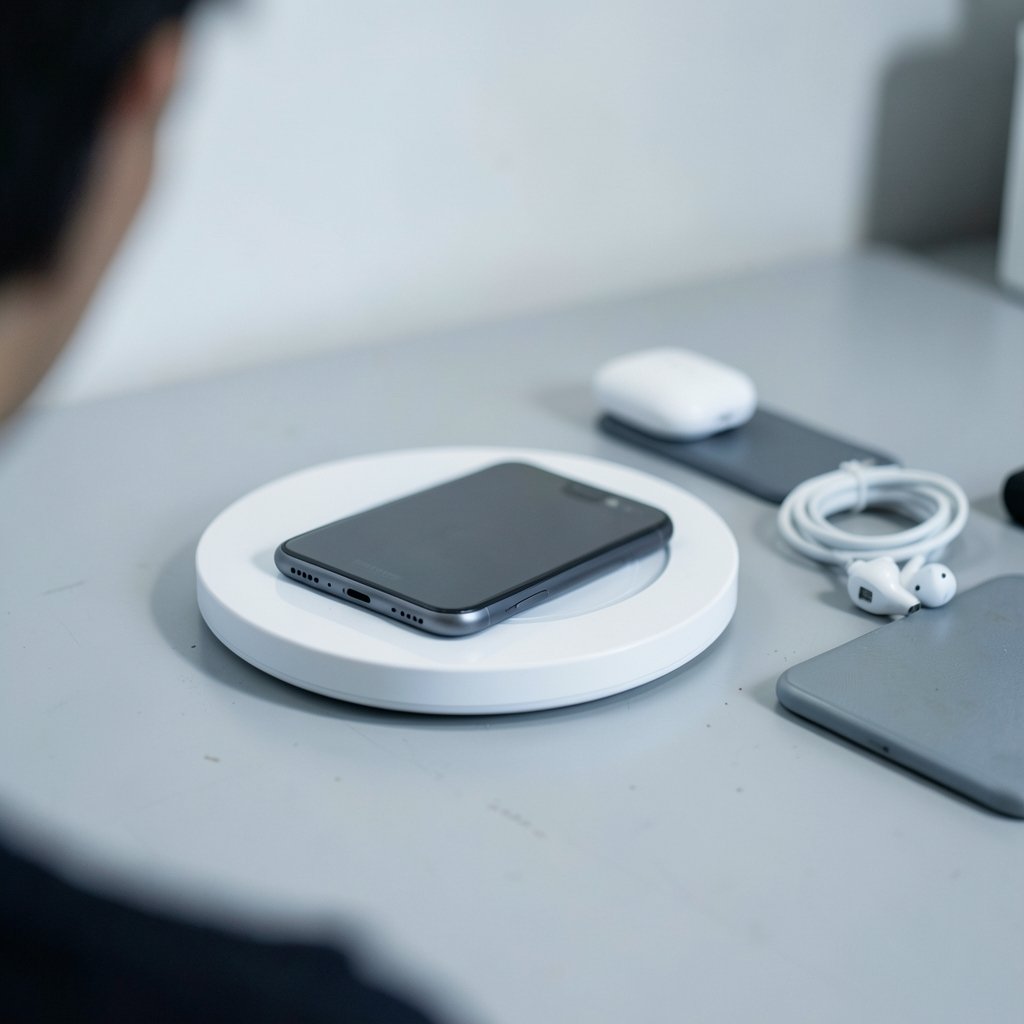
Quick Answer: Is wireless charger worth buying for beginners and everyday use?
Yes. For most beginners and everyday users, a wireless charger is worth buying if convenience matters more than raw charging speed. It works best as a desk stand, a bedside pad, or a car mount, where you set the phone down and let it top up. It is not a full replacement for a fast wired cable, especially when you need a quick boost before leaving the house.
The trade-offs are real: slower charging, more heat, and the cost of extra hardware. Before buying, compare charging wattage, Qi2 or MagSafe compatibility, case thickness, heat output, standby power draw, and whether the pad includes a power adapter in the box. (Inductive charging)
Wireless charging has moved from novelty to near-default. The Wireless Power Consortium reports that the Qi standard now appears in hundreds of certified device models, from earbud cases to phones. That scale matters: standards drive prices down and compatibility up. For a beginner, it means the odds of buying a pad that just works are far better than they were a few years ago. Still, “works” and “worth it” are different questions. This guide walks through what wireless charging actually delivers in daily life, where it stumbles, and how to spend wisely. (Best wireless earbuds under 200 2026)
How wireless charging actually works
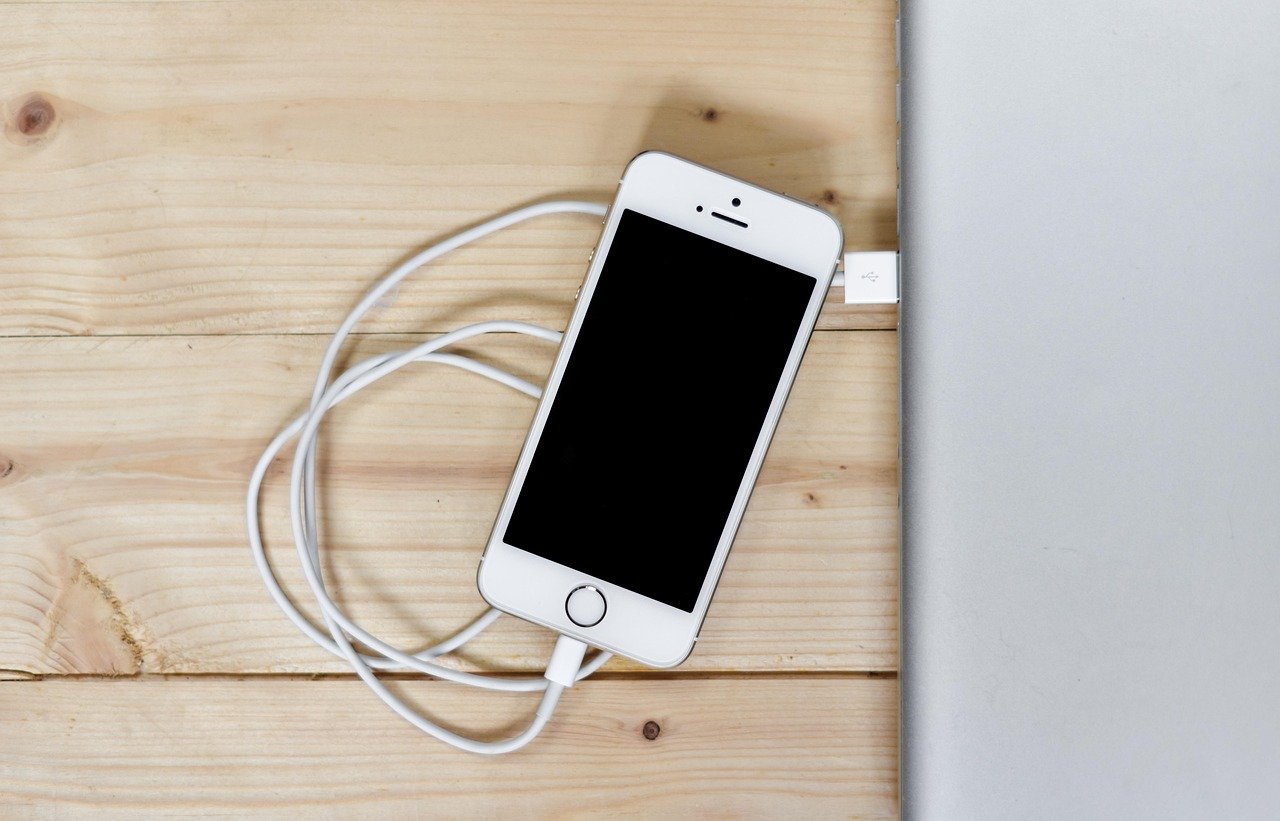
A wireless charger is a coil that creates an oscillating magnetic field. A matching coil inside the phone converts that field back into electricity. There is no magic and no free lunch: the process loses energy as heat, and alignment between the two coils decides how much energy arrives.
That physical detail explains nearly every complaint people have. A phone set slightly off-center charges slowly and warms up. A thick case pushes the coils apart. A metal plate or card holder can block the field entirely. Magnetic alignment, popularized by Apple’s MagSafe and now standardized in Qi2, exists precisely to remove the guesswork. The magnets snap the coils into place, so the phone lands in the right spot every time.
For beginners, the practical takeaway is simple: buy a charger with magnets, or buy one with a well-designed cradle that holds the phone in position. A cheap flat pad with no guide is where most frustration starts.
The real benefits for everyday use
Convenience is the whole point
The strongest case for wireless charging is friction removal. Plugging in a cable takes two seconds, but people skip it. They leave a phone at 12 percent because the cable is across the room. A pad on the desk or nightstand turns charging into a habit with zero steps. Set the phone down, walk away.
This is why wireless charging pairs so naturally with a desk setup. If a reader already invests in tidy accessories, the logic is the same as choosing a clean wireless charger for iPhone and Android over a tangle of cables. It is about the routine, not the spec sheet.
Less wear on the port
USB-C ports are durable, but they are not immortal. Dust, lint, and repeated insertions eventually take a toll. Wireless charging bypasses the port entirely, which is a genuine plus for anyone who has watched a phone’s charging port loosen over three years of daily use.
Better charging habits
Battery researchers have long noted that lithium-ion cells age fastest when kept at extremes: very high charge, very low charge, and high heat. A bedside pad encourages topping up in small amounts overnight rather than deep cycling. That is a modest benefit, and it does not cancel out heat concerns, but it is a real behavioral nudge.
Where wireless charging falls short
It is slower, and sometimes much slower
Mainstream wireless charging delivers roughly 5W to 25W depending on the device and pad. Wired fast charging on many phones reaches 45W and well beyond. In practice, that means a 30-minute wired top-up can add far more battery than the same time on a pad.
This is the single biggest reason people abandon wireless chargers. If a phone is the alarm clock, the navigation screen, and the work phone all at once, a slow pad cannot keep up on a busy day. The fix is not to abandon the pad but to use it for what it does well: overnight and at-desk trickle charging.
Heat is the quiet cost
Inductive charging generates more waste heat than a cable, and misalignment makes it worse. Sustained heat is a known contributor to battery degradation. The practical mitigations are boring but effective:
- Use a charger with magnets or a cradle so the coils line up.
- Remove thick, metal-backed, or wallet cases while charging.
- Avoid stacking the phone on a bed or pillow where heat cannot escape.
- Skip “charging while gaming” on a pad if the phone already runs warm.
It costs more than a cable
A decent wireless charger costs more than a good cable, and many pads ship without a power adapter. Buyers who assume the box includes everything often end up making a second purchase. Check the listing for whether a wall adapter is included and what wattage it supplies.
Wireless vs wired: a straight comparison
| Factor | Wireless charger | Wired cable |
|---|---|---|
| Convenience | Set down and go; no plugging | Requires plugging in each time |
| Typical speed | 5W to 25W | 18W to 100W+ |
| Heat generated | Higher, especially if misaligned | Lower |
| Port wear | None | Gradual over years |
| Upfront cost | Higher; adapter often separate | Low |
| Best use case | Desk, nightstand, car mount | Fast top-ups, travel, heavy use |
The honest reading of that table is that the two are complements, not rivals. Most satisfied users keep both: a pad where the phone rests and a cable in a bag for emergencies.
What beginners should check before buying
Compatibility and the Qi2 label
Look for the Qi certification mark, and prefer Qi2 or MagSafe-compatible models if the phone supports magnetic alignment. Certification is not marketing fluff; it signals the device passed interoperability testing. A no-name pad that claims “universal compatibility” without certification is a gamble.
Wattage that matches the phone
A 15W pad cannot make a phone charge at 15W if the phone caps wireless input lower. Conversely, a phone that supports higher wireless speeds needs a pad rated for it, plus a power adapter that can supply the wattage. Match all three: phone, pad, and adapter.
Case and accessory reality
Thin plastic and silicone cases usually pass the field through fine. Metal plates, magnetic wallet attachments, and thick rugged cases often do not. Beginners frequently blame the charger when the case is the culprit. Test the phone bare first, then add the case back.
Standby power and build quality
A charger left plugged in with no phone still draws a small amount of standby power. It is minor per device, but it adds up across a home. Look for models that mention low standby draw, and consider unplugging travel pads when not in use. Build quality matters too: a weighted base with a non-slip surface stops the phone from sliding off-center overnight.
Placement before purchase
The most common beginner mistake is buying a pad before deciding where it goes. A pad on a crowded desk gets buried under papers. A pad on a nightstand needs a stand angle for easy viewing. A car mount needs a firm vent or dash grip. Decide the location first, then pick the form factor.
Who should skip it for now
Wireless charging is a poor fit for a few clear cases. People who routinely run the battery to zero and need a fast recharge before heading out will find a pad frustrating. Travelers who prize a single compact cable over extra hardware may not want another brick in the bag. And anyone on a tight budget gets more charging value per dollar from a certified cable and adapter.
There is also a category of buyer who wants the ecosystem but not the clutter: someone building a compact desk or a small apartment setup. That person often gets more satisfaction from a well-chosen accessory than from raw wattage, the same way a beginner picks a ukulele for beginners for playability rather than pro specs. The principle transfers: buy for the daily experience, not the headline number.
Practical tips that actually work
Set the pad where the phone already lands. If the phone naturally goes on the left side of the desk, put the charger there. Charging habits stick when they require no new behavior.
Use one charger per resting spot, not one per device. A single good pad at the desk and one at the bedside covers most people’s needs.
Keep a cable in the bag. Wireless is for resting, wired is for rushing. Owning both removes the main reason people regret the purchase.
Check thermals in summer. Phones run hotter in warm rooms, and a pad in direct sun on a car dash is a bad combination. Vent-mounted car chargers with active airflow fare better than flat dash pads.
Clean the pad. Dust and grit between the surfaces reduce grip and can scratch the phone’s back glass. A weekly wipe is enough.
Conclusion
A wireless charger is worth buying for beginners and everyday use, with one condition: buy it for convenience, not speed. As a bedside or desk companion, it removes friction, protects the charging port, and quietly encourages better charging habits. As a replacement for fast wired charging, it disappoints. The buyers who end up happy are the ones who understand that split before they spend money.
The checklist is short. Confirm the phone supports wireless charging, prefer a certified Qi2 or MagSafe-compatible pad with magnets, match the wattage to the device and adapter, test with the case on, and place the pad where the phone already rests. Do that, and the charger becomes invisible infrastructure. Skip it, and it becomes another drawer gadget. For most people, the first outcome is well within reach.
FAQ
Do wireless chargers damage phone batteries?
Not directly, but heat does. Wireless charging runs warmer than wired charging, and sustained heat accelerates lithium-ion aging. A certified charger with good alignment, used without a thick case and away from pillows or direct sun, keeps temperatures in a reasonable range. The bigger risk is a cheap, misaligned pad that heats the phone for hours.
How much slower is wireless charging than a cable?
It varies widely by device. Many phones accept 5W to 15W wirelessly and 25W to 65W or more over a cable. In everyday terms, a cable can add a large charge in half an hour, while a pad adds a modest top-up in the same time. Wireless is best treated as overnight and at-desk charging.
Does a phone case block wireless charging?
Sometimes. Thin silicone and plastic cases usually work fine. Metal plates, magnetic wallets, thick rugged cases, and cases with metal backs often block or weaken the field. Test the phone without the case first. If it charges bare but not in the case, the case is the problem, not the charger.
What does Qi2 mean, and do I need it?
Qi2 is a newer version of the Qi wireless charging standard that adds a magnetic alignment profile. It helps the charger and phone line up consistently, which reduces heat and speed loss from misalignment. It is not mandatory, but it is a strong signal of a well-designed pad, especially for beginners.
Can I leave my phone on the charger all night?
Yes, most modern phones manage this well. They slow or pause charging near full and resume later. The main caution is heat: a pad on a soft surface that traps warmth is worse than a hard, ventilated stand. If the phone feels hot in the morning, change the setup rather than the schedule.
Is a wireless charger worth it if I already have a fast cable?
For many people, yes, as a second charger rather than a replacement. The cable stays in the bag for quick top-ups, and the pad lives where the phone rests. Buying a pad to replace a fast cable entirely usually leads to frustration. Buying one to complement it is where the convenience payoff shows up.



