
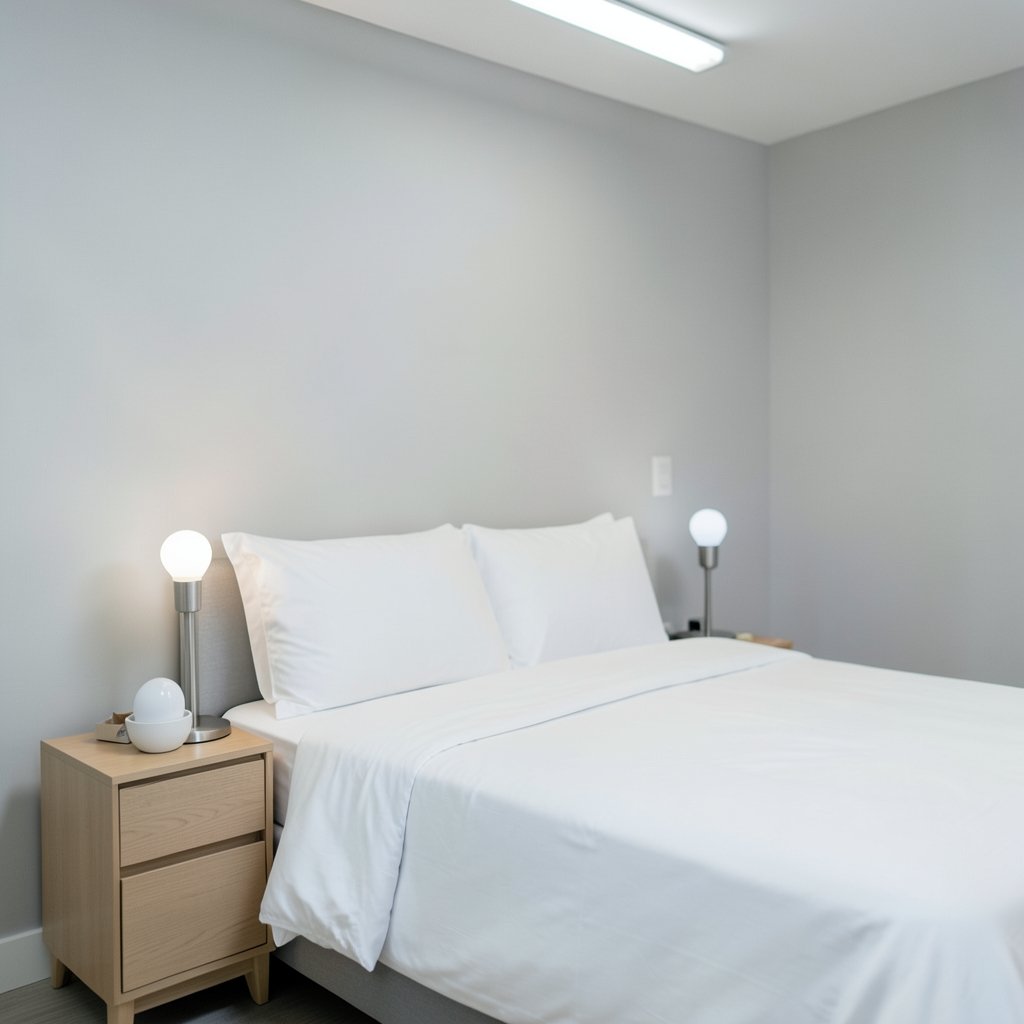
What if the single biggest reason you can’t fall asleep at night is sitting in the lamp on your nightstand? It sounds dramatic, but there’s real science behind the idea that the color of light in a bedroom matters. The good news is that smart bulbs give you more control over that light than any traditional bulb ever could. The tricky part is knowing which settings to use, when to use them, and which bulbs are actually worth buying.
This guide breaks down smart bulb color temperature for bedrooms in plain language. It covers what kelvin means, why warm light helps at night, how to set up schedules that shift automatically, and the mistakes people make when they first install tunable bulbs. No jargon dumps, no hype. Just the practical stuff that helps a room feel calmer and a bedtime routine feel easier.
What Color Temperature Actually Means
Color temperature is measured in kelvin (K). Counterintuitively, the lower the number, the warmer and more orange the light looks. The higher the number, the cooler and bluer it appears.
| Kelvin Range | What It Looks Like | Common Use |
|---|---|---|
| 2000–2700K | Deep amber to soft warm white | Bedside lamps, evening wind-down |
| 3000K | Warm white | Living rooms, cozy dining areas |
| 4000K | Neutral white | Kitchens, bathrooms, task lighting |
| 5000–6500K | Cool white to daylight | Offices, garages, daylight simulation |
Most people have a gut sense of this already. A candlelit restaurant feels relaxing. A fluorescent-lit office feels clinical. That difference is largely color temperature at work.
Here’s the catch that trips up a lot of buyers: not every smart bulb can change color temperature. Some bulbs are fixed white. Some are full RGB, which means millions of colors but not always smooth tunable white. Only bulbs labeled tunable white, adjustable white, or with a stated kelvin range (like 2000K–6500K) can shift from warm to cool. If you want a bedroom bulb that goes from bright and crisp in the morning to amber at night, check that spec before you buy. It’s usually listed right in the product details, and skipping that step is the number one mistake people make. (How to check gpu temperature 13 steps 2026)
Why Warm Light Helps a Bedroom Wind Down
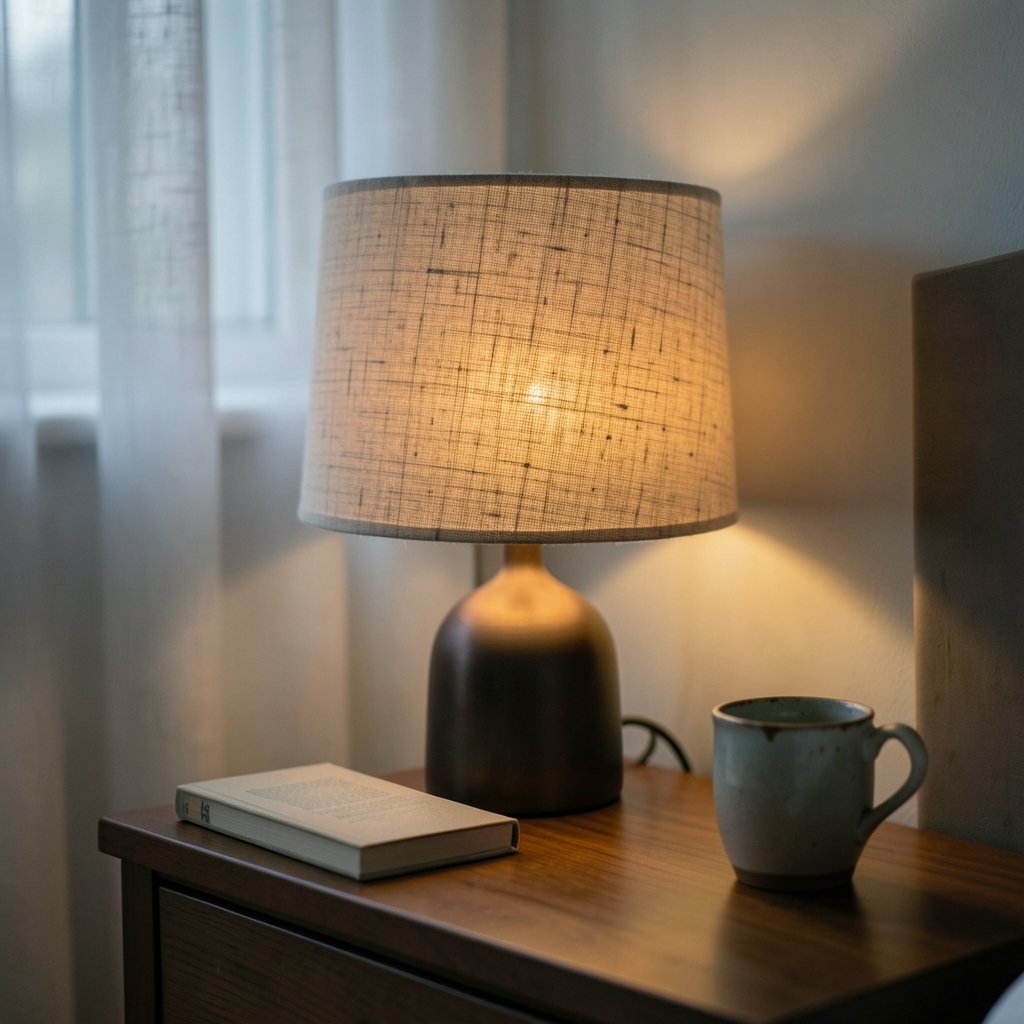
The human body runs on a roughly 24-hour internal clock, and light is its strongest signal. Bright, blue-rich light in the evening tells the brain it’s still daytime. That can push back the release of melatonin, the hormone that helps you feel sleepy.
This is well-established in circadian research. The practical takeaway is simple: in the hours before bed, dimmer and warmer light is the friendlier choice for a bedroom. Cool, bright light is better saved for morning, when you actually want to feel alert.
A word of balance, though. The idea that “blue light is toxic” gets overstated online. The effect depends on intensity, timing, duration, and the individual. A phone screen at low brightness isn’t the same as a 6500K overhead panel blasting a dark room. Sleep researchers generally caution against simplistic claims. The reasonable move is to stack the odds in your favor: warmer light, lower brightness, and a consistent schedule.
That’s exactly where smart bulbs earn their keep. A single bulb can be 4000K and bright at 7 a.m. and 2200K and dim at 10 p.m., automatically, without you touching a switch.
Setting Up a Bedroom Lighting Schedule That Works
The setup that actually works in practice is a two-scene system: one scene for morning and daytime, one for evening. Here’s a sequence that’s easy to build in almost any smart bulb app.
- Pick your daytime scene. Set the bulb to roughly 3500–4000K at 80–100% brightness. This is for getting dressed, reading, or waking up.
- Build a wind-down scene. Set it to 2200–2700K at 20–40% brightness. This is your evening default.
- Add a schedule. Have the bulb switch to the wind-down scene about two hours before your usual bedtime.
- Add a sunrise ramp. Many apps let a bulb gradually brighten over 15–30 minutes before your alarm. It beats a blaring phone alarm for a gentler start.
- Name your scenes clearly. “Evening” and “Morning” beat “Scene 1” and “Scene 2” when you’re half asleep and fumbling with an app.
If you’re building out a broader setup, the same scheduling logic applies to other devices. The best smart speakers for home automation can trigger lighting scenes with a voice command, which is handy when your hands are full. And if you’re just getting started, this guide to the best smart home devices for beginners covers the basics without overwhelming you.
Common Mistakes People Make
A few patterns show up again and again when people first set up tunable bulbs in a bedroom.
- Leaving the bulb at its default cool white. Many bulbs ship at 4000K or higher. If you never change it, you’ve bought a tunable bulb and are using it like a fixed one.
- Confusing RGB with tunable white. A bulb that can glow purple isn’t necessarily good at producing a clean 2700K warm white. Check both specs.
- Going too dim too early. Dropping straight to 5% brightness at 7 p.m. makes the room feel gloomy. Step down gradually instead.
- Ignoring the lamp shade. A warm bulb under a cool-toned shade can look muddier than expected. The shade filters the light.
- Skipping the schedule. Manual switching works for a week, then life gets busy. Automation is what makes the habit stick.
Matching Bulbs to the Rest of Your Bedroom Setup
Color temperature doesn’t exist in a vacuum. It interacts with everything else in the room, and a little coordination goes a long way.
Pair lighting with climate control. A bedroom that’s too warm fights against a good night’s sleep no matter how nice the lighting is. Smart thermostats that lower the temperature in the evening work well alongside a warm-light schedule. If you’re shopping, this roundup of the best smart thermostats to save energy is a reasonable starting point.
Think about security and convenience. If you’re already automating your bedroom, smart locks fit naturally into a bedtime routine. A “goodnight” scene can dim the lights, lock the doors, and set the thermostat in one tap. This overview of the best smart locks for home security explains the options.
Consider a hub if you want everything to talk. Mixing brands can get messy. A hub like the Home Center Lite can unify devices from different makers so your scenes run reliably. The Home Center Lite smart home hub price and features guide covers what it supports.
Don’t forget the screens. If you’re the type who checks a GPU temperature reading or plays a quick game before bed, that’s fine. Just know that screen light adds to the total light load in the room. This walkthrough on how to check GPU temperature in 13 steps is useful for anyone tuning a PC, and it’s a reminder that the monitor is part of your evening light environment too.
For a bit of low-key fun that doesn’t involve a bright screen, a puzzle game on a dimmed phone can be a gentler wind-down than scrolling. The Dialed Color Game rules and features are worth a look if you want something calm and short. And if you’re a nostalgic type, there’s something oddly soothing about revisiting old handheld games; these Gameboy Color classics still hold up.
Do You Need a Smart Bulb at All?
Honest answer: not always. A plain warm-white LED bulb at 2700K on a dimmer gets you most of the way there for a fraction of the price. Smart bulbs make sense when you want:
- Automatic schedules that shift color temperature without input
- Voice control through a speaker or assistant
- Scenes that coordinate with other devices
- Remote control when you’re already in bed
If none of those matter to you, a good dimmable warm bulb is a perfectly sensible choice. There’s no prize for owning the most gadgets. The goal is a bedroom that helps you sleep, and sometimes the simplest setup wins.
How to Read a Bulb’s Spec Sheet
When you’re comparing options, a few numbers tell you most of what you need to know.
| Spec | What to Look For | Why It Matters |
|---|---|---|
| Kelvin range | 2000K–6500K or similar | Confirms tunable white |
| Lumens | 800 lm for a typical lamp | Brightness, not wattage, is the real measure |
| CRI | 90+ | Colors look natural, not washed out |
| Wattage | 8–10W LED | Lower running cost |
| App support | Major platforms | Long-term usability |
CRI, or color rendering index, is the one people overlook most. A bulb with a low CRI can make skin tones and fabrics look slightly off, even at a pleasant color temperature. For a bedroom, 90 or above is a good target.
Also check whether the bulb needs a hub or connects directly over Wi-Fi or Bluetooth. Direct connection is simpler. Hub-based systems are more reliable at scale but add a piece of hardware and a setup step.
Conclusion
Smart bulb color temperature for bedrooms comes down to a simple idea: warm and dim in the evening, cooler and brighter in the morning, and let a schedule handle the switch. The science supports warm, low light before bed, and the technology makes it nearly effortless once it’s configured.
The practical path is short. Confirm the bulb actually does tunable white. Set a wind-down scene around 2200–2700K at low brightness. Schedule it to kick in a couple of hours before bed. Then leave it alone and let the automation do the work. Skip the default cool-white setting, don’t confuse RGB with tunable white, and step brightness down gradually rather than all at once. Do those things and your bedroom lighting stops being an afterthought and starts being part of how well you sleep.
Frequently Asked Questions
What color temperature is best for a bedroom at night?
Most guidance points to roughly 2200–2700K in the hours before sleep, paired with lower brightness. Some sources recommend staying at or below 2700K at night; others focus more on dimming than on the exact kelvin number. Both levers matter. Warm and dim together is the safer bet.
Is 4000K too cool for a bedroom?
It’s not harmful, but 4000K reads as neutral-to-cool and is better suited to daytime use. Many bulbs ship at this setting by default, which is why people often think their “warm” bulb looks harsh. Drop it to 2700K for evenings and the difference is obvious.
Can a smart bulb really help me sleep better?
It can help by making warm, dim evening light the easy default instead of something you have to remember. That said, lighting is one factor among many. Sleep researchers caution against treating blue light as the sole cause of sleep problems. Consistent timing and a dark, cool room matter just as much.
Do all smart bulbs support color temperature changes?
No. Some are fixed white, and some are RGB-only. Look for tunable white or a stated kelvin range in the specs. If a listing only mentions “16 million colors” and never mentions kelvin, treat the tunable-white capability as unconfirmed until you check further.
How much does color temperature actually affect melatonin?
Evening exposure to blue-rich light can suppress melatonin and delay sleep timing, and the effect scales with intensity and duration. A dim warm bulb is a very different exposure than a bright cool panel. The practical move is to reduce both brightness and coolness as bedtime approaches.
Should I use a schedule or change settings manually?
Use a schedule. Manual switching works for a few days and then quietly stops happening. A two-scene schedule, one for daytime and one for evening, runs on its own and removes the decision entirely. Add a gradual sunrise ramp if your app supports it.



