Cat6 is the practical starting point for most gaming setups, while a sound Cat5e cable can also meet basic Gigabit needs. A wired connection can help you avoid the dropouts that interrupt play. The Ethernet channel is the complete link between devices, including the permanent cable, patch panels, jacks, and patch cords.
For most homes, you do not need the highest-rated cable on the shelf. A stable connection matters more than chasing a bigger number, especially when your devices cannot use the extra speed. This guide helps you choose a cable that suits your setup without paying for features you cannot use.
Key Takeaways
- Cat6 is a practical all-around pick for most gaming setups.
- A compliant Cat5e cable can handle a basic Gigabit connection.
- Choose cable length based on the path around furniture and walls.
- Match the cable to the Ethernet ports on your devices.
- Stable wired connectivity matters more than a high Cat rating.
Start by checking the ports on your gaming device and router before choosing a cable.
What Is the Best Ethernet Cable for Gaming?
Cat6 is the best all-around Ethernet cable for gaming, while Cat5e is enough for many Gigabit-only setups. For gaming in 2026, Cat6 remains practical because it offers headroom without demanding special equipment. Choose Cat6 for most home setups, and Cat5e for a compliant Gigabit link.
Higher Cat ratings can support faster links, but only when the devices at both ends can use them. The cable alone cannot change a router or computer’s port speed.
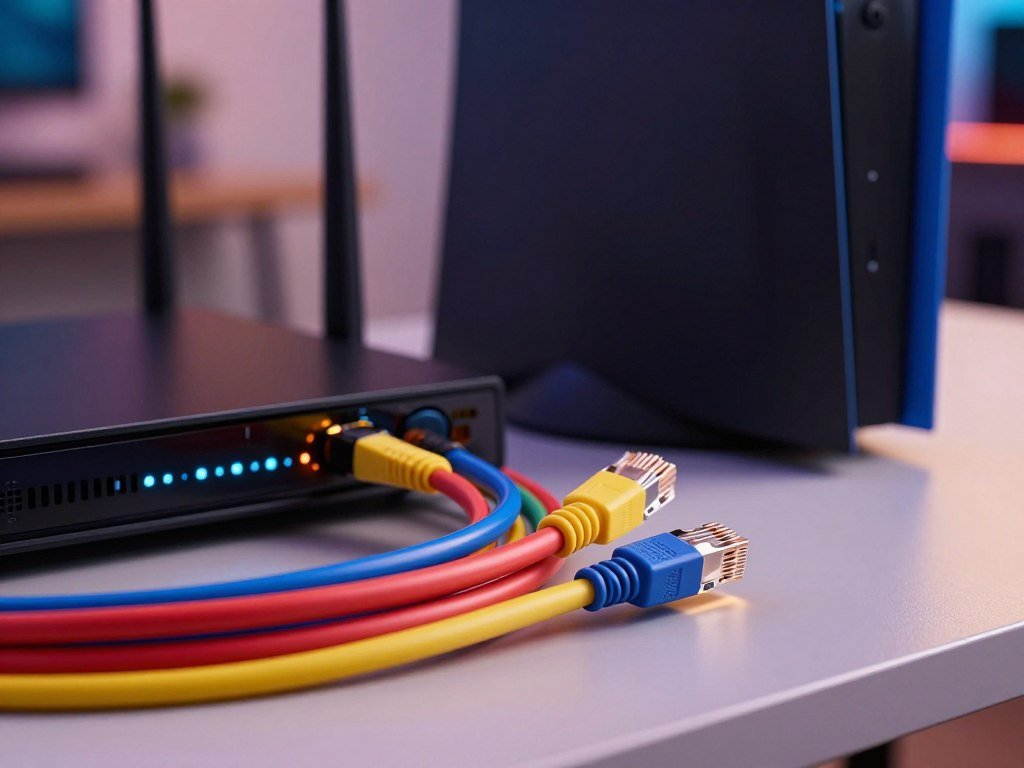
| Category | Supported speed and distance | Bandwidth | Best fit |
|---|---|---|---|
| Cat5e | 1 Gbps up to 100 meters (328 feet) | Not specified here | Basic Gigabit setup |
| Cat6 | 1 Gbps up to 100 meters; 10 Gbps up to 55 meters | 250 MHz | Most gaming setups |
| Cat6a | 10 Gbps up to 100 meters | 500 MHz | Full-length 10 Gbps run |
| Cat8 | 25 Gbps for Cat8.1 or 40 Gbps for Cat8.2, up to 30 meters | Up to 2000 MHz (2 GHz) | Short, very fast links |
Cat5e and Cat6 for Gigabit Setups
Cat5e and Cat6 can provide the same Gigabit link speed, so Cat6 is not automatically necessary for a Gigabit-only setup. Cat5e tightened crosstalk and return-loss requirements over Cat5, which was specified for Fast Ethernet at 100 Mbps.
Cat6 offers more headroom for future equipment. It also supports 2.5 Gbps on compatible ports, as does Cat5e. The NBASE-T Ethernet standard covers 2.5 Gbps and 5 Gbps links over copper cabling.
Cat6a and Cat8 for Faster Links
Cat6a suits 10 Gbps links across a full-length channel. Cat8 targets much faster links over shorter distances, not a typical console setup. It uses full S/FTP shielding, with separate foil around pairs and an overall braid.
Cat8’s 30-meter full-speed distance matters when comparing it with longer-run options. The advertised category alone does not make a device or internet plan faster. Extra capacity only helps when compatible equipment can use it.
Choose Cat6 when its extra headroom is useful, not simply because its category number is higher.
Does a Better Cable Lower Gaming Ping?
Upgrading from Cat6 to Cat8 will not produce a noticeable ping improvement in a typical home gaming setup. A higher category does not directly lower baseline latency caused by your ISP, network routing, or distance to the game server. At home distances, the difference between Cat6 and Cat8 is at most nanoseconds.
Ethernet can make a connection steadier than Wi-Fi by avoiding wireless interference and dropouts. It cannot repair issues outside your home network, such as a poor route to a game server.

That steadiness can help when wireless signals compete with walls, nearby networks, or other devices. It may reduce interruptions, but it does not promise lower ping in every game.
Cat8 provides no measurable benefit over Cat6 in a typical home gaming setup when device and router ports top out around 1-2.5 Gbps. The cable’s extra capacity cannot change those port limits.
Cat6 is not overkill when it is a reasonable, readily available choice. Still, a working Cat5e connection is enough if it meets your setup’s needs.
If ping remains high on a stable wired link, check the router, ISP connection, and game-server route rather than buying a higher cable category.
How Long Should Your Ethernet Cable Be?
Measure the path the cable will follow, not the distance between the router and gaming device on a floor plan. Keep the complete Ethernet channel within 100 meters (328 feet), including installed cable and patch cords. The limit applies to the whole channel, not just one cable.
A common design uses up to 90 meters for the permanent link and up to 10 meters total for patch cords. Corners, baseboards, and furniture make the real route longer than a straight-line measurement. Extra slack does not improve signal or reliability.
For the best Ethernet cable for gaming over a long distance, stay within the 100-meter channel limit. A thin 28AWG patch cable has a shorter limit of 49 feet. Check its gauge instead of assuming every cable follows the same length rule.
Plan the route before you pick a cable. These three steps help you avoid a cable that pulls tight or leaves a bulky coil behind the console:
- Measure the actual route along walls, furniture, and doorways.
- Add a modest allowance for turns and connection points.
- Check the cable’s gauge and keep the completed channel within its limit.
The 100-meter channel limit includes the permanent cable run, patch panels, jacks, and patch cords. A cable route may pass through several parts before reaching your device, so count the full link.
Leave only enough slack to move or reposition the connected device without putting strain on the plugs.
Which Cable Construction Should You Choose?
For a console or gaming PC that connects directly to a router, choose a stranded-copper patch cable that is built for repeated movement. A quality Cat6 Ethernet patch cable works for a direct connection to a router or switch. Flexible stranded copper handles plugging and unplugging better than solid cable.
Use stranded copper for flexible patch cables and solid copper for permanent wiring. Cable quality depends on its materials and build, not a label that says “gaming.”
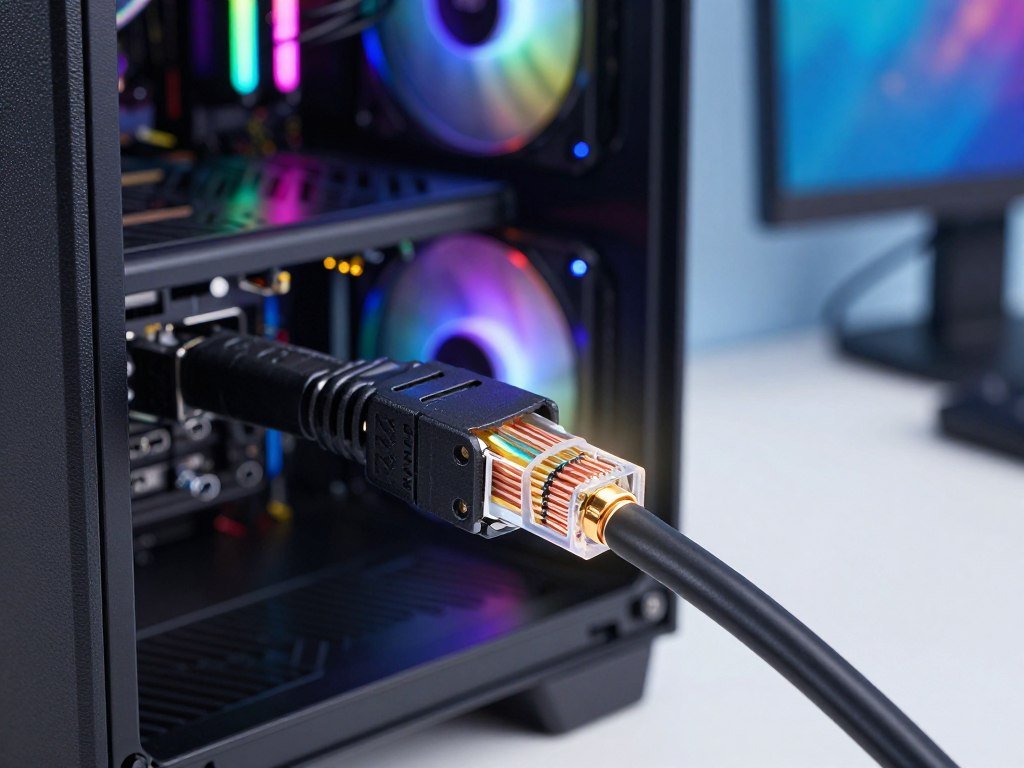
Stranded Copper for Patch Cables
Stranded-copper cables bend easily, making them a good choice when your device may move. Typical patch cables use 24AWG or 26AWG conductors. A quality stranded-copper Cat6 cable can connect a PS5, Xbox, or gaming PC directly to a router or switch.
Solid Copper, CCA, and Shielding for Fixed Runs
Solid copper suits structured cabling and permanent in-wall runs. Common sizes are 23AWG or 24AWG. CCA means copper-clad aluminum, and it is not a substitute for pure copper. CCA has higher attenuation and violates TIA and IEC standards for Cat5e and Cat6.
UTP, or unshielded twisted pair, suits most homes. Shielded cable is for strong electromagnetic interference, or EMI. It needs compatible parts, correct termination, and bonding. A mismatched or poorly installed shield can fail to help.
Use this checklist to compare cables before you buy:
- Confirm the conductor is pure copper, not CCA.
- Choose stranded cable for patch use or solid for fixed wiring.
- Check whether shielding suits the environment and installation.
- Look for clear evidence of standards compliance.
In a test of 379 patch cords from lesser-known offshore makers, 322 failed TIA 568-C.2 electrical performance parameters. Seventy-eight percent failed by 3 dB or more, and 45% failed by 6 dB or more. Cords from recognized North American manufacturers had a 0% failure rate in the same test.
Treat a “gaming” label as marketing unless the cable’s materials and compliance details support its stated category.
Which Ethernet Cable Works With PS5, Xbox, PC, and Laptop?
A Cat6 cable works well for a PS5, an Xbox Series X|S, and a gaming PC, but the device port sets the link-speed ceiling. Cat6 is the straightforward choice for either console, not a special console-only cable. Cat5e can also match their Gigabit ports when the cable is compliant.
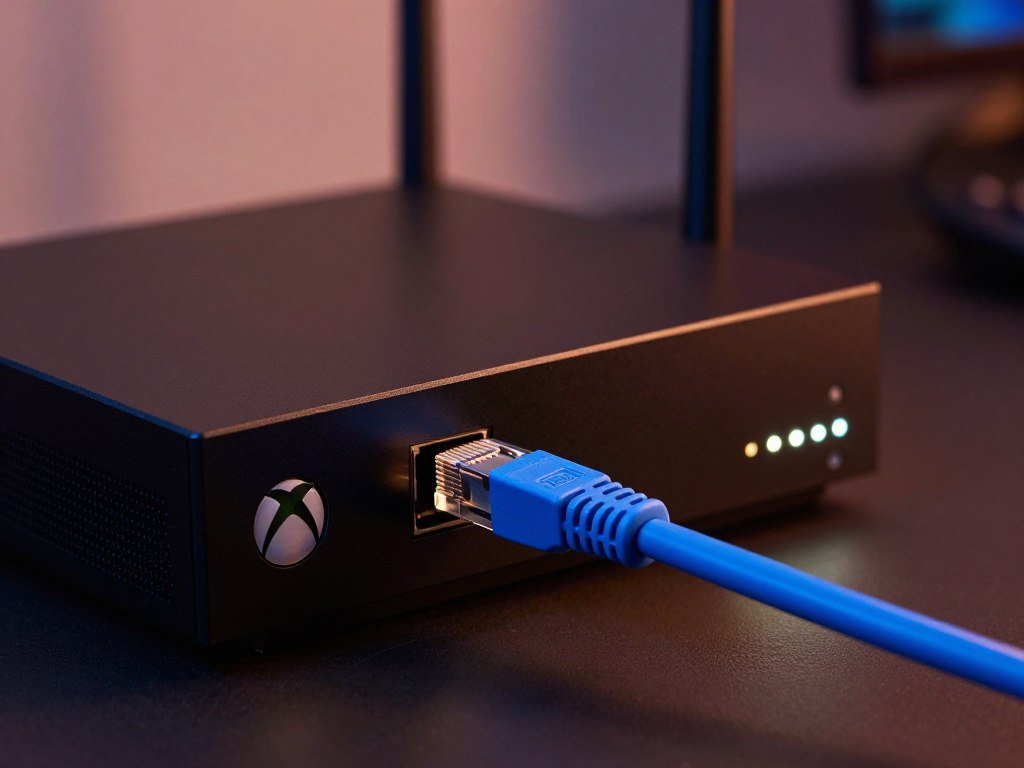
PS5 and Xbox Series X|S consoles have Gigabit Ethernet ports. For a laptop, check whether it has an Ethernet port or needs a compatible Ethernet adapter. Match the cable to that interface and the router.
| Device | Ethernet port or interface | Sensible cable choice | Practical note |
|---|---|---|---|
| PS5 | 1 Gbps Ethernet | Cat6 or compliant Cat5e | Cat6 is the simple pick |
| Xbox Series X|S | 1 Gbps Ethernet | Cat6 or compliant Cat5e | No special console cable needed |
| Gaming PC with newer motherboard | Up to 2.5 Gbps Ethernet | Cat6 or Cat5e | Port must support the faster link |
Cat5e and Cat6 can support 2.5 Gbps on compatible ports, which can match newer gaming-PC motherboards. Your laptop’s adapter may set a lower limit than the cable, so check its interface before choosing.
A compatible adapter gives a laptop a wired connection when it lacks a built-in port. The adapter, cable, and router all need to support the link you want.
Match the cable to the slowest relevant port in the connection, not to a speed the device cannot use.
How Do Internet Speed, Downloads, and Streaming Affect Cable Choice?
The right cable can carry the connection your ISP and equipment provide, but it cannot create a faster internet plan. Your actual link is constrained by the service and the connected network ports. Cat6 is sufficient for a typical Gigabit home connection.
A faster-rated cable cannot raise the download or upload speed supplied by your ISP. Cable category also cannot make downloads exceed the service or port limit.
For gaming and download speed, Cat6 is a sensible choice for a typical Gigabit connection. A higher category will not speed up a download beyond what your service and equipment allow.
Gaming and streaming share the home connection. Household traffic or a saturated internet plan can affect performance more than replacing Cat6 with Cat8.
Online multiplayer games such as Valorant, Apex Legends, and Call of Duty typically use 1-10 Mbps of bandwidth. Streaming and other household activity can use more of the shared connection at the same time.
For gaming and streaming, a stable wired link helps your device use the network, but it cannot add bandwidth to a crowded connection. Speed-test results also depend on the test setup, server location, device, and baseline connection. Read about VPN speed tests and connection limits when comparing results.
If downloads slow during streaming, check the service speed and router load before replacing a working cable.
What Should You Check Before Buying?
Before ordering, confirm the cable rating, route length, connector fit, and the ports it will connect. A quick check prevents common fit problems and helps protect connection quality. Make sure both plugs and their locking tabs are intact.
- Verify the Cat rating and standards information.
- Confirm the cable reaches along the routed path.
- Check that the RJ45 connector, an 8P8C modular plug, fits and has an intact tab.
- Connect securely; use router QoS only if available and needed for gaming traffic.
Poor contact, wiring errors, too much untwisting, or a plug mismatch can hurt link performance. QoS can prioritize a gaming device, but it cannot increase your ISP’s service speed.
Once the cable is connected, check that the router and device show a stable wired link.
Conclusion
For most home gamers, a properly made Cat6 cable is the straightforward choice. A compliant, stable Cat5e link remains a valid option for Gigabit needs. Pick for your actual setup, rather than paying extra for a category your devices cannot use.
Your next step is simple: check both ports, measure the route, and choose a quality cable that fits them. A clear route plan helps you avoid a cable that falls short or leaves too much slack. Confirm that the cable suits the connection you want to make.
Measure your route and check both ends’ Ethernet ports before you place the order.
FAQ
Is Cat8 overkill?
Yes, Cat8 is overkill for most home gaming setups. Cat6 is enough for typical 1-2.5 Gbps ports, while Cat8’s full-speed distance is limited to 30 meters. A higher category does not make equipment with slower ports work faster. Choose Cat8 only when compatible devices need its higher link speeds over a short run.
Which brand of Ethernet cable is best?
No single brand is best for every setup; judge cables by verifiable category compliance, conductor material, and connector quality. Look for clear specifications instead of relying on a “gaming” label or a familiar logo. Pure copper and sound connectors matter. A seller’s claims are more useful when they include standards details you can check.
Which is better for gaming, Cat6 or Cat8?
Cat6 is the practical choice for most gamers. It suits common home ports and gives useful headroom without requiring high-speed equipment. Cat8 makes sense only when compatible devices need higher speeds over short runs. If your router and gaming device have slower ports, Cat8 will not raise their link speed or improve normal gameplay.
Is Cat5e good for gaming?
Yes, a compliant Cat5e cable is good for gaming and supports Gigabit Ethernet. It can suit a basic home setup when the connection remains stable and the ports support Gigabit speeds. Cat6 is a useful upgrade if you want extra headroom for compatible equipment. You do not need to replace a sound Cat5e cable just for gaming.
Can Cat5e handle 1000mbps?
Yes, Cat5e supports 1 Gbps, or 1000 Mbps, on a standards-compliant channel up to 100 meters (328 feet). The full channel includes installed cable and patch cords. Both connected ports must support Gigabit Ethernet for the link to reach that speed. A damaged cable or poor connection can keep the link from working as expected.
Is Cat5e faster than Cat6?
No, Cat5e is not faster than Cat6. Both can deliver Gigabit Ethernet, but Cat6 supports 10 Gbps over shorter runs up to 55 meters. The link speed still depends on the ports at each end. For a Gigabit-only setup, a compliant Cat5e cable can provide the same link speed as Cat6.
Is Cat7 overkill for home use?
Yes, Cat7 is overkill for most home gaming setups. A working Cat5e or Cat6 link is enough for Gigabit ports, and a higher category does not lower ping. Choose a cable that matches your devices instead of paying for a rating they cannot use. The quality and condition of the connection matter more than a larger category number.
Is Cat5e outdated?
No, Cat5e is not outdated for compliant Gigabit connections. It remains suitable when your router and gaming device use Gigabit Ethernet and the link works reliably. A multi-gig setup may benefit from Cat6 or a higher category, depending on its ports and cable run. Keep a working Cat5e cable if it meets your current needs.



