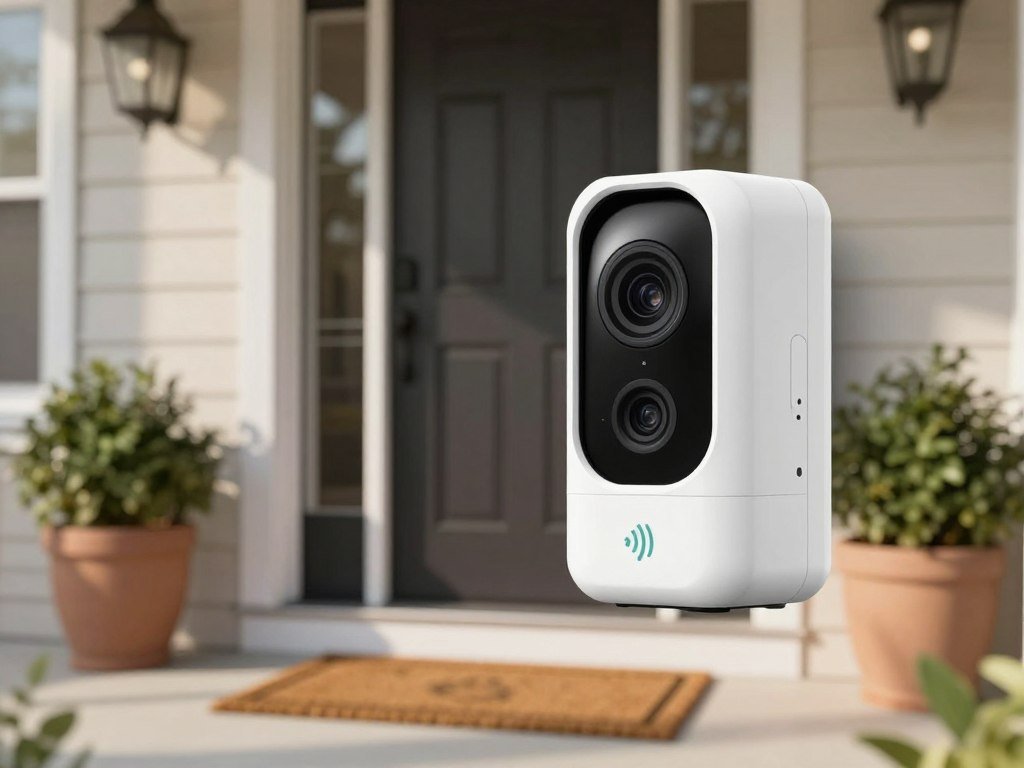
Avoiding a monthly plan is possible, but the best fit depends on where footage is saved and which alerts work for free. A local setup can keep recordings at home instead of sending them only to a remote server.
Local storage means video saved on a doorbell’s removable card, built-in memory, or connected in-home hub rather than stored only on a remote server. Smart alerts and power choices still differ by model, so compare what each one includes without a paid plan.
These picks separate package coverage, wired recording, expandable card storage, and lower-cost choices. That matters if you want to watch deliveries, capture visitors, or keep an eye on your budget without adding monthly fees.
A useful first check is whether the features you need still work when no plan is active.
Key Takeaways
- Eufy E340 stands out for package-focused coverage and free package alerts.
- Eufy C31 suits homes that prioritize wired power and continuous recording.
- Tapo TD25 supports a separately sold microSD card for expandable local recording.
- Lorex includes a pre-installed memory card with its doorbells.
- Free alert types differ, even when a product records locally.
Best Video Doorbells Without Subscription for Different Homes
For most homes that want package coverage and useful free alerts, start with the Eufy Video Doorbell E340. Its two cameras help cover visitors and packages, while its person and package detection work without a subscription.
The E340 is the strongest fit when delivery visibility matters more than continuous recording. The C31 is a better match for wired recording, the Tapo TD25 for card-based expansion, and Lorex for a local-storage option that includes a card.

Choose the doorbell that solves your main front-door problem first; free alert types and storage methods differ by model.
These are four focused recommendations, not a claim that ten models are equally strong. A top 10 video doorbells without a subscription list should separate models with useful no-fee features from those that put key alerts behind a paid plan.
The E340 has a visitor-facing camera and a second camera aimed down toward packages. That extra view can help you see a parcel near the door, where a standard camera may miss it.
It supports person detection, package detection, facial recognition, and activity zones. You can get person and package detection without paying for a subscription, which makes its alerts more useful for busy porches.
PCMag lists the E340 at $119.98. Eufy estimates the HomeBase S380, a central storage device, at $150 for expanded local storage.
Eufy Video Doorbell E340 for package-focused coverage
The E340 is the package-focused pick because its downward-facing camera adds a view of the doorstep. Its package detection can alert you when a delivery arrives, without requiring a paid plan.
That combination helps if deliveries often sit outside while you are away. Its alerts still depend on a working internet connection for phone notifications, and the camera needs a useful view of the landing area.
Facial recognition and activity zones add more control over alerts. These features may matter less if you only want a basic motion clip or a simple doorbell chime.
Eufy Video Doorbell C31 for wired recording
The C31 suits readers who want a wired video doorbell and continuous recording. Consumer Reports describes its smart detection as basic person and motion detection, so it is less focused on delivery alerts than the E340.
Its wired setup can support 24/7 recording and five-second preroll under specific chime conditions. That makes it a strong option when capturing activity before a motion alert matters more than package detection.
For many homes, choosing a wired model also means checking the existing chime and setup needs. The C31’s particular recording and chime conditions appear in the power section below.
TP-Link Tapo TD25 for expandable card storage
The Tapo TD25 is a good match if you want card-based local storage that you can expand. It supports a separately sold microSD card, rather than requiring a paid cloud plan for local recording.
Its storage limit is higher than the C31’s card limit, which may suit a busy entryway. Card capacity is only one part of the choice, since recording frequency affects how long clips remain available.
Lorex for a ready-to-use local-storage option
Lorex is the pick if you want a card included from the start. Its doorbells come with a pre-installed 32 GB microSD card, so card-based local recording does not require an extra purchase.
Lorex also offers person detection without a subscription. Its 4K model can use a 32 GB card in about an hour, so the included card may need frequent review or an upgrade.
Pick the model that solves your main front-door problem before comparing secondary app features.
How Subscription-Free Storage Works
Subscription-free usually means footage is saved locally instead of requiring a paid cloud plan. Local storage keeps video on a device or hub at home, while cloud storage sends it to remote servers.
The three common setups are microSD card, internal memory, and a connected hub. Each saves recordings without a required paid plan, but the way you manage clips depends on the product.

Removable cards and built-in memory
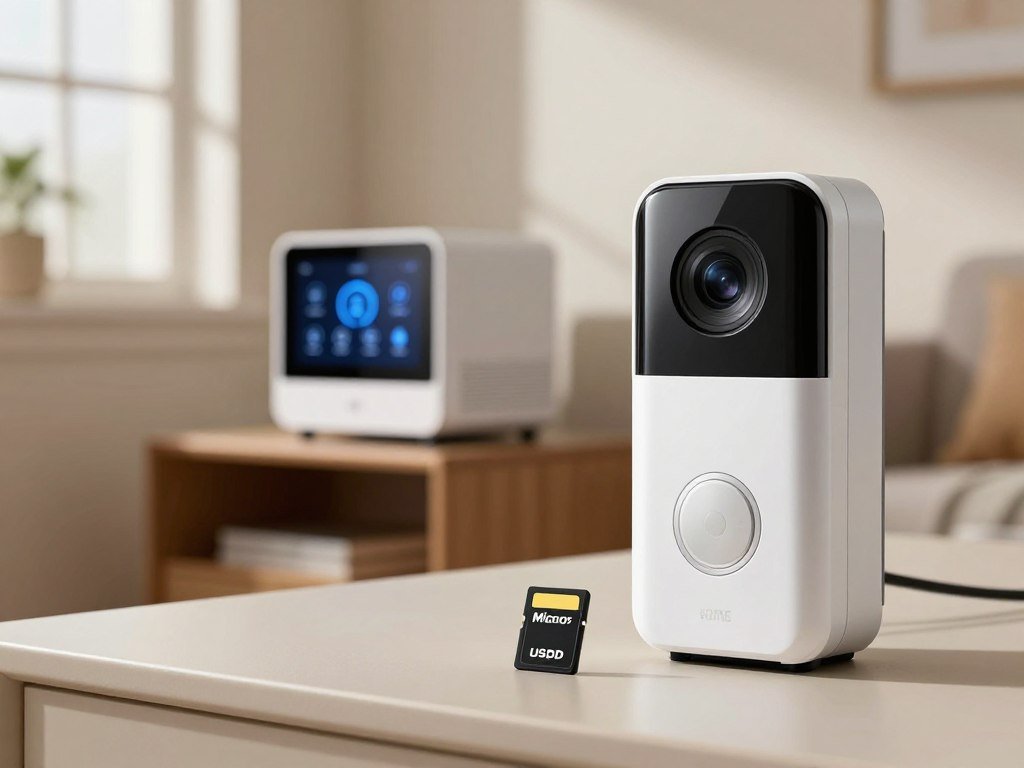
A microSD card is a small removable memory card that fits a supported doorbell. You can replace or remove it, though the card may be sold separately.
Built-in memory sits inside the doorbell instead. You do not have to buy a card, but you cannot expand it by swapping in a larger one.
Local recording and remote access are separate functions. A doorbell may keep saving clips during an internet outage, while remote viewing and phone notifications need a working connection.
Home hubs and optional cloud backups
A connected hub stores recordings in your home and may offer more room than a doorbell’s built-in memory. The HomeBase S380 is Eufy’s central storage device for compatible products.
Optional remote backup means cloud storage that you choose to add. It can provide another place for clips, but it is not required for a local recording setup.
If you want to compare other home cameras, this guide to outdoor security cameras without subscription explains similar local recording choices. Check whether clips remain available in the app when the home internet connection is down.
How Much Local Storage Do These Models Offer?
The E340 has built-in memory, while the C31 and TD25 need a separately purchased microSD card for card-based recording. The C31 and TD25 card limits are 128 GB and 512 GB, respectively.
The E340 uses built-in storage, and the C31 can also use a HomeBase S380 with a hard drive. Capacity affects retention, but no stated number of days applies to every household.
| Model | Included or required storage | Capacity or expansion |
|---|---|---|
| Eufy Video Doorbell C31 | microSD card sold separately | Up to 128 GB; optional HomeBase S380 hard drive up to 16 TB |
| Eufy Video Doorbell E340 | 8 GB built-in memory | Eufy estimates up to 90 days of motion-triggered clips |
| TP-Link Tapo TD25 | microSD card sold separately | Up to 512 GB |
The C31’s card limit covers its removable memory option. The HomeBase S380 offers a separate expansion path, with a hard drive sold separately that can reach up to 16 TB.
The E340’s eight gigabytes of built-in memory avoids a separate card purchase. Eufy estimates that it can hold up to 90 days of motion-triggered clips, but that is an estimate, not a fixed retention guarantee.
Clip length and recording frequency affect how quickly storage fills. A busy sidewalk or frequent motion can use available space faster than a quiet entry.
For a broader look at how card size and recording mode shape retention, see these wireless outdoor security camera storage options. Choose capacity with your recording frequency in mind, since frequent motion clips use available space faster.
Which Smart Alerts Work Without a Plan?
Person detection is often the most useful free filter because it can make motion alerts more relevant. Check whether each detection type remains active without a paid plan.
A basic motion alert may trigger when a tree moves or a car passes. Person detection can narrow alerts to people, while package detection helps you notice deliveries left near the door.

The C31 offers basic person and motion detection. The E340 adds person and package detection, facial recognition, and activity zones without a subscription.
Those categories do not perform the same job. Person detection can cut down on alerts from less relevant motion, while package detection focuses on deliveries that may remain after the carrier leaves.
Activity zones let you focus detection on part of the camera view. A zone that excludes a busy sidewalk can help reduce alerts that do not concern your entry.
Use this quick check before choosing a model:
- Person detection: does it identify people without a plan?
- Package detection: does it recognize a delivery at the door?
- Customizable activity zones: can you limit the areas that trigger alerts?
- Plan-free access: does each feature work when no plan is active?
Detection performance and available categories vary by model. A label in an app may describe an option that requires a paid tier, so check the no-plan feature list carefully.
Consumer Reports’ 2026 doorbell test findings include smart-feature checks and distinguish the C31’s basic detection from the E340’s richer alerts. Verify each alert type in the free feature list rather than assuming every detection label is included.
What Video Quality and Privacy Checks Matter?
A sharp daytime image is not enough if a visitor is hard to identify after dark or against bright porch lighting. Check the night view, field of view, and mixed-light handling alongside resolution.
Higher resolution can show finer detail, but it can also use more bandwidth and storage. A wide field of view may cover more of the porch, though a very wide image can make people appear smaller.
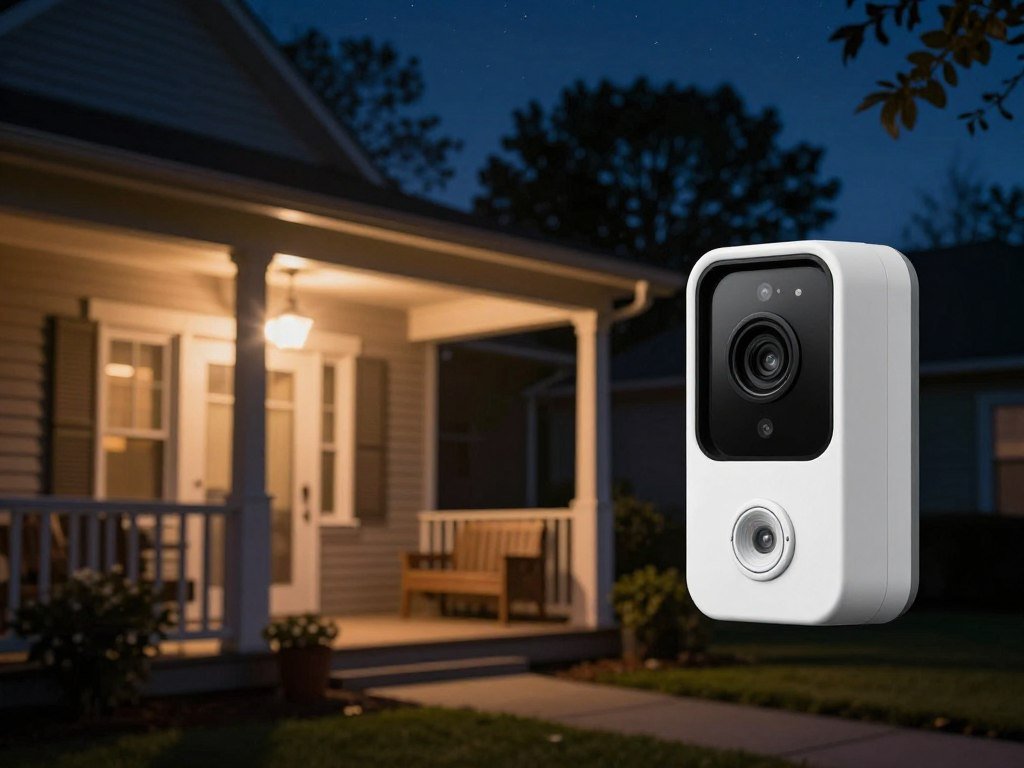
Night vision matters when the entry is dark, while a bright porch light can create glare. Look for a clear view of faces and packages under the lighting your home actually has.
HDR, sometimes labeled WDR, helps preserve detail in bright and shadowed areas of a porch. That can help when sunlight or a porch lamp hits one side of the frame while the other side stays dim.
Account protection matters because a doorbell camera can capture visitors and parts of your home. Two-factor authentication, or 2FA, adds a login safeguard; encryption is another security measure to check.
Think about who can access footage and how easily you can share it. Strong account settings do not replace careful control of shared clips or access to the app.
A VPN can protect traffic between a device and its server, but it does not protect every account or device risk. This VPN privacy and security guide explains that limit.
Check the view at the actual mounting spot, including the strongest glare and darkest part of the entryway.
Battery or Wired: Which Power Setup Fits?
Choose battery power for placement flexibility, or wiring when continuous power and an existing chime matter most. For no-subscription 24/7 recording, the wired Eufy C31 is a strong choice, with a chime-bypass condition.
Battery models can be easier to place, but you may need to recharge them. Battery operation may also forgo continuous recording and preroll, which captures a few seconds before an alert.
Battery power for flexible placement
A battery doorbell can work where wiring is unavailable or inconvenient. The Eufy E340 supports a removable rechargeable battery, and the Arlo Video Doorbell 2K also offers battery power.
That flexibility can help if you want to place a camera without relying on existing doorbell wires. The trade-off is charging, plus the possibility of losing continuous and preroll recording.
Two of four Consumer Reports featured wired-and-wireless doorbells operate entirely on batteries. Battery power is common, but it does not mean every recording mode stays available.
Wiring for continuous power and chimes
Wiring suits readers who want a steady power source and use of a compatible existing chime. The E340 can run on low-voltage doorbell wiring and ring an existing chime when hardwired.
The C31 supports hardwired continuous power, 24/7 recording, and five-second preroll only when you bypass the existing chime. Its optional add-on chime costs $40.
That condition makes the C31 a strong wired doorbell camera without a subscription if continuous recording is your main need. If you want the old chime to keep working, the recording setup may not fit your preference.
The Arlo Video Doorbell 2K can also use a rechargeable battery or hardwiring for continuous power and an existing chime. Choose it if those power options matter more than a local-only approach.
For more context on choosing a local-recording camera and power setup, weigh fixed wiring against flexible placement. Confirm the model’s chime requirements before disconnecting the old button.
How Much Do Optional Cloud Plans Cost?
Optional cloud storage starts at $3.49 per month for the Tapo TD25, while local recording can avoid a recurring plan. The cloud plan is optional for these local-recording models.
Eufy charges $4 per month or $40 per year for one C31 or E340 camera, with 30 days of cloud storage. Its multi-camera option costs $14 monthly or $140 yearly.
| Plan | One-camera price | Recording retention |
|---|---|---|
| Eufy C31 or E340 cloud plan | $4/month or $40/year | 30 days |
| Tapo Care Premium for TD25 | Starts at $3.49/month or $35/year | 30 days |
| Arlo Secure Plus | $10/month | 60 days |
Eufy’s $14 monthly or $140 yearly plan covers unlimited cameras at one location for the C31. For the E340, the same price covers all cameras at one location.
Tapo Care Premium starts at $3.49 per month or $35 per year for one camera. Arlo Secure Plus costs $10 per month for one camera or $20 for unlimited cameras, with 60 days of storage.
Annual billing lowers the listed yearly total compared with paying each month for twelve months. It does not make cloud storage mandatory, and local recording remains a separate option.
Arlo plan pricing and features can change by tier, so compare the exact coverage you need. A one-camera price may be less useful if you plan to save clips from several devices.
Compare the number of cameras covered as well as the monthly or annual fee.
Which Lower-Cost Models Have Useful Free Features?
A low starting price does not tell you whether the card or the detection features you want are included. Compare the total setup and free alerts, not just the doorbell’s price.
The Tapo D225 lists at $99.99 and offers wire-free 2K video with local and cloud storage options. It supports Alexa, Google, and IFTTT, but its microSD card is sold separately.
Lorex doorbells start at $89.99 and include a pre-installed 32 GB microSD card. They support upgrades to 256 GB and offer person detection without a subscription.
The Lorex 4K model can fill a 32 GB card in about an hour. Its higher detail may be useful, but frequent recording can make the included card a short-term fit.
Lorex also offers color night vision, which can help show more detail after dark. Check whether the view at your entry has enough light for that feature to be useful.
Wyze video doorbells start at about $45 and offer 2K resolution and color night vision. You need to buy a microSD card separately for local recording.
Wyze requires a subscription for people, pet, and vehicle detection. A doorbell can support local recording and still place richer alerts behind a plan.
That gap matters if you want a camera to tell people apart from passing cars or pets. A cheap device may cost more over time if its alerts are the reason you chose it.
For a budget choice, decide whether local clips alone are enough or whether selective alerts are essential. For frequent recording, check the included card’s capacity and how quickly your chosen resolution can use it.
When Does a Subscription-Based Doorbell Make Sense?
A paid plan makes more sense when cloud history, richer alerts, or professional video monitoring matters more than avoiding fees. Pay for features your household will actually use, not for a longer menu of options.
Arlo suits readers seeking cloud retention, and its Secure Premium tier adds in-app emergency response buttons. SimpliSafe fits households already considering its security system, while higher Ring tiers add recognition or professional monitoring.
| Service or model | Recording or entry plan | Additional paid features |
|---|---|---|
| SimpliSafe Video Doorbell Series 2 | Recording requires a plan; Self Monitoring starts at $9.99/month | Fits homes considering SimpliSafe |
| Arlo | Secure Plus: $10/month for one camera or $20/month for unlimited | Secure Premium: $30/month with emergency response buttons |
| Ring | Protect Solo covers one device; Multi covers all Ring devices at one location | Protect Pro recognition; Virtual Security Guard live monitoring |
SimpliSafe Video Doorbell Series 2 requires a plan for recording, with Self Monitoring starting at $9.99 per month. That can make sense if you already want the wider SimpliSafe system.
Arlo Secure Plus costs $10 monthly for one camera or $20 for unlimited cameras, based on Consumer Reports listings. Arlo Secure Premium costs $30 per month and adds in-app emergency response buttons.
Ring Protect Solo covers one Ring device, while Multi covers all Ring devices at one location. Both include recording and smart alerts.
Ring Protect Pro adds face and key-event recognition. Virtual Security Guard offers live video monitoring by security professionals, a different service from storing clips for later.
The best doorbell camera with a subscription is the one whose paid features solve a real need. A longer cloud history may help you review an event later, while emergency response or professional monitoring serves a different purpose.
Annualize the plan fee and add it to the hardware cost before deciding.
How Consumer Reports Tests Video Doorbells
A useful test comparison looks beyond resolution to alert speed, live-view response, and data protection. Consumer Reports evaluates alert speed, live-feed loading, video quality, smart features, and 70 privacy and data-security factors.
Fast alerts matter if you want to respond to a visitor or delivery. A slow live feed can also make it harder to check the porch while someone is still there.
Daylight and nighttime footage reveal different limits. A camera may show a clear porch in daylight but lose useful detail after dark.
Smart-feature testing helps show whether alerts do more than report motion. Consumer Reports updated its testing method in 2024, and subscription-required smart features no longer count toward the smart-features score.
That rule helps you compare features that work without a paid plan. It also makes plan-gated labels less likely to inflate a product’s free-feature score.
Privacy and data security matter because a doorbell records people near your home. Consumer Reports checks 70 factors in this area, alongside camera performance and app behavior.
A strong feature score can still leave practical questions about the app, power, or installation. A test result cannot tell you whether the chosen model suits your wiring or daily routine.
Compare test categories that affect your actual use rather than relying on a single overall score.
What to Check Before Installation
Check the wiring and wireless signal at the exact mounting location before drilling or connecting a device. Confirm the transformer voltage and Wi-Fi band against the doorbell’s manual.
Smart doorbells commonly work with 16-24 VAC, but each model sets its own limits. Some support only the 2.4 GHz Wi-Fi band, so a strong signal on another band may not help.
Confirm wiring and Wi-Fi at the mounting spot
Use this short checklist before you begin:
- Check transformer voltage against the model’s manual.
- Test Wi-Fi strength at the planned camera location.
- Confirm which Wi-Fi bands the doorbell supports.
- Plan for battery charging or wired power.
Battery life is typically about two to six months, depending on use and conditions. Frequent motion can lead to more charging, so plan for safe access to the device.
Weak Wi-Fi can affect live video and notifications even when the camera records locally. Test the signal at the door, not just beside your router.
Prepare the mount, power, and app setup
Check the mounting surface and make sure the camera can show the entry without pointing at a wall. Have the app ready, and follow the maker’s setup steps before attaching the doorbell.
Turn off power before handling wired connections. If you are unsure how to work with the wires, get qualified help instead of guessing.
Some older wiring may not match a new model’s needs. A voltage check and a clear plan for battery charging or wired power can prevent a stalled installation.
Take a photo of existing wires before disconnecting them so the original connections are easy to identify.
How to Match a Doorbell to Your Home
Start with the compromise you are most willing to make: charging, storage limits, fewer alert types, or a paid cloud plan. Choose based on your front-door needs and the features that remain free.
Eufy, TP-Link Tapo, Lorex, and Wyze offer different mixes of local recording, optional cloud backup, free detection, and smart-home support. The Tapo D225 supports Alexa, Google, and IFTTT.
Use this four-part decision list to narrow the choice:
- Prioritize package visibility: choose a model with package detection and a view of the doorstep.
- Prioritize continuous wired recording: look for a model that supports 24/7 capture with your power setup.
- Prioritize included or expandable local storage: compare built-in memory, an included card, or a supported card limit.
- Prioritize keeping the initial cost low: check the card price and whether key alerts need a paid plan.
Smart-home support can matter if you already use voice assistants or other connected devices. Check compatibility before choosing based on a single app feature.
A low-cost camera can become poor value if its must-have person, package, or vehicle alerts require a plan. Decide which alerts you need before comparing prices.
Budget also affects the right trade-off. Paying less up front may mean buying a card separately or accepting fewer free detection types.
A doorbell is a better match when its free features, storage setup, and smart-home support fit your daily routine.
Before ordering, verify that the selected model fits both the doorbell wiring and the smart-home devices already in use.
Conclusion
A subscription-free setup is a strong fit when local recordings and the available free alerts cover your needs. Local recording can avoid a required monthly fee, but free detection features differ from one model to another.
Before buying, check how the doorbell stores clips and which alerts remain available without a plan. Check the product’s current feature and wiring requirements, then choose the model that matches your front door.
FAQ
Do video doorbells without a subscription still send motion alerts?
Yes, many video doorbells send motion alerts without a plan, as long as the doorbell and phone have an internet connection. The type of alert depends on the model; basic motion alerts may be free, while person or package detection can require a plan. Check the free feature list for the exact model before buying.
Will local recording continue if my internet goes down?
Yes, a doorbell recording to a local card, built-in memory, or connected hub can keep saving clips during an internet outage. Remote viewing and push notifications generally need an active connection, so you may not see the footage until service returns. A local recording setup does not mean every app feature works offline.
Can a battery-powered doorbell record continuously?
Some battery-powered doorbells may not offer continuous or preroll recording, since those features can use more power. If recording every moment matters, check whether the model supports wired power and whether that mode unlocks continuous capture. Battery models can still record motion-triggered clips, but their recording options vary.
How long can the Eufy E340 store clips on its built-in memory?
Eufy estimates that the E340’s built-in memory can hold up to 90 days of motion-triggered clips. That is an estimate, not a promise of fixed retention for every home. Frequent activity can create more clips and use space faster, while a quieter entry may retain recordings longer.
Can a subscription-free doorbell use my existing chime?
Yes, some wired models can use an existing chime. The Eufy E340 can ring one when hardwired, while the C31 needs the existing chime bypassed for 24/7 recording and preroll. Chime support depends on the model and setup, so check that detail before removing your current button.
Do I need to buy a microSD card separately?
It depends on the model. The Eufy C31 and TP-Link Tapo TD25 need a separately sold microSD card for card-based recording, while Lorex doorbells include a pre-installed 32 GB card. Other models may use built-in memory or a home hub, so confirm the storage method before budgeting for accessories.



