

What if the graphics card you’re saving for doesn’t actually fit your PC? That question trips up more upgraders than any benchmark chart. The rumored RTX Spark and the confirmed RTX 5090 sit at the center of a debate about performance, power, and whether a 2027 upgrade makes sense at all. The honest answer is that nobody can hand you a clean spec-for-spec comparison yet, because one of those cards is not a verified product. What you can do is build a compatibility checklist that works no matter which card lands in your case.
This guide walks through what is actually known, what is speculation, and how to test your own system before you spend a single dollar.
What We Actually Know About RTX Spark and RTX 5090
Start with the facts, not the hype. NVIDIA announced the GeForce RTX 5090 at CES in January 2025 as part of the RTX 50 series, built on the Blackwell architecture. That much is documented. Exact memory, power draw, and interface details should always be confirmed on the official product specification page rather than a forum post.
RTX Spark is a different story. There is no reliable, verified information confirming that a product by this name exists, has been announced, or is even rumored in any credible form. That matters enormously for how you read performance claims. If a video or blog post shows “RTX Spark vs RTX 5090” benchmark bars, treat those numbers as entertainment until an official announcement appears.
This is not a small caveat. It is the foundation of the whole article. Anyone planning a 2027 upgrade around an unconfirmed card is planning around a ghost.
Why the Naming Confusion Happens
Product names leak, get misheard, and get recycled by content farms chasing search traffic. A plausible-sounding name like “Spark” spreads fast because it fits the pattern of NVIDIA branding. The practical rule: if a card name does not appear on the manufacturer’s own product pages, do not budget for it.
The Real Question: Will Any New Card Fit Your System?
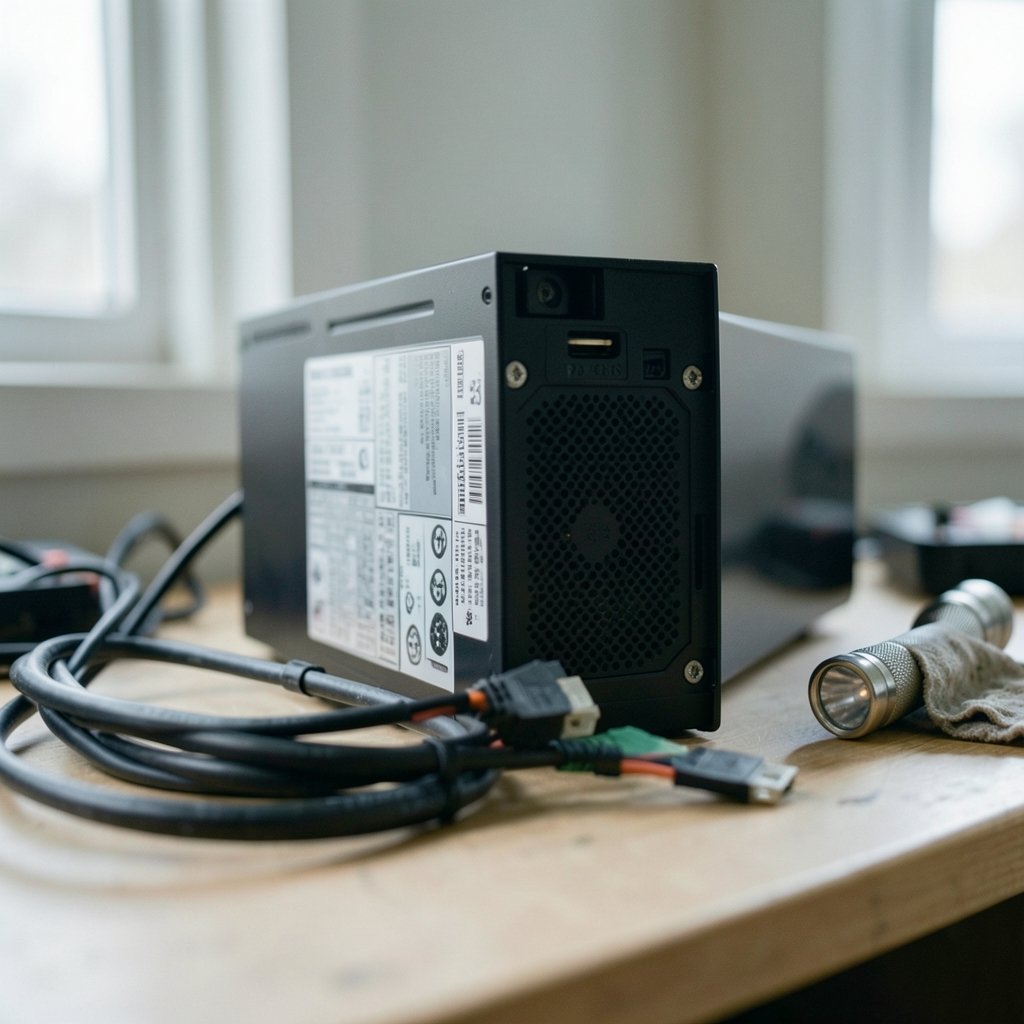
Here is the part most upgrade guides skip. Compatibility is not one check. It is at least six independent checks, and failing any one of them can turn a great card into a paperweight or a stuttering mess.
| Check | What to Verify | Common Failure |
|---|---|---|
| Power supply | Wattage headroom and connector type | PSU lacks a native 12V-2×6 cable |
| PCIe slot | Generation and physical fit | Card works but at reduced link speed |
| Case clearance | Length, width, and slot thickness | Side panel will not close |
| CPU balance | Whether the processor can feed the GPU | Bottleneck at 1080p and 1440p |
| Motherboard firmware | BIOS/UEFI support for the card | No POST on older boards |
| Drivers and OS | Current driver branch and OS version | Older GPU loses Game Ready updates |
Run all six before you buy. Not after.
Check 1: Power Supply and the 12V-2×6 Connector
High-end RTX 50-series cards use the 12V-2×6 connector, an updated revision of the earlier 12VHPWR standard. This is the single most common upgrade mistake. People buy the card, open the box, and discover their power supply has no matching cable and no manufacturer-approved adapter in the box.
What actually works in practice: look at the label on your PSU, not the marketing name. Confirm the wattage, confirm the number and type of PCIe power cables, and confirm whether a native 12V-2×6 cable ships with the unit. If you need an adapter, use only the one the PSU maker approves. Third-party adapters are where melted connectors come from.
Leave headroom. A card rated at a given thermal design power will spike above it during transient loads, and a PSU running at 95 percent capacity is a PSU asking for trouble.
Check 2: PCIe Generation and Backward Compatibility
Here is good news. PCI Express is designed to be backward and forward compatible. A PCIe 5.0 card generally runs in a PCIe 4.0 slot, just at the lower link speed. For gaming, the performance difference is usually small, though it varies by title and resolution.
The trap is physical, not electrical. High-end cards are thick. A three-slot card can block your second PCIe slot or press against a chipset heatsink. Measure before you commit.
Check 3: Case Clearance
Get a tape measure. Card length is published on spec sheets, and so is thickness. Add a few millimeters of buffer for the power cable bend radius, which is the clearance mistake almost everyone forgets. A cable that has to bend sharply against a side panel is a cable under stress.
Check 4: CPU Balance and Bottleneck Risk
A monster GPU paired with an aging mid-range CPU produces disappointing frame rates, especially at 1080p. The card renders frames faster than the processor can prepare them. Before upgrading graphics, ask whether your CPU is from the same era as your monitor resolution. If you are gaming at 1080p on a six-year-old processor, the GPU may not be your bottleneck at all.
For a broader look at how system balance affects real-world value, the trade-offs between PC vs console gaming cost performance and lifestyle are worth reading before you commit to a big spend.
Check 5: Motherboard Firmware and BIOS
Newer cards sometimes need a UEFI update to initialize properly, particularly on boards that shipped before the card existed. Check your motherboard vendor’s support page for the latest firmware. Update before the new card arrives, not after, because you may need the old card installed to flash the BIOS.
Check 6: Drivers and Operating System
Confirm your OS version is supported by the current driver branch. Also check whether your current card still receives Game Ready driver updates. If it does, waiting another cycle costs you nothing. If it has dropped off the support list, that is a real reason to move. (Intel support: graphics driver and compatibility basics)
How to Read Benchmark Numbers Without Getting Fooled
Benchmark charts are only useful when the test conditions match. Compare like for like: same resolution, same in-game settings, same test bench, same driver version. Cross-site comparisons are close to worthless because nobody documents their setup identically.
Watch for these red flags in any “RTX Spark vs RTX 5090” comparison:
- Bars with no stated resolution or settings
- No mention of driver version or test date
- Frame rates without frame-time data, which hides stutter
- Synthetic scores presented as game performance
- No disclosure of whether upscaling or frame generation was enabled
A single average frame rate number tells you very little. Look for one percent low figures, which describe how the game feels when things get busy.
If you want a worked example of how a headline performance claim can mislead, the analysis of the Witcher 3 remastered RTX 5090 59 fps claim shows how context changes the meaning of a single number.
The 2027 Planning Problem
Planning a 2027 upgrade around a specific unannounced product is speculation dressed as strategy. No verified roadmap information supports expectations about what will launch in 2027, from NVIDIA or anyone else.
What you can do is plan around your own system and your own timeline:
- Write down your current CPU, GPU, PSU model, motherboard, and monitor resolution.
- Identify which component is actually limiting your frame rates right now.
- Set a budget ceiling and a target resolution.
- Reassess when a card is officially announced with published specifications.
- Buy then, not now, based on verified data.
That sequence protects you from buying on rumor and from over-upgrading a system that only needs one part.
Practical Setup Tips That Pay Off Immediately
While you wait for real product information, a few free or cheap changes deliver measurable gains.
Clean your drivers properly. Use the official clean-install option rather than layering new drivers over old ones. Leftover files cause stutter more often than people realize.
Set your monitor up correctly. Refresh rate, response time, and color settings are frequently left at defaults that waste the panel you paid for. A proper walkthrough of how to set up gaming monitor best performance settings covers the settings most people never touch.
Check your Windows version support. If you are planning a platform refresh alongside the GPU, verify your hardware meets the requirements first. There is a straightforward way to check if your PC supports Windows 11 before you upgrade, and doing it early avoids a nasty surprise mid-build.
Do not neglect audio and thermals. A louder cooler under load changes how a build feels day to day. The details that actually matter before you buy a gaming headset in 2026 apply the same logic: match the part to your environment, not to a spec sheet.
What the Industry Chatter Gets Wrong
There is a persistent belief that the next generation always justifies waiting. Sometimes it does. Sometimes the card you can buy today serves you better for two years than the card you imagine buying in eighteen months.
The other myth is that a bigger GPU always means more frames. It does not, if the rest of the system cannot keep up. A balanced mid-range build often feels smoother than a flagship card throttled by an old processor and a marginal power supply.
There is also real uncertainty in the supply and launch side of the market. Reports about RTX Spark retail launch doubts over Arm gaming plans illustrate how quickly a product story can shift. Treat launch rumors as scheduling noise, not as purchasing guidance.
Conclusion
The smartest move before any 2027 upgrade is not to pick a card. It is to know your system cold. Measure your case, read your PSU label, check your BIOS version, and identify your actual bottleneck. Do that, and you will be ready the moment a real product with published specifications appears.
As for RTX Spark versus RTX 5090, one of those cards is confirmed and documented, and the other is not verifiable at all. That asymmetry should shape every decision you make. Build your checklist now, keep your budget flexible, and let verified announcements, not rumor mill charts, decide when you buy.
FAQ
Is RTX Spark a real graphics card?
There is no verified information confirming that a product called RTX Spark exists, has been announced, or is planned. Until an official announcement with published specifications appears, treat any performance claims about it as unconfirmed.
Is the RTX 5090 officially announced?
Yes. NVIDIA announced the GeForce RTX 5090 at CES in January 2025 as part of the RTX 50 series on the Blackwell architecture. Always confirm exact specifications such as memory and power draw on the official product page rather than secondary sources.
What is the 12V-2×6 connector and why does it matter?
It is an updated revision of the 12VHPWR power connector used on high-end RTX 50-series cards. It matters because a power supply without a native cable or a manufacturer-approved adapter can leave you unable to power the card safely. Check your PSU label before buying.
Can a PCIe 5.0 card work in a PCIe 4.0 slot?
Generally yes. PCI Express is designed for backward and forward compatibility, so the card typically runs at the older slot’s link speed. The gaming performance difference is usually small, but confirm physical clearance since high-end cards are thick.
How do I know if my CPU will bottleneck a new GPU?
Compare your CPU’s generation and core count against your monitor resolution. At 1080p, older processors often limit frame rates before the GPU does. At 4K, the GPU usually becomes the limit. Test your current games and watch GPU utilization; if it sits well below full load, the CPU is holding you back.
Should I wait until 2027 to upgrade?
Only if your current card still receives driver updates and meets your needs. No verified roadmap supports specific 2027 product expectations, so base the decision on your system’s actual limits and on officially announced hardware, not on rumors about future launches.



