
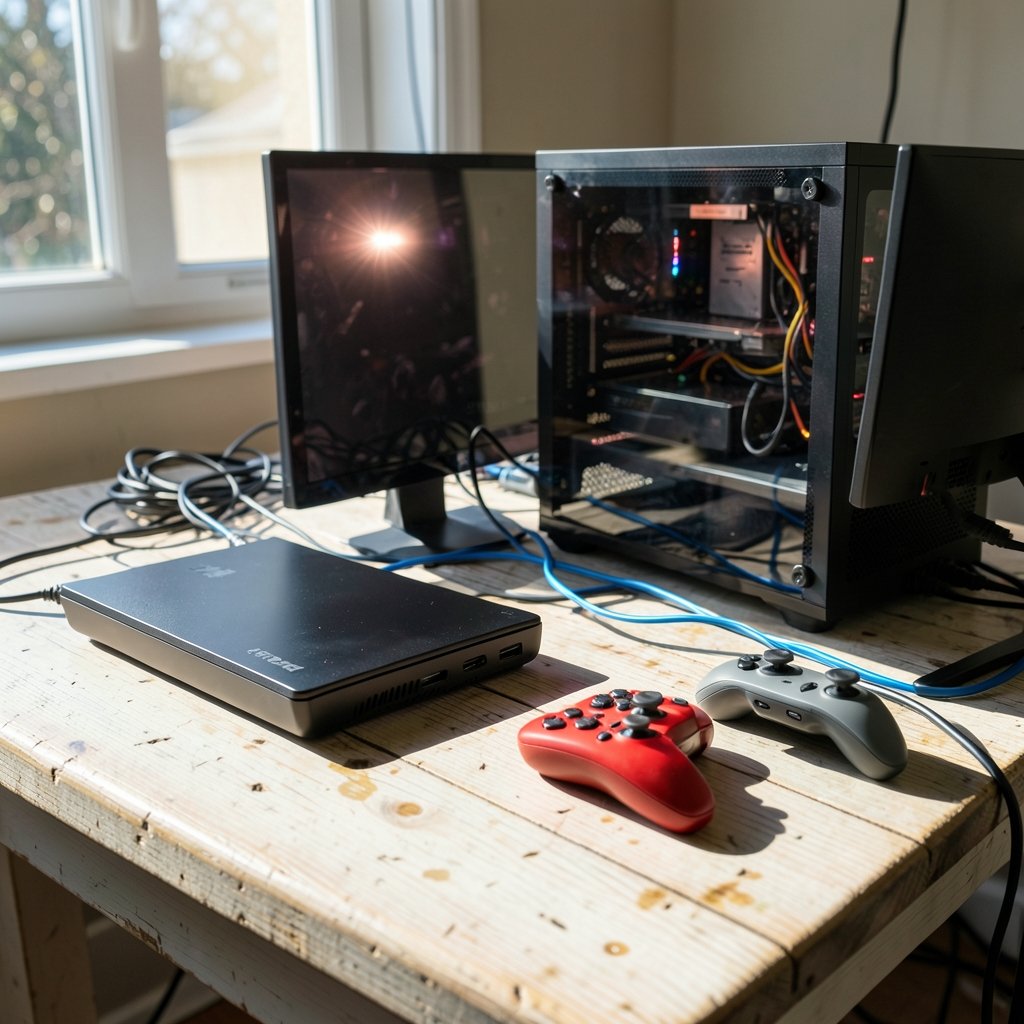
Around 3 billion people play video games worldwide, according to Wikipedia’s overview of the global gaming industry, and nearly every one of them eventually faces the same fork in the road: build a PC or buy a console. It sounds like a simple choice. It is not. The “right” answer depends on your budget, your patience for tinkering, the games you love, and where you actually sit when you play.
This guide breaks down the real trade-offs without hype. No brand loyalty, no tribal warfare, just the practical differences that matter after the honeymoon phase wears off.
The Core Difference in One Sentence
A console is a sealed appliance built to play games with zero fuss. A PC is an open platform that can do everything a console does and far more, but it asks for more money, more setup, and occasionally more troubleshooting.
That single distinction drives almost every other comparison below.
Upfront Cost: The Console Wins the First Round
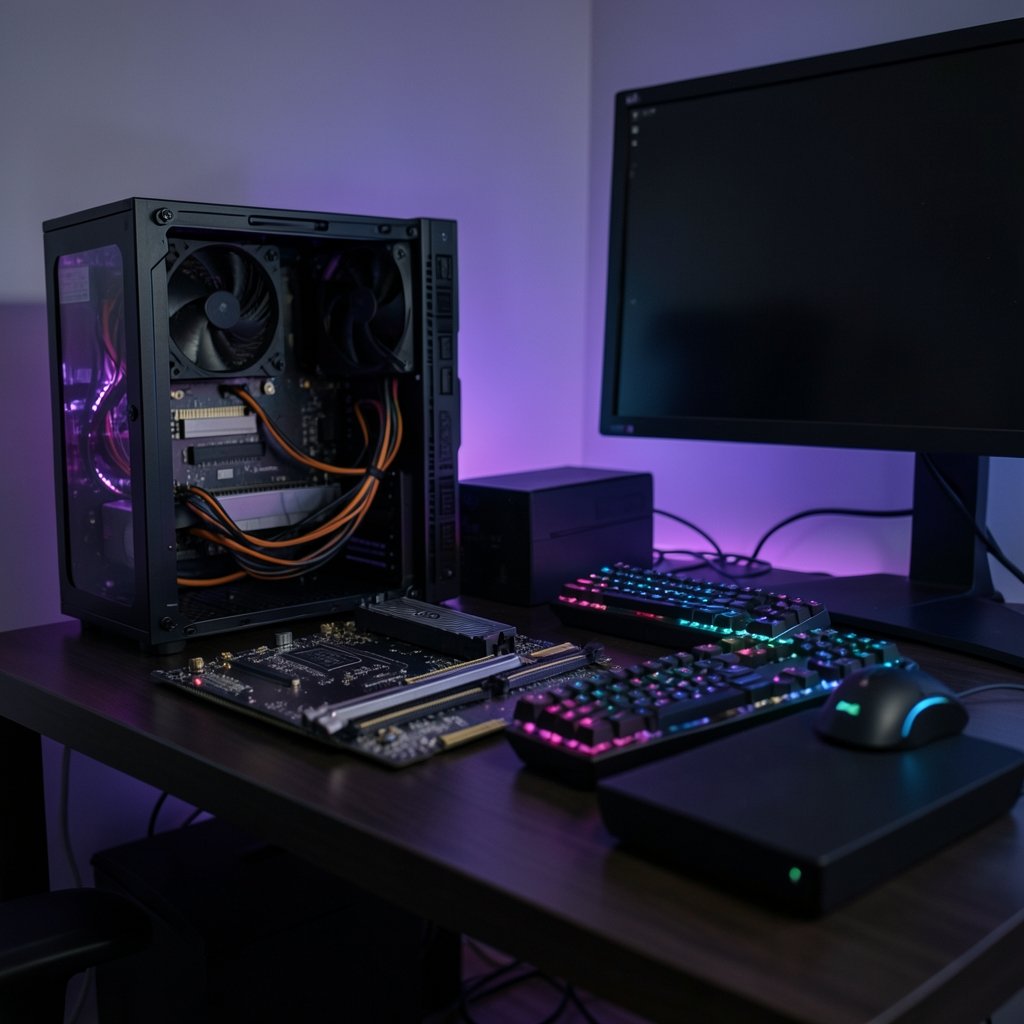
There is no way around it: a console costs less on day one. You buy the box, plug it into your TV, and you are playing within twenty minutes. A gaming PC requires a case, processor, graphics card, memory, storage, power supply, motherboard, operating system, monitor, keyboard, and mouse. Even a budget build stacks up quickly.
| Factor | Console | Gaming PC |
|---|---|---|
| Entry price | Low | Medium to high |
| What’s included | Everything needed to play | Often sold as parts |
| Setup time | Minutes | Hours for beginners |
| Upgrade path | None (new generation only) | Piece by piece |
| Hidden costs | Online subscription | Monitor, peripherals, OS |
The catch is the long game. Console players typically pay a yearly fee for online multiplayer, and that fee compounds over a generation. PC players skip that charge entirely. Over five or six years, the gap narrows considerably, which is exactly why so many buyers ask whether a free vpn vs paid vpn is worth it for their setup once they start caring about privacy and region-locked storefronts. The subscription math matters more than people expect.
Performance: Raw Power vs Optimized Hardware
Here is where the conversation gets interesting. A mid-range PC can outperform a console on raw specifications. But consoles benefit from something PCs rarely enjoy: every unit is identical, so developers optimize aggressively for one exact configuration.
In practice, this means a console often delivers smooth, consistent performance that punches above its price tag. A PC at the same price may run games at higher settings but with more variability, depending on drivers, background software, and how well the port was handled.
Consistency favors the console. Ceiling favors the PC.
If you are chasing maximum frame rates, ultra settings, and high refresh-rate monitors, the PC wins clearly. If you want a game to simply look good and run well without you thinking about it, the console is the safer bet.
Game Library and Exclusives
Both platforms have enormous libraries, but their shapes differ.
Consoles offer curated storefronts with strong first-party exclusives that often define a generation. PCs offer decades of backward compatibility, indie experiments, strategy games, simulation titles, and modding scenes that keep old games alive for years.
Modding deserves its own paragraph. On PC, communities rebuild, remaster, and reinvent games long after developers move on. On consoles, mod support exists but is limited and controlled. If you love tinkering with a game’s rules, visuals, or difficulty, the PC is not really a choice, it is the only option.
That said, exclusives still sell hardware. A single must-play title has pushed plenty of people off the fence in both directions.
Peripherals, Input, and Comfort
Keyboard and mouse versus controller is not a minor detail. It changes how games feel.
- Mouse and keyboard excel at precision aiming, strategy, and management games.
- Controllers excel at racing, fighting, platformers, and couch play.
- Hybrid setups let a PC player use whichever fits the genre.
PC also wins on display flexibility. Multi-monitor setups, ultrawide screens, and custom refresh rates are routine. Consoles are catching up with high refresh-rate support, but their platform remains more locked down.
For shared living rooms, though, consoles still feel more natural. Splitting a screen on a couch with friends is a console tradition that PCs imitate but rarely perfect. Families weighing living-room options often compare the best gaming consoles for families precisely because shared play and parental controls matter more than raw specs.
Upgradability and Longevity
A PC can be refreshed one part at a time. A weak graphics card becomes a strong one without replacing the whole machine. Storage expands cheaply. Memory gets added when needed.
A console lives and dies as a unit. When the next generation arrives, the old box gradually loses support.
That said, console generations last a long time now, and mid-generation refreshes extend the runway. For many players, buying one box every six or seven years is simpler and cheaper than tracking component prices.
If you do build, choose the foundation carefully. The best motherboard for gaming determines which processors and upgrades you can accept later, and skimping there is one of the most common and expensive beginner mistakes.
Online Play, Services, and Platform Lock-In
Consoles charge for online multiplayer. PCs generally do not. Consoles also tie purchases to a single account and storefront, while PCs spread purchases across multiple storefronts, which is both a blessing (sales, competition) and a curse (library sprawl).
Cloud saves, cross-platform play, and cross-progression have improved substantially, so switching devices is less painful than it used to be. Still, platform lock-in is real. Your friends list, achievements, and digital purchases create gravity.
Practical Tips From Real-World Use
A few things experienced players learn the hard way:
- Budget for the whole setup, not the box. Monitor, desk, chair, and peripherals often cost as much as the PC itself.
- Check port quality before buying. A brilliant game with a rough PC port can sour the experience.
- Buy storage early. Modern games are enormous, and running out of space mid-install is a rite of passage nobody enjoys.
- Do not overspend on the processor. In most gaming builds, the graphics card matters more.
- Test ergonomics. A cheap controller that fits your hands beats an expensive one that does not.
Common mistakes include buying a prebuilt PC with a weak power supply, ignoring monitor resolution when comparing performance, and assuming a console’s marketed resolution always matches what games actually render.
What About Handhelds and Streaming?
The lines are blurring. Handheld PCs now run full desktop libraries, and cloud streaming lets a weak device play demanding games. Consoles have embraced remote play too.
Reading devices follow a similar pattern of specialization, which is why comparisons like Kindle vs Kobo Paperwhite vs Libra Colour 2026 resonate with buyers who want one device that fits a specific habit rather than a do-everything machine. Gaming hardware is heading the same way: fewer universal boxes, more purpose-built devices.
Which Should You Actually Buy?
Answer these honestly:
- Do you want to play within minutes of unboxing? Console.
- Do you care about mods, strategy games, and tinkering? PC.
- Is your budget tight and fixed? Console.
- Will you use the machine for work, editing, or coding too? PC.
- Do you mostly play with friends on a couch? Console.
- Do you want the highest possible visual settings? PC.
If you are also curious how software tools are shaping the hobby, the question of which ai is best for coding is surprisingly relevant to PC owners who build mods or small tools in their spare time. And if you want to sharpen the mental side of competitive play, mastering mind game skills transfers across both platforms. (PC game)
Conclusion
There is no universal winner, and anyone who insists otherwise is selling something. The console is the better choice for players who value simplicity, low upfront cost, exclusive titles, and living-room play. The PC is the better choice for players who value flexibility, performance ceilings, modding, backward compatibility, and a machine that earns its keep beyond gaming.
The honest test is not which platform is more powerful. It is which one you will actually turn on after a long day. Buy for that person, not for the spec sheet.
Frequently Asked Questions
Is PC gaming cheaper than console gaming?
Not at first. A console costs less upfront and includes everything you need. A PC costs more initially once you add a monitor, keyboard, and mouse. Over several years, though, PCs avoid online subscription fees and allow partial upgrades, which can close the gap.
Do consoles still have better exclusives?
Consoles have historically relied on strong first-party exclusives to sell hardware, and that remains a major draw. However, more titles now launch across platforms, and PC libraries include vast numbers of games that never appear on consoles. The exclusives advantage is real but narrower than it once was.
Can a budget gaming PC beat a console?
At the same price, usually not on raw performance, because consoles are sold with thin margins and benefit from tight hardware optimization. A budget PC wins on flexibility, upgrade paths, and access to cheaper game sales, but a console delivers more consistent performance per dollar at entry level.
Is mouse and keyboard better than a controller?
Neither is universally better. Mouse and keyboard offer superior precision for aiming and strategy games. Controllers are better for racing, fighting, and platformers, and they suit couch play. Many PC players use both, switching by genre.
How long does gaming hardware last?
A console typically remains well supported for six to seven years, sometimes longer with mid-generation refreshes. A well-chosen PC can last just as long and be extended further through partial upgrades, especially if the power supply and motherboard were chosen with headroom.
Do I need a subscription to play online?
On consoles, yes, online multiplayer generally requires a paid subscription. On PC, online play is typically free, though individual games may run their own services. This recurring cost is one of the most overlooked factors in long-term value comparisons.
Final Verdict: Match the Platform to Your Life
Strip away the marketing and the answer comes down to a single question: what does your week actually look like? A player with two hours on a Tuesday night and a shared living room gets more value from a console than from a tower that needs driver updates before the first match. A player who spends evenings tinkering with settings, installing mods, and chasing frame rates will feel constrained by a closed box within a month.
Neither choice is a mistake, and neither is permanent. Many players own both, using a console for exclusives and couch sessions and a PC for everything else. The platforms are converging anyway: cross-play, cloud saves, and shared storefronts mean your friends list no longer dictates your hardware as firmly as it once did.
What matters is buying for the person you are, not the person a spec sheet imagines. If simplicity wins, buy the console and spend the savings on games. If flexibility wins, build the PC carefully and upgrade it patiently. Both paths lead to the same place: a hobby that rewards the time you put in, whichever box sits under your screen.
One last consideration: resale and repairability. Consoles hold value steadily and are rarely worth repairing out of warranty, while PC parts retain resale value individually and can be swapped or repaired piecemeal. That flexibility quietly extends a PC’s useful life well beyond its first build. Whichever platform you choose, the best purchase is the one you will still be happy with two years later, not the one that wins an argument online.



