
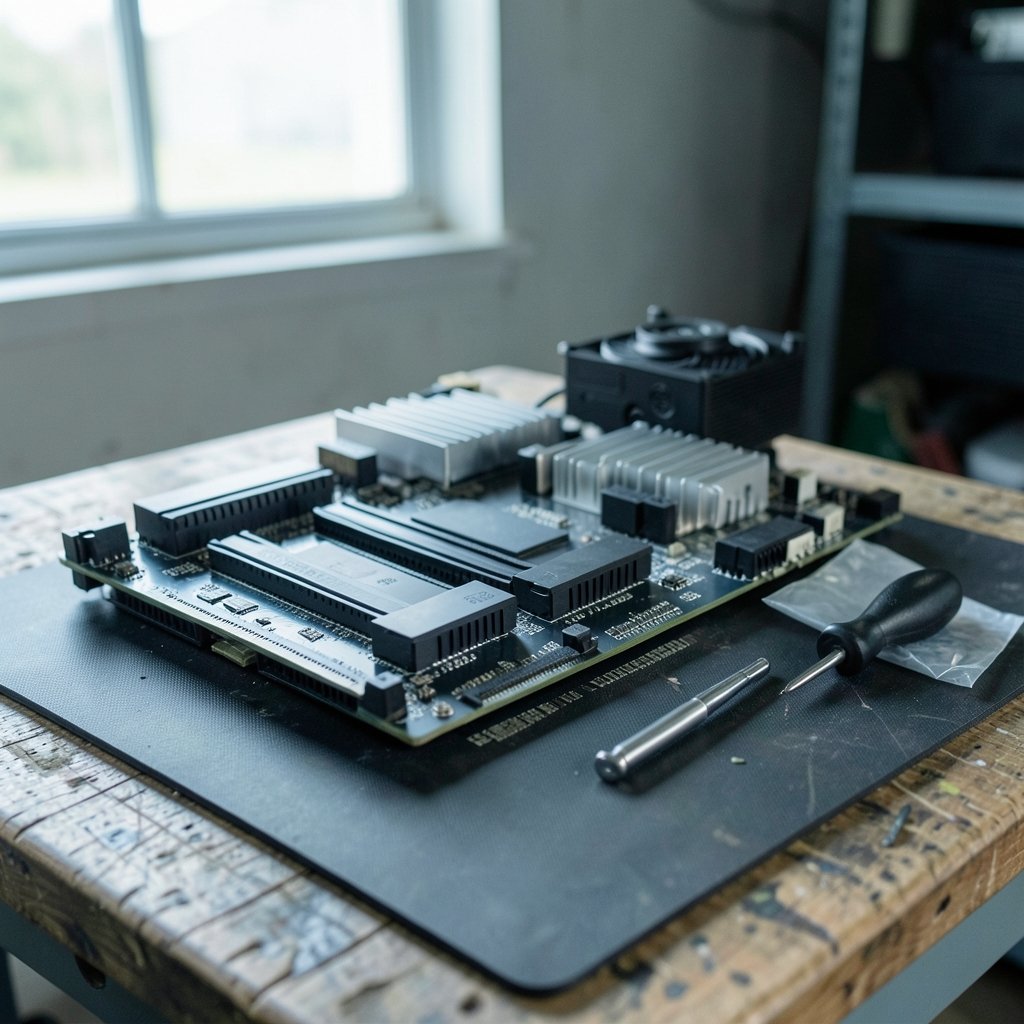
Quick Answer: How much ram do you need for gaming?
For most gamers, 16 GB of RAM is the right amount. It comfortably handles modern AAA titles at 1080p and 1440p, leaves room for a browser or chat app in the background, and keeps builds affordable. That’s the number to buy if you want one simple answer.
The picture shifts at the edges. Budget builders on older or lighter games can often get by with 8 GB, though it’s a squeeze. Enthusiasts pushing 4K, heavy multitasking, or demanding simulation and strategy games increasingly lean toward 32 GB. Consoles sit at 16 GB of shared memory, which makes that figure a useful benchmark for a comparable PC.
Before buying, compare capacity, speed rating, channel configuration (dual-channel matters), DDR4 versus DDR5 platform support, and how many slots your motherboard has free.
The first time a game stutters because of memory, it rarely looks like a memory problem. Frames hitch, textures pop in late, and the whole system feels like it’s thinking too hard. Players blame the graphics card, then the CPU, then the drivers. Often the real culprit is a RAM kit that was undersized for the way the machine is actually used. Getting the number right up front saves a lot of that guesswork.
Why 16 GB Became the Default Answer
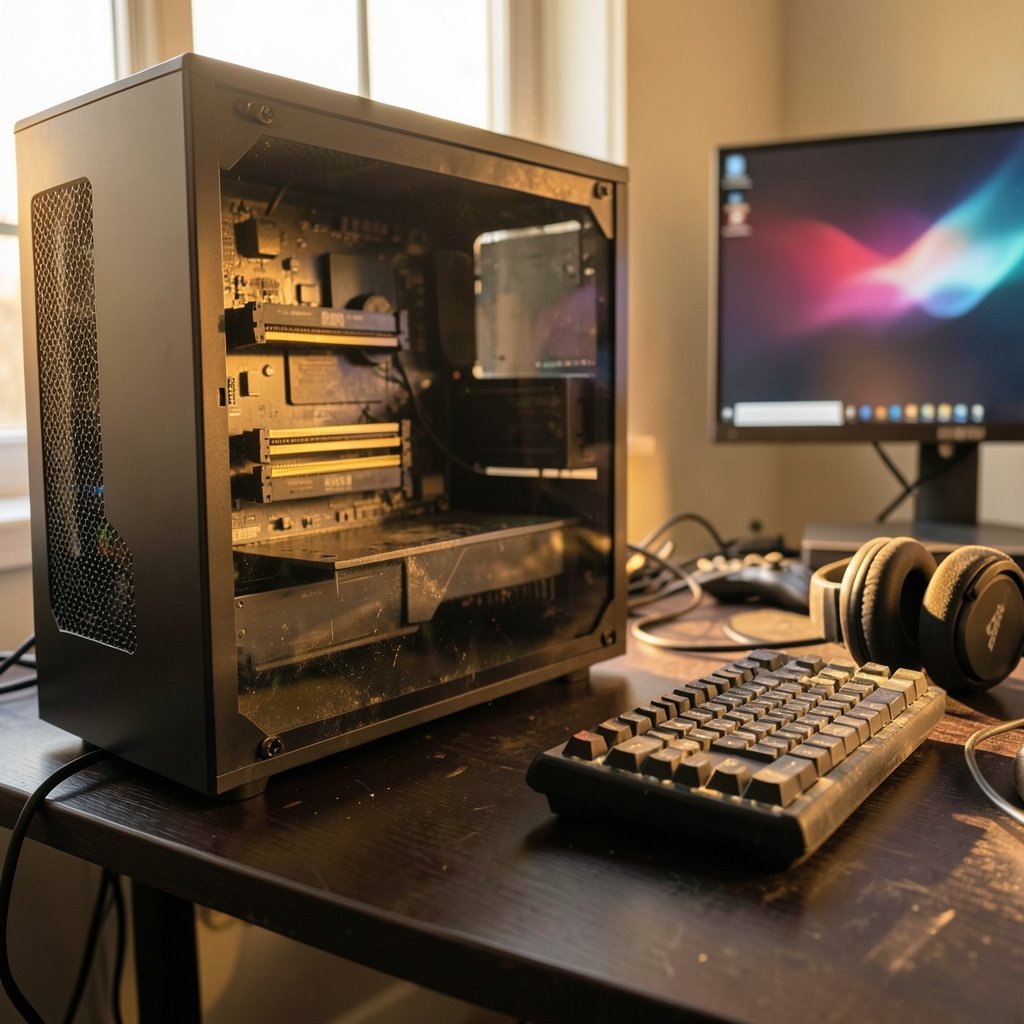
For several years running, build guides and community consensus have landed on 16 GB as the mainstream recommendation for gaming PCs. That’s not an accident. Game engines, operating systems, and background software all grew together, and 16 GB became the size that absorbs all three without constant pressure.
Consider what’s actually running during a gaming session. The operating system takes a slice. The game takes a much bigger one. Then there’s the browser with a dozen tabs, the voice chat client, the game launcher, the overlay software, and whatever else crept in. On a machine with only 8 GB, that stack overflows into virtual memory on the drive, which is dramatically slower. On 16 GB, it usually fits.
The console comparison is instructive here. Both major current-generation consoles ship with 16 GB of shared memory, split between the system and the GPU. That shared pool isn’t identical to a PC’s separate system RAM and VRAM, but it signals what developers target when they build games. A PC with 16 GB of system RAM plus a modern GPU with 8 GB or more of VRAM lands in roughly the same territory. (What Is RAM?)
The 8 GB Question
Is 8 GB dead? Not entirely, but it’s on life support for new big-budget releases. Through 2023 and 2024, several high-profile titles drew complaints about stuttering and texture loading on 8 GB systems. Some of that was memory pressure, some was shader compilation, and some was just rough launches. Still, the pattern was clear enough that most builders stopped recommending 8 GB for new gaming rigs.
Where 8 GB still works fine: esports titles, older games, indie releases, and budget builds where the money is better spent on a stronger GPU. If someone is putting together a first PC on a tight budget and mostly plays lightweight multiplayer games, 8 GB is workable. It’s just not future-proof.
When 32 GB Starts to Make Sense
The case for 32 GB has gotten stronger, and it’s no longer just for content creators. Three groups benefit most.
The first is high-refresh 4K gamers. At higher resolutions, games lean harder on the GPU’s video memory, but they also tend to stream more assets and hold more in system memory. Some open-world titles with heavy asset streaming benefit from the extra headroom.
The second is heavy multitaskers. Streaming a game while running capture software, a browser, Discord, and a music app is a genuinely memory-hungry workload. This is where 32 GB earns its keep and 16 GB starts to feel tight.
The third is simulation and strategy players. Games in that genre can hold enormous amounts of state in memory, and late-game saves in large campaigns can balloon. If someone plays those titles seriously, the extra capacity is a real quality-of-life upgrade.
Where the Returns Stop
Above 32 GB, gaming gains essentially vanish. A 64 GB kit doesn’t make games run faster. It makes sense for virtual machines, video editing, 3D rendering, and running a dozen containers, but a pure gaming build spending money on 64 GB is spending it in the wrong place. That money belongs in the GPU, the CPU, or a faster SSD.
RAM Speed and Channels Matter as Much as Capacity
Here’s a mistake that trips up a lot of first-time builders: they buy the right amount of RAM but install it wrong. Two sticks of 8 GB in the correct slots will outperform one stick of 16 GB in most games, sometimes by a noticeable margin in frame-time consistency. That’s dual-channel operation, and it’s one of the cheapest performance wins available.
The practical rules are simple. Buy RAM in matched pairs. Install them in the slots the motherboard manual specifies, which are usually the second and fourth slots counting away from the CPU. Enable the memory profile in BIOS (often labeled XMP or EXPO) so the kit runs at its rated speed instead of a slow default.
Speed matters too, but with limits. On DDR4 platforms, a 3200 MHz or 3600 MHz kit is a sensible target. On DDR5, 6000 MHz kits are a common sweet spot. Chasing the highest possible speed usually costs more than it returns, and some platforms get unstable with aggressive settings. Stability beats bragging rights.
| Use case | Recommended RAM | Notes |
|---|---|---|
| Esports and older titles | 8 GB | Fine for lightweight games; tight for new AAA |
| Mainstream 1080p/1440p gaming | 16 GB | The default recommendation for most builds |
| 4K gaming and heavy multitasking | 32 GB | Worth it for streaming, capture, and big open worlds |
| Simulation, strategy, content creation | 32 GB | Large saves and editing workloads benefit |
| Workstation plus gaming | 64 GB | Only for VMs, rendering, and pro software |
System RAM vs. VRAM: Don’t Confuse the Two
This is the single most common point of confusion in “how much RAM” discussions. System RAM is the memory on the motherboard that the CPU and the whole machine use. VRAM is the memory soldered onto the graphics card, and it’s dedicated to the GPU. They are separate pools with separate jobs.
A machine can have 32 GB of system RAM and still run into trouble because its graphics card only has 8 GB of VRAM. Modern games at high texture settings can exceed that, causing stutter or forced texture downgrades. No amount of system RAM fixes a VRAM bottleneck.
So the question “how much RAM do I need” really has two answers. For system memory, 16 GB is the mainstream pick. For graphics memory, 8 GB is a reasonable floor today, 12 GB is comfortable, and 16 GB or more gives real headroom at higher resolutions. Buyers comparing graphics cards should look at VRAM as seriously as they look at frame rates.
That logic extends to other hardware decisions. People researching a gaming motherboard often focus on chipset features and forget to check how many memory slots it has and what speeds it officially supports. A board with four slots leaves room to add a matching kit later. A two-slot board means the initial purchase is the final one.
How to Check Whether RAM Is Actually Your Bottleneck
Before spending money, it helps to confirm the diagnosis. A few practical checks separate a genuine memory problem from something else.
Open the task manager during a demanding game and watch memory usage. If it sits pinned near the maximum with the drive activity light flickering constantly, the system is paging to disk and RAM is likely the constraint. If usage sits comfortably below the ceiling, look elsewhere.
Watch for specific symptoms. Texture pop-in that resolves after a few seconds, stutter when entering new areas, and long load times on an SSD all point toward memory pressure. Random crashes with memory-related error codes are a stronger signal, though those can also come from unstable overclocks or faulty sticks. (Random-access memory)
Run a memory test if crashes are frequent. Faulty RAM produces some of the most maddening, hard-to-reproduce errors in PC troubleshooting, and a bad stick can masquerade as a dozen other problems.
One more practical note: laptops are a different story. Most laptops have soldered memory, so the amount bought is the amount kept. Anyone shopping for a gaming laptop should treat 16 GB as the minimum and avoid 8 GB models entirely, since there’s no upgrade path later. The same “buy once, buy right” logic applies to other tech purchases where the spec is fixed at purchase, whether that’s checking how much a Steam Deck costs before committing to a handheld with fixed memory, or comparing what’s included in a Ram truck lease deal before signing.
Matching RAM to the Rest of the Build
A memory kit should fit the build around it. Pairing 32 GB of fast RAM with a low-end graphics card is lopsided spending. Pairing 8 GB with a high-end card wastes the card’s potential. Balance is the goal.
For a mid-range 1080p build, 16 GB of DDR4 at 3200 MHz or DDR5 at 5600 to 6000 MHz is a sensible match. For a high-end 1440p or 4K build, 32 GB makes sense because the rest of the system is already expensive enough that the extra memory cost is a small fraction of the total. For a budget esports build, 16 GB is still the smarter buy over 8 GB, because the price gap is modest and the longevity gain is large.
Platform choice affects the decision too. A DDR5 platform means buying new memory regardless, so going straight to 32 GB costs less relatively than it would on an older DDR4 system where a 16 GB kit is cheap. Buyers building fresh should factor that in.
Conclusion
The honest answer to how much RAM is needed for gaming is that 16 GB covers the vast majority of players well, and it has for years. It handles modern titles at common resolutions, leaves room for background apps, and keeps budgets focused on the parts that move frame rates most. Stepping up to 32 GB is a reasonable choice for 4K players, heavy multitaskers, and fans of memory-hungry simulation and strategy games. Dropping to 8 GB only makes sense for lightweight games and tight budgets.
Just as important as the number is the setup. Matched pairs in dual-channel, the correct slots, and an enabled memory profile deliver more real-world benefit than an extra 16 GB of capacity sitting idle. And keep system RAM and VRAM separate in your head, because they solve different problems. Get those basics right, and memory stops being the thing that quietly holds a good build back.
FAQ
Is 32 GB of RAM overkill for gaming?
For pure gaming at 1080p or 1440p, yes, it’s more than needed today. It becomes worthwhile for 4K gaming, heavy multitasking with streaming and capture software, and simulation or strategy games with large saves. Otherwise the money is better spent on a graphics card.
Can I game with only 8 GB of RAM?
Yes, for esports titles, older games, indie releases, and lighter multiplayer games. New big-budget releases often stutter or load textures poorly at 8 GB. It works, but it’s a compromise and not a good choice for a new build meant to last.
Does faster RAM improve gaming performance?
Moderately, and mostly through consistency rather than peak frame rates. Running two sticks in dual-channel and enabling the rated memory profile often helps frame times more than buying a higher speed rating. Beyond a sensible speed for the platform, extra speed yields little.
Do I need more RAM if I stream while gaming?
Streaming adds real memory pressure, especially with a browser, chat client, and capture software running alongside the game. 16 GB can work, but 32 GB gives noticeably more breathing room and avoids the stutter that comes from running out of headroom mid-session.
What’s the difference between system RAM and VRAM?
System RAM is the motherboard memory used by the whole machine. VRAM is dedicated memory on the graphics card used by the GPU. They’re separate pools, and a shortage of VRAM can’t be fixed by adding system RAM. Both matter, for different reasons.
Can I mix RAM sticks of different sizes or brands?
It sometimes works, but it’s unreliable. Mismatched sticks can run at slower speeds, fail to enable their rated profiles, or cause instability. Buying a matched kit in the capacity you need is the safer and usually cheaper path in the long run.



