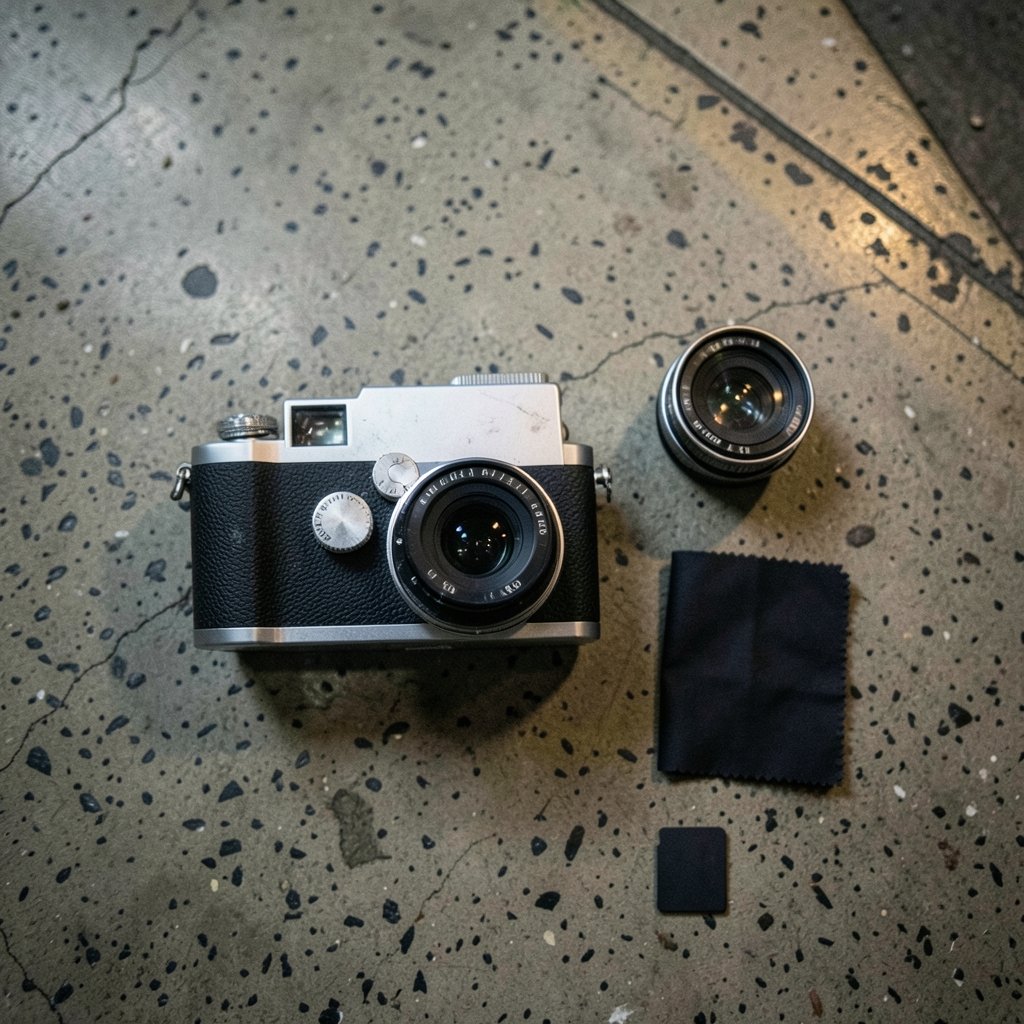
What if a camera released more than a decade ago still offered the controls, color science, and shooting feel that many modern mirrorless bodies struggle to match? That question frames the Fujifilm X-E2, announced in October 2013 and on sale from November that year. It was a mid-range model in Fujifilm’s X series, and on paper it looks dated. In practice, it has become one of the most quietly beloved cameras among people who care about how a camera feels in the hand. (Band brothers true story behind easy company hbo series)
This guide walks through the features that genuinely define the X-E2, explains which ones were improved by firmware, and flags the compromises a buyer should know about before spending money. (Leonardo ai vs midjourney features and differences)
Why the X-E2 Still Gets Recommended
The X-E2 sits in a sweet spot. It has the rangefinder-style body with the viewfinder in the corner, the physical dials that made the X series famous, and a sensor that produces pleasing files straight out of camera. It also costs a fraction of what newer bodies run on the used market.
The catch is that the X-E2 is not a modern camera in modern terms. It has no tilting screen, no 4K video, and no in-body stabilization. Anyone expecting it to behave like a current model will be disappointed. Anyone who wants a compact, deliberate camera for stills will find a lot to like.
The Sensor and Processor Combination

The X-E2 uses a 16.3-megapixel APS-C X-Trans CMOS II sensor paired with the EXR Processor II. Two details matter here. (Bing visual search features and uses)
First, the sensor has no optical low-pass filter. That design choice helps the camera resolve fine detail, though it also means moiré can appear in certain repeating patterns like fabric or fine grilles. In everyday shooting, most people never notice.
Second, the X-Trans II generation introduced phase-detection pixels on the sensor, which is the foundation of the camera’s autofocus behavior. Fujifilm claimed the world’s fastest autofocus among mirrorless cameras at launch. That was a marketing claim from 2013, and independent testing at the time showed real-world performance varied by lens and light level. It is worth treating that claim as history rather than a current benchmark.
The practical takeaway: image quality holds up well for prints, web use, and social sharing. Low-light files get noisy past roughly ISO 3200, but the noise has a fairly organic look that many shooters find acceptable.
The Hybrid Viewfinder Is the Star
If one feature sells the X-E2, it is the viewfinder. The camera has a 2.36-million-dot OLED electronic viewfinder with roughly 0.37× magnification in 35mm terms. It sits in the top-left corner, rangefinder style, which lets you shoot with both eyes open and keep awareness of what is happening outside the frame.
This is a genuinely different experience from a center-mounted EVF. Street shooters and documentary photographers tend to love it because the camera does not block the face. Portrait subjects also tend to relax more when the lens is not pressed against a photographer’s eye.
The EVF is not perfect. It is smaller and lower resolution than what modern cameras offer, and the refresh rate shows its age in fast panning. But for careful, composed shooting it remains clear and usable.
Physical Dials Change How You Shoot
The control layout is where the X-E2 earns loyalty. There is a dedicated shutter-speed dial on top, an exposure-compensation dial with a locking button, and an aperture ring on XF lenses. A Q button opens a quick menu for the settings you change most.
Why does this matter? Because you can read your exposure settings by feel and by glance, without waking a screen. That is a real advantage in bright sun or when shooting quickly. It also means the camera teaches exposure fundamentals rather than hiding them behind menus.
A common mistake among new owners is leaving the camera in full auto and never touching the dials. The X-E2 rewards the opposite approach. Set aperture on the lens, shutter speed on the top dial, and let auto ISO handle the rest. That single setup covers most situations and is the fastest way to learn the camera.
Film Simulation Modes Do the Heavy Lifting
Fujifilm’s Film Simulation modes are color presets modeled on classic film stocks. The X-E2 includes Provia (standard), Velvia (vivid), Astia (soft), Pro Neg Std, Pro Neg Hi, and several monochrome variants. Classic Chrome, a muted, documentary-style look, arrived through a firmware update in late 2014.
These are not gimmicks. Many X-E2 owners shoot JPEG only and never open a raw editor, because the out-of-camera color is that good. A practical tip: try Provia for general use, Classic Chrome for street and reportage, and Astia for portraits where you want gentle skin tones. Adjust shadows and highlights in-camera rather than in software.
One caution: the exact firmware version that introduced Classic Chrome is worth confirming against Fujifilm’s own release notes before you rely on it, since firmware history is easy to misremember.
If you enjoy comparing how different imaging tools render the same scene, the same curiosity applies to generative tools. Looking at how different rendering philosophies shape a final result shows how much of an image comes down to the processing behind it, much like film simulations do here.
Firmware v4.00 Was a Second Life
In December 2015, Fujifilm released firmware version 4.00 for the X-E2. This was a substantial free update that reworked the autofocus system, improved subject tracking, and added other refinements. It arrived roughly two years after launch, which is unusual in an industry that often abandons older bodies quickly.
For buyers today, this matters practically. Check the firmware version before buying a used X-E2. A body still running early firmware behaves noticeably differently from one updated to v4.00, particularly in continuous autofocus. Updating is straightforward through Fujifilm’s official firmware page, and it is the single highest-value thing an owner can do.
It is also worth confirming whether any firmware beyond v4.00 was released for this model, since that detail is easy to get wrong and varies by region.
Autofocus: What to Expect in Real Use
The phase-detection pixels help single-shot autofocus feel snappy in good light with most XF lenses. Continuous autofocus, even after v4.00, is not competitive with modern cameras. Tracking a running child or a moving animal will produce misses.
What actually works in practice:
- Use single-point autofocus and place the point deliberately rather than relying on wide-area modes.
- Shoot in decent light whenever possible; low light slows the system noticeably.
- Pre-focus on a spot and wait for the subject to arrive, a classic street technique.
- Avoid continuous AF for fast action and instead use short bursts with single AF.
The most common mistake is expecting the X-E2 to behave like a sports camera. It is not one. Used within its limits, it focuses accurately and predictably.
The Rear Screen and Connectivity
The X-E2 has a 3.0-inch, 1.04-million-dot fixed rear LCD. It does not tilt. That is a real limitation for low-angle shots and for shooting above a crowd, and it is the feature most owners wish were different.
Built-in Wi-Fi allows transfer to the Fujifilm Camera Remote app. The implementation is basic by current standards and can be fiddly, but it works for sending JPEGs to a phone. Many owners simply use a card reader instead, which is faster and more reliable.
Video Capabilities
Video tops out at 1080p at up to 60fps. There is no 4K, no flat log profile, and no microphone input. For casual clips it is fine. For anything serious, it is not the right tool. Buyers who mainly want video should look elsewhere.
How the X-E2 Compares to Nearby Options
| Feature | X-E2 | X-E2S | X-T1 |
|---|---|---|---|
| Sensor | 16.3MP X-Trans CMOS II | 16.3MP X-Trans CMOS II | 16.3MP X-Trans CMOS II |
| Viewfinder position | Corner (rangefinder style) | Corner | Center hump |
| Rear screen | Fixed 3.0-inch | Fixed 3.0-inch | Tilting |
| Weather sealing | No | No | Yes |
| Video | 1080p up to 60fps | 1080p up to 60fps | 1080p up to 60fps |
| Best for | Compact stills, street | Slightly refined handling | Outdoor and rough use |
The X-E2S is a modest refresh with similar internals, so the choice often comes down to price and condition. The X-T1 adds weather sealing and a tilting screen at the cost of a larger body.
Choosing between bodies often comes down to handling preferences rather than specs, a theme that runs through many gear decisions. The same is true of controllers: the numbers matter less than what feels right in your hands.
Practical Tips for New Owners
A few things genuinely improve the experience:
- Set auto ISO with a minimum shutter speed. This is the single most useful menu change and stops the camera from choosing slow shutter speeds indoors.
- Assign the Fn buttons deliberately. Put ISO and white balance where your thumb expects them.
- Shoot JPEG plus raw for a while. Compare the film simulation against the raw file to learn what you actually prefer.
- Buy a spare battery. The X-E2 uses the NP-W126, and mirrorless cameras drain batteries faster than DSLRs. Two spares is sensible.
- Clean the sensor carefully. The lack of a low-pass filter does not change cleaning procedure, but a blower and a proper swab kit are worth owning.
The most common mistake is buying the body with a cheap, slow lens. The XF 18-55mm kit lens is unusually good, and the small prime lenses are what make the body feel compact in the first place.
Who Should Buy One
The X-E2 suits someone who wants a small, light camera for stills, enjoys manual controls, and is happy to work within autofocus limits. It suits travelers, street photographers, and anyone learning exposure who wants dials instead of menus.
It does not suit video shooters, sports and wildlife photographers, or anyone who needs a tilting screen and modern tracking. Being honest about that saves a lot of frustration.
Conclusion
The Fujifilm X-E2 is not a camera that wins on specifications. It wins on the things specifications rarely capture: a corner viewfinder that changes how you see the scene, dials that make exposure intuitive, and color that often needs no editing at all. The 16.3-megapixel X-Trans CMOS II sensor and EXR Processor II still produce pleasing files, and firmware v4.00 gave the autofocus a meaningful second life years after launch.
Its limits are real. The fixed screen, the modest video, and the dated continuous autofocus are genuine compromises. But for a photographer who values feel over feature lists, the X-E2 remains a compelling, affordable way into the X series. Check the firmware, budget for a good lens, and set auto ISO properly. Do those three things and the camera will reward you far more than its age suggests.
Frequently Asked Questions
Is the Fujifilm X-E2 still worth buying?
Yes, for stills-focused photographers on a budget. It offers a corner OLED viewfinder, physical dials, and strong JPEG color at a low used price. It is not a good choice for video or fast action.
What does firmware v4.00 add to the X-E2?
Released in December 2015, firmware v4.00 reworked the autofocus system and improved subject tracking, along with other refinements. It substantially changed how the camera performs, so check the installed version before buying used.
Does the X-E2 have a tilting screen?
No. The rear LCD is a fixed 3.0-inch, 1.04-million-dot panel. This is the most commonly cited limitation, especially for low-angle shooting.
Can the X-E2 shoot 4K video?
No. Video is limited to 1080p at up to 60fps, with no log profile and no microphone input. It is adequate for casual clips only.
Which film simulations does the X-E2 include?
It includes Provia, Velvia, Astia, Pro Neg Std, Pro Neg Hi, and monochrome variants. Classic Chrome was added through a firmware update in late 2014, so confirm the exact version against official release notes.
Is the X-E2 good for beginners?
It can be, if the beginner wants to learn exposure through dials. The trade-off is that autofocus and the fixed screen demand more patience than a current entry-level model would.