
What separates a photorealistic AI image from one that instantly screams “generated”? Often it’s not the model at all, but how the person using it handles lighting, skin texture, and prompt structure. That gap matters more than any single ranking, because the “best” generator changes with every update and every use case.
This guide focuses on what actually holds up: the criteria that separate convincing images from plastic-looking ones, the trade-offs between the major tools, and the mistakes that ruin realism even on a top-tier model. Rather than a fixed list that ages badly, it gives a practical framework for judging tools yourself, plus concrete comparisons you can apply today.
Why a Fixed “Best Of” List Ages So Fast
Anyone who has bookmarked a “top 10 AI image generators” article knows the frustration. Six months later, half the entries have been renamed, merged, or quietly dropped. Model versions update constantly, pricing tiers shift, and features that were exclusive become standard.
This is why chasing a numbered list of fifteen tools is a trap. The stronger approach is to understand the evaluation criteria, then apply them to whatever tools are current. A reader who knows how to spot good skin texture and honest lighting will out-perform someone who simply picked whatever ranked first.
That said, comparisons still help. A broad ai image generators compared breakdown gives useful orientation before you commit time to testing. Treat such comparisons as a starting map, not the destination.
The Criteria That Actually Determine Photorealism
Photorealism is not a single switch. It’s the sum of several smaller qualities, and most generators are strong in some and weak in others. Judging a tool means scoring it across these dimensions.
Skin and Texture Fidelity
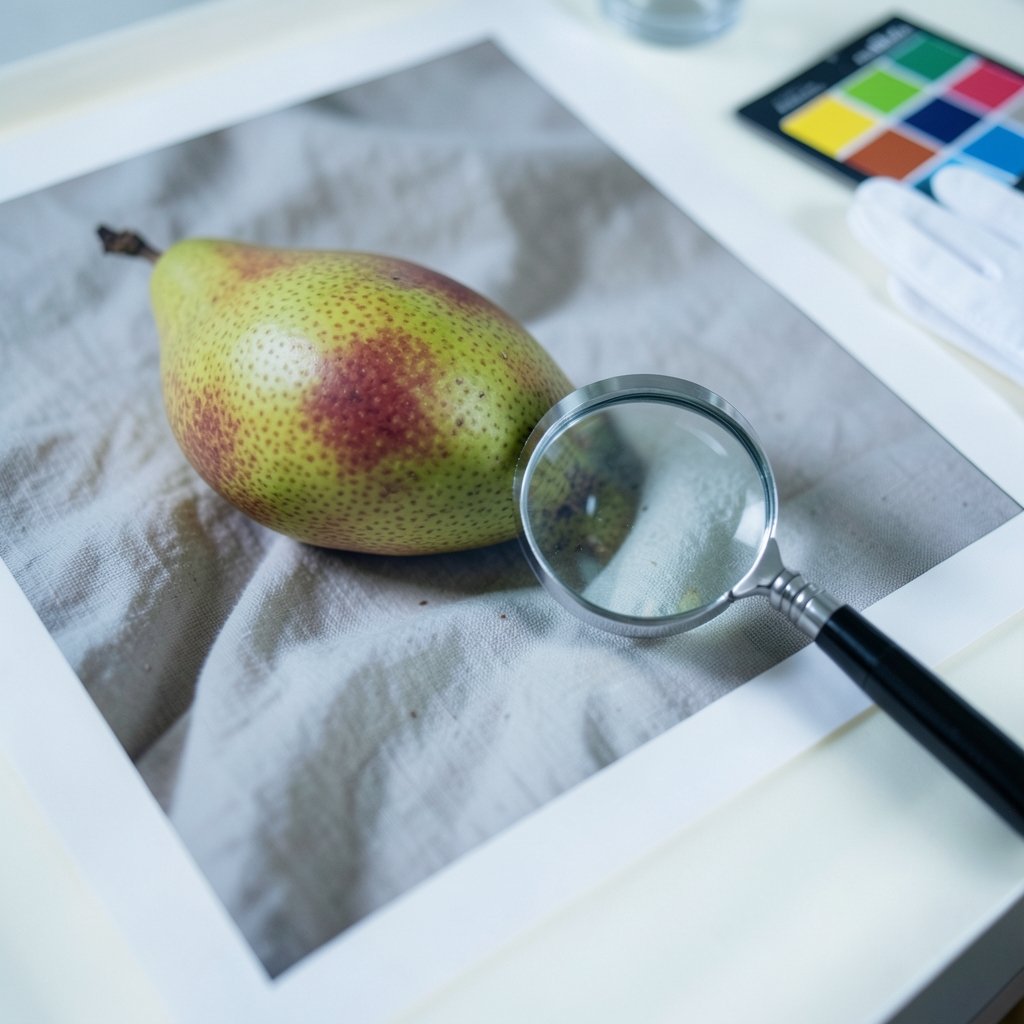
Real skin is imperfect. It has pores, fine lines, subtle color variation, and tiny asymmetries. Generators that produce smooth, uniform faces look fake even at a glance. The best tools preserve micro-texture, especially in close-up portraits. When testing, zoom to 100 percent and look at the cheeks and forehead. If the texture vanishes into plastic, that is a red flag.
Lighting and Shadow Logic
Convincing light behaves consistently. A single light source should cast shadows in one direction, with soft falloff and believable bounce light. Many generators produce flattering but physically impossible lighting, with highlights that don’t match the shadow direction. Photorealistic output respects basic physics.
Hands, Hair, and Fine Detail
Hands remain a classic weak point. Count the fingers, check joint angles, and look at how the hand interacts with objects. Hair is the second tell: real strands have depth, flyaways, and varied thickness. Flat, helmet-like hair reads as artificial.
Background Coherence
A perfect subject against a blurry, nonsensical background still fails. Look for consistent perspective, plausible depth of field, and background objects that make sense together. A café scene should have readable signage, not scrambled lettering.
Resolution and Upscaling Behavior
Some tools generate sharp images natively, while others rely on upscalers that add artificial sharpness. Over-sharpened images have a crunchy, over-processed look. Native detail beats upscaled detail almost every time.
A Comparison Framework for the Major Tool Categories
Rather than ranking individual products, it helps to group generators by what they are built to do. Each category has strengths and honest limitations.
| Category | Typical Strength | Common Weakness | Best For |
|---|---|---|---|
| General-purpose text-to-image | Broad style range, fast iteration | Inconsistent fine detail | Concepts, mood boards, quick drafts |
| Portrait-focused tools | Strong faces and skin texture | Weaker on scenes and objects | Headshots, character design |
| Prompt-free generators | Speed, ease for beginners | Less control over specifics | Casual users, social content |
| Free-tier tools | Zero cost to start | Watermarks, lower resolution, queues | Testing before committing |
| Video-capable suites | Motion and consistency across frames | Higher cost, steeper learning curve | Content creators, marketers |
For anyone prioritizing lifelike photos, the best ai image generators for realistic photos tend to cluster in the portrait-focused and general-purpose categories. The video-capable suites are a separate conversation, covered well by roundups of the best ai video generators from text and images, since motion introduces its own realism challenges.
What Free Tools Can and Cannot Do
Free tiers are a genuinely useful testing ground, but expectations need calibrating. Most free plans cap resolution, add watermarks, or throttle generation speed during peak hours. Some limit commercial use. None of that makes them worthless, but it changes how you should use them.
The smart play is to use free access for evaluation. Generate the same prompt across several tools and compare the outputs side by side. This tells you more about a tool’s character than any marketing page. A best free ai image generator roundup can point you toward options worth testing, but the comparison itself is the real work.
One practical tip: keep a small “test pack” of three prompts. Use one portrait, one full-body scene with hands visible, and one object close-up. Run the same three prompts on every tool you try. The differences become obvious fast, and you build a personal benchmark that no listicle can give you.
Prompt-Free Generation: Convenience Versus Control
A newer category removes the prompt entirely. You describe an idea in plain language, or even just pick a style, and the tool interprets it. This is genuinely useful for people who don’t want to learn prompt syntax, and the results can be surprisingly good for simple concepts.
The trade-off is control. Without a structured prompt, you surrender decisions about lighting, composition, and detail. For photorealistic work, that’s often a dealbreaker, because realism depends on precise direction. Still, prompt-free tools are worth understanding as a category. A guide to an ai image generator without a prompt explains where they shine and where they fall short.
The honest verdict: prompt-free tools are excellent for speed and casual use, but weak for anyone chasing a specific photorealistic outcome. They are a starting point, not a finishing tool.
Practical Techniques That Improve Realism Immediately
The single biggest mistake people make is assuming the model does all the work. It doesn’t. Prompt structure and post-generation choices matter enormously. Here is what actually moves the needle.
- Specify the camera and lens. Words like “85mm portrait lens” or “shot on a DSLR” push the model toward photographic rendering instead of illustration.
- Describe the light along with the subject. “Soft window light from the left, gentle shadows” produces far more believable results than “beautiful lighting.”
- Name the imperfections. “Slight skin texture, natural pores, minor asymmetry” counteracts the plastic look that models default to.
- Avoid stacking contradictory styles. Mixing “hyperrealistic” with “cinematic painting” confuses the model and produces mush.
- Generate multiple variations and cherry-pick. Photorealism is partly a numbers game. Run several outputs and select the strongest.
- Fix, don’t regenerate, when possible. Small local edits preserve the good parts of an image that a full regeneration would destroy.
A common mistake is over-prompting. Long, contradictory prompts often produce worse results than short, focused ones. Another is ignoring the seed value, which lets you reproduce and refine a promising image instead of starting over.
Where the Field Is Heading
The trajectory is clear even without a crystal ball. Three shifts are underway.
First, consistency is improving. Tools are getting better at keeping the same face or character across multiple images, which matters hugely for storytelling and branding. Second, provenance and labeling are becoming standard concerns. Content credentials that mark an image as AI-generated are increasingly part of the conversation, and users should expect to encounter them.
Third, the line between image and video generation is blurring. Suites that handle both are becoming the norm, which is why forward-looking roundups of the best ai image generators 2026 increasingly discuss motion and multi-frame consistency alongside still-image quality.
For anyone planning ahead, the best ai image generator 2026 comparisons offer a useful snapshot of where the leading tools stand on these fronts. And for those who want to start with text-to-image specifically, a best ai text to image generator free overview covers the entry-level options well.
Common Mistakes That Undermine Realism
Even strong tools produce weak results in the wrong hands. These are the recurring errors worth avoiding.
- Trusting the first output. The first generation is rarely the best. Iterate.
- Ignoring the background. A flawless face against a garbled background still fails.
- Over-smoothing in post. Aggressive noise reduction and sharpening destroy the texture that makes images believable.
- Skipping the hands check. Always inspect hands before publishing.
- Using the wrong tool for the job. A prompt-free tool will never deliver precise photorealistic control, no matter how hard you try.
- Forgetting resolution limits. Downscaled images lose the fine detail that sells realism.
Conclusion
The search for the fifteen best AI image generators is really a search for the right evaluation habits. Tools will keep changing, versions will keep updating, and any fixed ranking will be outdated within months. What endures is the ability to judge an image on skin texture, lighting logic, fine detail, and background coherence, and to write prompts that give a model the direction it needs.
Start with a small test pack of prompts. Run them across a handful of tools, including free options, and compare the results yourself. Use comparison roundups as a starting map, not a final answer. Then invest your effort in the techniques that actually improve realism: precise lighting language, honest imperfection, and patient iteration. Do that, and you won’t need a numbered list to find a generator that works for you.
FAQ
What makes an AI-generated image look photorealistic?
Photorealism comes down to texture, lighting logic, and fine detail. Realistic images preserve skin pores and subtle asymmetry, cast shadows that match a consistent light source, and render hair and hands with believable depth. Backgrounds must also make physical sense. A tool that nails faces but fails on hands or backgrounds is only partly photorealistic.
Are free AI image generators good enough for realistic photos?
Free tiers can produce solid results, but they usually cap resolution, add watermarks, or limit commercial use. They are excellent for testing and learning, and the smartest approach is to use them to compare tools before paying. For final photorealistic work at high resolution, paid tiers generally offer more control and cleaner output.
Do I need to write complex prompts to get realistic images?
Not necessarily, but some direction helps a lot. Short, focused prompts that specify camera, lens, and lighting tend to outperform long, contradictory ones. Naming imperfections like skin texture and natural pores counteracts the plastic look many models default to. Over-prompting is a common mistake that makes results worse, not better.
Why do AI generators still struggle with hands?
Hands involve complex joint geometry and many interacting parts, which makes them hard for models to render consistently. The practical fix is to check every hand before publishing and to generate several variations, since some outputs will get it right. Local editing tools can also correct a single flawed hand without regenerating the whole image.
How often should I re-evaluate which generator I use?
More often than most people expect. Models update frequently, and features that were once premium become standard. A practical habit is to re-test your main tools every few months using the same small set of prompts. That way you notice improvements and regressions quickly, without relying on outdated rankings.
Can prompt-free tools produce photorealistic results?
They can produce pleasant images quickly, but they trade control for convenience. Because realism depends on precise direction about lighting, composition, and detail, prompt-free tools rarely deliver the specific photorealistic outcome a demanding user wants. They work best for casual content and early concepts, not for final realistic work.



