What happens when a nine-year-old asks a chatbot why the sky is blue, and the chatbot answers with a 400-word lecture on Rayleigh scattering, then pivots to a joke about pigeons? That mix of wonder and unpredictability is exactly why parents in 2027 are both curious about AI chatbots for kids and uneasy about them. The technology has matured, the rules have tightened, and the marketing has gotten louder. Sorting the genuinely safe options from the ones that just slap a cartoon mascot on a general-purpose model takes some work. (Bitwarden safe private everyday use honest look)
This guide walks through what “safe” and “educational” should mean in practice, where the real risks hide, and how to set up a chatbot your child can use without you hovering over their shoulder every minute.
Why 2027 Is a Different Year for Kids and Chatbots
Three forces have converged. First, regulation. The UK’s Age Appropriate Design Code has been in force since September 2, 2021, and it sets 15 standards for services likely to be accessed by children, including high-privacy defaults and data minimisation. The EU’s Digital Services Act has applied to all platforms since February 17, 2024, banning advertising based on profiling of minors and cracking down on dark patterns. The EU AI Act, in force since August 1, 2024, classifies some uses affecting children as high-risk and phases in obligations through 2026 and 2027.
Second, product maturity. A wave of child-focused chatbots now bundles content filters, parental dashboards and human moderation. Third, scrutiny. General-purpose chatbots have a documented habit of producing age-inappropriate content, and safety filters are imperfect. A 2023 study showed that guardrails on large language models could be bypassed with simple prompts. That finding is model-specific and may not reflect 2027 products, but it explains why “we have filters” is not a sufficient answer from any vendor.
What Actually Makes a Chatbot Safe for a Child
Parents tend to judge chatbots by the interface: friendly fonts, animal avatars, cheerful greetings. The real safety work happens underneath. Here is what to look for, in rough order of importance.
Data collection and consent
In the U.S., COPPA requires verifiable parental consent before collecting personal data from children under 13. The 2013 amendments extended the rule to persistent identifiers like cookies and device IDs, and to third parties collecting data through child-directed sites. Proposed updates in January 2024 would add separate consent for third-party disclosure and limits on nudging kids to stay online. A chatbot that asks for a child’s name, school, age and email before a parent verifies anything deserves a hard pass.
Content boundaries that hold
Ask directly: what happens when a child asks about violence, self-harm, dieting or relationships? A good product has a defined refusal path and escalates to a human or a parent rather than improvising. Test it yourself with a few uncomfortable prompts before handing over the login.
Visibility for parents
Parental dashboards should show conversation history, time spent, and flagged topics. If a product promises privacy for the child at the expense of visibility for the parent, that is a mismatch for most families with younger kids.
Human moderation
Filters catch keywords. Humans catch context. Products that combine automated screening with human review of flagged conversations tend to handle edge cases better, though independent efficacy evidence remains thin. No peer-reviewed comparative study of commercial kids’ chatbots was widely available as of early 2025, so treat vendor claims about moderation as claims, not proof.
The Real Risks Nobody Markets To You
The scary scenarios parents imagine, like a chatbot teaching a child to do something dangerous, are rare. The common problems are duller and more persistent.
Over-attachment. A chatbot that is always available, always patient and never tired is seductive for a lonely kid. Watch for a child who prefers the bot to friends.
Confident wrongness. Chatbots hallucinate. A child who trusts a bot’s math answer or historical “fact” learns to accept authority without checking. This is where a parent’s involvement matters more than any filter.
Homework substitution. The difference between a tutor and an answer machine is whether the bot asks the child to think first. Many do not.
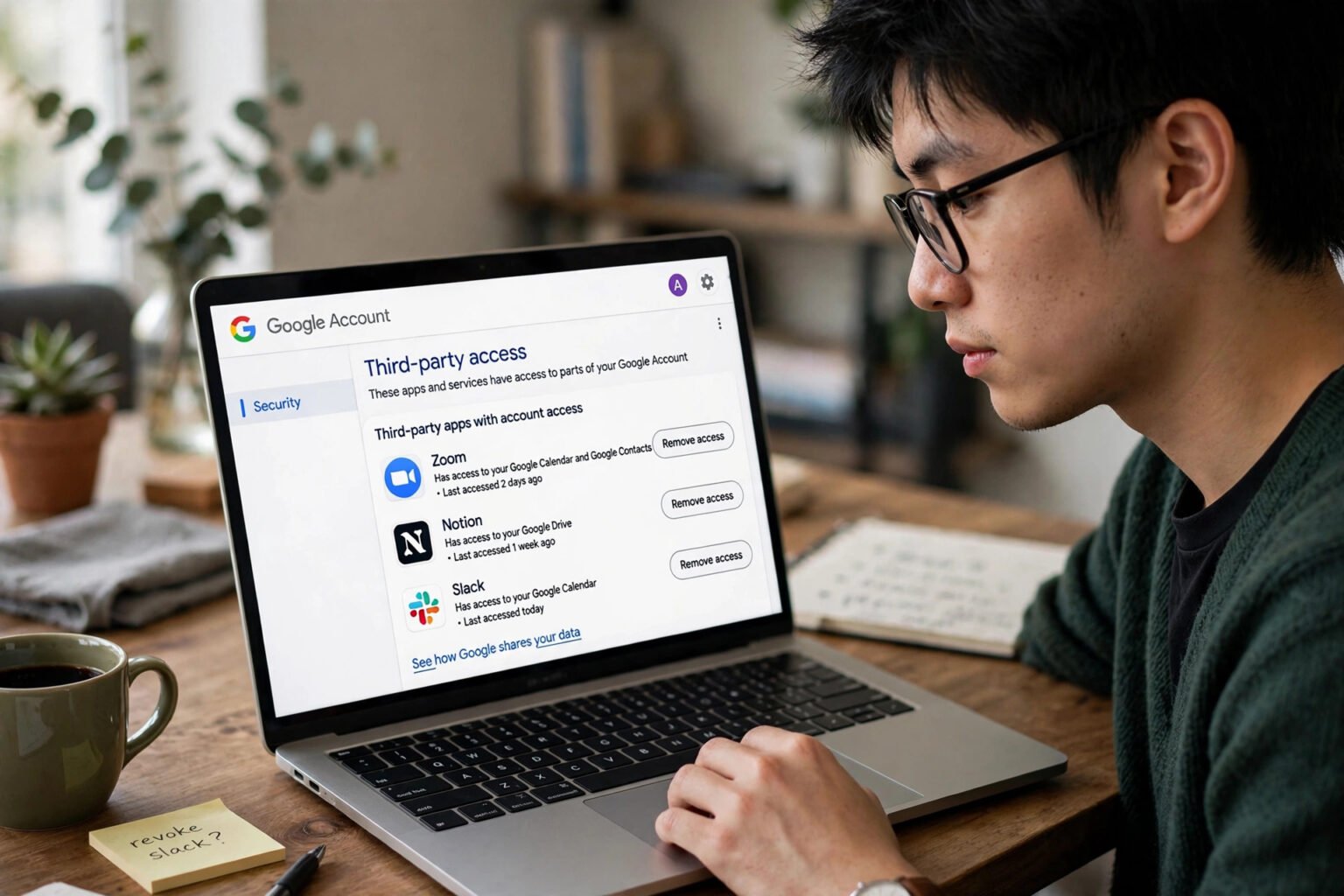
Data creep. Free tiers often monetise through data. A “free” chatbot for kids is worth a second look at the privacy policy, which is exactly the kind of due diligence that pays off with tools like a password manager; if you are already thinking about how to keep your family’s accounts locked down, this honest look at Bitwarden for safe, private everyday use covers the basics.
How to Vet a Chatbot Before Your Child Touches It
A practical routine, tested by parents who have done this before:
- Create the account yourself using a parent email, and check whether the product even allows a child profile without verification.
- Run a red-team session. Ask about violence, puberty, cheating on homework, and “what’s your opinion of my parents.” Note how the bot redirects.
- Read the privacy policy for the words “third parties” and “advertising.” If either appears in a child-directed product without a clear opt-out, walk away.
- Check the age rating. Independent age-based reviews and privacy ratings from organisations that test products with families in mind are more useful than a vendor’s own “kid-safe” badge.
- Set time limits before the first session, not after the novelty fades. It is far easier to enforce a rule that existed from day one.
- Sit in for the first three sessions. You will learn more about the product in 30 minutes of watching than in an hour of reading its website.
A common mistake: parents test the chatbot with adult prompts, get a sensible answer, and assume the child experience will be similar. Children ask stranger questions, in stranger ways, and often keep pushing after a refusal. Test like a curious eight-year-old, not like a tech reviewer.
Where Chatbots Genuinely Help Learning
Used well, a chatbot can be a patient tutor that never sighs at the third “but why?” It can quiz a child on spelling, walk through a maths problem step by step, explain a science concept at the child’s reading level, or role-play a conversation in a foreign language. The educational value comes from dialogue, not answers.
The pattern that works: the child explains their reasoning, the bot asks a follow-up question, the child revises. The pattern that fails: the child pastes in a worksheet and copies the output. Some products build the first pattern into their design with Socratic prompting; many do not. If you want a broader set of screen-time options that hold up educationally, this roundup of the best educational games for kids pairs well with a chatbot habit, because games tend to teach persistence in a way a chat window does not.
For families comparing general-purpose assistants, output quality varies wildly by task. A comparison of DeepSeek, ChatGPT and Gemini on judged output quality gives a sense of how the big models differ, though none of them is designed for children and all require adult supervision and account settings that block inappropriate content.
A Comparison Framework, Not a Product List
Naming “the best” chatbot for 2027 is a trap. Products change, prices shift, and no verified independent safety audit of specific 2027 kids’ chatbots exists. Instead, score candidates against the criteria that matter.
| Criterion | What Good Looks Like | Red Flag |
|---|---|---|
| Parental consent | Verified adult account before any child data | Child self-signup with email only |
| Content policy | Written, specific, with escalation path | “AI keeps it safe” with no detail |
| Parent dashboard | Full history, flags, time limits | No visibility at all |
| Data use | No ads, no third-party sale, minimal collection | Free tier funded by profiling |
| Educational design | Asks questions, scaffolds reasoning | Gives answers instantly |
| Moderation | Automated plus human review | Filters only |
| Age assurance | Clear age bands and age-appropriate modes | One experience for all ages |
Score each candidate out of seven. Anything below five is not ready for a child under 13.
Practical Setup That Prevents Most Problems
Device-level controls do more work than most parents expect. Put the chatbot on a shared family device rather than a personal phone, keep the device in a common room, and use the operating system’s built-in limits. If an app starts crashing or behaving oddly after an update, a safe-mode reboot is a quick diagnostic; this step-by-step guide on how to boot Android safe mode to fix crashing apps is worth bookmarking. Browsing-level protections matter too, and understanding how DNS security layers keep browsing safe helps you see what is and is not being filtered before your child ever opens a chat window.
Then set the household rules in plain language:
- The bot is a tool, not a friend. It does not have feelings, even when it says it does.
- Anything the bot says that feels weird or upsetting gets shown to a parent, no punishment.
- Homework help means explaining, not copying.
- Chat time is capped and scheduled, not unlimited.
The single most effective rule is the second one. Children who fear getting in trouble for what they see will hide it. Children who know they can report anything will report it.
What to Watch in 2027 and Beyond
Age assurance is the live regulatory question. The UK’s Online Safety Act, passed in 2023 with duties phased in through 2024 and 2025, pushes platforms toward verifying user age. Expect more products to ask for ID or parental verification at signup, which is inconvenient but directionally good for families. Expect, too, more “kid mode” features bolted onto general-purpose assistants, and treat those with scepticism until tested.
The honest summary: the best chatbot for your child in 2027 is probably not the one with the biggest marketing budget. It is the one whose data practices you can actually read, whose refusals you have personally tested, and whose use fits inside a family routine where a human is still the first person your child asks.
Conclusion
AI chatbots for kids have crossed from novelty to normal, and the safety conversation has finally caught up. The regulatory floor is higher than it was five years ago, thanks to COPPA, the UK Children’s Code, the Digital Services Act and the AI Act. But regulation sets a minimum, not a guarantee. The parents who get this right are the ones who treat a chatbot like any other tool in the house: they test it, they set limits before enthusiasm fades, they keep the device in shared space, and they make reporting weird moments a no-blame habit. Do that, and a chatbot can be a genuinely useful tutor. Skip it, and you are outsourcing your child’s curiosity to a system optimised for engagement, not for them.
Frequently Asked Questions
What age is appropriate for a child to use an AI chatbot?
Most child-focused products target ages 8 and up, but age is a weak signal on its own. A 12-year-old who understands that chatbots make things up is often safer than a 9-year-old who treats the bot as an authority. Judge by reading level, ability to spot errors, and willingness to tell you when something feels off.
Are AI chatbots for kids actually educational?
They can be, when the design pushes the child to explain their thinking rather than collect answers. A chatbot that quizzes, asks follow-ups and adjusts its language to the child’s level functions as a tutor. One that produces finished homework functions as a shortcut. The difference is in the product and in the household rules around it.
What data should a kids’ chatbot never collect?
Names, school details, precise location, photos and contact lists should not be collected from a child without verified parental consent. Under COPPA, persistent identifiers like cookies and device IDs also count as personal data when collected from children under 13. A product that asks for a school name at signup is a warning sign.
Can parental controls alone keep my child safe on a chatbot?
No. Controls block access and set time limits, but they cannot judge a conversation. Safety comes from a combination of product design, device settings, and an ongoing conversation at home where the child feels safe reporting anything strange. Controls are the floor, not the ceiling.
How do I test a chatbot before letting my child use it?
Spend 20 minutes asking uncomfortable questions: about violence, puberty, cheating, and what the bot thinks of the child’s parents. Watch how it redirects and whether it escalates to a human. Then check whether the parent dashboard actually records those conversations. If the bot answers smoothly and the dashboard shows nothing, keep looking.
Will AI chatbots replace human tutors?
For most families, no. A chatbot is available at 9 p.m., costs little, and never loses patience, which is genuinely useful for practice and quick explanations. But it cannot read frustration in a child’s face, notice that a kid is guessing, or build the trust that makes a struggling learner take a risk. The realistic model is a chatbot for practice and a human for the moments that matter.