
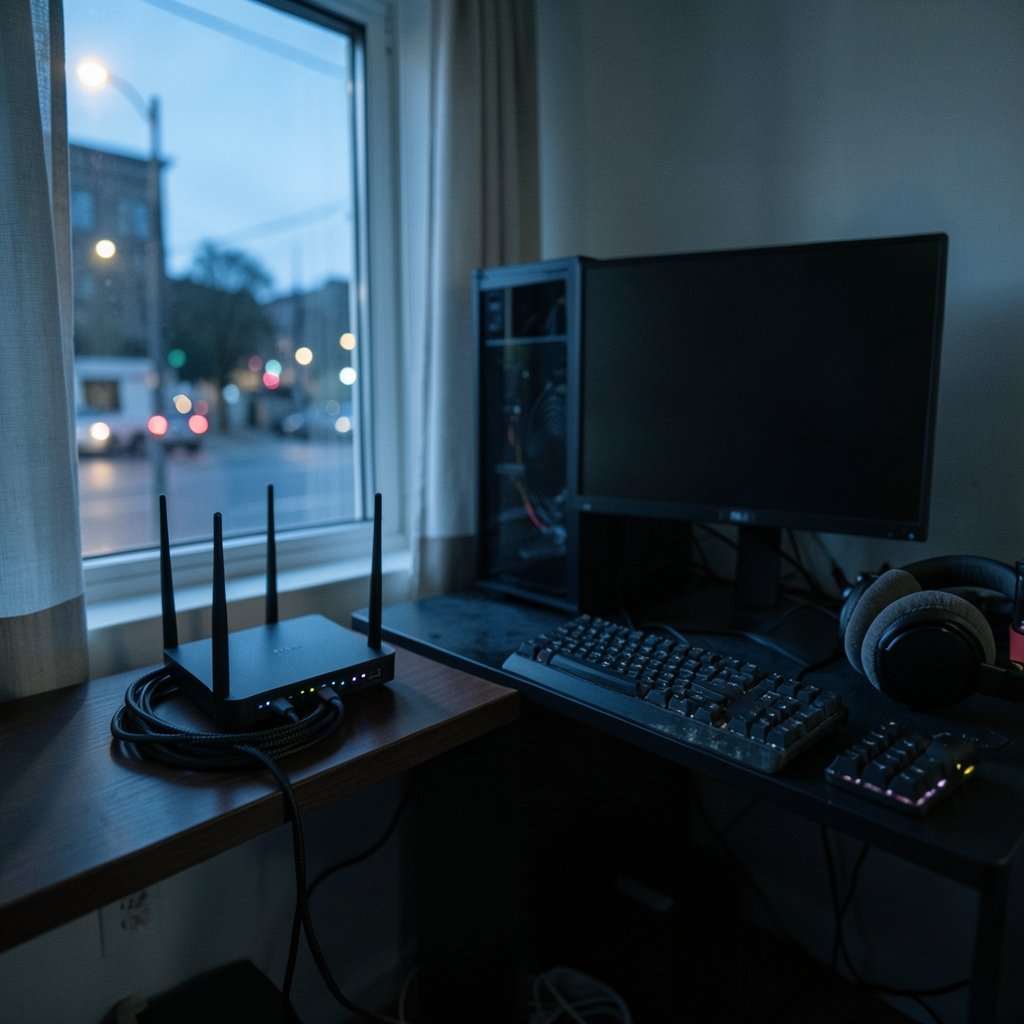
What if the biggest thing holding back your ranked climb isn’t your aim, your reaction time, or your monitor, but the little plastic box humming in the corner of your room? That’s the promise every “gaming router” box makes. And like most marketing promises, it’s about half true. The honest answer is that the right router can absolutely help a competitive player, but not for the reasons the packaging suggests. It won’t shave milliseconds off your ping to a distant server. What it can do is stop the random spikes, stutters, and rubber-banding that turn a good game into a rage-quit.
This guide cuts through the RGB lighting and the “game acceleration” badges. It looks at what actually matters for competitive play, which router features earn their price, and where your money is better spent elsewhere.
Quick Answer: Which gaming routers are best for competitive gaming?
The best router for competitive gaming is a stable, well-cooled model with strong quality-of-service (QoS) controls, ideally with SQM (Smart Queue Management) support, connected to your console or PC by Ethernet. You don’t need the most expensive “gaming” branded unit; you need one that prevents latency spikes under load. Mid-range routers with good firmware often beat premium RGB-heavy models on consistency.
The main alternatives are tri-band Wi-Fi 6E/7 routers for busy homes, mesh systems for large spaces, and OpenWrt-compatible models for tinkerers who want full control over traffic shaping. Each solves a different problem, and none of them replaces a wired connection.
Before buying, compare wired port count, QoS and SQM support, Wi-Fi generation and band, CPU and RAM, firmware reputation, and return policy.
The uncomfortable truth about gaming routers

Here’s the part that stings: for most players, the router contributes only a small slice of their in-game ping. On a wired connection, that contribution is typically in the single-digit milliseconds. The rest of your latency comes from the route your data takes to the game server, and no amount of router branding changes that path.
So why do routers matter at all? Because of latency spikes. Your baseline ping might be a perfectly fine 25ms, but when someone starts a video call or a download kicks off in the background, a poorly managed router lets its buffer fill up and your ping jumps to 200ms for a few seconds. That’s bufferbloat, and it’s the real enemy. It’s the difference between losing a duel because you were outplayed and losing because your character teleported into a wall.
The fix isn’t raw speed. It’s smart queue management that keeps latency low even when the connection is busy. That single feature matters more than every “gaming” logo on the box combined.
What actually moves the needle for competitive play
Wired Ethernet beats everything
If you take one thing from this article, make it this. Wi-Fi adds variable latency and jitter. Even a great Wi-Fi connection fluctuates, and fluctuation is what kills consistency in competitive games. A cheap cable running from your router to your console or PC removes that variability entirely. If you’re weighing the trade-offs, the case for a wired connection is laid out clearly in this comparison of Ethernet vs Wi-Fi gaming, and it’s worth reading before you spend a cent on a router.
QoS and SQM: the features that earn their keep
Quality of Service lets you prioritize gaming traffic over downloads and streaming. SQM goes further by actively managing the queue so no single app can bloat your latency. On consumer routers, this often appears as a “gaming QoS” toggle or a “reduce latency under load” setting. OpenWrt-based firmware exposes full SQM controls if you want to tune it properly.
The practical test is simple: run a speed test while gaming and watch whether your in-game ping stays flat or spikes. If it spikes, your router’s queue management is failing you.
Firmware quality over spec sheets
A router is only as good as its software. Mid-range hardware with well-maintained firmware can outperform an expensive unit with buggy, abandoned software. Look for routers with a track record of firmware updates and, ideally, OpenWrt compatibility. A strong CPU and enough RAM keep things stable when a dozen devices are fighting for bandwidth.
Wi-Fi 6E and 7: helpful, not magic
The 6 GHz band on Wi-Fi 6E and Wi-Fi 7 routers reduces interference in crowded homes, which is genuinely useful. But 6 GHz has shorter range and struggles through walls. It’s a nice quality-of-life upgrade for a busy household, not a replacement for Ethernet when consistency is the goal.
Gaming router features ranked by actual usefulness
Not all features are created equal. Here’s how the marketing checklist stacks up against reality.
| Feature | Real-world value for competitive play | Verdict |
|---|---|---|
| Wired Ethernet ports | Removes jitter and variability entirely | Required |
| QoS / SQM controls | Prevents latency spikes under load | Required |
| Strong CPU and RAM | Keeps performance stable with many devices | High |
| Good firmware support | Fixes bugs, adds features, improves stability | High |
| Wi-Fi 6E / 7 (6 GHz) | Less interference in dense homes | Situational |
| Dedicated “game” port | Usually just a labeled LAN port | Low |
| RGB lighting | Looks cool, does nothing for ping | Cosmetic |
| Vendor “latency boost” claims | Rarely independently benchmarked | Skeptical |
The pattern is clear. The features that matter are boring and technical. The features that sell boxes are flashy and irrelevant.
The mesh trap and other common mistakes
Mesh systems are fantastic for covering a big house with Wi-Fi. For competitive gaming, they’re a liability. Every extra hop between your device and the main router adds latency and variability. If you must use mesh, wire the satellite that serves your gaming setup, or better yet, run a cable to a single well-placed access point.
Other mistakes worth avoiding:
- Buying on ping claims alone. Vendor latency numbers are rarely independently tested. Trust third-party reviews over spec sheets.
- Placing the router in a cupboard. Heat and walls both hurt performance. Give it air and a central spot.
- Ignoring the ISP side. If your connection is unstable at the source, no router fixes it. Test with a direct modem connection first.
- Overpaying for throughput. Gigabit speeds mean little if your queue management is poor.
- Skipping firmware updates. The single easiest stability win is often a free download.
If you’re also rethinking the rest of your setup, it helps to see how your hardware choices fit together. Picking the right gaming console for 2026 or deciding between a PS5 Pro and a gaming PC changes what your network needs to handle.
How to choose a router for your specific setup
Start with your connection type. If you can run a cable, almost any router with solid QoS will do the job. If you’re stuck on Wi-Fi, prioritize a router with strong 5 GHz performance and good SQM, and place it as close to your setup as possible.
Next, count your devices. A household with phones, tablets, smart TVs, and streaming sticks needs a router with enough CPU and RAM to keep queues managed under load. That’s where mid-range routers with good firmware quietly outperform flashier rivals.
Then consider your willingness to tinker. If you enjoy tuning settings, an OpenWrt-compatible router gives you full control over traffic shaping and is often cheaper. If you want plug-and-play, look for a model with a clear, effective gaming QoS toggle and a reputation for stable firmware.
Finally, check the return policy. Router performance varies by home, and the only real test is running it in your space for a week.
Where the router fits in the bigger picture
A router is one link in a chain, and it’s rarely the weakest one. Your monitor’s refresh rate, your input lag, and your connection to the game server all matter. If you’re still gaming on a 60Hz panel, a router upgrade won’t rescue you. A look at the best gaming monitors for competitive play will do more for your reaction time than any network tweak.
Cloud gaming adds another wrinkle. Services like Xbox Cloud Gaming and PS Plus Premium are far more sensitive to jitter than local play, which makes wired connections and good queue management even more important. And if you’re building a library on a budget, comparing key sites like Eneba, CDKeys, and Green Man Gaming is a smarter use of savings than overspending on networking gear.
The point isn’t that routers don’t matter. It’s that they matter in a specific, unglamorous way: keeping your connection steady so your skill is the only variable.
Conclusion
The best gaming router for competitive play isn’t the most expensive one or the one with the most aggressive marketing. It’s the one that keeps your latency flat when the rest of your household is busy. Prioritize wired Ethernet, real QoS and SQM controls, solid firmware, and enough hardware to stay stable under load. Skip the RGB and the “game acceleration” badges. Do that, and your network stops being an excuse and starts being invisible, which is exactly what a competitive player needs.
FAQ
Do I need a “gaming” router to play competitively?
No. A standard router with good QoS and a wired connection will serve most competitive players better than a premium gaming-branded unit. The label matters far less than the features underneath it.
Will a gaming router lower my ping?
Rarely by much. Your baseline ping is mostly determined by the route to the game server. A good router mainly prevents latency spikes under load, which feels like a huge improvement but isn’t the same as lowering your base ping.
Is Wi-Fi good enough for competitive gaming?
It can be workable, especially on a clean 5 GHz or 6 GHz connection with little interference. But Wi-Fi adds variable latency, and that variability is exactly what hurts consistency. Wired Ethernet remains the safer choice.
What is bufferbloat, and why does it matter?
Bufferbloat is what happens when a router’s queue fills up and latency balloons under load. It’s the cause of those mysterious lag spikes during downloads or video calls. SQM and good QoS settings are the cure.
Are mesh systems bad for gaming?
Not bad, but usually not ideal. Extra hops between nodes add latency and variability. If you use mesh, wire the node that serves your gaming setup, or use a single well-placed access point instead.
How much should I spend on a router for competitive gaming?
Mid-range is usually the sweet spot. Spend enough to get solid QoS, a capable CPU, and good firmware support, but don’t pay a premium for branding. Put the savings toward a cable, a better monitor, or games.
Is it worth upgrading an older router just for gaming?
Only if your current router lacks QoS or SQM, or if its firmware has been abandoned. A well-maintained router from a few years ago with working queue management will often beat a brand-new unit whose software is buggy. Check whether your model still receives updates before spending anything; if it does, a firmware refresh and a wired connection may be all you need. If updates stopped years ago and you see latency spikes under load, an upgrade is justified—but buy for the features, not the badge.
Does router placement really matter that much?
Yes, more than most people expect. Heat degrades performance and walls sap signal strength, so a router tucked in a cupboard or behind a TV is working against you. Central placement, open air, and a little elevation help both stability and range. For wired setups placement matters less, but ventilation still does.
The bottom line, one more time
Buy for stability, not spectacle. Wire what you can, enable QoS or SQM, keep firmware current, and spend the savings where they actually improve your play.



