
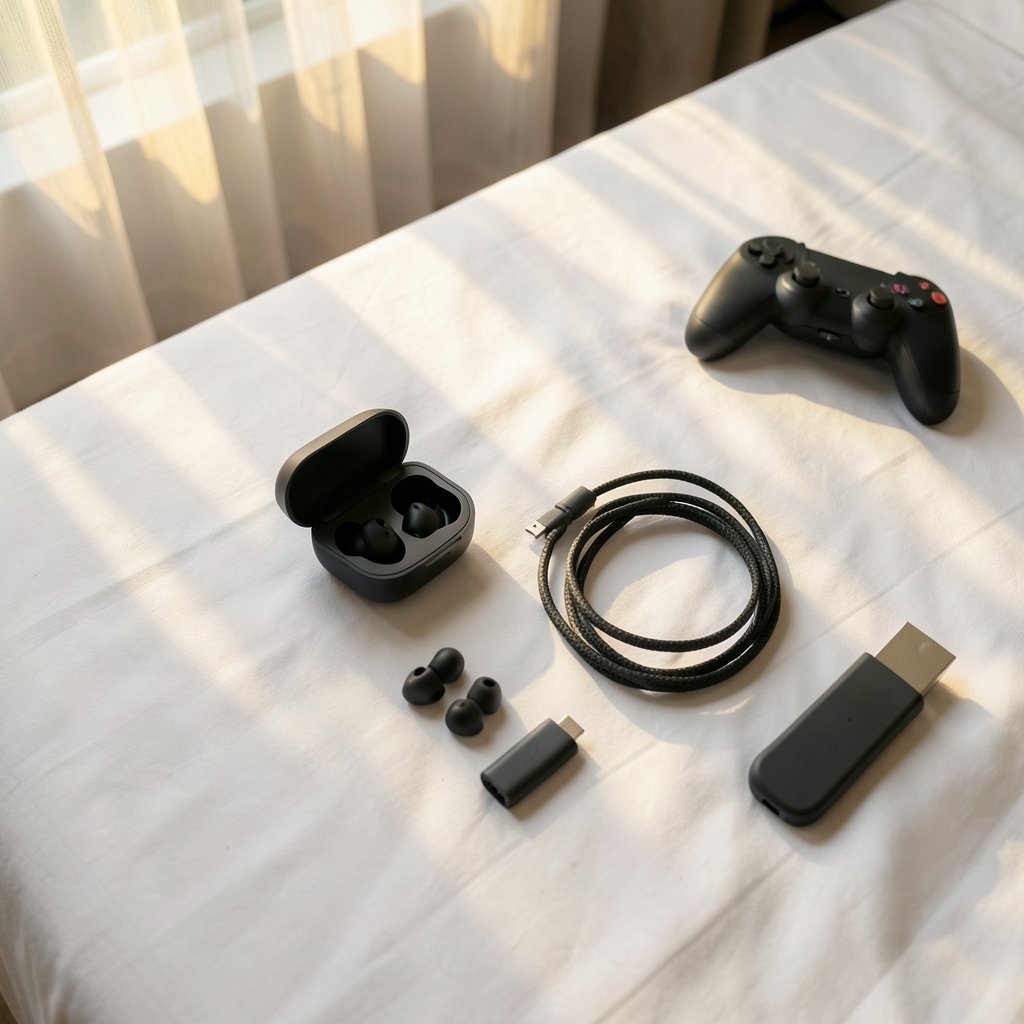
Quick Answer: How do I choose gaming earbuds?
Choosing gaming earbuds comes down to matching the connection type, fit, and microphone quality to how you actually play. Start by deciding whether you need wired audio or a low-latency wireless mode, because Bluetooth delay is the single biggest dealbreaker in competitive games.
Wired earbuds and 2.4 GHz dongle models behave very differently from standard Bluetooth buds, and each suits a different player. Casual and mobile gamers can often accept Bluetooth, while ranked shooter players usually cannot.
Before buying, compare latency and connection type, codec support on both ends, tip seal and comfort, passive isolation versus active noise cancellation, microphone design, real-world battery life, multipoint support, and the retailer’s return policy.
Why Gaming Earbuds Are a Different Purchase Than Regular Earbuds
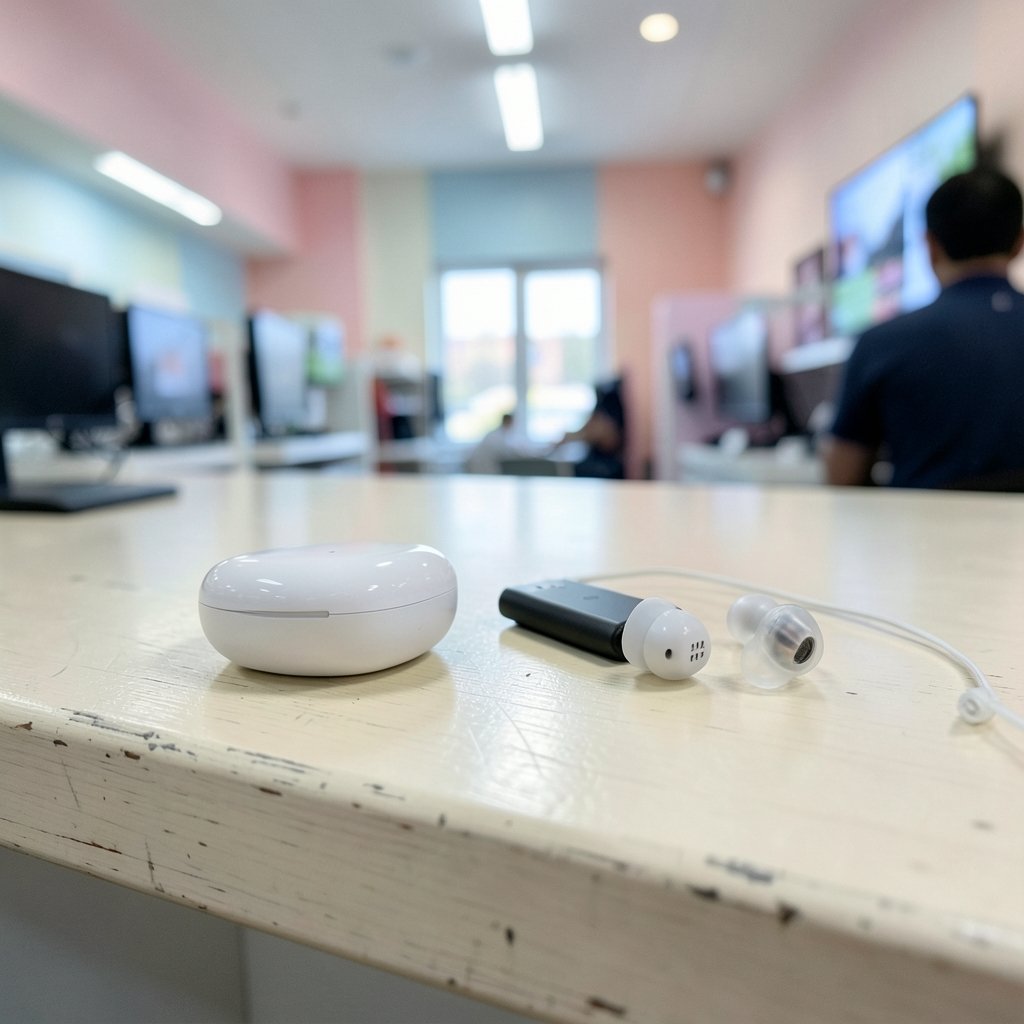
Walk into any electronics store and you will find rows of earbuds labeled for music, calls, or workouts. Slap a “gaming” label on a pair and the price often climbs. Here is the uncomfortable truth: “gaming earbuds” is a marketing category, not a technical standard. No certification board decides which buds earn the title.
What actually separates a good gaming pair from a mediocre one is boring engineering. Latency, connection stability, fit, and microphone pickup decide whether your buds help or hurt you. Driver size and RGB accents rarely matter at all.
That reframing matters because it changes what you shop for. Instead of hunting for the gaming badge, look for the specs that solve your specific problem. A player grinding ranked matches in a shooter has different needs than someone listening to podcasts between mobile matches.
It also helps to think about the rest of your desk. If you are already weighing display choices, the same logic applies to audio: match the gear to the way you actually use it, not to the spec sheet that looks best. The same principle behind how to choose a gaming monitor that matches the panel you actually play works for earbuds. Buy for your habits, not your fantasies.
Start With Latency: The Filter That Eliminates Half the Market
Bluetooth audio inserts delay between the moment something happens in the game and the moment you hear it. For music, nobody notices. For competitive play, that gap is the difference between hearing footsteps and reacting to them.
Wired earbuds sidestep the problem entirely. So do wireless models that ship with a 2.4 GHz dongle, which behaves more like a dedicated connection than a standard Bluetooth pairing. Many Bluetooth buds also include a “Game Mode” that reduces delay, though results vary widely by codec, phone, and firmware.
Here is where buyers get burned. Vendors advertise “ultra-low latency” without publishing independently measured figures, and almost nobody tests those claims. Treat the number on the box as a hint, not a guarantee. If competitive audio matters, prioritize wired or dongle-based options and treat Game Mode as a bonus.
Codecs Only Help If Both Ends Support Them
AptX Adaptive, LC3, and similar codecs can improve latency and audio quality, but only when the earbuds and the source device both support them. The Bluetooth SIG documents how LE Audio and the LC3 codec work, and the short version is that the benefit is a partnership, not a solo feature. Check your phone or console against the buds before assuming anything.
Fit and Seal Decide Comfort and Bass More Than Any Spec
A poor seal leaks low frequencies straight out of your ear. The result is thin sound, and the natural fix people reach for is cranking the volume, which is exactly the wrong move for your hearing.
Tip selection is the most underrated decision in the whole purchase. Silicone tips seal quickly and are easy to clean. Foam tips conform better for some ear shapes but wear out faster. Wing fins and sport hooks add stability for movement-heavy sessions.
Practical advice that actually works: buy from a retailer with a real return policy, then test the buds for a full week. Long sessions reveal pressure points that a five-minute demo never will. Nozzle depth and shell shape matter more than driver size, and ergonomics are deeply individual.
Noise Cancellation, Isolation, and Your Ears
Passive isolation comes from the tip seal blocking outside sound. Active noise cancellation uses microphones and processing to cancel noise electronically. ANC is great for masking fan noise and room hum, but it can add a faint pressure sensation and, on some models, slight processing delay.
For hearing safety, isolation plus moderate volume beats raw volume every time. Prolonged loud listening is a genuine risk, and public health guidance consistently recommends volume limits and listening breaks. Your ears do not care how good the soundstage is.
There is a related consideration many players overlook: your room changes what you hear. The same principle that explains how gaming monitor vs TV room lighting changes viewing applies to audio. A noisy room pushes you toward higher volume or stronger ANC, so assess your space before you shop.
Microphone Quality Is a Separate Purchase Decision
Playback quality and microphone quality are not the same thing, and many earbuds nail one while fumbling the other. In-ear microphones sit close to your mouth but also pick up wind, breathing, and room noise.
For voice chat, look for beamforming microphones and, ideally, a stem or boom design that puts the mic closer to your voice. Few independent tests exist for earbud microphones specifically, so lean on return policies and your own test call.
A quick real-world check: record a voice memo in a quiet room, then again with a fan running. If your teammates sound like they are underwater in the second recording, you have your answer. It takes two minutes and saves months of “sorry, what?” in voice chat.
Battery, Connection Stability, and Multipoint
Battery claims are usually measured at moderate volume with ANC off. Expect real-world runtime below the spec sheet, and check whether the charging case adds a full extra charge or just a partial top-up.
Connection stability deserves equal attention. Multipoint support lets buds hold two devices at once, which is handy if you switch between a phone and a handheld. Dongle-based 2.4 GHz links usually resist dropouts better than plain Bluetooth in crowded wireless environments, though interference is always environment-specific.
If your budget is tight, it helps to see how other hardware categories handle compromise. The thinking behind the best gaming laptops under 1000 that actually fit a budget is the same: spend where it changes your experience, save where it does not.
Wired, Dongle, or Bluetooth: A Practical Comparison
| Connection Type | Latency | Best For | Main Trade-off |
|---|---|---|---|
| Wired (USB-C or 3.5 mm) | Lowest | Competitive shooters, rhythm games | Cable snags, device port required |
| 2.4 GHz dongle | Very low | PC and console play | Dongle can be lost or block a port |
| Bluetooth with Game Mode | Moderate to low | Mobile and casual play | Results vary by codec and firmware |
| Standard Bluetooth | Highest | Music, podcasts, casual sessions | Noticeable delay in fast games |
The table makes the decision simpler than most spec sheets do. If you play anything where split-second audio cues matter, stay in the top two rows. If your gaming is relaxed and mobile, Bluetooth is fine and far more convenient.
Match the Earbuds to the Way You Actually Play
Buying for the player you are beats buying for the player you imagine becoming. A few common profiles:
- Ranked shooter player on PC. Wired or dongle-based buds, a stem microphone, and a snug silicone seal. Skip ANC if it introduces latency you can feel.
- Console player in a shared living room. Dongle connection plus strong passive isolation, so you hear the game without waking the house.
- Mobile gamer on commutes. Bluetooth with a decent Game Mode, multipoint for switching to calls, and a case that fits a pocket.
- Mixed-use listener. One pair for music, calls, and casual games. Prioritize comfort and battery over latency.
Notice that none of these profiles mention driver size. That is deliberate. The spec sheet rarely answers the question that matters, which is whether the buds disappear into your ears after three hours.
The same fit-first thinking shows up in other gear decisions. Weighing a mechanical vs membrane keyboard for gaming and judging it for everyday use comes down to how the tool feels in daily practice, not to a feature checklist. Earbuds reward the same honesty.
Common Mistakes That Cost Money
Buying on latency marketing alone. Vendor claims are rarely independently verified. Look for wired or dongle options first, then treat Game Mode as a bonus.
Ignoring the source device. Expensive codec support is worthless if your phone or console cannot use it. Check both ends before paying for a feature.
Skipping the return window. Fit is personal. A pair that seals perfectly for one player can leak for another with the same ear size on paper.
Cranking volume to compensate for a bad seal. This is the most common and most harmful mistake. Fix the tip, not the volume slider.
Assuming “gaming” means better. The label adds cost, not capability. Judge the buds on connection, fit, microphone, and battery.
What to Check Before You Click Buy
A short pre-purchase checklist saves a lot of regret:
- Connection type matches your platform and your tolerance for delay
- Codec support confirmed on both the buds and your device
- Multiple tip sizes included, plus any wing or fin options
- Microphone design suited to voice chat as well as calls
- Battery estimate adjusted downward from the marketing figure
- Multipoint if you juggle devices
- A return policy long enough for a real week of testing
If you are also outfitting a study or work setup alongside your gaming corner, the logic of picking tools that fit your actual habits carries over to software too. The approach behind Figma alternatives for beginners choosing the right design tool is the same: match the tool to the task, not to the hype.
And if voice chat matters because you record or stream, pairing good buds with solid software rounds out the setup. The reasoning in best AI transcription tools that choose one actually fits mirrors the earbud decision: the best option is the one that fits your workflow.
One more hardware note. If you run a demanding PC and wonder whether audio processing competes for resources, the answer is essentially no. The debate over 16GB vs 32GB RAM for gaming, where 32GB helps and where it does not, is about games and background apps, not about your earbuds. Spend the audio budget on audio.
Conclusion
Choosing gaming earbuds is less about hunting for the perfect pair and more about eliminating the wrong ones fast. Start with latency, because it removes half the market immediately. Then confirm codec support on both ends, test the fit for a full week, and judge the microphone with an actual voice recording rather than a spec line.
The rest is calibration. Battery figures shrink in real use, noise cancellation trades convenience for a faint pressure sensation, and “gaming” branding adds cost without adding capability. None of that is complicated once you know where to look.
Buy from a retailer that accepts returns, test hard during the window, and keep the pair that disappears into your ears after three hours. That pair will beat any box with a gaming logo on it.
Frequently Asked Questions
Are gaming earbuds better than gaming headphones?
Neither is universally better. Headphones usually win on microphone quality, battery life, and isolation, while earbuds win on portability, heat, and hair-friendly comfort during long sessions. Competitive players often prefer over-ear headsets for the mic and soundstage, but earbuds are perfectly viable if fit and latency are handled well.
Can I use regular earbuds for gaming?
Often yes, especially for casual and mobile play. The catch is latency: standard Bluetooth buds introduce delay that becomes noticeable in fast games. If your regular earbuds support a low-latency mode and your device supports the matching codec, they may serve fine. Otherwise, wired use is the simplest fix.
How much latency is noticeable in games?
It depends on the game and the player, and vendors rarely publish independently measured figures. As a rule, the tighter the timing, the less delay you can tolerate. Rhythm games and competitive shooters expose delay quickly, while turn-based and casual games hide it. Test with a game you know well rather than trusting a number.
Do I need active noise cancellation for gaming?
Not necessarily. Passive isolation from a good tip seal handles most fan and room noise without any processing. ANC helps in genuinely loud environments, but it can add a slight pressure sensation and, on some models, mild processing delay. Try both if you can, and prioritize isolation plus moderate volume for hearing safety.
How long should gaming earbud batteries last in real use?
Expect less than the advertised figure, which is typically measured at moderate volume with noise cancellation off. Check whether the charging case provides a full extra charge or only a partial top-up, and factor in how many hours you actually play per session. Real-world runtime is always the number that matters.
What should I do if the earbuds keep falling out?
Try the other included tip sizes first, then consider foam tips or a model with wing fins for stability. A loose fit also ruins bass response, which pushes people toward higher volume. If none of the included tips work, use the return window rather than living with a pair that never stays put.



