

Quick Answer: Which flight sticks are best for competitive gaming?
The best flight stick for competitive gaming depends on your genre, but most serious players end up with a Hall-effect gimbal stick paired with either a throttle (HOTAS) or a second stick (HOSAS). For atmospheric combat sims, a HOTAS with a precise center and long throw wins. For space sims, dual sticks give you finer six-axis control. (Twitch vs kick vs youtube gaming which platform wins your)
Budget sticks can absolutely be competitive, but they wear out faster and drift sooner. The real difference between tiers is not raw accuracy on day one, it is how long that accuracy survives heavy use.
Before buying, compare sensor type (Hall-effect versus potentiometer), gimbal design, throw length, button and hat count, mounting options, software configurability, and warranty support.
Why the Stick Matters More Than You Think
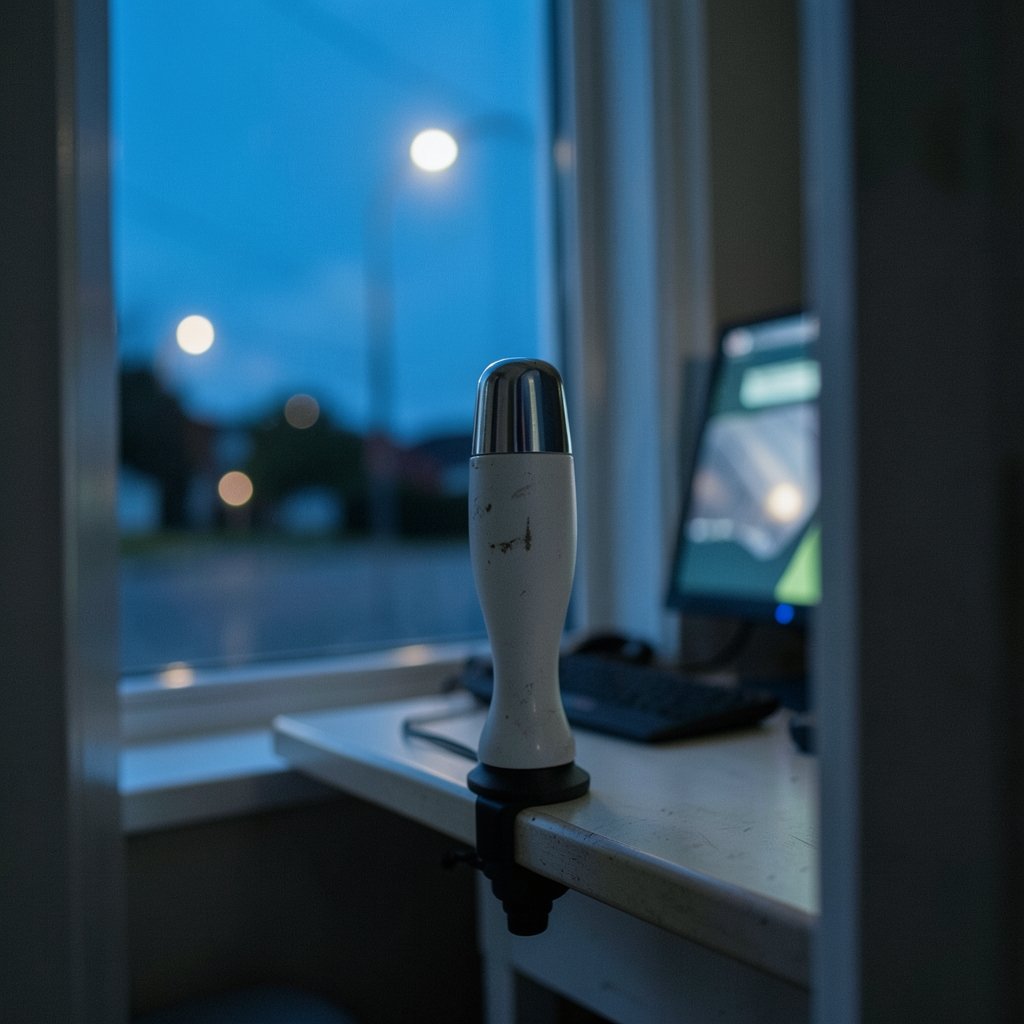
Ever lost a dogfight because your crosshair drifted a hair to the left when you were sure you had it centered? That is not you. That is a worn potentiometer quietly sabotaging your aim.
Competitive flight gaming is a strange niche. It rewards reflexes like a shooter, but it also demands sustained precision over long sessions, sometimes hours of holding a formation or tracking a target through clouds. Your stick is the one piece of hardware you physically fight with. A mouse that stutters gets replaced in a week. A stick that develops a dead zone near center gets tolerated for months while a player quietly loses duels and blames themselves. (Best handheld gaming consoles 2026 which one actually fits)
That is why the conversation around flight sticks has shifted. It is no longer about how many buttons a plastic grip has. It is about sensor technology, gimbal smoothness, and whether the hardware still behaves the same after 500 hours of use. The same logic applies across the hobby: buyers consistently run into the same tradeoff of cheap entry points versus hardware that holds up.
The Sensor Question: Hall-Effect vs. Potentiometer
This is the single most important spec on any stick, and most product pages bury it.
Potentiometers are the old standard. They measure stick position through physical contact, with wipers sliding across resistive tracks. They work fine when new. Over time, dust, wear, and heat create inconsistent readings, which players experience as drift: the stick reports movement when you are not touching it, or reports the wrong position near center.
Hall-effect sensors measure a magnetic field instead. No contact, no wipers, no wear in the same way. That is why Hall-effect sticks are marketed as drift-resistant, and why the technology spread from high-end gimbals into mainstream HOTAS lines through the early 2020s.
| Feature | Potentiometer | Hall-Effect |
|---|---|---|
| Sensing method | Physical contact wipers | Magnetic field, no contact |
| Drift over time | Common under heavy use | Rare |
| Center precision when worn | Degrades | Stays consistent |
| Typical price tier | Budget to mid | Mid to premium |
| Repair friendliness | Often replaceable parts | Usually sealed units |
Here is the practical takeaway. If you play casually, a potentiometer stick can last years. If you fly competitively several nights a week, Hall-effect is not a luxury, it is a maintenance decision. You are paying to skip the drift phase.
HOTAS vs. HOSAS: Match the Setup to Your Genre
There is no universal best stick because there is no universal competitive flight game. The community convention is clear, though.
HOTAS (hands on throttle and stick) suits atmospheric combat sims. You get a stick for pitch and roll, a throttle for sustained engine management, and enough hats and buttons to keep your hands off the keyboard. This is the classic layout for dogfighting and ground attack.
HOSAS (hands on stick and stick) suits space sims. Six degrees of freedom means strafe and vertical thrust matter as much as pitch and roll, and a second stick handles translation far more naturally than a throttle. Players who fight in zero-g environments with Newtonian physics tend to swear by it.
A middle path exists too: stick plus a compact throttle or button box, which keeps the footprint small for desk players. If your desk is already crowded, it is worth thinking carefully about how much space you can commit before adding a throttle quadrant.
Throw Length and Extensions
A longer stick throw gives finer resolution near center, because each millimeter of hand movement translates to a smaller input change. That is why high-end users mount sticks on extensions and center mounts between their knees. The tradeoff is reach and desk geometry. A long extension on a desk-mounted base is ergonomically rough. If you go that route, plan the mount before the stick.
What Actually Separates Competitive Hardware
Strip away marketing and four things matter.
Center feel. Competitive flying lives near the center of the axis. A gimbal with a mushy center or a hard detent makes fine tracking harder. Smooth, predictable centering beats raw stiffness.
Consistency under load. A stick that reads perfectly when cold but drifts after an hour of use is worse than a cheaper stick that stays stable. This is where sensor type and gimbal materials show up.
Software depth. Deadzone curves, axis mapping, and button layers often matter more than hardware tier. Third-party remapping tools let mid-range hardware behave like premium gear by letting you tune response curves to your airframe.
Mounting and ergonomics. A great stick in a bad position loses to a good stick in a good position. Wrist angle, reach, and whether the base slides under pressure all affect a two-hour session.
Force-sensing bases, which measure how hard you push rather than how far you move, are used by serious sim pilots for a reason: less travel means faster inputs. They are also expensive and demand a learning curve. For most players, a well-mounted Hall-effect gimbal stick is the better return.
Budget, Mid-Range, and Premium: What You Actually Get
| Tier | What you get | Best for | Watch out for |
|---|---|---|---|
| Budget | Plastic gimbal, potentiometer sensors, limited hats | New players testing the genre | Drift under heavy use, fewer bindings |
| Mid-range | Hall-effect sensors, better gimbal, more inputs | Regular competitive play | Software quirks, plastic wear points |
| Premium | Metal gimbal, long throw, extensions, deep config | Serious sim pilots and league play | Cost, desk space, setup complexity |
The honest advice: do not buy premium first. Buy mid-range, learn what you actually use, then upgrade the part that limits you. Plenty of strong players compete on mid-tier sticks because their setup is dialed in. (Ps5 pro vs gaming pc which one actually fits your setup)
One more cost angle worth knowing. Sim players often spend as much on software and peripherals as hardware, so it pays to compare sellers before a big purchase. Check what is included, what the return policy is, and whether support exists in your region.
Common Mistakes That Cost Players Matches
Chasing button count over gimbal quality. A grip with 30 bindings on a sloppy gimbal loses to a simple grip on a smooth one. You fly with the axes, not the buttons.
Skipping calibration and curves. Stock linear response is rarely optimal. Set deadzones to the smallest value that stops drift, then tune curves per airframe. Test in a training mission, not in a live match.
Mounting on a slippery desk. If the base shifts mid-turn, your muscle memory learns the wrong thing. Grip pads or clamps fix this for almost nothing.
Ignoring the network. Precision means nothing if your inputs arrive late. Wired connections still beat wireless for consistency, and the same reasoning applies directly to sim play.
Never cleaning the base. Dust accelerates wear on any gimbal. A monthly wipe and a dust cover add years.
Buying before checking the ecosystem. If you might later add a throttle or second stick, confirm the brand supports it. Platform lock-in is real, and the same forward-planning logic applies to any major hardware purchase: the hardware is only half the decision.
Practice Habits That Compound
Hardware gets you to the starting line. Habits win races.
Fly the same airframe for a month. Muscle memory is airframe-specific, and hopping between modules resets your gains. Record your sessions and watch the replay from the opponent’s view; you will spot the moment your nose drifted before the shot. Set a deliberate warmup routine of five minutes of tracking drills. And resist rebinding every week, because every change costs you a session of relearning.
If you also play other competitive genres, the same principle holds across hardware: consistency and setup discipline beat raw specs, whether you are picking a console or tuning a stick curve.
Do You Need Cloud or Streaming at All?
For competitive flight sims, mostly no. Latency and compression hurt precision more than they hurt casual play. Cloud services are fine for testing a game before buying, but serious stick work belongs on local hardware. Just do not expect frame-perfect gunnery over a stream.
Conclusion
The best flight stick for competitive gaming is the one whose sensor stays honest, whose gimbal centers cleanly, and whose software lets you tune it to your airframe. For most players that means a Hall-effect stick in the mid-range, mounted solidly, configured carefully, and paired with a throttle or second stick depending on whether you fight in atmosphere or in space.
Start where you are. Buy mid-range, learn your curves, clean your base, and upgrade only the part that limits you. The players winning lobbies are rarely the ones with the most expensive hardware. They are the ones whose setup never surprises them.
FAQ
Is Hall-effect worth the extra money for competitive play?
For regular competitive sessions, yes. Potentiometer sticks wear and drift, and drift near center is exactly where dogfights are decided. If you fly a few times a month, a good potentiometer stick is fine. If you fly several nights a week, Hall-effect pays for itself by skipping the replacement cycle.
Should I buy a HOTAS or dual sticks?
Match it to your genre. Atmospheric combat sims reward a throttle for sustained engine and systems management, so HOTAS fits. Space sims with six degrees of freedom reward a second stick for translation, so HOSAS fits. If you play both, start with HOTAS and add a stick later.
How long do flight sticks last?
It varies enormously with sensor type and use. Potentiometer sticks under heavy competitive use can develop noticeable drift within a year or two. Hall-effect sticks generally hold their center far longer because there are no contact wipers to wear. Cleaning and dust covers extend life in both cases.
Do I need a stick extension or center mount?
Only if you are chasing finer precision near center and have the desk space. Extensions increase throw and resolution but demand a mount and change your ergonomics. Many competitive players stay on desk-mounted bases and tune curves instead. Try before you buy if you can.
Can a budget stick be competitive?
Yes, with caveats. A budget stick with careful calibration, sensible curves, and a stable mount can carry a player a long way. The limits show up as wear, fewer bindings, and less consistent centering over time. Upgrade when you notice the hardware, not your decisions, costing you fights.
What software settings matter most?
Deadzone size, response curves, and axis mapping. Set the smallest deadzone that stops unwanted drift, then tune curves per airframe so small hand movements produce small, predictable inputs. Test changes in a training scenario before taking them into a live match.



