
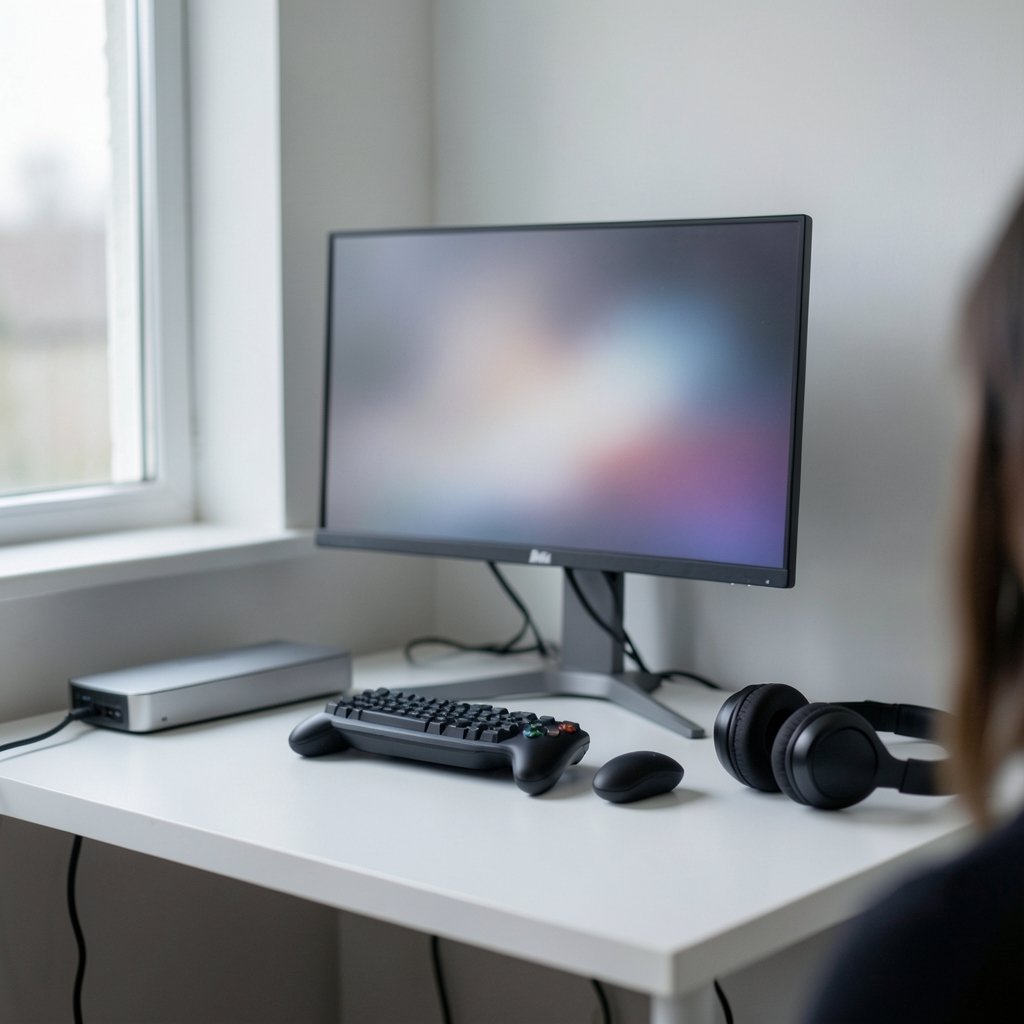
Quick Answer: What are the best gaming monitors for beginners?
The best gaming monitors for beginners are 24- to 27-inch IPS panels with 1080p or 1440p resolution and a 144 Hz refresh rate, paired with Adaptive-Sync support. Shoppers can find these at almost any budget by prioritizing refresh rate, panel type, and resolution over marketing claims like “1 ms” response times.
Beginners who play mostly single-player games can save money with a 75 to 165 Hz VA or IPS screen, while competitive shooter fans should lean toward higher refresh rates. Console players need to check HDMI version and variable refresh rate support, since many budget PC monitors skip those features.
Before buying, compare panel type, resolution and pixel density, refresh rate, Adaptive-Sync support, port selection, stand ergonomics, and HDR certification, because those seven factors decide most of the real-world experience.
Why the First Monitor Choice Feels So Overwhelming
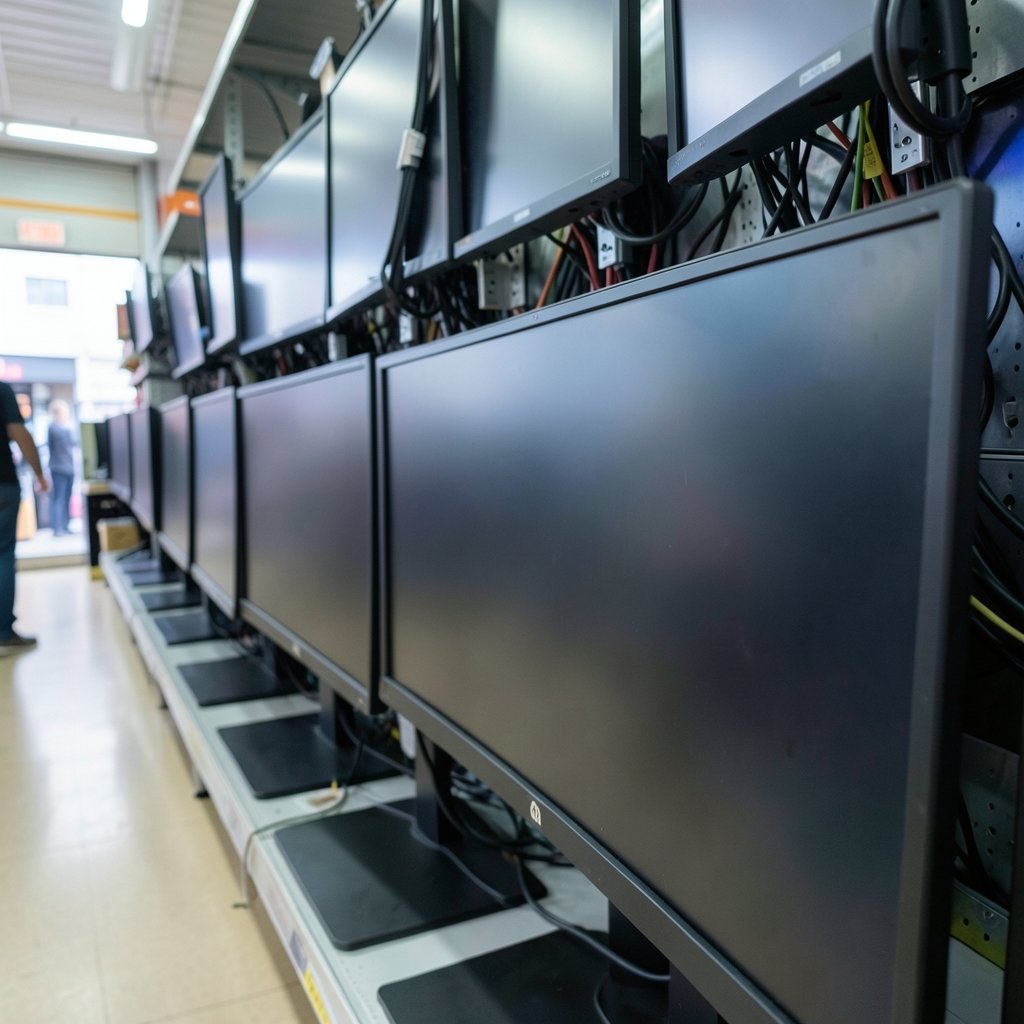
Walk into any electronics store and the wall of monitors looks like a wall of identical black rectangles. Then the spec sheets start shouting: 240 Hz, 0.5 ms, HDR 1000, 4K, curved, ultrawide. It is a lot to absorb when all a new player wants is a screen that makes games look good and feel responsive.
Here is the good news. Most of that noise does not matter much at the beginner level. A handful of specs drive nearly all of the real experience, and once a buyer understands those, the shopping trip gets dramatically simpler. This guide breaks down what genuinely changes how games look and feel, what is marketing fluff, and where beginners most often waste money.
Start With Refresh Rate, Not Resolution
Refresh rate is how many times per second the screen redraws, measured in hertz. It caps how many distinct frames the display can actually show. A 60 Hz panel cannot meaningfully display more than 60 frames per second, no matter how powerful the graphics card is.
For beginners, 120 to 165 Hz is the sweet spot. The jump from 60 Hz to 144 Hz is the single most noticeable upgrade in all of monitor shopping, and it costs far less than it did a few years ago. Going beyond 240 Hz mainly helps players in fast competitive shooters who already have the hardware to push those frame rates.
One practical trap: buying a 240 Hz monitor and pairing it with a graphics card that manages 90 fps in modern titles. The monitor will spend most of its life underused. Match the refresh rate to what the system can actually render. Anyone still planning their first build should read this step-by-step guide to building a gaming PC for beginners before locking in a monitor purchase. (Gaming monitor worth buying beginners practical buying guide)
Panel Types Explained Without the Jargon
The panel inside the screen shapes color, contrast, viewing angles, and motion clarity. There are three main types, and each makes a different trade-off.
| Panel type | Strengths | Weaknesses | Best for |
|---|---|---|---|
| TN | Cheapest, fastest pixel response | Weak colors, poor viewing angles | Tight-budget esports setups |
| IPS | Accurate colors, wide viewing angles | Moderate cost, modest contrast | Most beginners, all-round use |
| VA | Deep blacks, high contrast | Can smear in fast motion | Story-driven and dark games |
For a first monitor, IPS is the safest all-round pick. It looks good for games, streaming, homework, and everything in between. VA is tempting for its deep blacks in dark games, but cheaper VA panels can show black smearing, a trailing blur behind moving objects. TN still exists at the low end but looks washed out compared with the alternatives.
Resolution and Screen Size Belong Together
Resolution and size are not separate decisions. They work as a pair, because what actually matters is pixel density, or how tightly packed the pixels are.
- 1080p looks sharp up to about 24 inches and starts looking soft beyond that.
- 1440p suits 27 inches and is the current sweet spot for most desktop setups.
- 4K needs 27 inches or more to shine, and it demands a much stronger graphics card.
Beginners on modest hardware should prioritize 1080p or 1440p at high refresh over 4K at 60 Hz. A smooth 1440p image beats a sluggish 4K one in almost every game. Those weighing a first-time setup will find more context in this practical buying guide for beginners choosing a gaming monitor.
Adaptive-Sync Is the Feature Beginners Should Not Skip
Screen tearing, those horizontal rips that appear when the camera pans fast, happens when the monitor and graphics card fall out of step. Adaptive-Sync fixes this by letting the display refresh in step with the frames the GPU produces. It is an open standard built into DisplayPort, and it sits behind both AMD FreeSync and NVIDIA G-Sync Compatible branding.
The practical takeaway is simple: check that a monitor lists Adaptive-Sync or FreeSync support, and do not pay a large premium for a dedicated G-Sync hardware module. Modern cards from both major brands work with the open standard, and the experience is close enough that beginners will not notice the difference.
The Response Time Numbers Are Mostly Marketing
Every box screams “1 ms.” Those figures usually describe grey-to-grey pixel transitions measured under specific overdrive settings, and pushing overdrive too hard causes overshoot, a bright halo or inverse ghosting behind moving objects. In practice, a well-tuned 144 Hz IPS panel often looks cleaner in motion than a cheap panel chasing a marketing number.
The lesson for beginners is to trust independent measurements over spec sheets. Reputable review outlets test real response times and publish methodology. If a deal looks too good, that is usually where the corners were cut.
HDR: Where Beginners Overspend
HDR, or high dynamic range, promises brighter highlights and deeper shadows. The reality is tiered. The DisplayHDR certification program launched in December 2017 and grades performance from DisplayHDR 400 up through 1400 and True Black tiers. DisplayHDR 400 is a low bar and often looks barely different from standard content.
Beginners should treat entry-level HDR as a bonus, not a reason to buy. Money spent chasing a 400-tier badge is better spent on a better panel or a higher refresh rate. Real HDR starts much further up the ladder and costs accordingly.
Ports, Stands, and the Small Stuff That Annoys People Later
Two practical details cause more buyer regret than any spec on the box.
First, ports. At minimum, look for one DisplayPort 1.2 or newer and one HDMI 2.0 input. Console players need to check the HDMI version carefully, because features like 4K at 120 Hz and variable refresh rate require HDMI 2.1, and many budget PC monitors skip it. The HDMI 2.1 specification, published by the HDMI Forum, lays out exactly which features that version supports.
Second, ergonomics. A height-adjustable stand saves necks. A 100×100 mm VESA mounting pattern, defined by VESA, opens the door to cheap monitor arms and wall mounts. A monitor with a flimsy fixed stand often ends up perched on a stack of books, which is a fixable problem but an annoying one.
Match the Monitor to How the Games Are Actually Played
Different play styles pull the priorities in different directions.
Competitive shooter players benefit most from high refresh rates and clean motion handling. A 1080p 240 Hz IPS panel can outperform a prettier 4K screen in that context. Players chasing every frame should read up on which gaming monitors actually help in competitive play.
Story-driven and open-world players usually prefer 1440p, better color, and deeper contrast. They will notice panel quality far more than an extra 100 Hz.
Console players have their own checklist: HDMI 2.1, variable refresh rate support, and a screen size that suits couch distance. Many budget PC-focused monitors fail one of those boxes.
And anyone gaming in a bright room or a dim one should think about panel brightness and glare before anything else. The trade-offs between OLED and mini-LED change dramatically depending on room lighting, and the same is true when comparing AOC, Samsung, and ASUS models under different lighting conditions.
Common Beginner Mistakes That Cost Real Money
A few traps catch nearly every first-time buyer.
- Chasing the biggest number on the box. A 360 Hz TN panel with washed-out colors is a worse daily driver than a 165 Hz IPS screen.
- Ignoring the graphics card. A monitor the system cannot feed is wasted money. Pair the refresh rate with realistic in-game frame rates.
- Buying entry HDR. DisplayHDR 400 rarely justifies its price premium.
- Skipping the stand check. No height adjustment means a cramped neck or a book stack.
- Trusting the spec sheet alone. Independent reviews catch overshoot, smearing, and panel lottery issues that marketing hides.
What About Portability and Specialty Screens?
Not every beginner wants a desk-bound monitor. Students, travelers, and laptop gamers increasingly look at portable displays, which trade size and ergonomics for convenience. The comparison between ASUS, NexiGo, and UPerfect portable gaming monitors covers room setup and real-world trade-offs for that category.
Similarly, buyers planning a long-term setup should think about where the monitor will live for the next few years. A screen that fits the desk, the lighting, and the games played today will stay satisfying far longer than one bought to win a spec-sheet argument.
How Much Should a Beginner Actually Spend?
There is no single right number, but the value curve is predictable. Entry-level high-refresh 1080p IPS screens cover the basics well. The mid-range is where 1440p at 144 to 165 Hz lives, and it is where most beginners get the best experience per dollar. The premium tier buys 4K, real HDR, or very high refresh rates, and it only makes sense when the graphics card can keep up.
Spending more does not automatically mean a better first monitor. Spending wisely on the right three or four specs does. Anyone mapping out a full setup, from case to peripherals, will find the broader context in this guide to what actually matters before buying a gaming monitor in 2026.
Conclusion
The best gaming monitor for a beginner is rarely the flashiest one on the shelf. It is a 24- to 27-inch IPS screen at 1080p or 1440p, running at 144 Hz or so, with Adaptive-Sync on board and a stand that does not wreck the neck. That combination handles fast shooters, slow-burn story games, streaming, and everyday work without asking for a flagship budget.
Everything else, from HDR badges to sub-millisecond claims, is a detail to weigh after those fundamentals are settled. Get the refresh rate, panel type, resolution, and sync support right, check the ports against the actual devices in the room, and the first monitor purchase becomes a decision worth feeling good about rather than a gamble.
Frequently Asked Questions
Is 1440p worth it for a beginner, or should I stick with 1080p?
It depends on the graphics card and screen size. At 27 inches, 1440p looks noticeably sharper than 1080p, and the price gap has narrowed a lot. Beginners with a mid-range card should go 1440p. Those with older or entry-level hardware will get a smoother experience at 1080p with a high refresh rate.
Do I need a 240 Hz monitor to play competitively?
No. Most players see the biggest improvement going from 60 Hz to 144 Hz. Beyond 240 Hz the gains are subtle and only matter to highly ranked players in fast shooters who can already sustain those frame rates. A solid 165 Hz panel is plenty for nearly everyone starting out.
Is a curved monitor better for gaming?
Curved screens help on very wide ultrawide displays by keeping the edges closer to the eyes. On standard 24- to 27-inch monitors, the curve adds little and sometimes distorts straight lines in spreadsheets and documents. Beginners can safely skip it.
Can a budget monitor damage my eyes or cause headaches?
Monitors do not damage eyes, but flicker, harsh brightness, and poor ergonomics can cause strain and headaches. Look for flicker-free backlighting, adjustable brightness, and a height-adjustable stand. Taking regular breaks matters more than any single spec.
Should I buy a monitor with built-in speakers?
Treat built-in speakers as a convenience, not a feature worth paying for. Most monitor speakers sound thin and quiet. Beginners who care about game audio are better off budgeting for a basic set of speakers or a headset and choosing the monitor on display quality instead.
How often do gaming monitors go on sale?
Discounts cluster around major shopping events and end-of-quarter clearance, and older models drop sharply once a successor arrives. Beginners who are not in a hurry can watch prices for a few weeks. Just confirm the return policy, since panel-to-panel variation means a replacement unit sometimes looks better than the first.



