
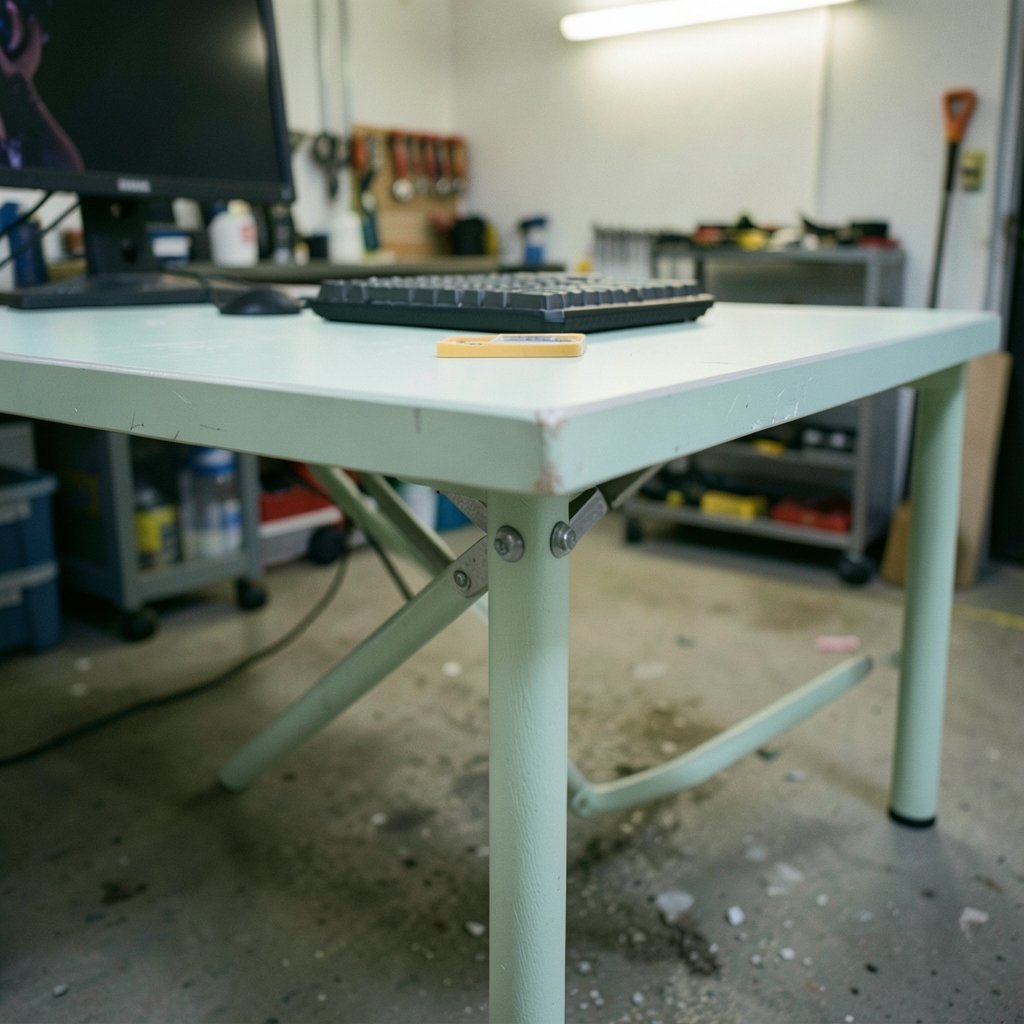
What good is a desk that looks the part but leaves your shoulders hunched after an hour? Gaming desks sell hard on lighting, logos, and cup holders, yet the things that decide whether you actually enjoy long sessions are duller: height, depth, stability, and how much weight the thing really holds. This guide walks through the decisions in the order they matter, so the desk you buy fits your body, your gear, and your room.
Quick Answer: How do I choose gaming desks?
Choose a gaming desk by fitting it to your body first and your gear second. Measure your seated elbow height, pick a desk whose surface lands there, and confirm the depth leaves room to sit roughly an arm’s length from the monitor. Then check the stated weight rating, wobble at the highest setting if the desk adjusts, and whether the frame suits your monitor arm or mount plan.
Fixed-height desks cost less but only work if the height happens to suit you. Height-adjustable frames cost more and solve the fit problem directly, while sit-stand models add the option to alternate postures, though the health evidence behind standing is more modest than marketing suggests. Desks built for gaming also differ from office desks in styling, cable routing, and add-ons that rarely affect comfort.
Before buying, compare surface height range, depth, stated load capacity, frame stability, VESA compatibility, cable management, assembly effort, and the return window.
Start With Your Body, Not the Product Page

The single most useful number in this whole process is your seated elbow height. With your chair set so your feet rest flat and your thighs roughly level, let your shoulders relax and bend your elbows to about 90 degrees. That height, give or take a couple of centimeters, is where the keyboard surface should sit. For many adults this lands somewhere around 70 to 75 cm, but body size and chair choice move it, so measure rather than assume.
Most people skip this step and buy on looks, then spend months compensating with wrist rests and a chair cranked to an odd height. A desk that is 5 cm too tall pushes your shoulders up and your wrists into extension. A desk that is too low makes you slump. Neither problem shows up in a product photo.
Depth deserves equal attention. Sitting roughly an arm’s length from the monitor, around 50 to 70 cm, keeps the screen comfortable to read without leaning in. A desk shallower than about 60 cm makes that hard once you add a large monitor and a keyboard. If you plan to mount the monitor on an arm, depth matters less because the arm carries the screen, but the desk still needs enough surface for your keyboard, mouse, and the things you keep within reach.
Height adjustability is the simplest fix for fit. A fixed desk is a gamble on your measurements matching the manufacturer’s idea of average. An adjustable frame lets you dial in the exact height, and it also lets a second person use the same setup comfortably.
Stability and Load: The Specs That Actually Break
A desk that wobbles is a desk you stop trusting. Type hard during a tense moment and the monitor sways; lean on the front edge and the whole thing flexes. This is where cheap frames show their hand, and it is the hardest thing to judge from a listing.
Look for a stated weight capacity, then discount it. Manufacturers rarely publish standardized wobble tests, so ratings are not directly comparable between brands. A generous number on a thin frame means little. What helps more is checking how the frame is braced: crossbars, a sturdy leg-to-top connection, and legs that splay outward rather than sitting straight down all add rigidity.
If the desk adjusts in height, stability gets harder as it rises. Ask specifically how it behaves at maximum height, because that is where flex appears. Reviews that mention wobble at the top of the range are more informative than any spec sheet.
Weight capacity should cover everything on the desk, including the monitor. A desktop tower, a heavy monitor on an arm, speakers, and a stack of books add up faster than people expect. Leave headroom rather than buying right at the limit.
Fixed, Adjustable, or Sit-Stand?
There are three broad options, and they trade cost against fit in predictable ways.
| Type | Best for | Main trade-off |
|---|---|---|
| Fixed height | Tight budgets, buyers whose elbow height matches a standard desk | No fit adjustment; wobble and capacity vary widely |
| Height-adjustable (seated range) | Most people who want a correct fit | Costs more than fixed; frame quality still matters |
| Sit-stand | People who want to alternate between sitting and standing | Higher price and weight; health benefits are modest, not transformative |
Sit-stand desks are worth a clear-eyed look. Reviews of workplace interventions suggest they can modestly reduce sitting time, but the evidence on musculoskeletal pain and productivity is mixed, and study quality varies. Standing is not automatically better than sitting; the useful part is changing posture through the day. If a sit-stand frame fits your budget and your measurements, it is a reasonable buy. If it stretches the budget thin enough that you drop to a flimsy fixed desk, the fixed desk with a good chair is the better trade.
Gaming Features Worth Paying For (and the Ones That Aren’t)
Gaming desks differentiate themselves with lighting, controller hooks, headphone hangers, cup holders, and angular styling. None of these affect ergonomics. They can genuinely improve daily use, though, so it is fair to pay a little for the ones you will actually touch.
Worth considering:
- Cable management. Trays, grommets, and under-desk channels keep a mouse cable from snagging and stop the setup from looking like a nest. This is the most underrated feature on any desk.
- A controller or headphone hook. Cheap to include and genuinely handy.
- A stable surface finish. Matte textures hide fingerprints; glossy tops show every smudge.
- Monitor mounting support. Check the VESA pattern, commonly 75×75 mm or 100×100 mm, if you plan an arm or wall mount. VESA patterns are a published standard, so compatibility is a checkable fact rather than a guess.
Worth ignoring:
- RGB lighting you will turn off within a month.
- Branded mouse pads cut to a shape that limits where you can put your mouse.
- Cup holders positioned where a spilled drink lands on your keyboard.
If you are also sorting out the rest of the setup, the same logic applies to the display: it pays to choose a gaming monitor that matches the panel you actually play rather than chasing specs. And lighting changes how a screen reads in a room, which is why the room lighting around a gaming monitor versus a TV is worth thinking about before you finalize desk placement.
Match the Desk to Your Gear and Your Room
Measure the space before you fall for a desk. A wide, deep surface is lovely until it blocks a door or crowds a radiator. Note the width, depth, and height of the spot, then add clearance for a chair pulled out and for anything the desk sits against.
Gear shapes the choice too. A triple-monitor setup needs width and a frame that will not sag in the middle. A desktop tower on the floor wants a desk with enough legroom that you do not kick it. A laptop-only setup can get away with a much smaller surface, and if you are weighing portability against power, the same budget logic that applies to gaming laptops under 1000 that actually fit a budget applies to desks: spend on the parts that affect daily use.
Peripherals interact with desk height as well. A thick mechanical keyboard raises your hands compared with a low-profile membrane board, which changes the effective typing height. If you have not settled that question, it is worth reading up on mechanical versus membrane keyboards for gaming and everyday use before you lock in a desk height.
Assembly, Delivery, and the Return Window
Heavy desks usually ship flat-packed, and assembly ranges from twenty minutes to an afternoon. Check whether the listing says assembly is included, how many people the box needs, and whether the hardware is pre-sorted. A desk that arrives with unclear instructions and fifty loose bolts is a bad first evening.
The return window matters more than people think. Height, wobble, and finish are things you can only judge in person, so a generous return policy functions as a trial period. Confirm who pays return shipping on a heavy item, because that cost can erase the savings on a cheap desk.
Practical Tips and Common Mistakes
A few habits separate a desk that works for years from one that gets replaced in eighteen months.
Measure your elbow height before you shop, not after. Write the number down and compare it to the desk’s stated height range. This one step prevents most bad purchases.
Sit at the desk with your actual chair if you can. Showroom floors and friends’ setups are imperfect, but five minutes of typing tells you more than a spec sheet.
Buy for the monitor you plan to own, rather than the one you have today. A desk that barely fits a single screen now will not fit the upgrade later.
Do not treat capacity as a suggestion. Monitors, arms, speakers, and towers add up, and a frame pushed to its limit flexes more.
Check the VESA pattern before buying an arm. A desk without a suitable mounting option or a solid rear edge limits your monitor placement.
Plan cable routes before assembly. Running cables after the desk is built and loaded is far more annoying than threading them during the build.
The most common mistake is buying on aesthetics and fixing ergonomics later with accessories. The second most common is trusting a weight rating without checking how the frame behaves at full height. Both are avoidable with ten minutes of measuring.
Conclusion
Choosing a gaming desk comes down to a short list of unglamorous checks: does the surface land at your seated elbow height, is it deep enough to sit an arm’s length from the screen, will the frame hold your gear without wobbling, and does it fit the room? Answer those and the styling becomes a preference rather than a gamble. Height adjustability buys you fit and flexibility; a stable frame buys you years of use; cable management buys you sanity. Everything else is decoration. Measure first, compare the specs that break, and let the lighting be the last thing you care about.
Frequently Asked Questions
What height should a gaming desk be?
Set the surface at your seated elbow height, with shoulders relaxed and wrists straight. For many adults that lands around 70 to 75 cm, but body size and chair height shift it, so measure your own elbow height rather than trusting a standard number. An adjustable desk removes the guesswork entirely.
Is a sit-stand desk worth it for gaming?
It can be, if the frame is stable and the price does not force you into a flimsy build. Reviews suggest sit-stand desks can modestly cut sitting time, but evidence on pain and productivity is mixed. The real benefit is changing posture through the day, not standing constantly.
How much weight should a gaming desk hold?
Enough for everything on it with headroom to spare: monitor, arm, tower, speakers, and clutter. Manufacturers rarely publish standardized wobble tests, so compare frame bracing and check how the desk behaves at its highest setting rather than trusting the capacity number alone.
Do I need a VESA mount for my gaming desk?
Only if you plan to use a monitor arm or wall mount. Check the mount’s hole pattern, commonly 75×75 mm or 100×100 mm, against your monitor’s specifications. A desk with a solid rear edge and sensible cable routing makes mounting much easier.
Is a fixed-height desk a bad choice?
Not automatically. A fixed desk works well if its height matches your seated elbow height and the frame is sturdy. It becomes a bad choice when you buy it purely on price and then spend months compensating with wrist rests and an oddly adjusted chair.
How deep should a gaming desk be?
Deep enough to sit roughly an arm’s length, about 50 to 70 cm, from your monitor. Desks shallower than about 60 cm get cramped once a large screen and keyboard are in place. A monitor arm can offset a shallow desk by carrying the screen closer to the wall.



