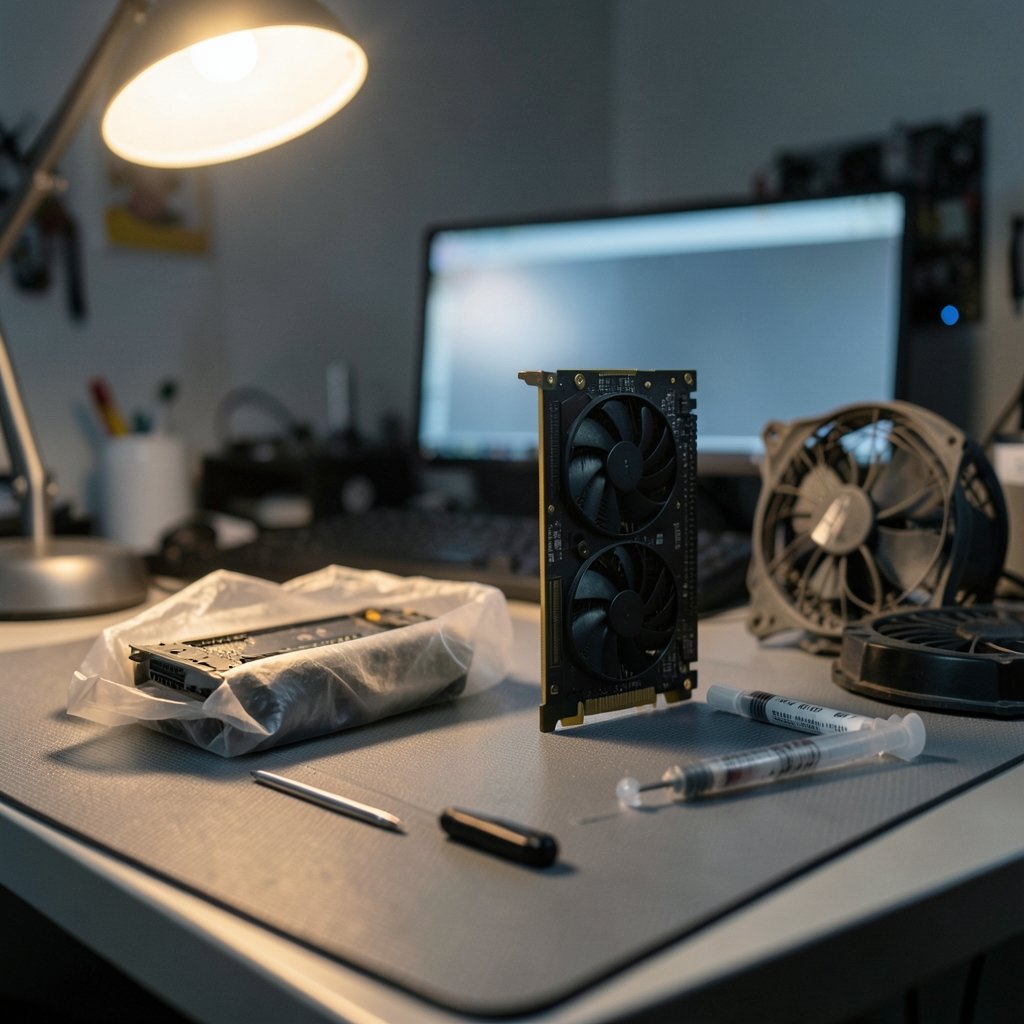
Quick Answer: Which gaming graphics cards are best for competitive gaming?
The best graphics cards for competitive gaming are mid-range models that comfortably push frame rates past your monitor’s refresh rate at 1080p without wasting money on horsepower you cannot see. In practice, that means shopping the roughly $250 to $400 tier, pairing it with a fast CPU, and running low competitive settings where the GPU is rarely the bottleneck.
Higher-tier cards make sense only if you play at 1440p, stream while you play, or want headroom for future titles. They will not make you faster in Counter-Strike 2 or Valorant if your CPU and monitor are already the limiting factors.
Before buying, compare your monitor’s refresh rate and resolution, the games you actually play, your CPU, your power supply, your case clearance, and whether you need low-latency features like NVIDIA Reflex or AMD Anti-Lag.
Why the “Best” Card for Competitive Play Is Rarely the Most Expensive One
Here is the counterintuitive truth that trips up a lot of buyers: in competitive shooters, the graphics card is often the least important part of the frame-rate equation. At 1080p with low or competitive presets, titles like Counter-Strike 2, Valorant, League of Legends, and Overwatch 2 lean heavily on the CPU and game engine. A mid-range GPU can already be sitting at 300 frames per second while the processor gasps for air at 240.
That means spending $900 on a flagship card for 1080p competitive play is usually money set on fire. The frames are there, but your monitor cannot show them and your CPU cannot feed them. The smarter move is matching the GPU to your display and your processor, then putting the savings toward the parts that actually reduce input latency.
There is a second layer here too. Frame generation features like DLSS 3 and FSR 3 can boost the numbers on screen, but they can also add latency, which is exactly what competitive players do not want. Many serious players simply turn those features off. So a card’s headline upscaling tricks matter far less than its raw, honest frame output at low settings.
The Real Target: Your Monitor’s Refresh Rate
Before comparing a single spec sheet, figure out what you are actually trying to hit. A 240 Hz monitor needs a GPU that can sustain close to 240 frames per second in your game. A 360 Hz panel demands even more. If your card only manages 180, you are leaving your display’s advantage on the table.
This is where the monitor and GPU pairing principle matters more than raw GPU tier. A card that exceeds your refresh rate delivers diminishing returns. A card that falls short wastes the panel you paid for. If you are still deciding on a display, the guidance in this breakdown of gaming monitors that actually win competitive matches is worth reading before you spend a cent on silicon.
Variable refresh rate technology, whether G-Sync, FreeSync, or the standardized VESA Adaptive-Sync, smooths out the mismatch between frame rate and refresh rate. It reduces tearing and stutter when your frames dip. It is not a substitute for raw performance, but it makes a mid-range card feel far more polished than its benchmark numbers suggest.
A Simple Matching Table
| Monitor Refresh Rate | Realistic GPU Tier | Typical Resolution |
|---|---|---|
| 144 Hz | Entry to lower mid-range | 1080p |
| 240 Hz | Mid-range | 1080p |
| 360 Hz | Upper mid-range | 1080p |
| 144 Hz to 165 Hz | Mid-range to upper mid-range | 1440p |
The lesson is straightforward: pick the card after you know the panel, not before.
What Actually Matters in a Competitive GPU
1% Lows Beat Average FPS Every Time
A card that averages 250 FPS but stutters down to 90 in a smoke grenade fight feels worse than one that holds a steady 200. Reputable benchmark outlets report 1% lows for exactly this reason, and those numbers matter far more for competitive smoothness than the flashy average. When you read reviews, skip straight to the low-percentile figures.
Latency Features Are Not Marketing Fluff
NVIDIA Reflex launched in September 2020 with Fortnite and Valorant among its early supported titles, and it measurably reduces the delay between your input and what appears on screen. AMD’s counterpart, Radeon Anti-Lag, arrived in 2019, with Anti-Lag+ following in 2023 before being briefly pulled over anti-cheat conflicts. Whichever camp you land in, make sure the feature is supported in the games you play and switched on.
Driver Stability and Game Support
A slightly slower card with mature, stable drivers beats a faster one that crashes mid-ranked-match. This is the unglamorous factor that reviews rarely capture. Check community reports for your specific titles before committing.
Power, Heat, and Case Fit
Mid-range cards are generally easier on your power supply and your case airflow. A flagship card may demand a beefier PSU and a roomier chassis, adding hidden cost to the sticker price. If you are weighing a full system rebuild against a console, the trade-offs in this PS5 Pro vs gaming PC comparison are a useful sanity check.
Where the Money Actually Goes: A Practical Buying Framework
Most competitive players should think in three tiers rather than specific model names, because model numbers rotate every generation and this article cannot verify late-2026 launches. The tier logic holds regardless.
Entry tier (roughly $150 to $250): Fine for 1080p at 144 Hz in lightweight esports titles. If you play mostly Valorant or League of Legends, this is genuinely enough. You will hit a wall in heavier games or higher refresh rates.
Mid-range tier (roughly $250 to $400): The historical sweet spot for 1080p competitive play. This is where most buyers should start. It comfortably targets 240 Hz in esports titles and leaves room for 1440p at moderate settings.
Upper tier (roughly $400 and up): Justified for 1440p high refresh, streaming while gaming, or heavier titles. In pure 1080p esports play, the extra frames often go unseen.
Common Mistakes Buyers Make
The single biggest error is buying a flagship GPU for 1080p competitive shooters and pairing it with a mid-tier CPU and a 144 Hz monitor. The card sits idle while the processor bottlenecks everything. The second mistake is ignoring 1% lows and buying on average FPS alone. The third is leaving frame generation on in competitive titles, adding latency for frames you cannot perceive.
A quieter mistake: forgetting the network. A flawless 360 FPS setup means nothing on a laggy connection. If your ping spikes are costing you duels, the guidance on ethernet versus wi-fi for gaming addresses a bottleneck no graphics card can fix.
How to Benchmark Before You Buy
You do not need a lab. You need discipline.
- Identify the three games you play most and their competitive settings.
- Find benchmarks that test at 1080p low presets, not ultra settings.
- Look specifically at 1% lows, not averages.
- Check whether the test system’s CPU matches yours, since CPU choice skews results heavily in esports titles.
- Confirm the reviewer tested the current driver version.
- Cross-reference at least two independent outlets before deciding.
Benchmark methodology matters enormously here. A review run at ultra settings tells you almost nothing about competitive performance, because nobody plays ranked matches on ultra. Seek out tests that mirror your actual settings.
The CPU Is Half the Story
It would be misleading to discuss GPUs without flagging this. In esports titles at low settings, the processor frequently determines your frame ceiling. A mid-range GPU paired with a strong CPU will outperform a flagship GPU paired with a weak one in exactly the games competitive players care about. Budget accordingly, and do not let a GPU purchase starve the rest of the build.
If you are assembling a full setup from scratch, the wider context on which gaming consoles fit your needs in 2026 can help you decide whether a PC build is even the right path, and the rundown of handheld gaming consoles in 2026 covers the portable alternative.
Should You Buy New, Used, or Wait?
Used mid-range cards are often excellent value for competitive play, since esports titles are lightweight and previous-generation silicon handles them fine. The risks are warranty gaps and unknown mining history. New cards offer warranty peace of mind and current driver support.
Waiting is rarely worth it if you have a specific refresh-rate target and a game you play now. There is always a better card coming. The tier logic above stays stable across generations even as model names change.
One more practical note: if you buy game keys to build your library, the differences between storefronts are covered in this Eneba vs CDKeys vs Green Man Gaming comparison, which keeps your software budget from eating into GPU funds.
Conclusion
The best graphics card for competitive gaming is the one that matches your monitor’s refresh rate and your CPU’s output without overspending on frames you will never see. For most players, that lands in the mid-range tier at 1080p, with a strong processor behind it and low-latency features switched on. Chasing flagship hardware for esports shooters is the classic expensive mistake, and it rarely moves your rank.
Start with your display, work backward to the GPU, check the 1% lows in real benchmarks, and resist the pull of frame generation in titles where latency decides fights. Do that, and you will spend less and play smoother than the person who bought the biggest card on the shelf.
FAQ
Do I need a high-end GPU to hit 240 FPS in Valorant or CS2?
No. Both titles are lightweight at competitive settings, and a mid-range card paired with a capable CPU can sustain very high frame rates at 1080p. The processor is usually the limiting factor, not the graphics card.
Is 1440p worth it for competitive gaming?
It depends on your priorities. 1440p offers a clearer image for spotting distant targets, but it demands more GPU power to sustain high refresh rates. Many competitive players stick to 1080p for maximum frame rates and lower latency.
Does DLSS or FSR help in competitive shooters?
Upscaling can raise frame rates, but frame generation in particular can add latency. Many competitive players disable these features entirely, preferring raw performance and the lowest possible input delay.
How much should I spend on a GPU for esports titles?
For 1080p competitive play, the mid-range tier has historically offered the best value. Spending beyond that rarely improves your experience unless you also upgrade your monitor, CPU, or move to a higher resolution.
What is the difference between G-Sync and FreeSync?
Both are variable refresh rate technologies that reduce tearing and stutter by syncing the display to the GPU’s output. G-Sync is NVIDIA’s implementation, FreeSync is AMD’s, and VESA Adaptive-Sync is the underlying standard. The practical effect for competitive play is similar.
Will a better GPU reduce my input lag?
Only marginally if your GPU already exceeds your monitor’s refresh rate. Input latency is driven more by frame rate consistency, low-latency driver features like Reflex or Anti-Lag, your peripherals, and your network connection.
Final takeaway: treat the GPU as one component in a chain that runs from your input device through the CPU, the card, the display, and the network. The weakest link sets your ceiling, and in competitive play that link is rarely the graphics card alone. Buy for the panel you own, verify the 1% lows, switch on the latency features your titles support, and keep enough budget for the processor and connection that feed the frames. Do that, and your setup will feel faster than its spec sheet — which is the only benchmark that matters when the round starts.