
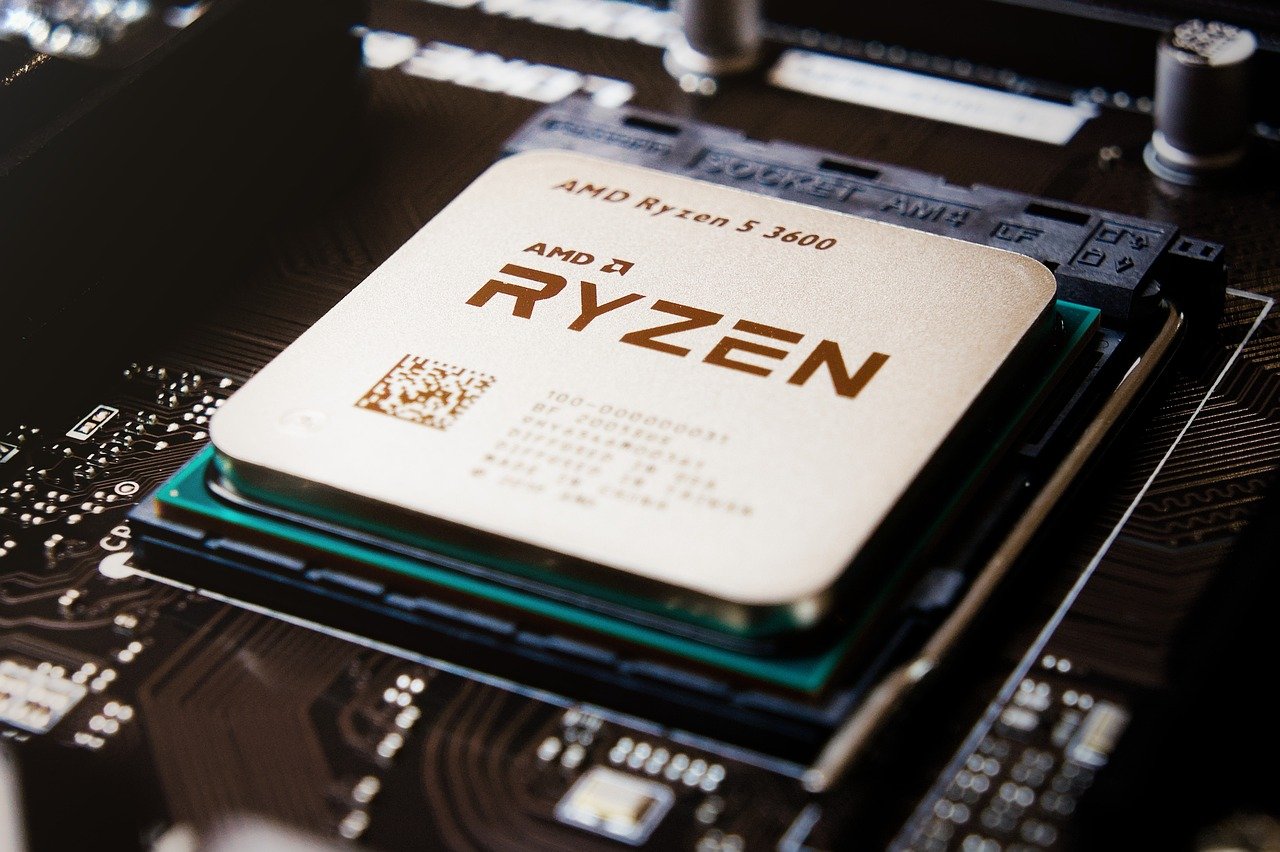
Quick Answer: What should I check before paying for gaming CPUs?
Before paying for a gaming CPU, confirm that it fits your motherboard’s socket, that your RAM type matches the platform, and that your board’s official CPU support list includes the chip. Then compare real benchmark results for your games, check whether a cooler is in the box, and verify the warranty and seller.
The details matter because two CPUs at the same price can perform very differently depending on the games you play and the resolution you use. A chip that leads in one title may trail badly in another, and platform costs such as a new motherboard or DDR5 memory can quietly double the real price.
Check the socket and chipset, memory generation, BIOS support, core count versus single-thread speed, cache size, included cooler, power draw and PSU headroom, integrated graphics, boxed versus tray warranty, and the seller’s reputation before you pay.
A CPU Is Only Half a Purchase
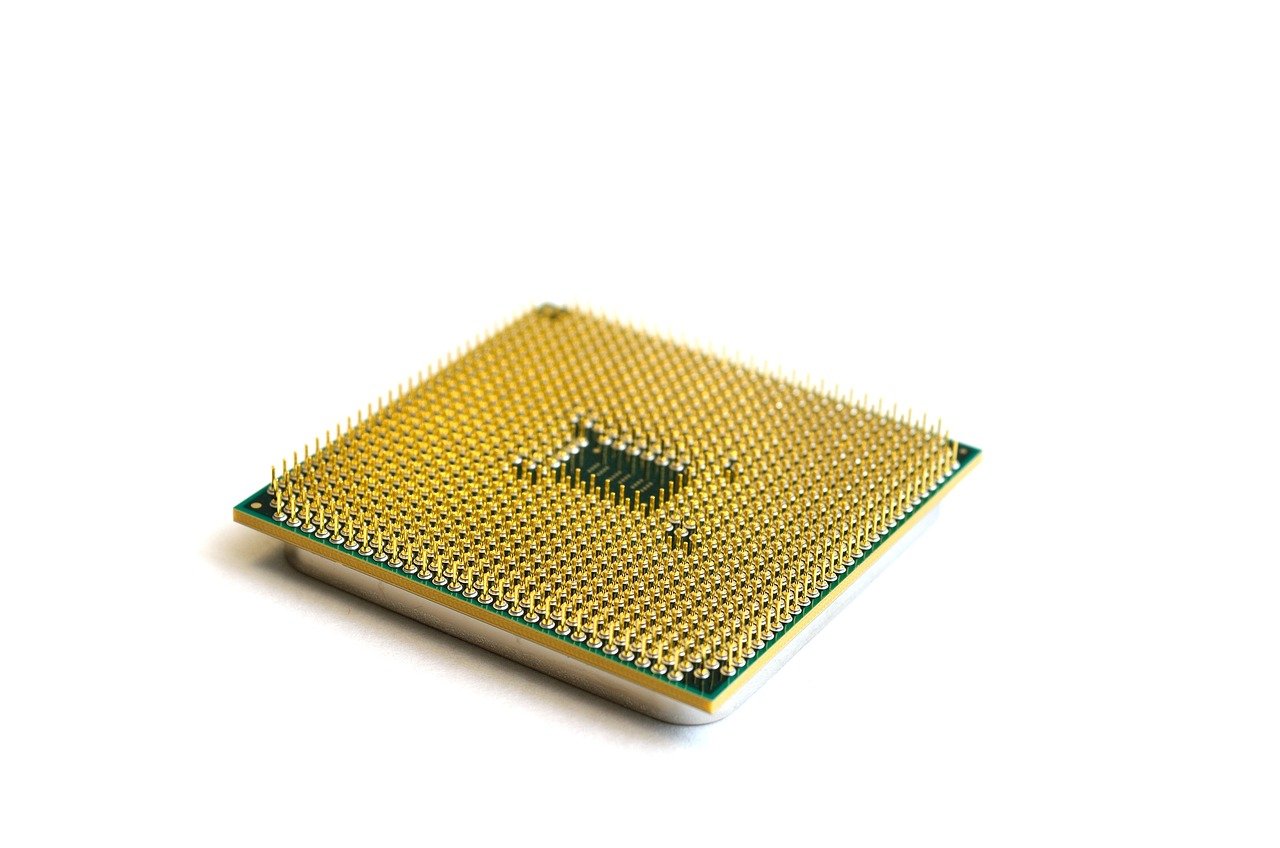
Ever noticed how a great CPU deal can turn into a frustrating week? The chip arrives, you slot it in, and nothing happens. No boot. No display. Just fans spinning and a quiet sense of regret. That scenario is common, and it almost always traces back to something the buyer could have checked in five minutes.
A processor is not a standalone part. It is a commitment to a socket, a memory standard, a motherboard firmware version, and a cooling budget. Paying for the chip is the easy part. Paying for everything it drags along with it is where budgets break.
This guide walks through what actually matters before money changes hands. No hype, no brand loyalty, just the checks that separate a smart buy from an expensive lesson.
Start With the Socket and Chipset
The socket is the physical connector between the CPU and the motherboard, and it decides which chips you can even consider. AMD’s AM5 platform arrived in September 2022 and supports Ryzen 7000, 8000G and 9000 series processors. The older AM4 socket, launched in 2017, is effectively end-of-life for new high-end parts, though plenty of budget chips still sell for it.
Intel moved from LGA1700, which covered 12th through 14th Gen Core chips from 2021 to 2023, to LGA1851 for Core Ultra 200S parts in October 2024. If you already own a motherboard, your socket is fixed. That single fact rules out entire product lines before you compare a single benchmark.
Chipsets matter too. A budget chipset board may limit overclocking, PCIe lanes, or the number of M.2 slots. None of that shows up in a CPU benchmark, but all of it shapes what your build can do later. If you are weighing a platform switch, it helps to see how compatibility questions play out in other hardware categories, much like buyers comparing AMD vs Intel CPU compatibility before an upgrade have to do.
Memory Support: The Quiet Dealbreaker
AM5 is DDR5-only. Most AM4 boards take DDR4. Intel’s LGA1700 boards shipped in both DDR4 and DDR5 variants, which means the same CPU model may not work with the RAM you already own depending on which board version you buy.
This is where plenty of shoppers get burned. They buy a CPU, then discover their existing memory kit is the wrong generation, then discover the motherboard they wanted only comes in the other memory type. Suddenly a mid-range chip purchase includes a new RAM kit and a new board.
Before paying, write down three things: your current RAM type, your motherboard model, and the CPU you want. If any two of those do not line up, price out the difference before you commit. A slightly slower CPU that drops into your existing platform is often the better value than a faster one that forces a rebuild.
Check the Motherboard’s CPU Support List
Every motherboard maker publishes an official CPU support list for each board. It names the exact processors that will work, often with a note about which BIOS version is required. Older boards frequently need a firmware update to boot newer chips. AM4 boards needed updates for Ryzen 5000 in 2020, and LGA1700 boards needed them for 14th Gen parts in 2023.
Here is the trap. Updating the BIOS usually requires a working, compatible CPU already installed. If you buy a new chip for an old board and the board will not POST without a firmware update, you are stuck unless the board has a USB BIOS flashback feature or you can borrow an older CPU.
Check the support list on the board maker’s page before you pay. It takes two minutes and saves an evening of troubleshooting.
Read Benchmarks for Your Games, Not the Average
Benchmark charts love a single headline number. Real gaming does not work that way. Frame rates swing wildly between titles, and the gap between two CPUs can flip depending on resolution and graphics settings.
A few practical rules help here:
- Look for benchmarks at the resolution you actually play. At 1080p, the CPU often matters a lot. At 4K, the GPU usually dominates and CPU differences shrink.
- Check the specific games you play. Some engines lean hard on cache, others on single-thread speed.
- Ignore older-generation chips sold at similar prices to newer, faster models unless the discount is genuinely large.
- Treat any single benchmark source as one data point, not gospel.
For gaming specifically, single-thread performance and cache size often matter more than raw core count. A 16-core chip can lose to an 8-core chip in games if the 8-core has better per-core speed and more cache. If you want a structured way to think about picking a chip for frame rates, a guide on how to pick the right chip for gaming in 2026 covers the trade-offs in more depth.
Streaming, video encoding, and heavy multitasking change the math. Those workloads reward more cores, so a buyer who streams while playing should weight multi-thread results more heavily than a pure single-player gamer would.
Cooler, Power, and the Hidden Costs
Many enthusiast chips ship without a stock cooler. Intel’s K-series parts historically have not included one, and several AMD X-series chips ship bare as well. Check the box contents on the official product page before assuming a cooler is included.
Then look at power draw. High-end CPUs can pull well above their nominal TDP under sustained load. That affects two things: whether your cooler can handle the heat, and whether your power supply has headroom. A CPU upgrade that pushes a borderline PSU over the edge turns into a PSU upgrade too.
The table below sums up the checks that most often catch buyers off guard.
| Check | Why it matters | Where to verify |
|---|---|---|
| Socket | Wrong socket means the chip will not fit | CPU and motherboard spec pages |
| Memory type | DDR4 and DDR5 are not interchangeable | Motherboard spec page |
| BIOS support | Older boards may need an update to boot | Board maker’s CPU support list |
| Cooler in box | Many performance chips ship without one | Official product page |
| Power draw | May require a stronger PSU or cooler | Manufacturer spec sheet |
| Integrated graphics | Some chips have none, so no display output without a GPU | Product spec page |
Boxed vs Tray: Warranty and Seller Checks
Retail boxed CPUs typically carry multi-year limited warranties, and the terms are published by the manufacturer. Tray or OEM parts, which are often sold to system builders in bulk, may lack a cooler and can carry shorter or different warranty coverage. Some carry none at all from the manufacturer.
Counterfeit and mislabeled CPUs exist in the secondhand market. The safest path is buying from an authorized retailer and keeping the invoice. If a deal looks dramatically cheaper than every other seller, that is a signal, not a bargain.
Warranty length and region also vary. Confirm the coverage before paying, especially if you are buying across borders. The same discipline applies to any big purchase where terms hide in the fine print, much like borrowers who read BMG Money reviews before signing to avoid surprises later.
Integrated Graphics and Other Small Details
Intel chips with an F suffix, a naming pattern that started with 9th Gen in 2018, have no integrated graphics. Several AMD models skip it too. That matters in two cases: if you plan to run without a dedicated GPU, and if you need display output to troubleshoot a build that will not boot.
Other details worth a glance include the included thermal solution, maximum memory speed support, and PCIe version. None of these usually change a buying decision alone, but together they explain why two similarly priced chips can feel very different in daily use.
Set a Total Platform Budget, Not a CPU Budget
The most common mistake is budgeting for the chip and forgetting the platform. A realistic budget covers the CPU, any required motherboard change, memory if the generation differs, a cooler if none is included, and possibly a PSU.
Write the full number down before you shop. Then compare complete configurations rather than isolated chips. A cheaper CPU on your existing platform frequently beats a faster chip that requires three other purchases.
Prices and lineups move fast, so verify the current street price on the day you buy and confirm the model has not been superseded by something better at the same cost. A chip that was excellent value at launch can be poor value a year later.
Conclusion
Buying a gaming CPU is really a compatibility decision dressed up as a speed decision. The socket, the memory generation, the board’s BIOS support, the cooler, and the warranty all shape whether the purchase works out. Get those right, and the benchmark charts become a useful tiebreaker rather than a trap.
The practical routine is short. Confirm the socket, match the memory, check the support list, read benchmarks for your own games, verify what is in the box, and buy from a seller with clear warranty terms. Do that, and the only surprise left is how well the build runs.
Frequently Asked Questions
Is a higher core count always better for gaming?
No. Most games lean on a handful of threads, so single-thread speed and cache size often matter more than total cores. Higher core counts pay off for streaming, recording, and encoding, where many threads run at once.
Can I use a new CPU in an older motherboard?
Sometimes, but only if the board’s official CPU support list includes that chip and the required BIOS version is installed. Some boards need a firmware update that itself requires a compatible CPU, which can leave you stuck without a flashback feature.
Do all gaming CPUs come with a cooler?
No. Many performance-oriented chips, including Intel K-series and several AMD X-series models, ship without a stock cooler. Check the box contents on the official product page and budget for a cooler if one is missing.
What is the difference between boxed and tray CPUs?
Boxed retail CPUs usually include a cooler in some models and carry a standard multi-year limited warranty. Tray or OEM parts are sold in bulk, often without a cooler, and may have shorter or different warranty coverage.
Does integrated graphics matter if I have a graphics card?
It can. Integrated graphics give you a display output for troubleshooting when a build will not boot or when a graphics card fails. Chips with an F suffix or certain AMD models lack it entirely.
How do I know if a CPU price is actually a good deal?
Compare the total platform cost rather than the chip price alone. Factor in motherboard, memory, cooler, and power supply changes, then check current benchmarks for your games. A deal that forces three other purchases is rarely a deal.



