
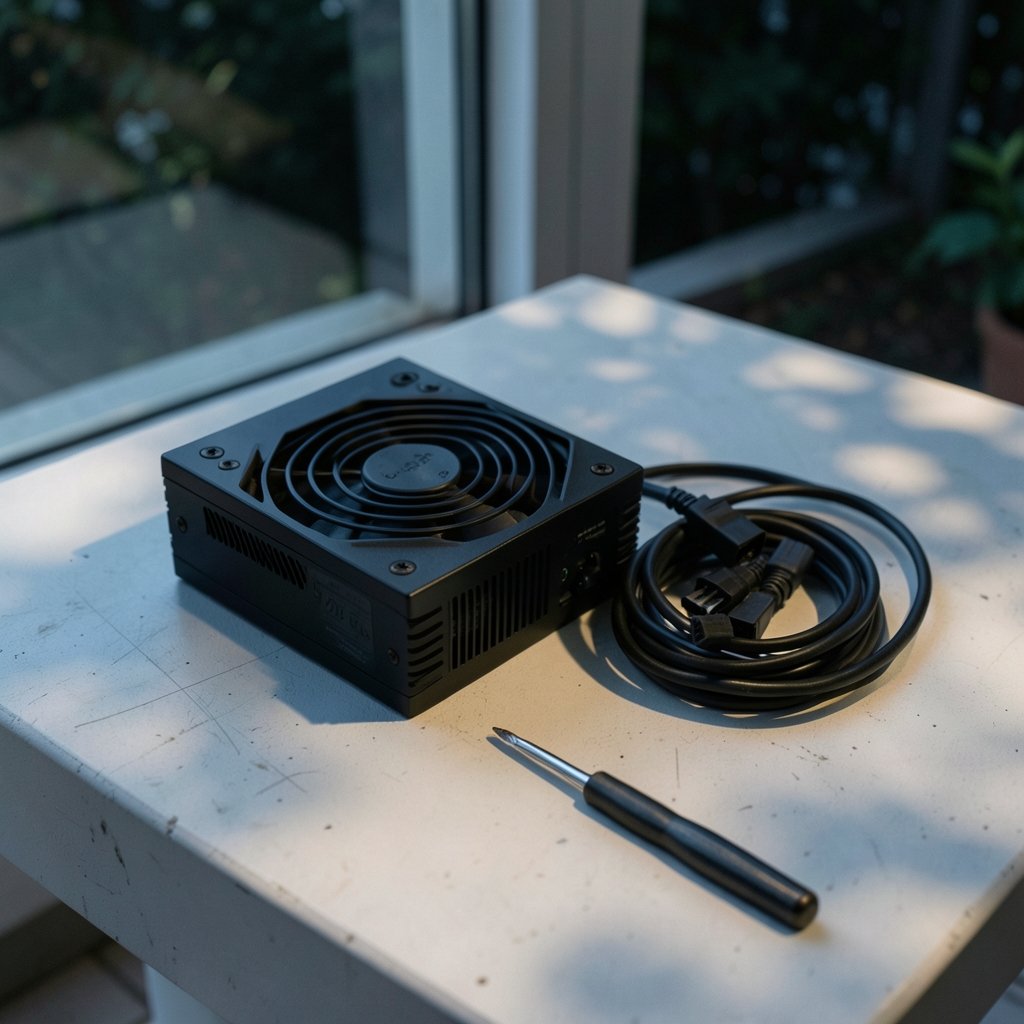
Quick Answer: What should I check before paying for gaming power supplies?
Before paying, confirm the unit’s real wattage headroom, its 80 PLUS efficiency tier, and whether it carries ATX 3.x certification with a native 12VHPWR or 12V-2×6 cable for modern GPUs. Buyers can verify these details on the manufacturer’s spec sheet, the certification body’s listing, and the retailer’s return policy page.
A cheaper Bronze unit and a pricier Gold unit can both be safe, but they differ in efficiency, heat output, and often build quality. Modularity, RGB lighting, and brand names are secondary to connector count, capacitor type, and warranty length.
Key factors to compare include continuous versus peak wattage, 12V rail output, connector types and counts, efficiency tier, safety marks, capacitor brand, fan bearing type, warranty length, and the return window.
Why the Power Supply Deserves More Scrutiny Than Any Other Part
What part of a gaming PC build gets the least attention and causes the most catastrophic failures? If you guessed the power supply, you have clearly been burned before, or you have watched a friend’s rig go dark mid-raid.
The PSU is the one component that touches everything else. A weak or badly built unit can take a motherboard, a GPU, and a stack of drives down with it. Yet shoppers routinely spend an hour comparing graphics cards and four minutes picking a power supply based on wattage alone. That is backwards.
This guide walks through what actually matters before money changes hands. No brand worship, no marketing fluff. Just the checks that separate a solid purchase from an expensive lesson.
Start With Real Wattage, Not Marketing Wattage
The first trap is simple: continuous wattage is not the same as peak wattage. Some budget units advertise a big number that only holds for a few seconds. A reputable unit labels its continuous rating clearly and stands behind it.
A practical rule of thumb many builders use: add up the GPU’s rated board power and the CPU’s rated power, then add roughly 30 to 50 percent headroom for everything else and for transient spikes. Modern GPUs can pull well above their rated draw for milliseconds at a time. That spike behavior is exactly why the ATX 3.0 specification introduced stricter transient-load requirements, so a unit built to that standard handles short excursions more gracefully.
If you are weighing a GPU upgrade alongside the PSU purchase, it helps to think about platform efficiency at the same time. A quick look at the RTX 4090 vs RTX 5080 power efficiency comparison can tell you whether your next card will actually demand more from the PSU or less.
Common mistake: buying a 1000W unit for a system that draws 450W, then wondering why efficiency at idle is poor. Oversizing is not free. More on that below.
Understand What 80 PLUS Actually Certifies
80 PLUS is a voluntary efficiency certification. It grades how efficiently a unit converts wall power into usable DC power at specified load levels, typically 20, 50, and 100 percent, with newer tiers adding a 10 percent load test. That is it. It says nothing about whether the unit is well built, whether it will last five years, or whether it is safe.
This is the single most misunderstood badge in PC building. A unit can carry 80 PLUS Bronze and still use cheap capacitors and a noisy fan. A unit can carry no badge at all and be excellent, though that is rarer and harder to verify.
| Tier | Rough Positioning | What It Tells You |
|---|---|---|
| 80 PLUS White | Entry | Meets a basic efficiency floor |
| Bronze | Budget | Modest efficiency gains, common in prebuilts |
| Gold | Mainstream | Solid efficiency, often better internals |
| Platinum | Enthusiast | Higher efficiency, usually premium components |
| Titanium | Flagship | Highest tier, includes a 10% load test |
Efficiency matters for two practical reasons: heat and electricity cost. A more efficient unit dumps less waste heat into your case, which keeps fan noise down. For a machine that idles a lot, the 10 percent load figure is worth noting, since only the top tier tests it at all.
Check the ATX Standard and the GPU Connector
The ATX specification defines the physical form factor, the connector pinouts, and increasingly the electrical behavior expected of a modern PSU. The ATX 3.0 revision, introduced around 2022, added the 12VHPWR connector and tighter transient requirements. A later revision refined the connector design.
This matters because of a well-documented problem. Reports of melted 12VHPWR connectors on high-end cards surfaced in late 2022, with the cause largely attributed to incomplete insertion and cable bending. The revised connector changed sense-pin lengths to improve seating. If you are buying a PSU for a power-hungry modern GPU, a native cable beats an adapter, and a current-standard unit beats one that predates the standard.
Practical checks before paying:
- Confirm the PSU includes the exact connector your GPU needs, natively, not via a third-party adapter.
- Count the connectors. A single 12VHPWR cable is rated for 600W, but some cards want two.
- Verify the unit’s ATX revision on the spec sheet rather than trusting the product photo.
- Check cable length if you have a large case; short EPS cables are a genuine annoyance.
If you are also planning a platform change, the same “verify before you buy” logic applies to the CPU socket. The AMD vs Intel CPU compatibility check covers the details worth confirming first.
Safety Marks: What They Prove and What They Don’t
Look for CE marking in the EU, UKCA in the UK, and UL or ETL in the US and Canada. These indicate the unit meets legal requirements for sale in those markets.
Here is the nuance most shoppers miss: CE marking is a self-declaration of conformity to EU directives. It is not a third-party test result. It is a legal minimum, not a quality guarantee. Third-party safety testing, where it exists, is a stronger signal. So treat safety marks as a floor you should not go below, not as a ceiling of assurance.
If a listing shows no recognizable safety marks at all, that is a genuine reason to walk away, regardless of how good the reviews look.
Build Quality Signals You Can Actually Verify
You cannot open a PSU in the store, but you can read the spec sheet for clues that correlate with quality.
Capacitors. Japanese-brand electrolytic capacitors, names like Nichicon and Rubycon, are commonly cited as more durable than generic alternatives. This is industry convention rather than a formal standard, so treat it as a useful heuristic. Many manufacturers list capacitor brands explicitly; if a brand is missing from a premium-priced unit’s marketing, that silence is informative.
Warranty length. A five- to ten-year warranty signals confidence in the design. A one- or two-year warranty on a flagship-priced unit tells you something too.
Fan bearing type. Fluid dynamic or magnetic levitation bearings generally outlast cheap sleeve bearings and run quieter. Semi-passive modes that stop the fan at low load are a nice bonus for noise-sensitive builds.
Modularity. Fully modular, semi-modular, and non-modular are cable-management choices, not quality indicators. Both modular and non-modular units can be excellent or terrible. Buy modular for tidiness, not as a proxy for quality.
Read the Return Policy and Regional Warranty Terms
This step gets skipped constantly, and it is the one that saves the most money when something goes wrong.
Consumer protection varies significantly by jurisdiction. In the EU, distance sales typically carry a 14-day right of withdrawal. In the UK, the Consumer Rights Act 2015 sets out statutory rights on faulty goods. Knowing what applies to you before checkout changes how much risk you are carrying.
The same discipline applies to any big purchase with a contract attached. If you are financing the build, the BMG Money reviews checklist for borrowers is a useful parallel read on reading terms before signing. And if you are bundling a subscription or software deal into the build budget, the AI chatbot lifetime deals guide shows how the same “verify the fine print” habit pays off.
Red Flags That Should Stop a Purchase
Some signals are close to disqualifying. A unit with no listed continuous wattage. A spec sheet that lists only “peak” power. No safety marks. No warranty information. A price that is dramatically below every comparable unit from established brands, which usually means something in the bill of materials gave way.
Reviews deserve scrutiny too. A handful of five-star reviews posted in the same week, with no detail about the build, is not evidence. Look for teardown reviews and long-term owner reports instead.
One more practical note: if the listing pushes a bundle with a case or cooler at a suspiciously low combined price, check the PSU model number separately. Bundle PSUs are frequently the weakest part of the package.
Matching the PSU to the Rest of Your Build
A power supply is not purchased in isolation, and a few adjacent decisions affect what you should buy.
If you are also shopping for a VR headset or a new display setup, connector and power standards matter across the whole desk. The Steam Frame vs Meta VR glasses compatibility check is a good example of how front-end hardware choices ripple back into the power budget. Likewise, if a prebuilt or boutique system is on the table, the Rillabox review for buyers before ordering shows what to interrogate in a spec sheet before committing.
And if you are weighing a compact or appliance-style build, the Nvidia AI box buyer’s checklist is a reminder that small form factors often hide power delivery compromises.
Conclusion
Buying a gaming power supply is an exercise in reading past the badge. The wattage number on the box is the start of the conversation, not the end of it. Efficiency tier tells you about heat and running cost. The ATX revision and connector type tell you whether the unit will actually serve a modern GPU without adapters or workarounds. Safety marks set a legal floor. Capacitor brand, fan bearing, and warranty length hint at how long the thing will last. And the return policy is the safety net that matters when a unit arrives dead or develops coil whine in week three.
None of these checks takes long. Together they take maybe twenty minutes. That is a small investment against the cost of replacing a PSU and the components it takes with it. Verify the spec sheet, confirm the connector, read the warranty, know your return rights, then pay.
FAQ
Is a higher wattage PSU always better?
No. A unit that is massively oversized for the system runs at low load, where efficiency can be poorer, and it usually costs more for no benefit. Match wattage to the actual draw plus sensible headroom, not to the biggest number on the shelf.
Does 80 PLUS Gold mean the PSU is high quality?
It means the unit met an efficiency threshold at tested load levels. It does not certify build quality, capacitor choice, fan quality, or safety. Use the tier as one data point among several, not as a quality guarantee.
Do I need an ATX 3.0 power supply for a modern GPU?
It is strongly worth considering if you are pairing the PSU with a card that uses the 12VHPWR or 12V-2×6 connector. An ATX 3.0 or later unit typically includes a native cable and is designed for the transient spikes modern GPUs produce. Older units can work with adapters, but native is cleaner and safer.
Is a modular PSU better than a non-modular one?
Only in convenience. Modularity affects cable management and airflow tidiness, not electrical quality. A well-built non-modular unit will outperform a poorly built modular one every time.
How long should a gaming PSU last?
A quality unit with Japanese capacitors and a long warranty commonly serves through multiple builds, often five to ten years. Cheap units with short warranties may fail much sooner, and failure can damage other components.
What should I do if the PSU arrives faulty?
Check the retailer’s return window and your local consumer rights before ordering, so you know your options in advance. In the EU, distance sales usually include a 14-day withdrawal right; in the UK, the Consumer Rights Act 2015 covers faulty goods. Document the fault and contact the seller promptly rather than opening the unit yourself.



