
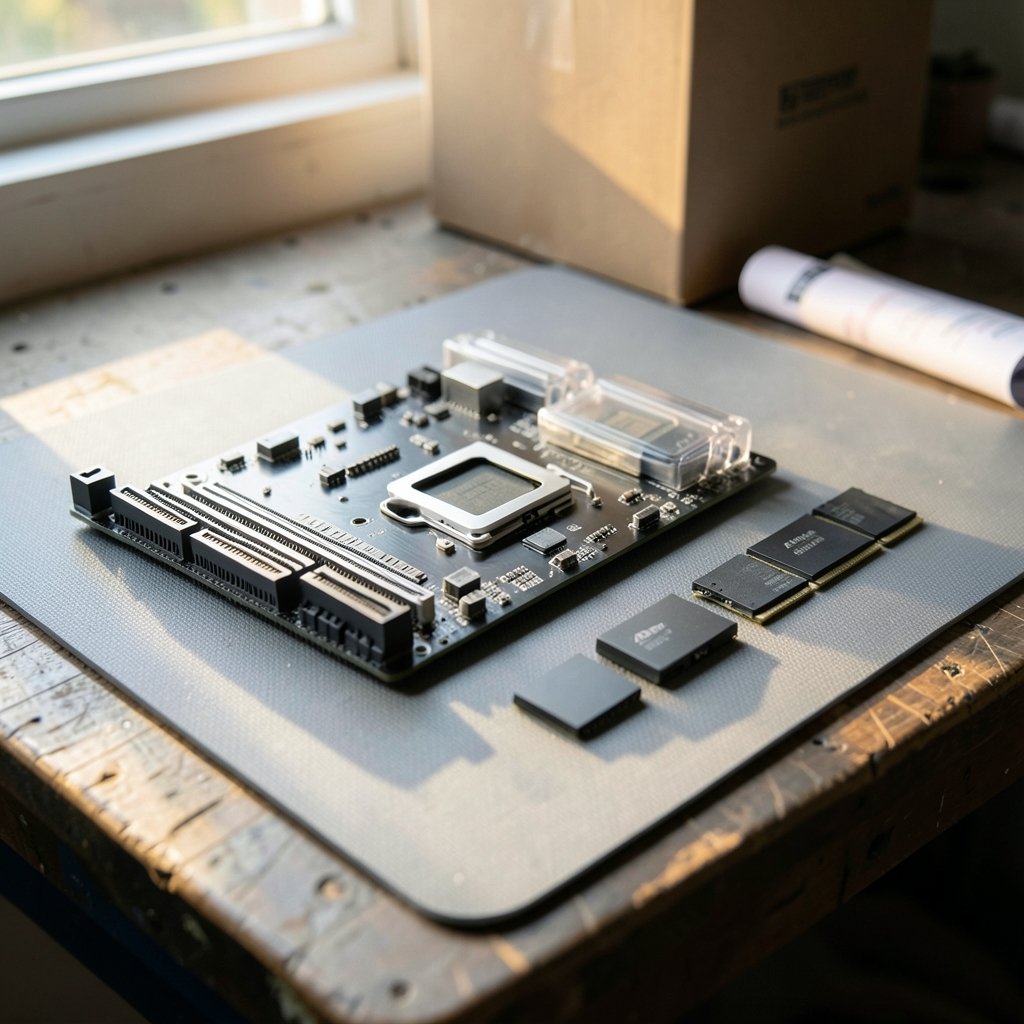
Quick Answer: Which budget gaming motherboards are worth buying?
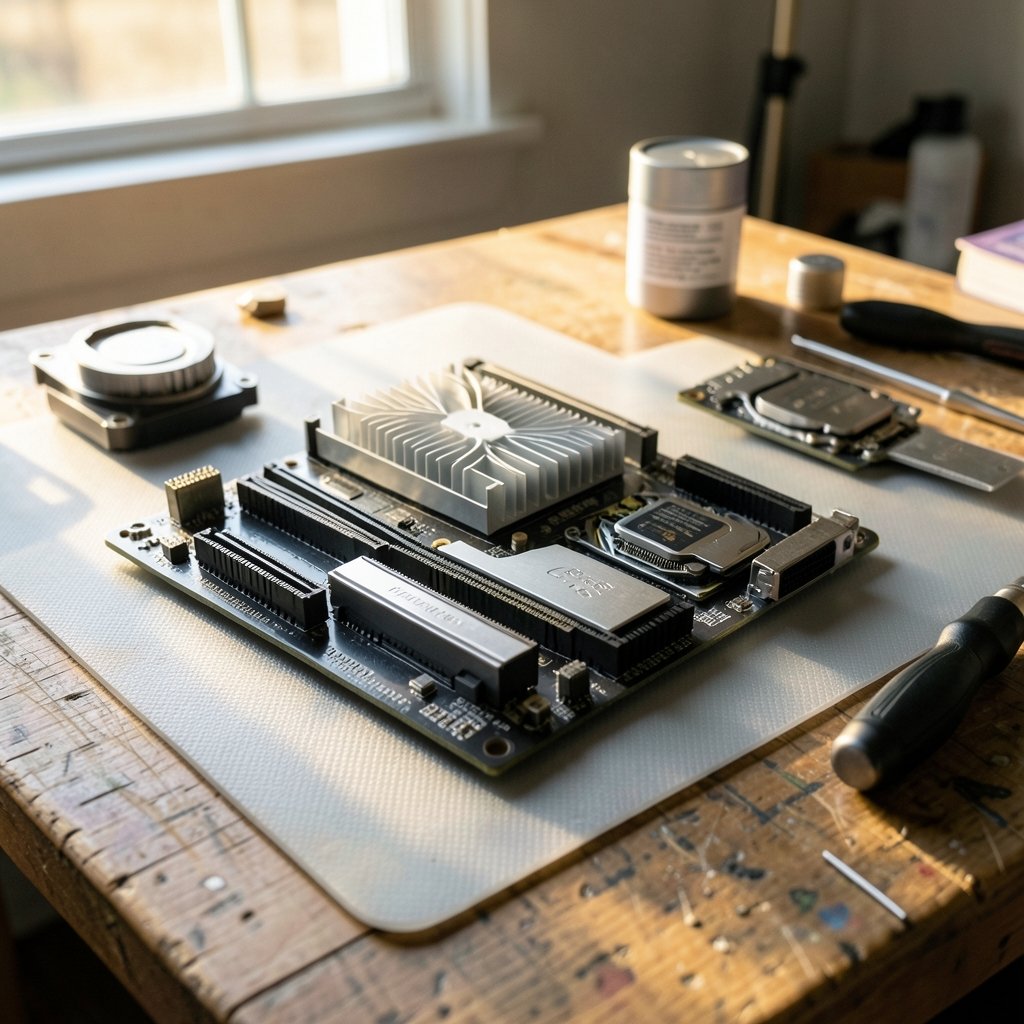
The budget gaming motherboards worth buying are the ones that match your CPU’s socket, ship with a BIOS that already supports your chip, and have VRMs strong enough to avoid throttling under sustained load. In practice, that usually means a B-series board on AM5 or LGA1700 rather than the absolute cheapest A620 or H610 option, bought from a seller with a clear return window.
Cheaper alternatives exist, and they can work well if you pair them with a lower-power CPU and accept fewer M.2 slots, no Wi-Fi, and limited USB-C front-panel headers. The trade-off is expansion and headroom, not basic function.
Before buying, compare socket and chipset, VRM quality, memory support and EXPO/XMP ceiling, M.2 slot count and PCIe generation, rear and front-panel connectivity, form factor, and warranty terms.
Why the Cheap Board Is Rarely the Bargain It Looks Like
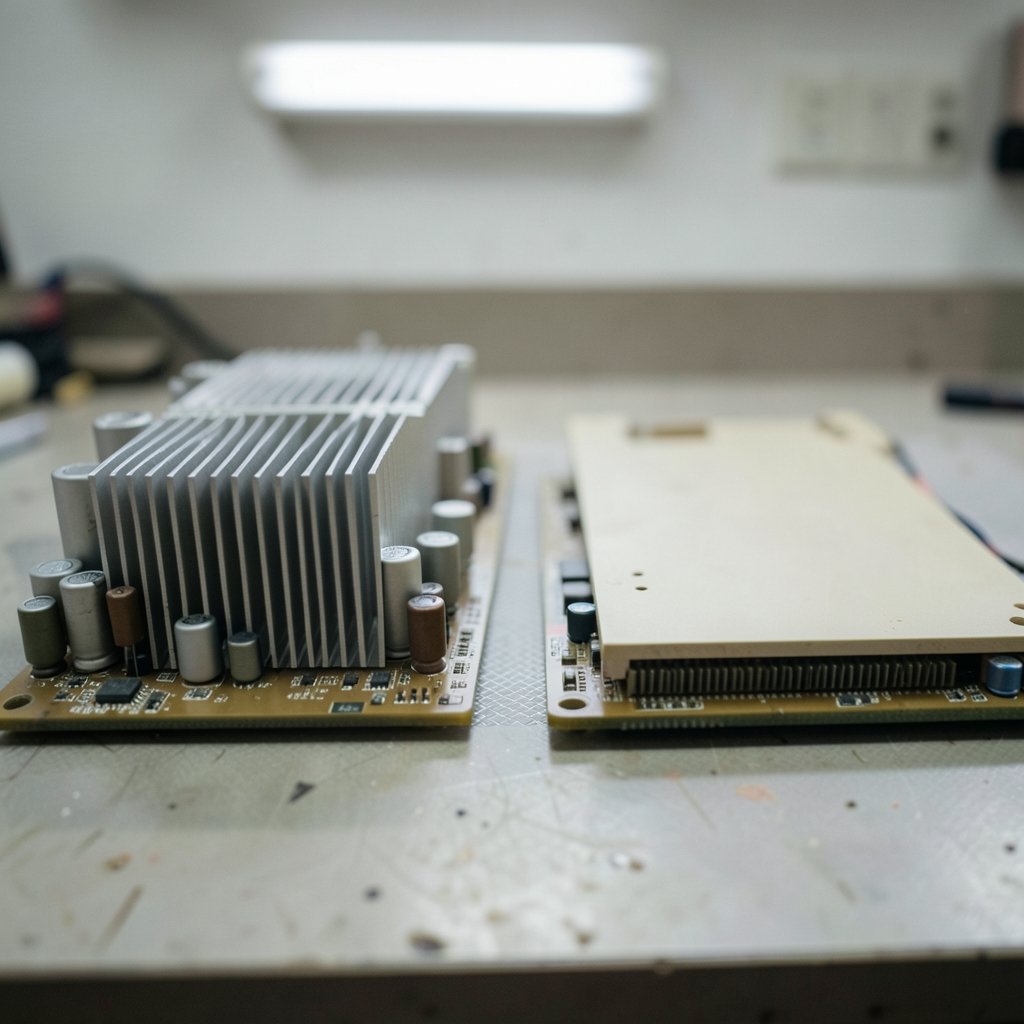
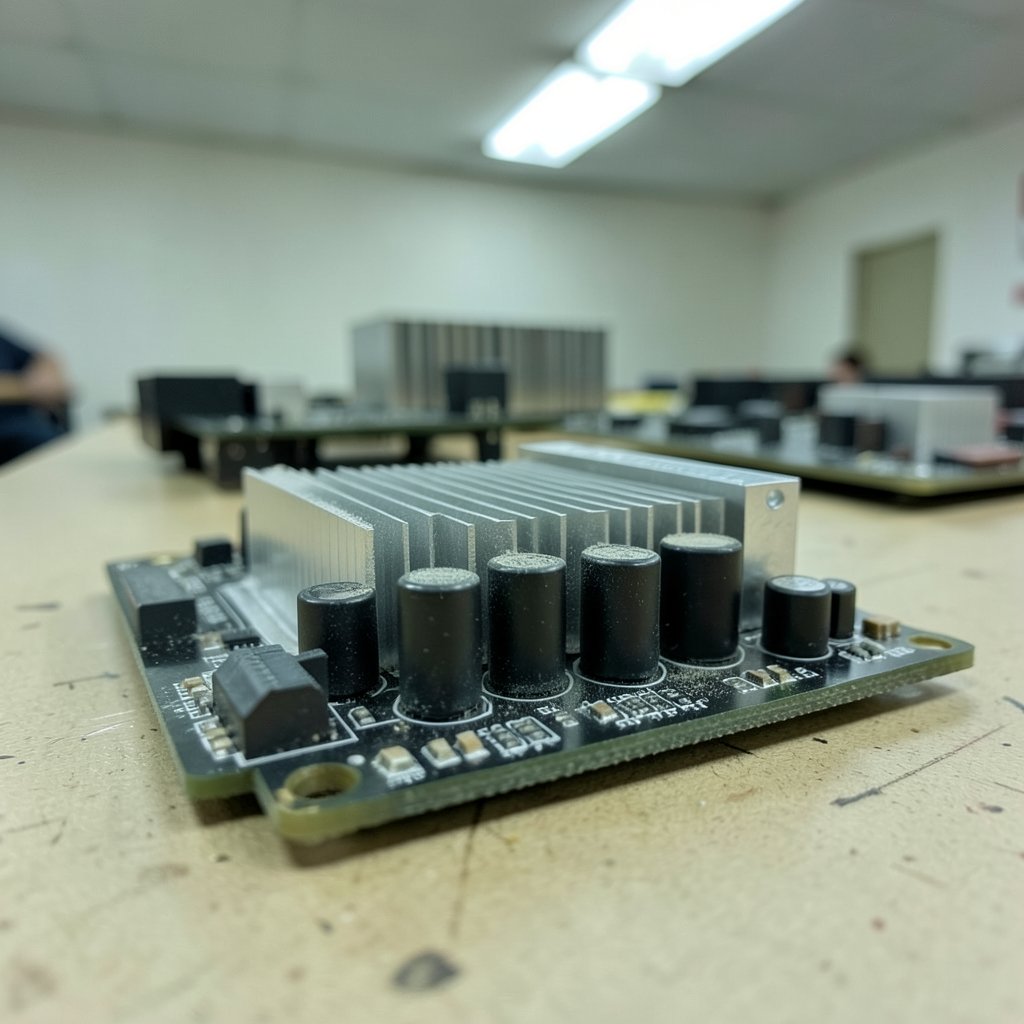
Ever stared at two motherboards that look nearly identical and wondered why one costs half as much? That gap is not marketing noise. It is a stack of small decisions about power delivery, lane allocation, and connectivity that only show up months later when you try to add a second drive or drop in a hungrier CPU.
The motherboard is the part of a build people try to save on first, and it is also the part that decides what you can upgrade later. A budget board is not automatically a bad board. Some are genuinely excellent value. Others are a trap that costs you a rebuild.
The practical approach is to stop shopping by brand and start shopping by chipset and power delivery. Here is what actually separates the good budget boards from the ones you will regret.
Start With the Socket, Not the Spec Sheet
The single biggest fork in the road is the CPU socket, because it locks in everything downstream.
For AMD, AM4 carried Ryzen 5000 and earlier and stayed the value platform for years. AM5 covers Ryzen 7000, 8000, and 9000, and it is the forward-looking choice. For Intel, LGA1700 covered 12th through 14th Gen and was the budget path through 2024 and 2025. The newer LGA1851 platform for Core Ultra 200S arrived in late 2024 but has not become a budget platform.
That matters because a cheap board on a dead socket is only a bargain if you never plan to upgrade. If you do, paying slightly more for the current socket usually wins. The same logic applies across the whole budget category, whether you are picking a gaming monitor worth buying for beginners or a board to drive it: match the part to the platform you will actually keep.
One caveat worth checking before you commit: exact 2026 budget lineups shift, so confirm current chip availability for your chosen socket rather than assuming last year’s value pick is still the value pick.
Chipset Tiers Explain Most of the Price Gap
Chipset tier tells you more about a board than the brand name on the box. Budget boards typically land in AMD’s A620 or B650 tier on AM5, or Intel’s B760 or H610 on LGA1700.
| Chipset | Typical tier | What you usually get | What you often lose |
|---|---|---|---|
| A620 (AM5) | Entry | Basic AM5 support, DDR5 | CPU overclocking, limited PCIe lanes |
| B650 (AM5) | Mid-entry | More M.2 slots, stronger VRMs | Some high-end connectivity |
| H610 (LGA1700) | Entry | Cheap entry to Intel | Overclocking, limited lanes |
| B760 (LGA1700) | Mid-entry | More M.2, better VRMs | Top-tier I/O features |
The pattern is consistent: A620 and H610 tend to skip CPU overclocking and cut PCIe lanes, while B-series boards usually add more M.2 slots and better VRMs. If you never overclock and only run one GPU and one SSD, an entry chipset can be perfectly fine. If you want a second NVMe drive or a future CPU with a higher power draw, the B-series premium is usually money well spent.
VRM Quality Is the Spec Nobody Advertises Loudly
Here is the mistake that bites people most often: buying a budget board with weak VRMs and pairing it with a mid-range CPU that pulls real power. The board boots fine, benchmarks look okay for a minute, then sustained loads push the power delivery into thermal throttling.
VRM quality matters most with higher-TDP chips. A budget board with a thin power stage can throttle something like a Ryzen 7 or a Core i5/i7 under a long render or a heavy gaming session. Independent reviewers publish VRM thermal testing, and the honest advice is to check per-board rather than per-brand. A brand with a great reputation at the high end can still ship a weak entry model.
Practical signs to look for: a heatsink over the VRM area (not bare chokes), a decent number of power stages, and reviews that specifically stress-test with a mid-range CPU rather than a flagship. If a board’s marketing page never mentions the VRM design at all, treat that as a data point.
The BIOS Trap That Catches First-Time Builders
Many budget AM4 boards need a BIOS update before they will run Ryzen 5000, and some ship with an older BIOS from the factory. That means a board can arrive technically compatible with your CPU but unable to POST out of the box.
Some boards include a USB BIOS Flashback-style feature that lets you update firmware without a supported CPU installed. Others do not, which leaves you hunting for a loaner chip or paying a shop to flash it. Check this before you buy, especially on clearance or older-stock AM4 boards.
The same caution applies to any platform transition. If you are buying into a socket that has been around a while, ask whether the board ships with current firmware or whether you will need to update it yourself.
Memory: DDR4, DDR5, and the EXPO Ceiling
AM5 boards officially support DDR5 only. AM4 supports DDR4. That is a hard line, not a preference, and it affects your total build cost more than the board price does.
On budget AM5 boards, expect a lower ceiling on EXPO memory speeds. DDR5-6000 is the common sweet spot, but it is not guaranteed on A620-class boards. Buying a fast kit that the board cannot run at its rated profile is a quiet way to waste money.
A few practical habits help here. Check the board’s qualified memory list if the vendor publishes one. Buy a kit rated at a speed the board actually claims to support. And do not assume that enabling EXPO will just work on the cheapest board in the lineup, because memory training on entry chipsets can be fussy.
Form Factor, Expansion, and the Ports You Will Miss
Micro-ATX is the typical budget form factor, and it usually comes with trade-offs: fewer SATA ports and one or two M.2 slots. Confirm the M.2 slot count and, importantly, whether the second slot runs at PCIe 4.0 or 3.0. A second slot that is technically present but slow is a spec-sheet win and a real-world shrug.
Connectivity is where budget boards quietly cut corners. Many omit a USB-C front-panel header, Wi-Fi, and 2.5GbE. None of these are dealbreakers on their own, but together they can push you toward add-in cards or a USB hub, which erodes the savings.
Read the spec sheet line by line instead of assuming. If you stream, a decent webcam worth buying for everyday use will not save you from a board with weak USB power delivery, so check the rear I/O layout too. And if the build is for a desk setup that also handles schoolwork or media, the same “buy for the ports you actually use” rule from a tablet worth buying for everyday use applies here.
How to Compare Two Boards in Five Minutes
When two boards are close in price, run this sequence. It takes minutes and catches most bad buys.
- Confirm the socket matches your CPU, and confirm the board supports that CPU out of the box or has a no-CPU BIOS flash option.
- Check the chipset tier and whether it allows the overclocking and lane count you need.
- Look for a VRM heatsink and any independent thermal testing with a mid-range CPU.
- Count M.2 slots and note the PCIe generation of each.
- Check memory support and the realistic EXPO ceiling.
- Scan the rear I/O and front-panel headers for USB-C, Wi-Fi, and Ethernet speed.
- Check the warranty length and the seller’s return policy.
If a board passes all seven, it is probably a good buy. If it fails on VRM quality or BIOS support, walk away regardless of the discount.
Where Budget Boards Fit in a Bigger Build Plan
A motherboard is one line item in a system, and budget discipline works best when it is spread sensibly. Spending an extra 40 dollars on a board with better VRMs and a second M.2 slot often saves more than trimming the same amount from a GPU or a monitor.
That logic scales. Someone assembling a portable setup might weigh a handheld gaming console that actually fits their needs against a desktop build, and the same question applies: which platform will still make sense in three years? Likewise, if the machine doubles as a work device, the guidance in this gaming laptop buying guide for tight budgets about not overspending on specs you will not use translates directly to motherboards.
The board is the least exciting purchase in the box and the one that determines how long the box stays useful.
Common Mistakes That Cost Real Money
Buying the absolute cheapest board and pairing it with a power-hungry CPU is the classic error. So is assuming a brand’s reputation applies to every model in its lineup. Another frequent one: buying DDR5 for an AM4 build, or buying a fast DDR5 kit for an entry AM5 board that cannot run it at rated speed.
A quieter mistake is ignoring the return window. Motherboards have a higher dead-on-arrival and firmware-fuss rate than most components, so buying from a seller with a clear, easy return policy is worth a few dollars. Typical motherboard warranties run about three years, though terms vary by region and brand, so confirm the current terms for your specific model.
Finally, do not buy a board for features you will never use. A budget board with Wi-Fi and a dozen USB ports is not a better buy than a simpler board with a stronger VRM if you plug in Ethernet and three devices.
Conclusion
The budget gaming motherboards worth buying are the ones that fit your socket, boot your CPU without drama, and hold their clocks under a long load. That usually points to a B-series board on AM5 or LGA1700 over the cheapest entry chipset, paired with a CPU whose power draw the board can genuinely handle.
Spend your money in this order: socket and chipset first, VRM quality second, memory support third, and connectivity last. Check the BIOS situation before checkout, confirm the M.2 and PCIe details on the spec sheet, and buy from a seller who will take the board back if it misbehaves. Do that, and a modest board will quietly serve you for years, which is exactly what a good motherboard is supposed to do.
FAQ
Do I need a B-series chipset for a budget gaming build?
Not strictly. An A620 or H610 board can run a modest CPU fine if you only need one GPU and one SSD. The B-series premium buys you more M.2 slots, better VRMs, and more PCIe lanes, which matters if you plan to upgrade the CPU or add storage later.
Will a cheap motherboard bottleneck my CPU?
It can, if the VRMs are weak and the CPU pulls significant power. The board will not slow a low-power chip, but a mid-range Ryzen 7 or Core i5/i7 under sustained load may throttle on a board with thin power delivery and no VRM heatsink. Check per-board thermal testing rather than trusting the brand.
Can I use DDR4 memory on an AM5 board?
No. AM5 boards officially support DDR5 only, while AM4 supports DDR4. If you already own a DDR4 kit, an AM4 build is the cheaper path. If you are buying new memory for AM5, aim for a kit the board actually lists as supported rather than the fastest kit on sale.
What happens if my motherboard BIOS does not support my CPU?
The board may fail to POST even though the socket fits. Some boards offer a USB BIOS Flashback-style feature that updates firmware without a supported CPU installed. Others require a compatible chip to boot first. Confirm this before buying, particularly with older-stock AM4 boards.
Is micro-ATX a bad choice for a budget gaming PC?
It is the standard budget form factor and usually a sensible one. Just expect fewer SATA ports and one or two M.2 slots, and verify whether the second M.2 slot runs at PCIe 4.0 or the slower 3.0. Check the rear I/O too, since budget micro-ATX boards often skip USB-C front-panel headers and Wi-Fi.
How long should a budget motherboard last?
Most motherboards carry roughly a three-year warranty, though terms vary by region and brand. In practice, a board with solid VRMs and current-socket support can serve well beyond that. The bigger limit is usually platform age, not failure, so buy on the newest socket your budget allows.



