
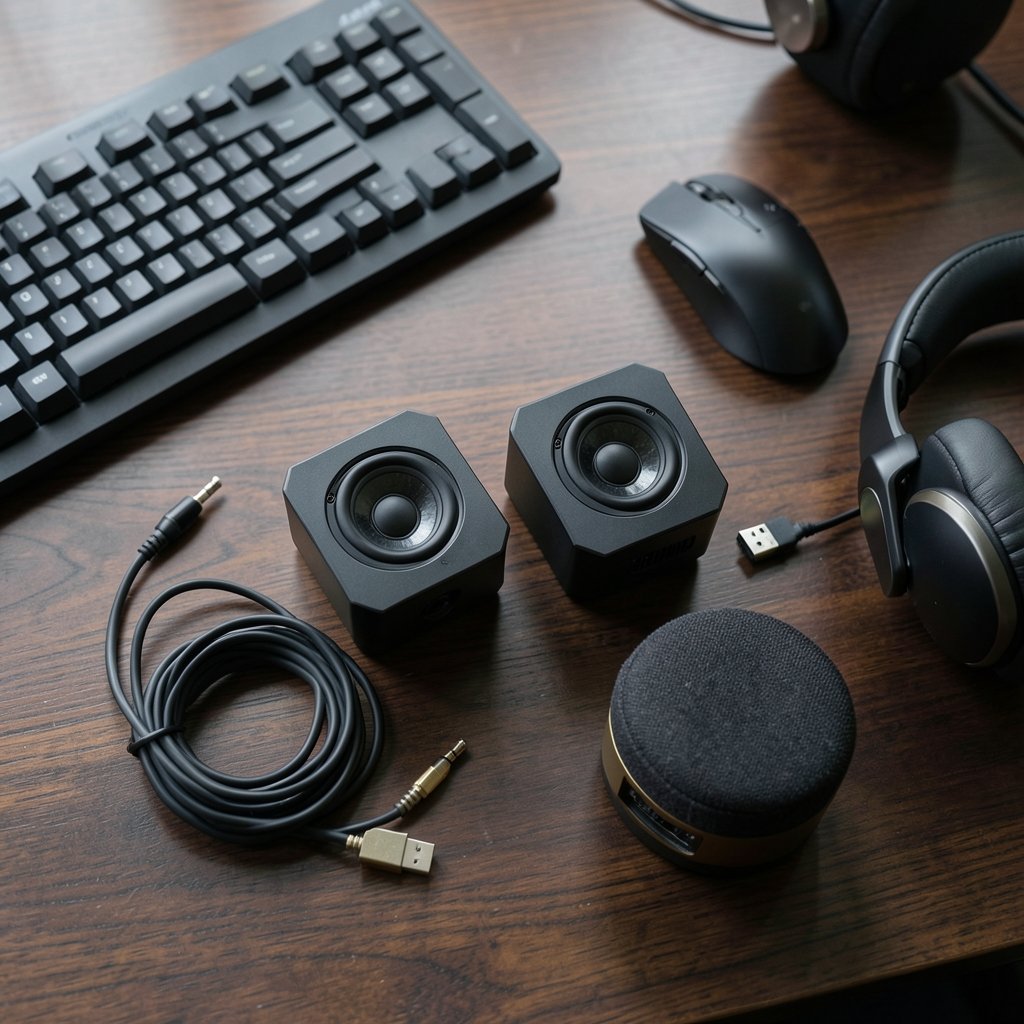
Quick Answer: What are the best gaming speakers for beginners?
The best gaming speakers for beginners are a simple 2.0 or 2.1 powered set that plugs straight into a PC’s 3.5 mm or USB output, with no receiver or amplifier needed. Most people should start with a two-speaker setup and add a subwoofer only if desk space and budget allow.
A passive speaker pair with a separate amplifier is the main alternative, and it can sound better for the money, but it adds wiring and setup work that trips up first-time buyers. Console players face a different path, because PlayStation and Xbox usually send audio over HDMI, so speakers need an optical input or an HDMI extractor.
Before buying, compare connection types, whether the set is powered or passive, frequency response, real desk footprint, wattage claims, and return policy.
Why Speaker Shopping Confuses Almost Everyone
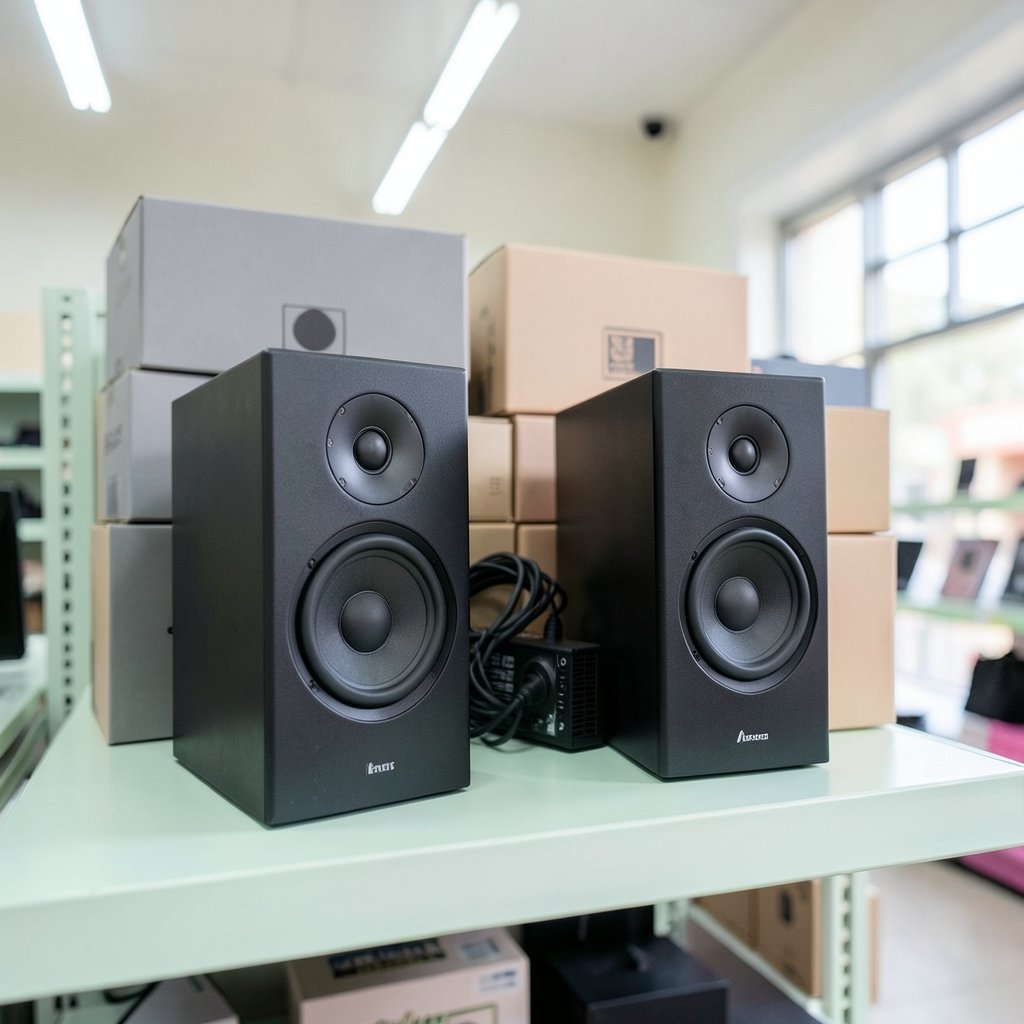
Standing in an electronics aisle, looking at two speaker boxes with nearly identical specs, it can be hard to tell which one sounds better. Speaker marketing uses numbers that look scientific but rarely compare cleanly across brands. Wattage is the classic trap. One maker’s “200W” can be quieter than another’s “50W” because RMS and peak power are measured differently, and no single consumer standard requires the figures to match.
Frequency response is the second trap. A rating like “50 Hz to 20 kHz” hints at how deep the bass goes, but manufacturers test in different conditions, so the numbers are a rough guide at best. That is why beginners who buy on specs alone often end up disappointed, while people who buy on room fit and connection match tend to be happy.
The good news: gaming speakers are one of the few PC upgrades where a modest budget genuinely delivers. You do not need audiophile gear to hear footsteps, explosions, and dialogue clearly. You need the right category of speaker for your desk and your devices.
Start With the Right Setup Type
Stereo (2.0) versus subwoofer (2.1)
A 2.0 setup means two speakers, left and right. A 2.1 setup adds a subwoofer for the low end. For a beginner at a normal desk, 2.0 is usually enough, especially in a small room where a subwoofer’s bass has nowhere to go but into your walls and your neighbors’ patience. A 2.1 set makes sense if you play a lot of action games, watch movies at the same desk, or have floor space for the sub.
Skip surround sound at first
5.1 and 7.1 surround systems need five or seven speakers, a subwoofer, a decoder, and careful placement behind and beside your chair. That is a project, not a first purchase. Stereo already gives you directional cues, and many games render positional audio well over two channels.
Powered versus passive
Nearly all “computer speakers” and “gaming speakers” are powered, meaning the amplifier lives inside one of the speakers. You plug in power and a cable, and you are done. Passive speakers need a separate amplifier or AV receiver, which costs extra and adds a box, more cables, and more ways to get the setup wrong. Beginners should default to powered.
Connections Decide More Than You Think
The single most common beginner mistake is buying great speakers that do not connect to anything they own. Check your outputs before you check reviews.
| Connection | Best for | Watch out for |
|---|---|---|
| 3.5 mm analog | PCs, laptops, monitors with headphone jacks | Cheap motherboard jacks can hiss or pick up noise |
| USB | PCs and laptops wanting cleaner audio | Some sets use USB only for power, not audio |
| Bluetooth | Phones, tablets, casual listening | Slight latency, so lip-sync can drift in games |
| Optical | Consoles and TVs with optical out | Not every console or TV still has this port |
| HDMI (via extractor) | PlayStation and Xbox | Needs an extra box and correct EDID settings |
A practical tip from real setups: if your speakers hiss or buzz at idle, the culprit is often the front-panel jack on a budget case or a USB port sharing power with other devices. Moving to a rear motherboard jack or a USB audio connection usually fixes it in minutes. If you are still planning your machine, the guide on how to build a gaming pc for beginners step by step covers which rear ports to prioritize.
Console owners should verify audio output options for their exact model and firmware rather than assuming. Compatibility shifts between generations and system updates, so check the console’s own audio settings menu and official support pages first.
How to Judge Sound Without a Showroom
Most people buy speakers they never hear. That makes measurement-based reviews your best friend. Reviewers who publish frequency-response graphs show you what a speaker actually does, rather than what the box claims. Look for a graph that stays reasonably flat through the midrange, since that is where dialogue and game cues live.
Also read for these practical signals:
- Hiss and hum reports. Cheap amplifiers often add audible noise at low volume.
- Volume knob behavior. A knob with poor channel tracking makes one speaker louder than the other at low settings.
- Build quality notes. MDF cabinets usually beat thin plastic for resonance.
- Return window length. Speakers are room-dependent; a generous return policy is worth more than a spec sheet.
One more reality check: your room matters as much as the speaker. Hard desks, bare walls, and corner placement amplify bass and smear detail. Isolation pads or small stands that lift the speakers to ear height and angle them toward you often improve sound more than spending another $50 on the speakers themselves.
Desk Placement: The Free Upgrade
Placement is the cheapest improvement available. Tweeters should sit close to ear height and angle inward toward the listener, forming a rough triangle with your head. Speakers sitting flat on a desk couple with the surface and boom, so pads or stands help. Keep them away from the wall behind by at least a hand’s width if bass sounds muddy.
If you also use a monitor or TV in the same spot, lighting and screen height affect how the whole desk feels. There is a useful breakdown of how gaming monitor vs tv room lighting changes viewing that pairs well with getting your audio placement right.
Budget Tiers and What You Actually Get
Prices move constantly, so treat these as shapes rather than quotes. Entry-level 2.0 sets sit at the bottom of the market and cover clear dialogue and game audio. Mid-range 2.0 sets add better cabinets, cleaner amplifiers, and more input options. 2.1 sets with subwoofers land higher and add real low-end weight.
| Tier | Typical setup | What improves |
|---|---|---|
| Entry | 2.0 powered, 3.5 mm | Basic clarity, some hiss risk |
| Mid | 2.0 powered, USB or optical | Cleaner amp, better cabinets, more inputs |
| Upper | 2.1 with subwoofer | Bass extension, louder headroom |
A useful rule: spend on the category that matches your room, not on the biggest number on the box. A tidy 2.0 set placed well beats a boomy 2.1 set crammed under a small desk.
Common Beginner Mistakes to Avoid
Buying on wattage alone. Higher numbers do not reliably mean louder or better, because RMS and peak ratings are not standardized. Ignore the big number and read the review.
Forgetting the console problem. A USB speaker will not accept an Xbox’s HDMI audio without help. Plan the chain before you buy.
Placing the subwoofer under the desk. It rattles the desk and muddies everything. Floor placement to the side usually works better.
Cranking volume for long sessions. Prolonged loud sound damages hearing, and the risk grows with both level and duration. Public-health bodies such as the World Health Organization run safe-listening guidance, and the practical version is simple: keep the volume where you can still hear a conversation at arm’s length, and take breaks.
Skipping the return window. Rooms change sound. Buy somewhere you can send them back.
Where Speakers Fit in a Starter Setup
Speakers are one piece of a beginner’s desk, and the order you upgrade matters. A monitor you can actually see and a keyboard you can type on usually beat audio in day-one impact, but audio is the upgrade people notice most once the basics are done. If you are weighing screen options, this guide on whether a gaming monitor is worth buying for beginners in everyday use walks through the trade-offs.
Peripherals matter too. A mechanical board changes how a desk feels, and the comparison of mechanical vs membrane keyboard for gaming and everyday use helps you decide where to spend first. Laptop players face a different constraint: fewer ports and no room for a subwoofer. If that is you, the roundup of the best gaming laptops under 1000 that actually fit a budget is a better starting point than speaker shopping.
Do You Even Need Speakers?
Honest answer: sometimes headphones are the smarter first buy. They isolate you from room noise, cost less for comparable detail, and never annoy housemates. Speakers win when you want to hear your surroundings, share a screen with someone, or simply dislike wearing a headset for hours.
Many beginners end up with both, using headphones for competitive play and speakers for everything else. That is a sensible split, and it means your speaker budget can stay modest.
Conclusion
The best gaming speakers for beginners are not the loudest or the most expensive. They are a powered 2.0 or 2.1 set that matches your connections, fits your desk, and comes from a seller with a fair return policy. Check whether you need optical or HDMI handling for a console, read measurement-based reviews instead of wattage claims, and spend ten minutes on placement before spending another dollar on gear. Get those basics right and a modest pair of speakers will serve you for years.
FAQ
Are 2.1 speakers better than 2.0 for gaming?
Not automatically. A 2.1 set adds a subwoofer, which gives deeper bass and more impact in action games and movies. But in a small room or on a crowded desk, that extra bass can turn muddy and rattle furniture. A well-placed 2.0 set often sounds cleaner than a cheap 2.1 set squeezed into the same space.
Can I connect gaming speakers to a PlayStation or Xbox?
Usually yes, but not directly through USB. Consoles typically send audio over HDMI, so you need speakers with an optical input, an HDMI audio extractor, or a connection through your TV’s headphone or optical output. Check your exact console model’s audio settings menu and official support pages, because options vary by generation and firmware.
Do I need an amplifier for computer speakers?
No, if you buy powered speakers, which is what most computer and gaming speakers are. The amplifier is built in, so you plug in power and an audio cable and you are finished. Passive speakers do require a separate amplifier or AV receiver, and beginners are usually better off avoiding that extra cost and complexity.
What frequency response should I look for?
Look for a range that reaches reasonably low, such as down to 50 or 60 Hz for a 2.0 set, and read reviews that include measured graphs. Frequency-response figures are not tested to one shared standard, so the printed number is a rough guide. A flat midrange matters more than an impressive-looking low figure.
Is Bluetooth good enough for gaming speakers?
Bluetooth is fine for music and casual video, but it adds latency, so lip-sync and audio cues can drift slightly behind the action. For competitive games, a wired 3.5 mm, USB, or optical connection is more reliable. Many sets offer both, which is the practical choice.
How loud is safe for long gaming sessions?
Keep the volume at a level where you can still hear someone talking at arm’s length, and take regular breaks. Hearing damage depends on both loudness and how long you are exposed, so long sessions at high volume are the riskiest pattern. Safe-listening guidance from public-health organizations recommends limiting both.



