
Quick Answer: Which budget gaming speakers are worth buying?
A cheap 2.1 set with a small subwoofer and a plain wired connection is usually the best value for a gamer on a tight budget. You can buy them from any electronics retailer or online store, and the money you save versus a “gaming” branded set is real. Many budget buyers also look at 2.0 desktop pairs, soundbars, and even a decent headset, and each option trades bass, desk space, and convenience in different ways. Before buying, compare the frequency response, RMS power, connection type, subwoofer size, and desk footprint, and ignore inflated peak wattage claims.
Why the “Gaming” Label Rarely Earns Its Price
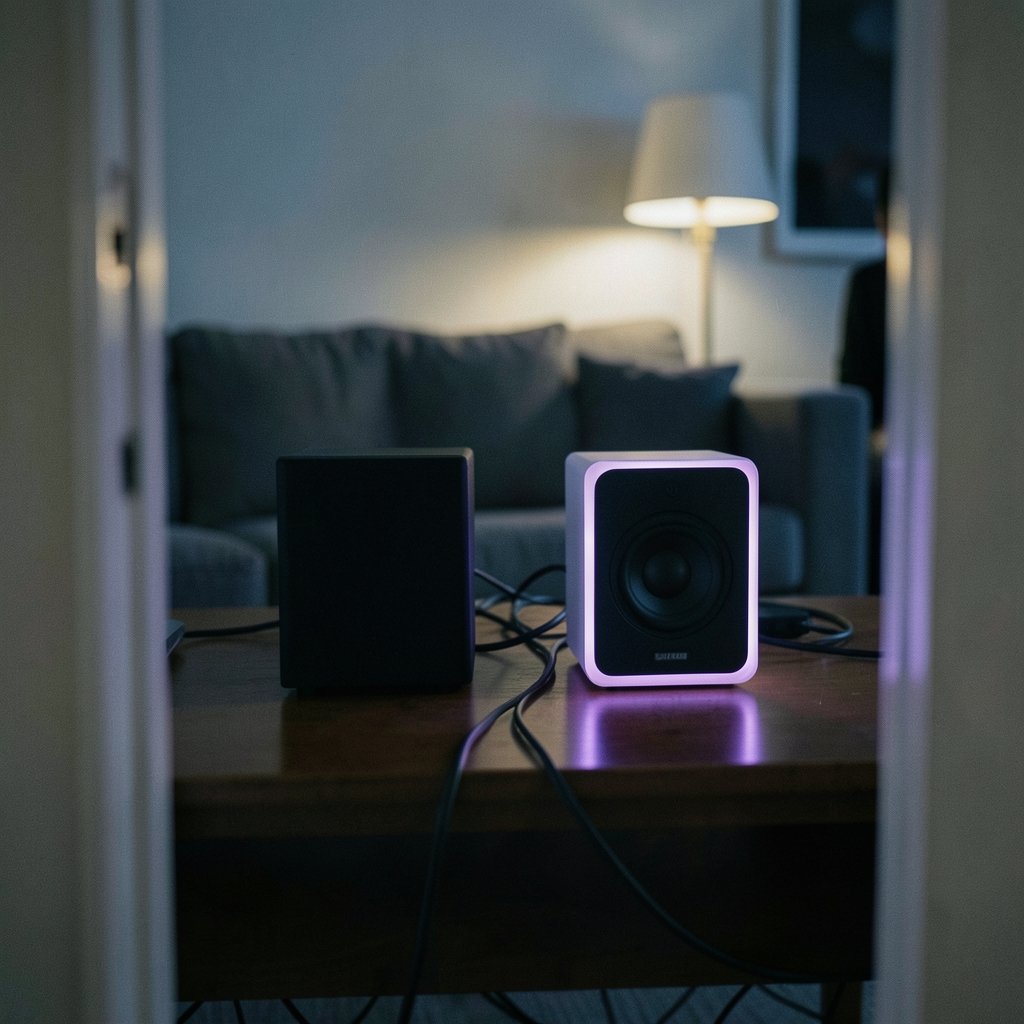
Here is a question worth sitting with for a moment: if two speaker sets come out of the same factory with the same drivers, why does one cost twice as much just because it glows purple?
Most budget “gaming” speakers are ordinary powered stereo desktop speakers with RGB lighting and, sometimes, a headphone or mic passthrough. The audio hardware inside is the same class as general PC speakers. The gaming badge is mostly marketing, and there is no formal certification or independent testing standard that defines what a “gaming speaker” actually is. That matters because it means you cannot trust the label. You have to read the specs and the measured reviews yourself.
RGB lighting has no audio benefit whatsoever. It is cosmetic. If you love the look, fine, but do not pay a premium for it and then convince yourself the sound is better. It is not.
The practical upshot: shop for sound quality first, gaming aesthetics second. A boring black pair of speakers that measures well will beat a glowing set that sounds muddy every single time.
The Specs That Actually Matter
Budget speaker listings are written to confuse you. Here is how to cut through the noise.
Frequency response is the headline number. Human hearing spans roughly 20 Hz to 20 kHz, and that range is the standard reference point for audio specs. When a cheap 2.0 set claims “40 Hz to 20 kHz,” read it skeptically. Small budget drivers physically struggle to produce deep bass, so a low number on the box often describes a whisper at that frequency rather than usable output. A realistic budget speaker will give you decent mids and highs and a modest low end.
RMS versus peak power is the second trap. Budget listings love to quote huge “peak” or “PMPO” wattage figures. RMS, which means continuous power, is the meaningful number. PMPO has no standard definition at all, which is exactly why marketers use it. If a listing brags about 200W and never mentions RMS, treat that as a warning sign rather than a selling point.
Connections matter more than any badge on the box. For PC gaming, USB or a 3.5 mm analog input is standard and reliable. Bluetooth is convenient but adds latency, and Bluetooth audio latency is a well-documented issue. In a competitive shooter, a fraction of a second of delay between the on-screen action and the sound is genuinely annoying. Use wired for gaming, and keep Bluetooth as a bonus for music from your phone.
2.0 versus 2.1 is the last big decision. A 2.1 set with a subwoofer generally gives you more bass for the money at the same price, but it takes up more desk or floor space. A 2.0 pair is tidier and simpler, and for many desk setups it is plenty.
| Spec | What to look for | Common trap |
|---|---|---|
| Frequency response | Honest mid-range figures, reviews that mention real bass | “40 Hz” claims on tiny drivers |
| Power | RMS watts stated clearly | Huge peak or PMPO numbers |
| Connection | USB or 3.5 mm wired for gaming | Bluetooth-only for competitive play |
| Configuration | 2.1 for bass, 2.0 for space | Subwoofer with nowhere to go |
| Extras | Headphone jack, volume knob | Paying extra for RGB |
Where Budget Speakers Fit in a Full Setup
Speakers are one piece of a larger budget build, and it helps to think about the whole picture before you spend. If you are still sorting out the screen, a practical guide to a gaming monitor worth buying for beginners walks through what actually matters on a tight budget. The same logic applies to audio: spend on the parts that change the experience, skip the parts that only change the box.
The same is true if you are weighing a laptop instead of a desktop. A roundup of the best gaming laptops under 1000 that actually fits a budget shows how much performance discipline matters when money is tight. Speakers deserve the same discipline. A $60 pair that measures decently will serve you better than a $150 pair that spent half its budget on plastic fins and LEDs.
And if you split your gaming between a desk and a couch, it is worth knowing how handheld options compare. A look at the best handheld gaming consoles in 2026 and which one actually fits your habits can save you from buying speakers you barely use because you game on the move. Match the gear to how you actually play, not to how the marketing imagines you play. (State quarters worth money which ones actually hold value)
How to Choose Between 2.0, 2.1, and a Soundbar
Each shape of budget speaker solves a different problem, and the right answer depends on your desk.
A 2.0 pair is the simplest option. Two small speakers, one wire to your PC, done. It suits small desks, shared rooms, and anyone who does not want a subwoofer under the desk. The trade-off is limited bass, which is fine for most games and less fine for cinematic titles.
A 2.1 set adds a subwoofer and generally delivers more low end for the money. The catch is placement. A subwoofer on the floor in a corner can sound boomy because of boundary reinforcement, a well-documented acoustic effect where nearby walls and corners boost bass. If your desk is jammed into a corner, a 2.1 set may sound worse than a clean 2.0 pair.
A budget soundbar sits under the monitor and saves desk space, but stereo separation is poor and many cheap models are built for TVs rather than PCs. They can work, but they are rarely the best sound per dollar for a desktop.
Here is a simple decision path:
- Measure your desk and note where a subwoofer could actually sit.
- Decide whether bass or space matters more to you.
- Pick wired USB or 3.5 mm as your primary connection.
- Shortlist two or three sets with published RMS figures.
- Read measured reviews before you buy, rather than relying only on star ratings.
Practical Tips That Fix Bad Sound for Free
Most people blame the speakers when the real problem is placement. These fixes cost nothing.
Pull the speakers away from the wall. Even a few centimeters helps. Speakers pressed against a wall or shoved into a corner get a bass boost that makes budget units sound muddy and boomy.
Angle them toward your ears. Desktop speakers sitting flat on the desk often point at your chest. Tilt them up or angle them inward so the drivers aim at your head. The difference in clarity is immediate.
Get them off the desk surface if you can. Cheap stands or even foam pads reduce vibration and tighten the bass. A wobbly desk amplifies rumble.
Set your PC volume to about 70 percent and use the speaker knob for the rest. Running the source at full volume into small speakers invites distortion.
Turn off any “surround” or “bass boost” software mode. These effects usually make budget speakers sound worse, not better.
These are the mistakes people make most often. They buy a set, plonk it down wherever it fits, and conclude the speakers are bad. Placement and setup decide more of the outcome than the price tag does.
What Budget Actually Buys in 2026
It helps to set expectations honestly. At the entry level, you are buying a competent stereo pair that handles game dialogue, music, and everyday desktop sound. You are not buying room-shaking bass or studio accuracy.
The good news is that this class of speaker has improved a lot. USB-powered sets are common, setup is plug-and-play, and the gap between a cheap set and a mid-range one is smaller than the price difference suggests. The bad news is that the marketing has gotten louder too. Listings are full of numbers that mean nothing, and “gaming” branding is applied to hardware that would be sold as a basic PC speaker in any other context.
If you also care about how the rest of your desk gear performs day to day, the same buying philosophy shows up elsewhere. A guide to a tablet worth buying for beginners and everyday use makes the point that everyday usefulness beats spec-sheet bragging, and a look at a webcam worth buying for beginners and everyday use shows how a modest, well-chosen device quietly does its job for years. Speakers belong in that same category. Buy for the job, not the badge.
Common Mistakes to Avoid
Buying on peak wattage. It is the single most common error. Look for RMS or ignore the number entirely.
Skipping the return window test. Set the speakers up properly within the first week and test them with the games and music you actually use. If they sound wrong in your room, return them.
Assuming more drivers means better sound. A well-tuned pair with two drivers beats a poorly tuned tower of tiny ones.
Forgetting the headphone jack. If you game late at night, a headphone passthrough on the speaker is genuinely useful and often missing from the cheapest sets.
Ignoring cable length. Short cables force awkward placement, and awkward placement hurts sound. Check the length before you buy.
Chasing the “gaming” badge. It adds cost and rarely adds audio quality. Spend that money on a better subwoofer or a cleaner pair of drivers instead.
Conclusion
The best budget gaming speakers are not the ones with the loudest box or the brightest lights. They are the plain, well-built 2.1 or 2.0 sets with honest RMS figures, a wired connection, and a size that fits your actual desk. Read the frequency response with healthy skepticism, ignore peak wattage, place the speakers properly, and test them in your own room while the return window is open. Do that, and a modest budget buys sound that genuinely improves your setup rather than decorating it.
Frequently Asked Questions
Are expensive gaming speakers actually better than budget ones?
At the very low end, no. The jump from a terrible set to a decent budget set is huge, but the jump from a decent budget set to a mid-range one is much smaller than the price gap suggests. Spend the difference on proper placement and a better subwoofer instead.
Is a subwoofer worth it for a small desk?
Only if you have somewhere sensible to put it. A subwoofer crammed into a corner will sound boomy because nearby walls boost bass. If space is tight, a clean 2.0 pair often sounds better than a poorly placed 2.1 set.
Should I use Bluetooth or wired for gaming?
Wired, almost always. Bluetooth adds latency, which creates a delay between what you see and what you hear. That is fine for music and casual video, but it is a real disadvantage in fast competitive games.
What does RMS power mean on a speaker listing?
RMS means continuous power, the figure that reflects what the speaker can sustain. Peak and PMPO numbers are inflated and PMPO has no standard definition at all. If a listing only quotes peak wattage, treat it as a red flag.
Do I need RGB lighting on gaming speakers?
No. RGB lighting has no effect on audio quality. It is purely cosmetic, so pay for it only if you genuinely like the look and it does not push you toward worse sound for the money.
How do I know if cheap speakers are actually good?
Look for published RMS figures, a realistic frequency response, and measured reviews rather than star ratings alone. Then test them at home within the return window, placed properly, with the games and music you actually use.



