
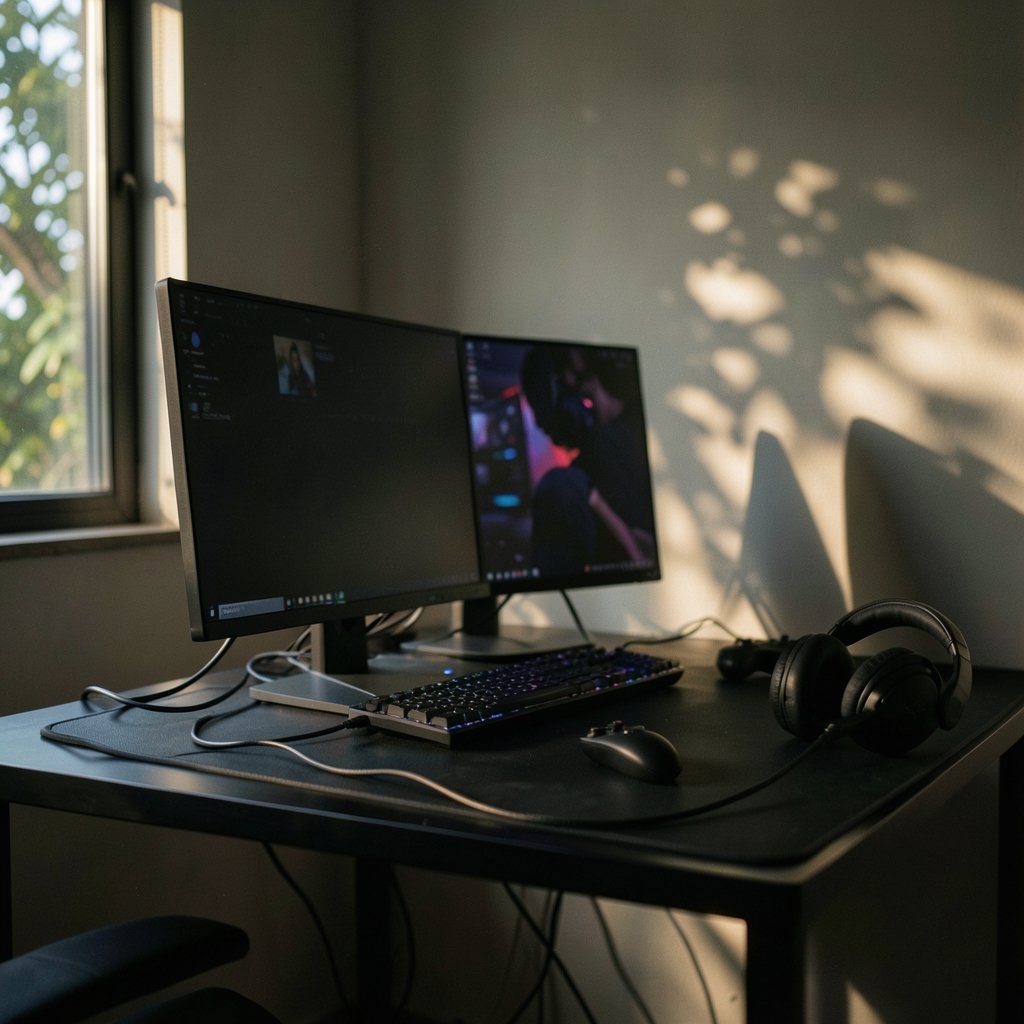
Quick Answer: Which portable gaming monitors are best for competitive gaming?
The best portable gaming monitors for competitive play are 15.6 to 17.3 inch panels with a 120 Hz or higher refresh rate, a fast IPS or OLED screen, and support for VESA Adaptive-Sync such as AMD FreeSync. Shoppers can find these from mainstream brands and budget makers alike, so the choice often comes down to how much motion clarity and connectivity a setup truly needs. OLED panels respond faster but carry burn-in risk, while IPS panels cost less and stay consistent. Before buying, compare refresh rate, response time, panel type, input lag, port size, HDMI version, USB-C power draw, and HDR claims.
Why Refresh Rate Alone Won’t Save Your Aim
Ever watched a killcam and sworn the game cheated you? Sometimes it did. Sometimes your screen did. A portable monitor that lags behind the action turns every flick shot into a coin flip, and that is exactly why competitive players obsess over specs that casual buyers ignore.
Here is the uncomfortable truth: a 240 Hz badge on the box tells you almost nothing on its own. Motion clarity comes from the whole chain, meaning the panel type, the pixel response, the processing delay, and whether the display syncs cleanly with your GPU. Miss one link and the high refresh rate becomes decoration. This guide walks through what actually matters, what marketing inflates, and how to match a portable screen to the way you play.
The Specs That Actually Decide Fights
Refresh Rate: The Price of Admission
For competitive play, 120 Hz is the floor and 144 Hz is the comfortable middle. Panels at 240 Hz exist in portable form, but they usually cost more and demand a host device that can actually push those frames. A handheld or laptop locked at 60 fps gains nothing from a 240 Hz screen. Match the monitor to the hardware feeding it, not to the number on the sticker.
Response Time and Panel Type
IPS panels dominate the portable market and often quote 1 ms figures, usually measured with marketing-friendly methods like MPRT or GtG. Those numbers are directionally useful but rarely comparable across brands. OLED portable panels, which emerged around 2023 to 2025, offer genuinely faster pixel response, though burn-in remains a real consideration for anyone who leaves static HUDs on screen for hours. If motion clarity is the priority and the budget allows, OLED is the sharper tool. If longevity and price matter more, a good IPS panel closes most of the gap.
Adaptive Sync: The Anti-Tearing Safety Net
Screen tearing and stutter ruin tracking more than most players realize. AMD FreeSync builds on the open VESA Adaptive-Sync standard, while NVIDIA G-Sync Compatible is NVIDIA’s validation label. Either one smooths frame delivery when your frame rate dips below the panel’s ceiling, which happens constantly in real matches. A monitor without adaptive sync at a high refresh rate is a worse competitive pick than a slightly slower panel that has it.
Input Lag: The Spec Nobody Prints
Input lag is the delay between your input and the pixels changing, and it is not the same thing as response time. Few portable monitors publish measured input lag, so independent testing is the only reliable route. In practice, look for a low-latency or game mode setting and turn it on. Many buyers never do, then wonder why the screen feels mushy.
How Portable Monitors Compare by Use Case
| Priority | Best panel choice | Refresh target | Watch out for |
|---|---|---|---|
| Fast shooters on a laptop | Fast IPS, 15.6 inch | 144 Hz with FreeSync | Overstated 1 ms claims |
| Handheld console play | IPS with USB-C DP Alt Mode | 120 Hz | Power draw throttling the handheld |
| Maximum motion clarity | OLED | 120 Hz or higher | Burn-in from static HUDs |
| Travel and desk swapping | IPS, 15.6 inch | 120 Hz | Weak kickstand, flimsy ports |
| Big-screen feel on the go | IPS, 17.3 inch or larger | 144 Hz | Reduced portability |
That table is a starting point, not gospel. The right pick depends on what device sits at the other end of the cable. Players weighing a desktop replacement against a console should read the breakdown of PS5 Pro vs gaming PC setups before committing to a screen size, because the host device dictates the sensible refresh ceiling. Handheld owners face a similar fork, and this comparison of handheld gaming consoles in 2026 helps clarify which devices can even drive a 120 Hz external panel.
Connectivity: Where Good Monitors Go Bad
USB-C with DisplayPort Alt Mode is the clean single-cable option for laptops and handhelds, carrying video and often power at once. It is convenient and occasionally treacherous. Many portable monitors draw power from the host or a passthrough, and if the wattage is too low, a handheld can throttle mid-match. Check the power requirements before assuming one cable does everything.
HDMI 2.0 caps out at 4K60 or 1440p144 depending on bandwidth, and HDMI 2.1, which raises that ceiling, is rare on portable monitors. Buyers who expect 4K at high refresh over HDMI will be disappointed. Confirm which port delivers which mode, and confirm it in the spec sheet rather than the product photos.
Size, HDR, and Other Trade-Offs Worth Knowing
Portable monitors typically run 15.6 to 17.3 inches. Larger panels exist, but every extra inch chips away at the whole point of portability. For competitive play, a 15.6 inch screen at arm’s length keeps more of the action inside your field of view, which matters more than immersion.
HDR badges deserve skepticism. Portable panels often peak around 400 to 500 nits with limited local dimming, so HDR is usually nominal rather than transformative. Treat it as a nice extra, never as a competitive advantage. The lighting in your room changes how much any panel’s contrast actually helps, and this look at OLED vs mini LED under different room lighting explains why a bright room can erase the benefits buyers paid extra for.
Practical Tips That Separate Good Setups From Great Ones
Test the panel before you trust it. Load a fast-paced game and pan the camera deliberately. Smearing behind moving objects means the response time is slower than the box claims, no matter what the sticker says.
Turn on game mode immediately. Most monitors ship with processing features enabled that add delay. Find the setting, switch it on, and leave it there.
Match the cable to the mode. If the monitor supports 144 Hz over USB-C but only 60 Hz over HDMI, the wrong cable silently halves your refresh rate. This is one of the most common mistakes competitive players make, and it costs nothing to fix.
Check the stand and ports. A wobbly kickstand turns every tense moment into a screen tilt. Ports that face downward on a thin frame wear out fast when cables get yanked.
Verify power delivery wattage. A handheld that throttles because the monitor is stealing power will feel worse than a slower screen that leaves the console alone.
Do not chase HDR. Spend the budget on refresh rate, adaptive sync, and panel quality instead.
Where Portable Screens Fit in a Competitive Setup
A portable monitor is a companion, not a replacement for a dedicated desktop display. Players building a full competitive station should weigh how a portable panel slots into a larger room setup, and this guide to competitive gaming monitors that actually win matches covers the desk-bound side of that decision. The same logic applies to screen families: a comparison of Asus vs Nexigo vs Uperfect portable gaming monitors shows how brand positioning shifts the price-to-spec ratio, and why the cheapest 144 Hz panel is not automatically the smartest buy.
One more angle worth considering: the platform feeding the screen. Players deciding between a console and a PC for competitive play will find the trade-offs laid out in this look at which gaming console actually fits your setup and this breakdown of which gaming platform wins your time, since streaming and capture habits influence what refresh rate and ports a monitor needs. Budget-minded buyers hunting for games to play on the new screen can also check how key sites compare before spending the savings on a better panel.
The Verdict
For most competitive players, the best portable gaming monitor is a 15.6 to 17.3 inch fast IPS panel running at 144 Hz with FreeSync support, USB-C DisplayPort Alt Mode, and honest power delivery. OLED is the sharper choice for players who prioritize motion clarity and accept the burn-in trade-off. Skip the 240 Hz marketing, skip nominal HDR, and skip any monitor that hides its input lag behind vague claims. Buy for the whole chain, from cable to panel to host device, and the screen will stop being the excuse.
Frequently Asked Questions
Is 120 Hz enough for competitive gaming on a portable monitor?
For most players, yes. 120 Hz delivers a clear jump over 60 Hz in tracking and target acquisition, and it is easier for laptops and handhelds to sustain. Players with hardware that reliably pushes 144 fps or more will notice the extra headroom, but 120 Hz with adaptive sync beats 144 Hz without it.
Does a portable monitor’s response time really matter more than refresh rate?
Both matter, but response time decides how clean the motion looks. A high refresh rate with slow pixel response produces smearing that hides targets. A slightly lower refresh rate with fast, honest response often reads better in fast shooters.
Can a handheld console drive a 144 Hz portable monitor?
Some can, but only over the right connection and with enough power. USB-C with DisplayPort Alt Mode is the usual route, and low-wattage passthrough can throttle the handheld mid-session. Check the console’s output limits and the monitor’s power draw before assuming the full refresh rate is available.
Is OLED worth it for a portable competitive monitor?
OLED offers the fastest pixel response available, which sharpens motion clarity noticeably. The catch is burn-in risk from static HUD elements during long sessions. Players who rotate content and keep brightness moderate get the most from it.
Why does my portable monitor feel laggy even at high refresh rates?
The usual culprits are an enabled image-processing mode, the wrong cable limiting the refresh rate, or a host device that cannot sustain high frame rates. Turning on game mode, confirming the cable supports the target mode, and checking frame rates solves most complaints.
Do I need G-Sync or FreeSync on a portable monitor?
Adaptive sync is worth having because it prevents tearing and stutter when frame rates dip, which happens in real matches. FreeSync is widely available and built on the open VESA Adaptive-Sync standard, while G-Sync Compatible is NVIDIA’s validation label. Either one is better than none.
Test the panel with your own games, not the demo reel. Store displays and review units often run curated footage that flatters response time and contrast. Load the titles you actually play, pan the camera slowly across a dark corridor and a bright skybox, and watch for smearing, inverse ghosting, or backlight bleed that the demo never showed. A panel that looks flawless in a showroom can reveal overdrive artifacts the moment real content hits it. If the monitor offers adjustable overdrive, step it down one notch from maximum; the highest setting usually trades ghosting for coronas.
Set expectations for the second screen. A portable monitor earns its place as a scouting display, a chat and map screen, or a travel backup, and judging it against a dedicated 27-inch desktop panel misses the point. Buy for the role it plays, confirm the cable and wattage support that role, and the screen will keep pace instead of becoming the bottleneck.



