
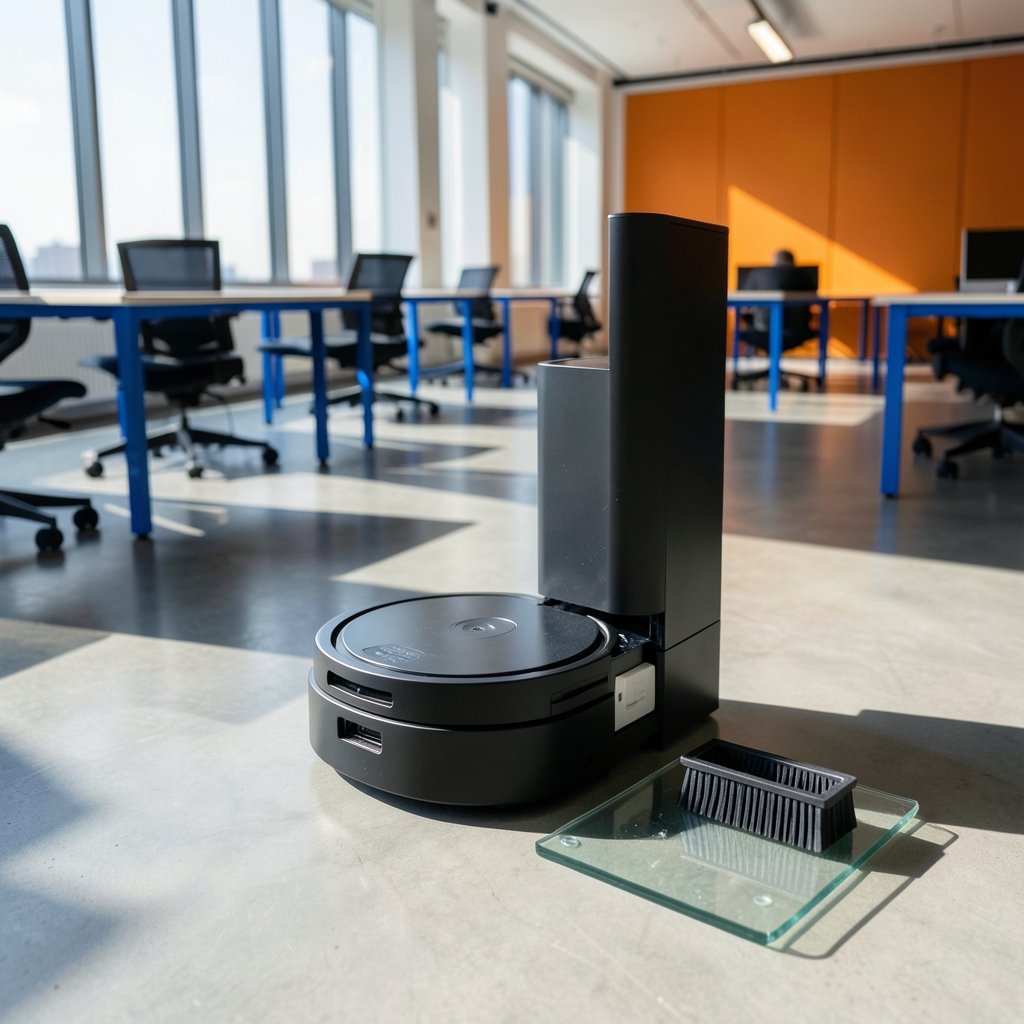
How often do you really want to touch a vacuum’s dust bin? For most people, the answer is “as rarely as possible.” That is exactly the promise of a self-emptying robot vacuum: it cleans the floor, then docks and transfers its collected dirt into a larger base station so you do not have to think about it for weeks. But the category has a dirty secret. A self-emptying dock does not eliminate maintenance. It relocates it. Understanding that difference is the single most useful thing you can learn before spending several hundred dollars on one of these machines.
Why self-emptying docks became the default
The self-emptying base station started as a premium add-on and is now standard on most mid-range and high-end robot vacuums. The appeal is simple. A robot’s onboard bin typically holds somewhere between 200 and 400 milliliters. A dock’s bag or canister often holds two to three liters or more, which means the robot can run for weeks between human interventions.
That matters most in homes with pets, shedding carpets, or open-plan floors where a small bin fills up in a single run. When the bin fills mid-clean, the robot either stops or starts dragging debris around. A dock solves that problem directly.
But here is the practical reality that marketing pages rarely emphasize: the dock itself becomes a new maintenance item. Bags need replacing. Bagless canisters need emptying. Filters need rinsing. And the chute that connects the robot to the base can clog, especially with long hair and fine dust. If you want to understand that failure mode before it happens to you, this guide on a robot vacuum self empty dock clogged clear it fast walks through the fix step by step.
The dock types, compared honestly
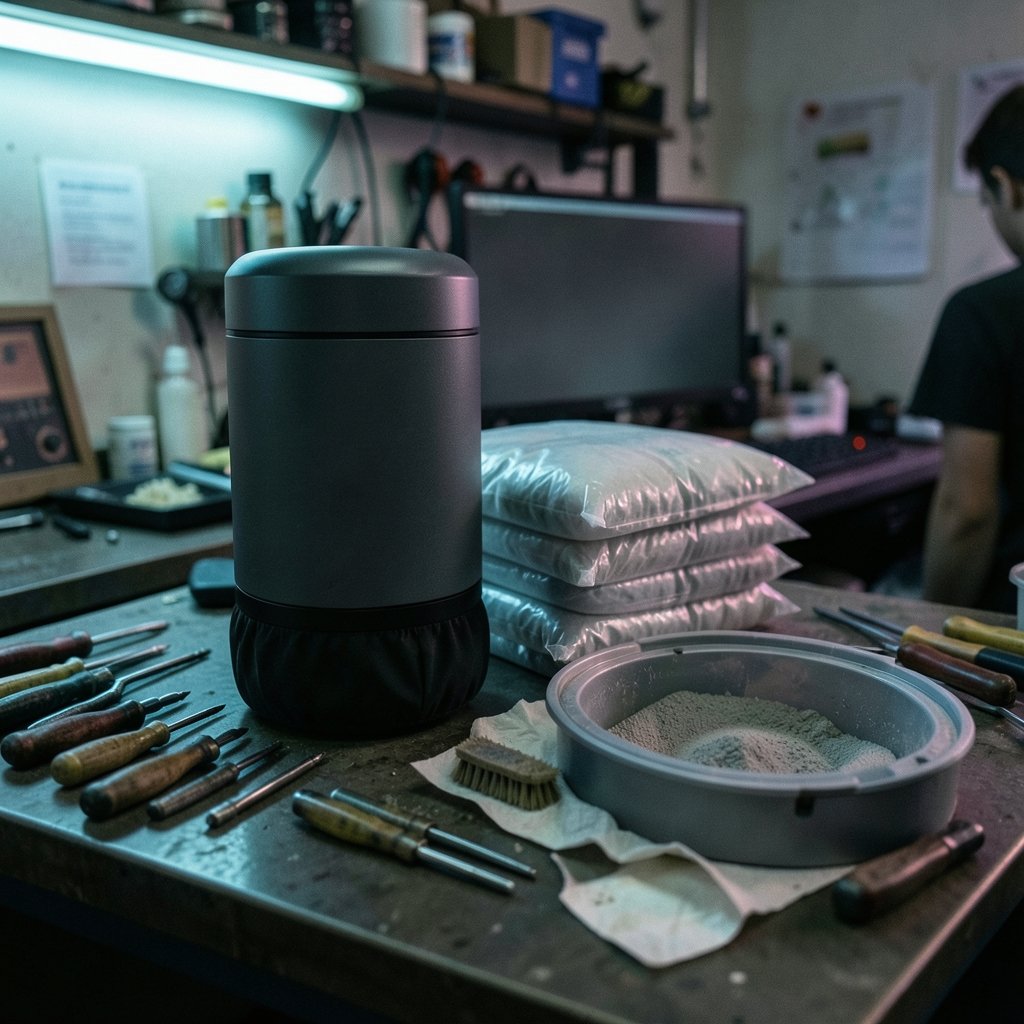
Not all self-emptying systems work the same way, and the differences affect both cost and effort over time.
| Dock type | How it works | Ongoing cost | Best for |
|---|---|---|---|
| Bagged base | Robot empties into a sealed bag inside the dock | Replacement bags | Allergy sufferers, low-mess handling |
| Bagless canister | Robot empties into a reusable bin in the dock | None for bags, but frequent emptying | Budget buyers, low-waste households |
| Dock with mop washing | Empties dust and washes the mop pad | Water, cleaning solution, pads | Homes with hard floors |
| Dock with water tanks only | Empties dust and refills the robot’s mop tank | Water | Mixed floors, lighter mopping needs |
The bagged-versus-bagless decision is the one buyers most often get wrong. Bagged docks are cleaner to deal with because you never see the dust, but bags are a recurring expense and a supply you can run out of. Bagless docks cost nothing to run but require you to tip dust into the trash, which can be messy and sends fine particles back into the air.
A note on mop combos
Many self-emptying models now double as mops. That sounds like a free upgrade, but mopping performance varies wildly. Some units simply drag a damp cloth; others scrub and lift the pad on carpet. If mopping is part of your plan, it is worth reading a breakdown of which best robot vacuum mop combos actually cleans floor rather than assuming every combo model performs the same.
Suction ratings are a trap
Walk through any product listing and you will see big numbers: 5,000 Pa, 8,000 Pa, 10,000 Pa. It is tempting to rank machines by that figure. Do not.
Pascal ratings are not measured the same way across brands. Some manufacturers test at the brush roll, others at the inlet, others under conditions that are never fully disclosed. A robot rated at 6,000 Pa by one company may clean better than a rival’s 9,000 Pa unit because of brush design, airflow path, and how well the machine seals against the floor.
What actually predicts cleaning performance is a combination of factors: brush roll type (rubber versus bristle), edge-cleaning design, how close the robot gets to walls and corners, and how intelligently it navigates a room. A vacuum that misses the same strip of floor on every pass will not be rescued by extra suction.
Navigation matters more than you think
A self-emptying robot is only as good as its ability to cover your floor without getting stuck. Two navigation families dominate the market, and they behave differently in real homes.
LiDAR navigation uses a spinning laser to build a precise map. It works in the dark, maps quickly, and tends to produce tidy, systematic cleaning paths. Camera-based navigation uses visual recognition to identify rooms and obstacles. It can recognize objects like cables or pet waste, but it needs light to work well and can struggle in very dark rooms.
Many premium models combine both. The trade-offs are real, and a closer look at robot vacuum lidar vs camera navigation key differences pick helps you match the technology to your floor plan rather than to a spec sheet.
One more navigation quirk worth knowing: some robots behave strangely on dark surfaces because their cliff sensors read black flooring as a drop-off and refuse to move. If you have black carpet or dark tile, this is a genuine dealbreaker, and there is a clear explanation of why robot vacuum cliff sensors fail black carpet works and what to do about it.
Features that earn their price
Once you get past the headline specs, a handful of features separate a machine you will love from one you will resent.
Recharge and resume. A robot that returns to its dock, charges, and picks up where it left off is far more useful than one that quits halfway through a large floor. This matters in homes over roughly 1,000 square feet.
No-go zones and room mapping. Being able to tell the robot to skip the pet bowl area or clean only the kitchen is genuinely useful day to day.
Good edge and corner cleaning. Look for a side brush that reaches into corners and a design that gets close to baseboards.
Obstacle avoidance. If you have pet bowls, charging cables, or dropped socks, obstacle detection saves you from rescuing a tangled robot. Independent labs test this with standardized obstacle courses, and their methodology pages explain how the scoring works.
HEPA filtration. If anyone in the home has allergies, check whether the dock and robot use a HEPA-grade filter and, importantly, whether a specific standard is named. Some brands claim “HEPA-grade” without citing a standard, which makes the claim hard to verify.
App quality and privacy. A robot vacuum is a camera and sensor platform on wheels. Check the manufacturer’s privacy policy and whether the app works reliably. Reading a dated privacy review is more useful than trusting a product page.
Maintenance: the part nobody advertises
Here is the honest math on owning a self-emptying robot vacuum. The machine reduces daily effort dramatically, but it does not remove upkeep. Expect to do the following on a schedule:
- Replace the dock bag or empty the bagless canister every few weeks to a couple of months, depending on home size and pet hair.
- Rinse or replace the robot’s filter monthly.
- Clear hair from the brush roll every week or two, especially in homes with long hair or pets.
- Wipe the dock’s charging contacts and clean the emptying chute periodically.
- Wash mop pads after every few mopping runs if your model mops.
Long hair is a particular challenge. It wraps around brush rolls and can choke the dock’s intake. If that is your household, it is worth reading about which designs handle robot vacuum long human hair actually works before you commit.
Where self-emptying robots fall short
A self-emptying dock is not a good fit for every home. It adds footprint, height, and cost. Base stations are bulky and need clearance, and some are tall enough that they will not slide under low furniture. They also add a failure point: a clogged chute or a misaligned robot means the bin does not empty, and you may not notice for days.
Deep-pile and shag rugs are another limitation. Many robots struggle to climb them, and the ones that do may not clean deeply. If your home is mostly thick carpet, a closer look at how a robot vacuum shag rugs actually works deep pile will save you from disappointment.
And if your robot ever stops mid-task with a wheel error, that is usually a simple fix rather than a dead machine. Understanding why a robot vacuum wheel stuck error it happens fix it fast occurs can get you running again in minutes.
How to choose without overpaying
The most reliable approach is to decide in this order:
- Set a realistic budget that includes consumables like bags and filters over the first two years.
- Decide whether you need mopping or vacuuming only.
- Check whether your floors are mostly hard surface, low-pile carpet, or deep pile, and rule out models that fail on your floor type.
- Confirm the dock type you can live with: bagged for cleanliness, bagless for lower running costs.
- Verify navigation technology suits your layout and lighting.
- Check warranty terms and whether spare parts, bags, and filters are sold separately.
Independent testing labs use different methods and sometimes rank the same model differently. That is not a reason to distrust all of them; it is a reason to read more than one and to weight the tests that match your home.
Conclusion
The best self emptying robot vacuum is not the one with the highest suction number or the biggest dock. It is the one whose dock type you can live with, whose navigation handles your floor plan, and whose maintenance schedule fits your tolerance for upkeep. Self-emptying technology genuinely reduces the daily grind, but it works best when you go in knowing that bags, filters, brush rolls, and the occasional clogged chute are part of the deal. Choose for your floors and your habits, verify the claims that matter, and the convenience is real.
Frequently Asked Questions
How often does a self-emptying robot vacuum actually need emptying?
It depends on the dock’s capacity and your home. A bagged dock holding two to three liters may last a month or more in a small apartment, while a busy home with pets may need a bag change every few weeks. Bagless canisters usually need emptying more often than bags.
Is a bagged or bagless dock better?
Bagged docks are cleaner to handle and better for allergy sufferers, but bags cost money and you must keep spares on hand. Bagless docks have no ongoing bag cost but require you to tip dust into the trash, which can be messier.
Do self-emptying robot vacuums work on pet hair?
Yes, generally, but pet hair is where maintenance shows up fastest. Hair wraps around brush rolls and can clog the dock’s emptying chute. Weekly brush cleaning and periodic chute checks keep performance steady.
Why does my robot vacuum stop on dark carpet?
Some robots use cliff sensors that detect drops by bouncing light off the floor. A very dark surface can absorb that light and be misread as a ledge, so the robot refuses to proceed. It is a sensor limitation, not a broken machine.
Can a self-emptying robot vacuum handle thick shag rugs?
Often poorly. Deep-pile rugs can trap the robot or prevent it from cleaning deeply. Check the manufacturer’s stated maximum pile height and read real-world accounts before relying on one for shag.
How much maintenance does the dock itself need?
More than most buyers expect. Plan on bag changes or canister emptying, periodic cleaning of the emptying chute and charging contacts, and filter rinsing on the robot. The dock reduces daily effort but adds a small, regular upkeep routine.



