What if the most expensive mistake in 3D printing isn’t the printer itself, but the one you buy first? Spend a few evenings reading forums and a pattern emerges: people rarely regret spending a little more, but they often regret buying the wrong machine for the work they actually do. A printer that looks incredible on a spec sheet can sit gathering dust within a month if it doesn’t fit your desk, your materials, or your patience. This guide walks through the decisions that matter, in the order that saves you the most money and frustration.
Start With the Process, Not the Model
Before comparing brands, settle which of the two main technologies you need. FDM (fused deposition modeling) printers melt plastic filament and lay it down layer by layer. Resin (vat photopolymerization) printers cure liquid resin with light.
The ISO/ASTM 52900 standard defines seven additive manufacturing process categories, and these two are the ones that dominate consumer sales. The practical split looks like this:
| Factor | FDM | Resin |
|---|---|---|
| Typical first cost | Lower | Similar or higher once wash/cure gear is added |
| Detail and surface finish | Visible layer lines | Very fine detail |
| Part strength | Good for functional parts | Brittle unless specialty resins are used |
| Post-processing | Usually just remove supports | Wash in alcohol, then cure under UV |
| Fumes and handling | Some odor and particles | Irritant resin, flammable alcohol |
| Best for | Tools, brackets, toys, prototypes | Miniatures, jewelry, dental and figurine work |
For most beginners, FDM is the sensible starting point because it is forgiving, materials are cheap, and a failed print costs pennies. Resin earns its place when surface detail is the whole point.
Build Volume: Read Past the Headline Number
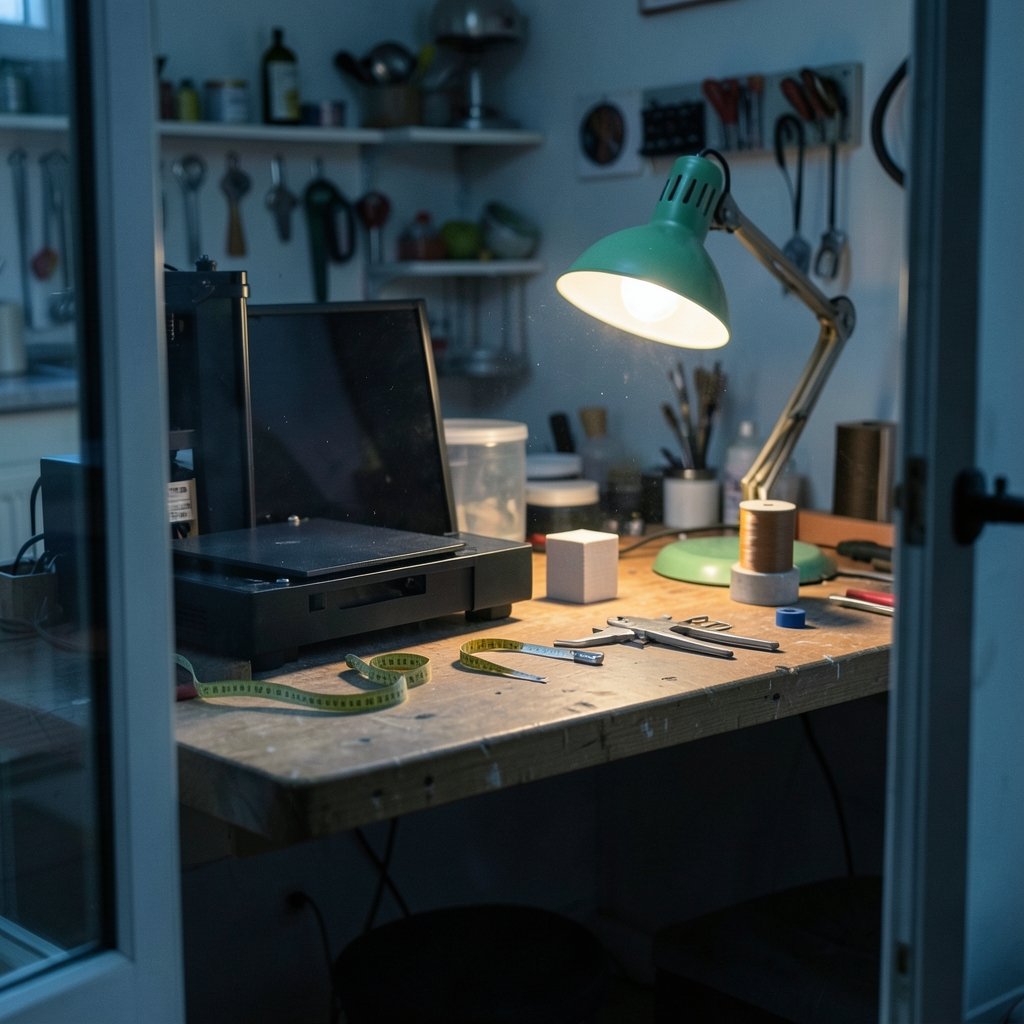
Advertised build volume is a theoretical maximum. Real usable space shrinks once you account for bed clips, purge lines, and the brim or raft you need for adhesion. Manufacturers almost never state usable volume, so subtract a centimeter or two from each axis when planning projects.
Here is the trap: a large printer sounds better until you realize it heats slower, takes more bench space, and struggles to keep big parts flat. If most of your ideas fit in a 15 cm cube, a compact machine will serve you better. Measure your desk first. Then measure it again, because filament spools, tool trays, and clearance for the bed to slide forward all steal room.
Open or Closed Material Systems
Some printers accept any third-party spool. Others use proprietary cartridges or RFID-tagged material that the machine refuses to run without. Closed systems simplify life: profiles are pre-tuned, and the machine usually just works. The trade-off is cost per kilogram and limited material choice over time.
Open systems demand more tuning but let you buy inexpensive filament from many suppliers and experiment with specialty plastics. For a first printer, a machine that accepts standard 1.75 mm spools from multiple brands is the safer long-term bet.
Safety Deserves More Attention Than It Usually Gets
Desktop FDM printing emits ultrafine particles and volatile organic compounds, and emission rates vary by filament. ABS generally emits more than PLA. That is a real reason to ventilate the room and to favor enclosed, filtered machines if the printer lives in a bedroom or small office.
Resin printing raises the stakes. Uncured photopolymer resin is a skin and eye irritant and a sensitizer, meaning repeated exposure can make you more reactive over time. Isopropyl alcohol, used for washing prints, is flammable. Gloves, eye protection, and ventilation are standard practice, and every resin ships with a safety data sheet worth reading before the first pour. If you share a home with children or pets, plan where the machine lives before you buy it, not after.
Software and Slicer Compatibility
A slicer converts a 3D model into the instructions a printer follows. Open-source slicers such as Cura, PrusaSlicer, and OrcaSlicer work across many machines and cost nothing. Some vendors lock useful features to their own software.
Check before buying: does the printer work with a slicer you can learn on, and can you export settings if you switch machines later? A printer tied to one piece of software is a printer you cannot easily resell or repurpose. Slicer compatibility is a genuine buying criterion, not a footnote.
The Specs That Actually Predict Satisfaction
Marketing pages love big numbers. These are the ones that change daily life:
- Bed leveling. Automatic mesh leveling removes the single most common beginner failure. Manual leveling can be learned but is tedious.
- Heated bed. Needed for PETG, ABS, and most engineering materials. A printer without one limits you to PLA and little else.
- Enclosure. Helps with fumes, drafts, and warp-prone materials. Optional for PLA; for ABS and ASA it is close to required.
- Nozzle temperature ceiling. Around 260°C covers PLA, PETG, and TPU. Above 280°C opens up engineering filaments.
- Connectivity. Wi-Fi and a camera are conveniences, not necessities. A USB port and an SD slot never break.
- Spare parts availability. Hotends, nozzles, and beds wear out. A printer with no parts supply is disposable by design.
It helps to think of a printer as part of a wider desk setup. If you are building a workspace around a computer, a practical guide to which budget gaming chairs are worth buying without regret covers the seating side of long printing sessions, and a gaming keyboard buying checklist to verify before you pay is useful if the same desk doubles as your modeling station.
What the Printer Really Costs
The machine is roughly half the story. Budget for filament (the ongoing cost), spare nozzles, a scraper, side cutters, and isopropyl alcohol for cleanup. Resin users also need a wash-and-cure station, gloves, and a supply of resin that expires if left open too long.
Electricity is minor for FDM and modest for resin. The bigger hidden cost is time: failed prints, tuning sessions, and the learning curve. A machine that is easy to calibrate saves more money in wasted filament than a discount ever will.
Where Beginners Usually Go Wrong
The most common mistakes are predictable, which means they are avoidable:
- Buying the biggest machine available. Large beds are harder to level and slower to heat. Most projects are small.
- Choosing a kit to save money. Kits teach you how the machine works, but they also front-load the frustration. A pre-assembled printer gets you printing in an evening.
- Ignoring the room. Noise, odor, and particles matter if the printer shares space with where you sleep or work.
- Skipping the slicer. Spending an evening in a free slicer before buying tells you more about your needs than any review.
- Chasing speed claims. Fast printing usually means tuning and quality trade-offs. Reliability beats velocity for a first machine.
Matching the Printer to the Person
A few buyer profiles make the decision concrete:
| Buyer | Priority | Sensible choice |
|---|---|---|
| Curious beginner | Low friction, low cost | Compact FDM with auto leveling |
| Tabletop gamer and painter | Fine detail | Resin printer with wash and cure station |
| Maker repairing things | Strength and material range | Enclosed FDM with a heated bed |
| Parent buying for a teen | Safety and simplicity | Enclosed FDM, PLA only, filtered |
| Small business prototyping | Uptime and parts supply | Mid-range FDM with documented spares |
Notice that none of these profiles starts with “the fastest” or “the cheapest.” Fit beats specs every time.
Regional Details People Forget
Mains voltage and plug types differ by region, and some printers ship with region-specific power supplies. Confirm voltage compatibility before ordering, especially from overseas sellers. Also check that replacement parts and filament are stocked locally; a bargain machine with no regional support becomes a paperweight after the first clogged hotend.
Accessories Worth Buying Up Front
A short list saves repeated orders: a filament dry box or sealed storage with desiccant, a set of nozzles in two or three sizes, a decent pair of flush cutters, a flexible build plate if the printer supports one, and a small digital caliper for checking dimensional accuracy. For resin work, add nitrile gloves, a wash container, and a UV curing lamp.
If your printing desk also serves as a streaming or meeting station, the same logic applies to peripherals: a webcam worth buying for beginners and everyday use is the kind of small purchase that pays off daily. And if you are weighing a companion device for design work or entertainment between prints, this guide to a tablet worth buying for beginners and everyday use covers what actually matters.
How to Time Your Purchase
Prices, model lineups, and firmware features change quickly, so any specific recommendation ages fast. Before buying, check the vendor’s current spec sheet on the day you order, confirm the return window, and look for a community forum where owners discuss real problems. A model with an active user base gets fixes and profiles; an orphaned model does not.
Conclusion
Buying a 3D printer is less about finding the best machine and more about matching a machine to your room, your materials, and your patience. Decide between FDM and resin first, treat build volume as a maximum rather than a promise, and take safety seriously if the printer shares living space. Favor open material systems, automatic bed leveling, and a manufacturer with spare parts on the shelf. Then budget for filament and accessories beyond the printer itself. Do that, and the printer you buy first is far more likely to be the one you keep.
Frequently Asked Questions
Is a cheap 3D printer worth it for a complete beginner?
Often yes, provided it has automatic bed leveling and a heated bed. Those two features remove most early failures. What is rarely worth it is an ultra-cheap kit with no parts support, because a single broken hotend can end the hobby.
Do I need an enclosed printer?
Not for PLA. An enclosure helps with drafts, noise, and fumes, and it becomes close to required for ABS and ASA, which warp in cool air and emit more particles. If the printer lives in a small room, an enclosed and filtered machine is the better choice.
How much does filament cost over a year?
It depends entirely on how much you print. A casual user making a few small parts a week spends very little, while someone printing large functional parts continuously will spend considerably more. Buying standard 1.75 mm spools from multiple suppliers keeps costs predictable.
Is resin printing safe at home?
It can be, with basic precautions. Uncured resin is a skin and eye irritant and a sensitizer, and isopropyl alcohol is flammable. Wear nitrile gloves and eye protection, ventilate the room, and store resin away from sunlight and children.
Which slicer should a beginner learn?
Any of the widely used open-source slicers will teach the same core concepts: layer height, infill, supports, and temperature. Pick one with a profile for your printer and spend an evening with it before you buy the machine.
How often do 3D printers break?
Consumables fail far more often than the machine itself. Nozzles clog, beds wear, and belts loosen. Printers with easily sourced hotends and beds last years; printers without parts availability do not. Check spare part listings before you commit.