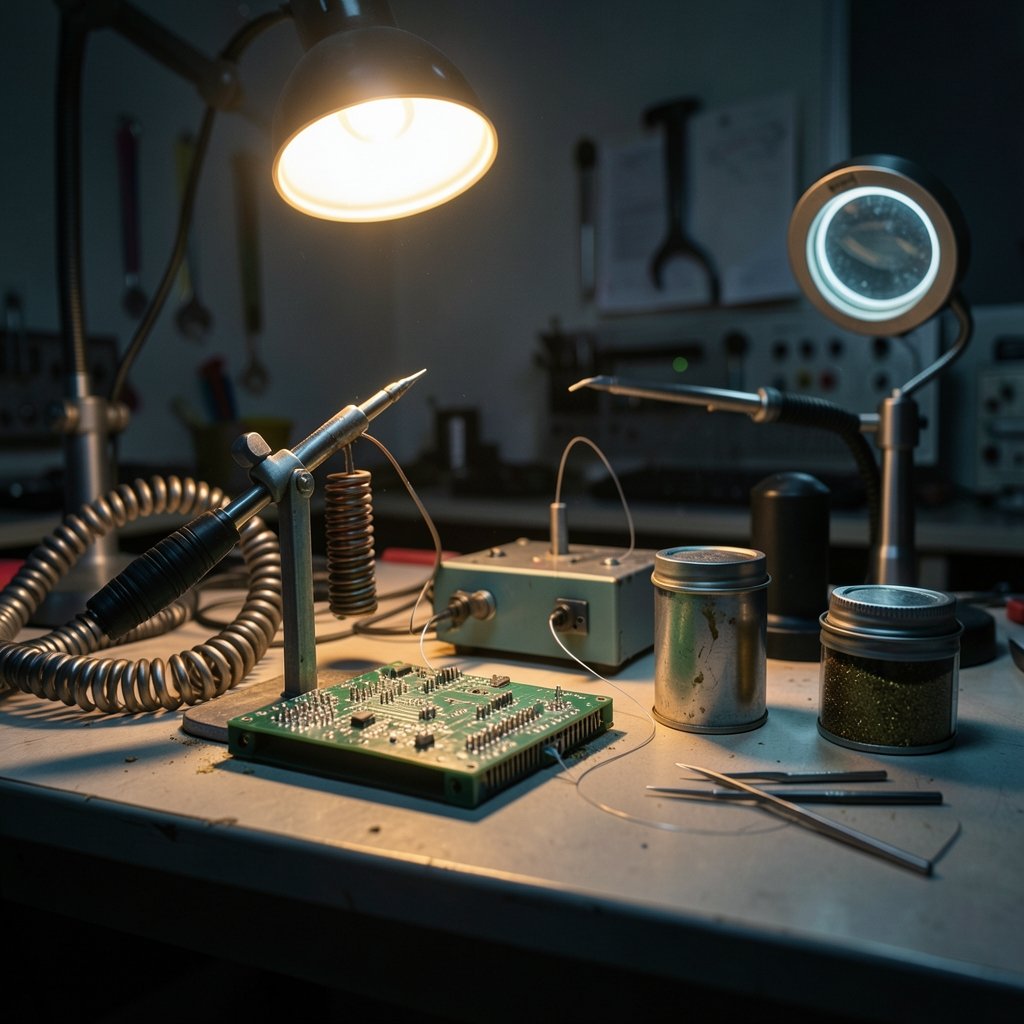
What separates a soldering station that lasts a decade from one that dies in a year of real bench work? The answer rarely shows up on the box. Most buyers compare wattage numbers and call it a day, then discover the truth the first time they try to solder a ground plane on a thick board. This comparison walks through the factors that actually decide performance, the categories that get wrongly lumped together, and the mistakes that cost people money.
Why Spec Sheets Mislead on Soldering Stations
A 50 W station with excellent thermal coupling can outperform a poorly designed 80 W unit. That single fact dismantles most spec-sheet comparisons before they begin. Wattage describes how much power the heater can draw, not how much heat reaches the joint. What matters is heat delivery to the tip under load.
The second trap is the setpoint. A station’s displayed temperature is the tip thermocouple reading, not the temperature at the solder joint. Board mass and joint size pull heat away, so the tip droops below its setpoint the moment it touches a heavy pad. Reviewers who only check setpoint accuracy are measuring the wrong thing. Recovery time under load is the number that predicts real-world behavior.
This same pattern of misleading headline specs shows up across consumer tech. Anyone who has compared AI tools by parameter count rather than actual workflow fit knows the feeling; the same logic applies when sizing up an AI model comparison. Big numbers sell. Measured performance decides.
The Categories People Wrongly Compare
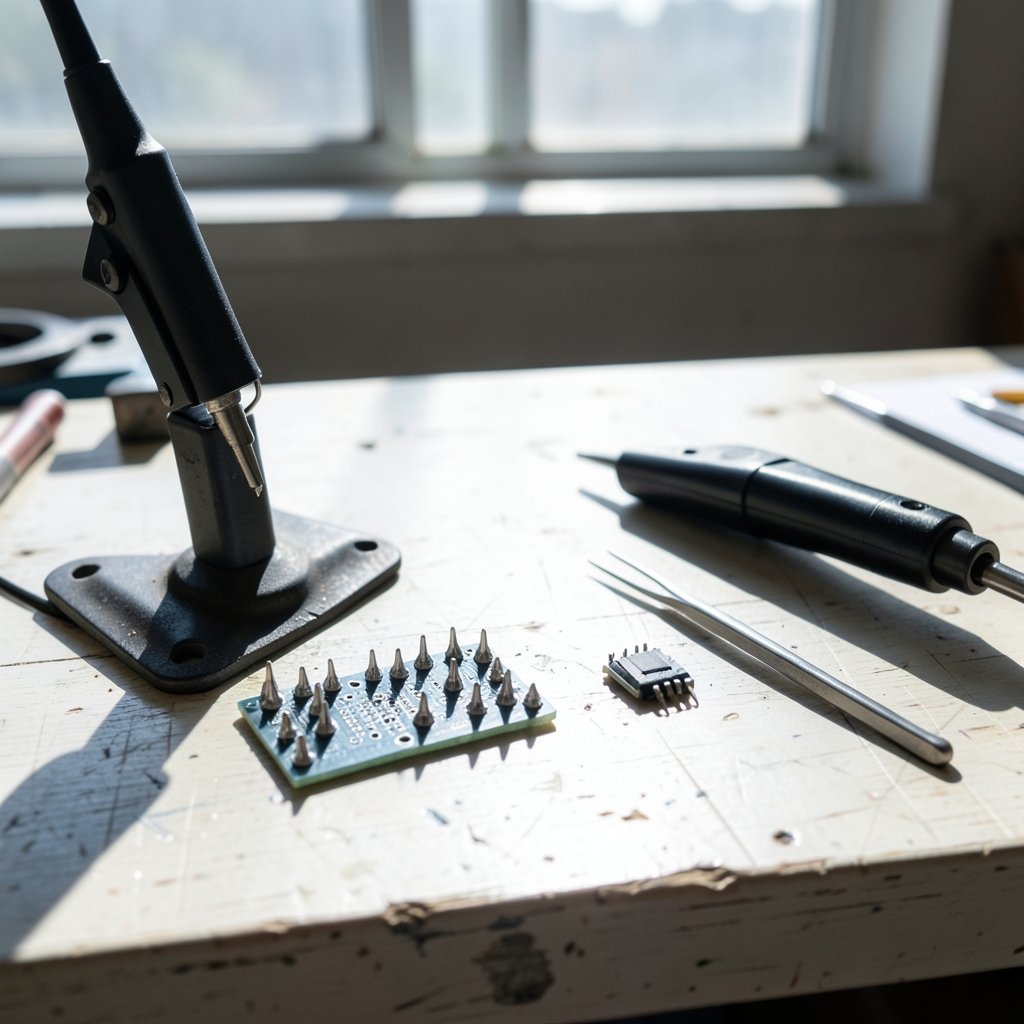
Hot-air and infrared rework stations are a separate category from contact soldering irons. They handle SMD rework and BGA work; irons handle through-hole and general joints. A single “best station” ranking that mixes them together conflates different tools for different jobs.
| Category | Primary use | What to judge it on |
|---|---|---|
| Temperature-controlled iron station | Through-hole, general joints, repair | Recovery time under load, tip selection, ergonomics |
| Hot-air rework station | SMD rework, heat-shrink, removal | Airflow control, nozzle range, temperature stability |
| Infrared rework station | BGA and large thermal-mass rework | Even heating, preheat control, board protection |
| Combined station | Mixed benches with space limits | Whether each half is good or both are compromised |
A hobbyist buying a combined station for occasional repairs gets flexibility. A production bench buying one combined unit to save space often ends up with two mediocre tools instead of one excellent one. Decide which job dominates the bench before comparing anything.
Temperature Range and the Lead-Free Question
Lead-free solder changed the requirements. The common SAC305 alloy melts with a solidus around 217 °C and a liquidus around 220 °C, compared with roughly 183 °C for eutectic tin-lead. That gap is why lead-free-capable stations need stable tip temperatures in the 300–400 °C range rather than hovering near 200 °C.
The shift was driven by regulation as much as chemistry. The EU’s Restriction of Hazardous Substances Directive 2011/65/EU restricts lead in most electrical and electronic equipment sold in the EU, with exemptions, and pushed the industry toward lead-free alloys and hotter stations. The international reference for judging whether a station’s temperature range and tip compatibility suit a given alloy is IEC 61190-1-3, which specifies requirements for electronic-grade solder alloys and fluxes.
Practical takeaway: check the station’s stable range, not its peak claim. A station that reaches 400 °C briefly is not the same as one that holds 350 °C under a heavy joint. The second number is the one that finishes the work.
Thermal Recovery: The Number That Predicts Success
Recovery time under load is where stations separate. The test is simple: set the tip to a working temperature, touch a joint with real thermal mass, and watch how fast the display returns to setpoint. A station that sags 40 °C and takes ten seconds to recover will fight the user on every ground plane. A station that sags 15 °C and snaps back in two seconds feels effortless.
This is also why tip geometry matters as much as the station itself. A fine conical tip has tiny thermal contact area and transfers heat slowly. A chisel tip with a broad flat face delivers heat fast. Many buyers blame the station for poor performance when the real culprit is a needle tip trying to heat a large pad. Buying a set of tip shapes and matching them to the joint is cheaper than upgrading the station.
The same principle of matching the tool to the measured job applies in other buying decisions. A ChatGPT plan comparison makes the point well: the tier that looks best on paper is often not the one that fits the actual workflow.
ESD Safety and Bench Environment
Stations used on sensitive components should meet ESD control requirements. ANSI/ESD S20.20 is the widely used U.S. standard for developing an ESD control program, and it covers soldering and assembly areas. For a bench handling CMOS parts, microcontrollers, or anything with thin gate oxides, an ESD-safe station, grounded mat, and wrist strap are not optional extras.
Common mistakes here are mundane but expensive:
- Buying an ungrounded bargain iron and using it on sensitive boards.
- Setting up a wrist strap but never testing it.
- Placing the station on an insulating surface that defeats the grounding.
- Ignoring tip-to-ground voltage, which some stations leak at levels that damage parts.
None of these show up in a spec comparison. All of them show up in failure rates months later.
Calibration, Tips, and Long-Term Accuracy
Tips oxidize and wear. A tip that has lost its plating transfers heat poorly, tacks onto joints, and forces the user to crank the temperature up, which accelerates wear further. Manufacturers typically recommend periodic tip replacement, and regulated production environments need calibration traceable to national standards such as those maintained by NIST.
For a hobby bench, a simple tip thermometer check once or twice a year is enough. For production, calibration records matter because a station that reads 20 °C low will silently push every joint out of process window. The maintenance routine that actually works is short: keep tips tinned when idle, wipe on brass wool rather than a wet sponge for less thermal shock, replace tips at the first sign of pitting, and verify temperature on a schedule.
The same “verify, don’t assume” discipline pays off in software buying. A practical privacy browser comparison runs into identical issues: the marketing claims and the measured behavior diverge, and only testing settles it.
Analog vs Digital Controls and Ergonomics
Digital controls with presets and sleep modes are genuinely useful on a busy bench. Sleep mode drops tip temperature when the iron sits idle, which slows oxidation and extends tip life. Presets let a user jump between lead-free and tin-lead working temperatures without dialing.
Analog dials are not obsolete. A good analog station with a calibrated dial is simple, repairable, and has fewer failure points. What matters is repeatability: can the user return to the same temperature reliably, and does the station hold it?
Ergonomics gets underrated in comparisons. The iron’s weight, grip, cable flexibility, and stand design decide whether a long session ends in a sore wrist. A station that performs beautifully but has a stiff cable and a tippy stand will annoy its owner daily. Handle the iron before buying if possible, or read reviews that specifically discuss cable and stand quality.
What Actually Breaks and What Lasts
The parts that fail first on budget stations are predictable: heater elements, temperature sensors, and the cable where it enters the handle. A station with a replaceable heater and sensor, sold as spare parts, can be repaired for years. A sealed unit with no parts support becomes landfill at the first failure.
Buyers should check three things before committing:
| Check | Why it matters |
|---|---|
| Spare parts availability | Heaters, sensors, and cables fail; repairability extends life |
| Tip choice | A wide, cheap tip range is worth more than a fancy display |
| Cable and connector quality | The most common physical failure point on any iron |
A station with a huge tip selection and modest specs usually beats a high-spec unit locked into an expensive proprietary tip family. Tips are consumables. Consumable cost compounds.
Matching the Station to the Actual Work
The right comparison depends on the job mix. A few honest profiles:
- Mostly through-hole kits and repairs: a mid-range temperature-controlled iron with a solid tip set and good recovery covers nearly everything.
- Mixed SMD and through-hole: an iron plus a separate hot-air unit beats a combined station at similar cost.
- Occasional heavy joints and ground planes: prioritize thermal recovery and chisel tips over display features.
- Production or regulated work: calibration traceability, ESD compliance, and documented maintenance move to the top of the list.
The mistake almost everyone makes is buying for the hardest job they imagine rather than the work they actually do. A station sized for daily BGA rework sits idle and oxidized on a bench that mostly solders headers. Conversely, a hobby-grade iron asked to handle daily ground planes on thick boards will burn out its heater and its owner’s patience.
This “buy for the real workload” logic repeats everywhere. A helpdesk AI comparison between Zendesk and Freshdesk shows the same failure mode: teams pick the platform with the longest feature list and then discover their actual ticket volume never needed half of it. The same holds for Salesforce alternatives and their honest limitations: capability without fit is just cost.
A Short Buying Checklist
Before comparing prices, run through this list in order:
- Define the dominant job: through-hole, SMD, rework, or production.
- Decide iron-only versus iron plus separate hot-air.
- Confirm the stable temperature range covers lead-free alloys if needed.
- Check tip availability and consumable cost.
- Verify ESD grounding if sensitive parts are involved.
- Confirm spare heaters, sensors, and cables are sold.
- Handle the iron or read reviews on cable and stand quality.
Anyone who works through that list will find the shortlist narrows fast. The remaining choice is usually between two or three stations that all do the job, and then price and ergonomics decide.
Conclusion
Soldering station comparisons go wrong when they focus on wattage and setpoint instead of thermal recovery, tip range, and repairability. The station that wins matches the actual work: stable heat delivery under load, a cheap and wide tip range, available spare parts, and proper ESD grounding where it counts. Lead-free alloys pushed working temperatures into the 300–400 °C range, so stable performance matters more than peak claims. Buy for the bench that exists, keep tips tinned and replaced, verify temperature on a schedule; the station will outlast several generations of flashier rivals.
FAQ
Do more watts always mean a better soldering station?
No. Wattage describes heater draw, not heat delivery to the joint. A well-coupled 50 W station can beat a poorly designed 80 W unit. Judge recovery time under load and tip selection instead.
What temperature should I set for lead-free solder?
SAC305 melts around 217–220 °C, so most lead-free work runs with tip temperatures in the 300–400 °C range. Set the lowest temperature that gives fast, clean joints and increase only when thermal mass demands it.
Is a combined iron and hot-air station worth it?
It depends on bench space and job mix. Combined units save room but often compromise both halves. If SMD rework is frequent, separate units at similar cost usually perform better.
How often should I replace soldering tips?
Replace tips at the first sign of pitting, poor wetting, or difficulty holding temperature. With proper tinning and brass-wool cleaning, a quality tip can last months of daily use; abused tips fail in weeks.
Do I need an ESD-safe station?
If the bench handles sensitive components, yes. ANSI/ESD S20.20 covers soldering and assembly areas, and an ungrounded iron can leak voltage that damages parts in ways that only show up later.
Why does my iron’s temperature drop when I touch a joint?
That is thermal droop. The board and joint pull heat faster than the heater can replace it. A station with fast recovery and a chisel tip minimizes it; a fine conical tip on a heavy pad makes it worse.