
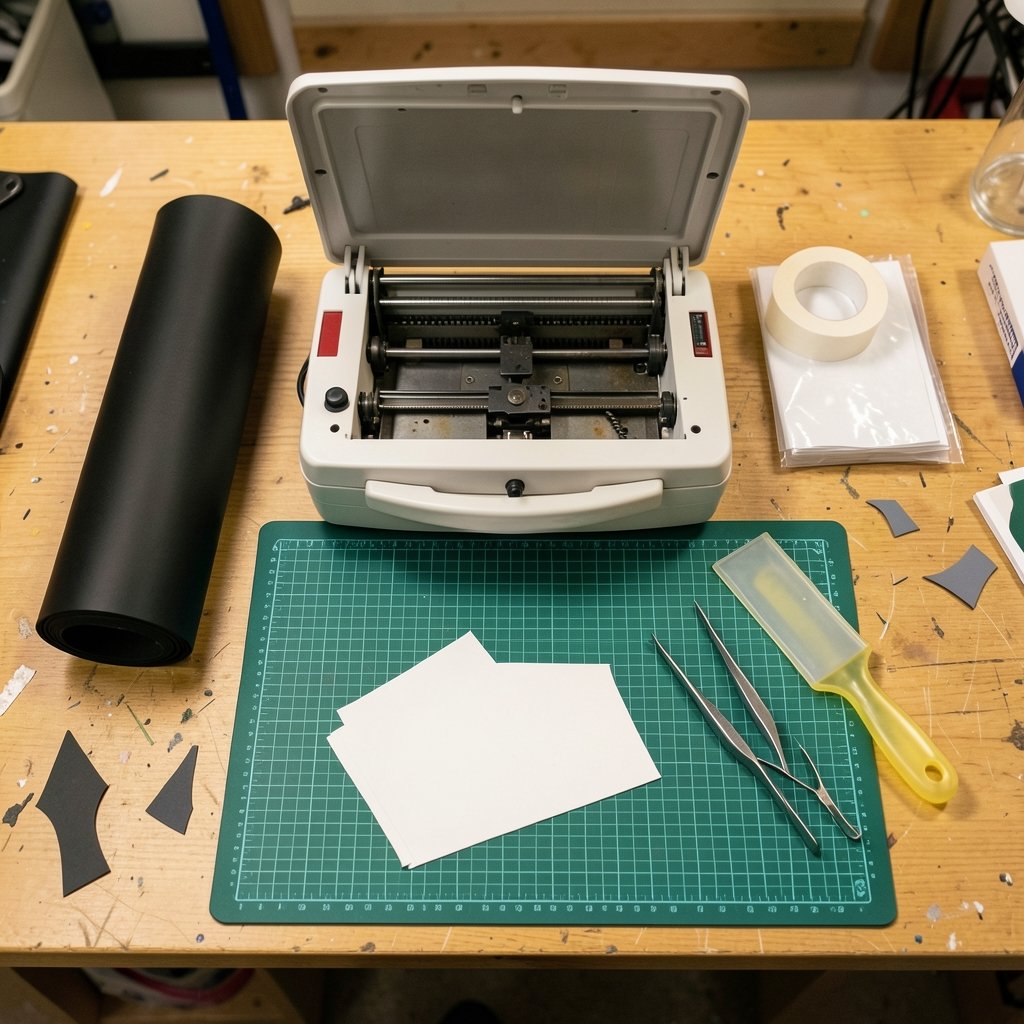
What separates a vinyl cutter that earns its keep from one that gathers dust in a closet? It is rarely the price tag. It is whether the machine matches the material you actually cut, the software you actually use, and the volume you actually produce. This vinyl cutting machines buying guide walks through the decisions that matter, the specs that mislead, and the mistakes that show up again and again in hobby rooms and small sign shops.
Start With the Material, Not the Machine
Most buyers do this backwards. They fall for a machine on sale, then discover it struggles with the vinyl they need. Flip the order.
Adhesive-backed calendered PVC film is the everyday workhorse for decals and signs. Cast PVC film is thinner, conforms to curves, and costs more. Heat-transfer vinyl (HTV) goes through a heat press onto fabric and behaves differently under the blade. Stencil and masking film is thicker and often needs more cutting force.
Each of these has its own thickness and backing, and that changes the required force, the blade type, and whether a basic drag-knife machine is enough. Write down your top three materials before you shop. If a seller cannot tell you whether their machine handles all three, that is your answer.
Drag-Knife vs. Tangential: The Choice That Shapes Everything

Vinyl cutters fall into two cutting technologies, and the difference is mechanical, not cosmetic.
A drag-knife cutter drags the blade through the material, steered by the carriage. The blade swivels to follow the cut direction. These machines dominate the hobby and entry-level signmaking market because they are simpler and cheaper.
A tangential cutter lifts the blade and rotates it to the cutting angle before each cut. That extra motion handles thicker or tougher materials and tighter corners more cleanly.
| Feature | Drag-knife | Tangential |
|---|---|---|
| Blade movement | Swivels while dragging | Lifts and rotates to angle |
| Best for | Thin vinyl, HTV, decals | Thick or tough media, tight corners |
| Corner quality | Good, depends on offset settings | Cleaner on sharp angles |
| Typical buyer | Hobbyist, small shop | Production, specialty work |
| Price band | Lower | Higher |
If your work is decals and shirt vinyl, drag-knife is usually fine. If you cut thick stencil film or need crisp square corners on every piece, tangential earns its premium.
The Settings Nobody Explains Up Front
Two machine settings trip up nearly every new owner: blade offset and overcut.
Blade offset compensates for the trailing geometry of the blade so corners close properly. Get it wrong and every square corner has a tiny rounded tail. Overcut extends the cut slightly past the start point so the piece separates cleanly. Both are usually set per material in the cutter software.
A practical habit: keep a notebook or spreadsheet of settings per material. When a new roll arrives, test a small square and a small circle before committing to a full sheet. Circle tests expose offset problems fast, because a mis-set offset leaves a visible nick where the cut closes.
Cutting Force Ratings Are Not Comparable
Cutting force is usually specified in grams (gf). Entry-level desktop cutters are commonly rated in the low hundreds of grams; production machines go higher.
Here is the catch: these ratings are not standardized across brands. A “500 gf” claim from one maker does not mean the same thing as “500 gf” from another. Treat the number as a rough guide, not a spec sheet you can line up side by side.
The same caution applies to “entry-level” and “production” labels. Those are marketing categories, not technical ones. A machine marketed as entry-level may outperform a “pro” unit on thin vinyl, and vice versa on thick film.
Width and Media Handling: Read the Fine Print
Buyers fixate on maximum cut width and ignore everything else. Check two numbers separately, because they differ:
- Maximum media width is how wide a roll or sheet the machine accepts.
- Maximum cut width is how wide the blade can actually travel.
Roll-fed machines also need a media feed and a take-up arrangement. Without proper feed and take-up, long cuts drift and jam. Sheet-fed desktop machines are limited by sheet size, which is fine for small runs and frustrating for banners.
Ask yourself how you will handle a full roll. A machine that cuts beautifully but has no room for a take-up reel will test your patience on any job longer than a meter.
Software Compatibility Is the Most Common Buying Trap
This is where buyers get burned most often. Many cutters ship with proprietary software, or they need a plugin or driver to work with standard vector design tools.
Before paying, confirm three things:
- Does the machine accept standard vector formats such as SVG, DXF, AI, and EPS?
- Does a driver exist for your operating system, and is it current?
- Can you send jobs directly from your design software, or must you export and re-import?
If you already work in a vector editor, a machine that forces you into closed software is a daily tax. If you are new to design, a bundled package may help. Either way, check driver support for your exact OS version; do not rely on the brand name alone.
If you are still assembling your workspace, the same logic applies to peripherals. Our guide to the webcam worth buying for beginners and everyday use uses the same principle: match the tool to the real job, not the spec sheet.
Consumables and Maintenance: The Recurring Bill
The purchase price is only the entry fee. Budget for wear items:
- Blades dull and chip. Keep spares on hand.
- Cutting strips are the sacrificial strip under the blade and wear through with use.
- Carrier sheets for HTV lose tack over time.
None of these are expensive individually, but they add up. A machine with cheap, widely available consumables is often the better long-term buy than a slightly cheaper machine with proprietary parts.
Maintenance is simple but non-negotiable: clean the blade holder, check the strip for grooves, and store blades dry. Most “my cutter stopped cutting cleanly” complaints trace back to a dull blade or a worn strip, not a broken machine.
Match the Machine to Your Output
Volume drives the decision more than any single spec.
| Your situation | What matters most | What to avoid |
|---|---|---|
| Occasional crafts, HTV shirts | Software ease, small footprint | Oversized roll-fed units |
| Small sign shop, decals | Media feed, take-up, blade life | Machines with no driver support |
| Thick film, stencil work | Tangential cutting, force headroom | Entry-level drag-knife units |
| High volume, long runs | Throughput, consumable cost, support | Machines with proprietary parts |
Be honest about volume. A hobbyist cutting a few shirts a month does not need a production machine, and a small shop cutting daily will outgrow a desktop unit within a year.
Warranty and Support: The Real Differentiator
Two machines with nearly identical specs can differ enormously in warranty and support. That gap often matters more than a small price difference.
Ask these questions before buying:
- What is the warranty length, and what does it exclude?
- Is support local or overseas, and in what time zone?
- Are parts stocked, or must they be ordered from abroad?
- Is there a documented process for a warranty claim?
A machine that fails in month three with no local support is a very expensive paperweight. If a seller dodges these questions, treat that as a warning.
Common Mistakes Buyers Make
These show up repeatedly in forums and reviews:
- Buying on cut width alone. Media handling and software support matter more.
- Assuming force ratings are comparable. They are not standardized.
- Skipping the driver check. Confirm your OS is supported before paying.
- Ignoring consumables. Blades and strips are a recurring cost.
- Overbuying. A production machine is a burden if you cut twice a month.
- Confusing blade cutting with laser cutting. A vinyl cutter is mechanical, not a laser. Do not conflate the two in your safety planning.
That last point deserves emphasis. Vinyl cutters are mechanical machines. Laser cutting of PVC is a separate and well-documented hazard involving chlorinated compounds. If you also run a laser, keep the two workflows and their safety rules distinct.
Where Vinyl Cutters Fit in a Bigger Setup
A cutter is rarely the only tool in the room. If you are building out a workspace, the same practical buying logic applies across categories. Our gaming keyboard buying checklist to verify before you pay covers the pre-purchase checks that save returns, and the budget gaming chairs worth buying without regret guide shows how to weigh comfort against cost. The principle holds: verify the details that affect daily use, not the ones that look good on a box.
For anyone comparing tools across a home studio, the tablet worth buying for beginners and everyday use piece makes a similar case for matching hardware to actual tasks.
A Simple Buying Sequence
Follow this order and you will avoid most regret:
- List your top three materials and their thickness.
- Decide drag-knife or tangential based on those materials.
- Confirm software and driver support for your OS.
- Check media width versus cut width, and plan for feed and take-up.
- Price the consumables: blades, strips, carrier sheets.
- Verify warranty, parts availability, and support location.
- Only then compare prices.
Conclusion
A good vinyl cutter is the one that handles your materials, talks to your software, and survives your volume without constant fiddling. The specs that sell machines, like a big cut width or a bold force rating, are rarely the specs that make owners happy. Material compatibility, driver support, media handling, and consumable costs decide whether the machine becomes a workhorse or a closet ornament. Write down your materials, check the driver situation, price the wear parts, and buy for the work you actually do. Do that, and the machine will earn its place on the bench.
Frequently Asked Questions
What is the difference between a vinyl cutter and a plotter?
The terms are often used interchangeably. “Vinyl cutter” and “cutting plotter” describe the same machine type in most modern usage. “Plotter” historically also referred to pen plotters that draw rather than cut, which is why the terminology can confuse new buyers.
Can a vinyl cutter cut fabric or leather?
It depends on the machine and the material. HTV is designed to be cut and then heat-pressed onto fabric. Thicker materials like leather usually need a tangential cutter with more force headroom. Always test a small piece and check the manufacturer’s rated material list before committing to a full sheet.
Do I need special software to use a vinyl cutter?
Not always, but you need to check. Many cutters ship with proprietary software, while others accept standard vector formats such as SVG, DXF, AI, and EPS, or require a plugin to work with design tools. Confirm a driver exists for your operating system before you buy.
What is blade offset and why does it matter?
Blade offset compensates for the trailing geometry of the blade so corners close properly. If it is set wrong, square corners come out rounded or nicked. It is usually configured per material in the cutter software, so keep a record of settings that work for each vinyl type.
Are cutting force ratings comparable between brands?
No. Cutting force is typically given in grams, but the ratings are not standardized across manufacturers. A number from one brand does not mean the same thing as the same number from another. Use force ratings as a rough guide and test with your own materials.
How much should I budget for consumables?
Plan for blades, cutting strips, and carrier sheets as recurring costs. Blades dull and chip, strips wear through, and carrier sheets lose tack. Prices vary widely, so check the cost and availability of these parts for any machine you consider, since cheap consumables can matter more than a small difference in purchase price.



