
What if the biggest upgrade to your streaming setup is something that fits in your palm? That is the strange reality of the compact capture card market heading into 2027. The little boxes that used to be compromise purchases now handle 4K60 HDR passthrough, run smoothly in OBS, and cost less than a night out. The catch is that “compact” means different things to different buyers, and a card that is perfect for a Switch 2 owner can be the wrong tool for someone streaming PS5 at high refresh rates.
This roundup skips the theory and goes straight to named options. Each entry covers who it suits, what it does well, one honest limitation, and the price where a source states one. A comparison table comes first so you can scan, then the picks, then a short guide on how to choose once you know your shortlist.
Compact Capture Cards Compared at a Glance
| Card | Best for | Capture | Passthrough | Stated price |
|---|---|---|---|---|
| AVerMedia Streamline Mini+ (GC311G2) | Budget PS5 and Switch 2 streaming | 1080p60 | 4K60 HDR | 94,99 € / USD$99.99 class / 11,800 yen |
| Elgato Game Capture Neo | Plug-and-play beginners | 1080p60 | 4K60 HDR | Not stated in sources |
| Elgato HD60 X | 1080p60 HDR streaming with 4K30 option | 1080p60 HDR / 4K30 | 4K60 | Around 150 € |
| AVerMedia Live Gamer Extreme 3 (GC551G2) | Adding 4K30 recording to a budget setup | Up to 4K30 | Not stated in sources | Not stated in sources |
| AVerMedia Live Gamer Ultra 2.1 | 4K60 HDR capture with fast passthrough | 4K60 HDR | Up to 8K | Around 200 € |
| Elgato Game Capture 4K X | HDMI 2.1, VRR and HDR passthrough | 4K HDR at up to 30 fps | HDMI 2.1 with VRR and HDR | From 229,90 € |
Prices in that table come from published comparisons and manufacturer pages, and they move around. Treat them as orientation, not gospel.
AVerMedia Streamline Mini+ (GC311G2): The Compact Default for PS5 and Switch 2
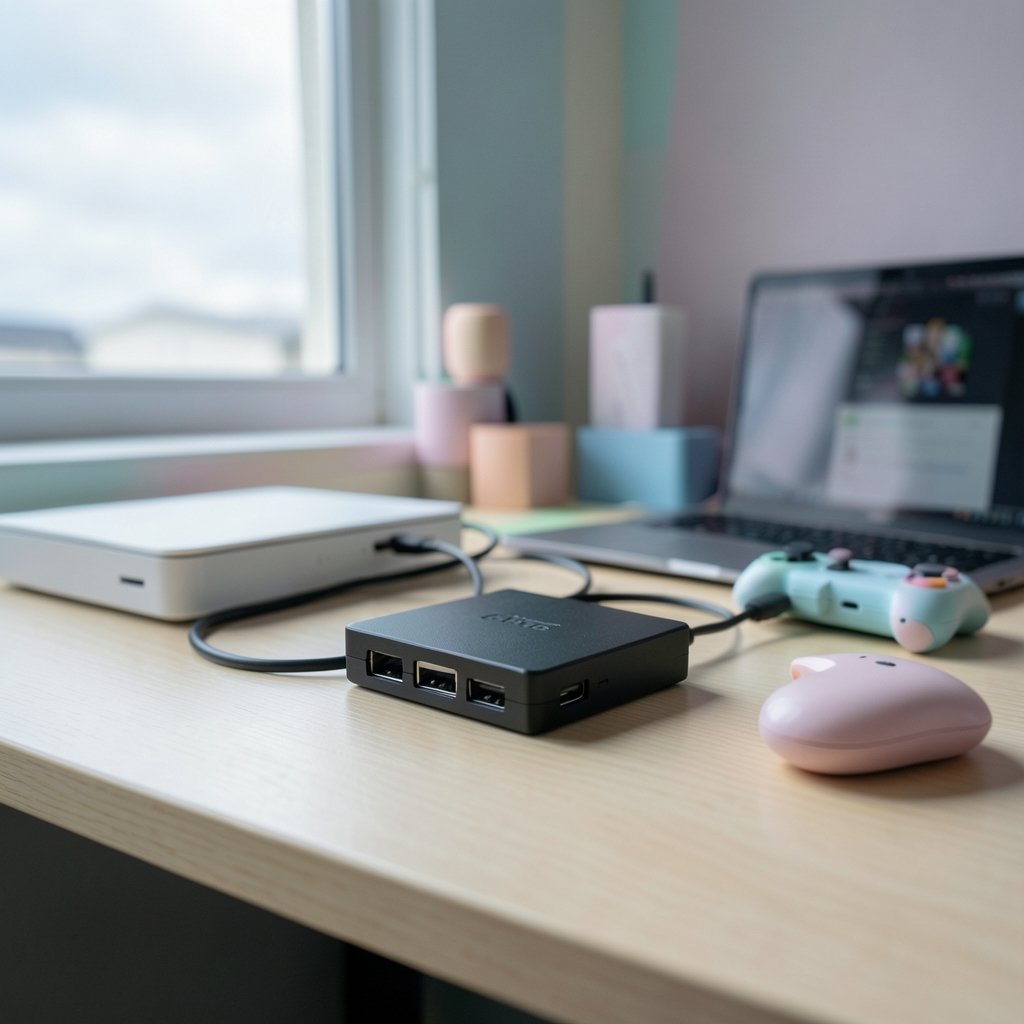
If one card keeps appearing across buying guides, it is this one. The Streamline Mini+ is the successor to the Live Gamer MINI (GC311), and the “+” is not marketing fluff. AVerMedia lists 4K60 HDR passthrough so you play in full quality on your TV while the card captures 1080p60 for your stream. It supports MJPEG, NV12 and YUY2 formats, which matters more than it sounds, because those are the formats OBS and editing software actually want. It works with Windows and Mac, and the compact body leaves room on a crowded desk.
Who it suits: someone streaming PS5, Xbox Series X|S or Switch 2 at 1080p60 who wants a small, reliable box without paying 4K prices.
The limitation: capture tops out at 1080p60. If you want to archive gameplay in 4K, this is not the card for that job.
Price: AVerMedia’s German page lists it at 94,99 € normally, the English page frames it as under USD$99.99, and a Japanese comparison lists a reference price of 11,800 yen. Check the current listing before you buy, since regional pricing varies a lot.
One practical note: the dedicated Streaming Center software is simple enough for a first-timer, and compatibility with OBS is described as good. If you plan to stream through OBS rather than the bundled app, read up on which capture cards work well with OBS in practice before committing, because software quirks cause more headaches than hardware specs.
Elgato Game Capture Neo: Plug In and Start Recording
The Game Capture Neo is Elgato’s answer to the question “why do I need to install drivers to record a game?” It is a plug-and-play unit with 4K60 HDR passthrough, so your monitor or TV keeps the full signal while the card records at 1080p60. It plays nicely with Elgato Studio and with OBS, and it sits firmly in the beginner-friendly bracket.
Who it suits: first-time streamers who want zero setup friction and own a current-gen console.
The limitation: like the Streamline Mini+, it is a 1080p60 capture device. The passthrough is 4K, but the recording is not.
Price: the sources used for this roundup do not state a firm figure, so check Elgato’s official page.
The real-world trap here is expecting passthrough quality to equal capture quality. It does not. Passthrough means your TV sees the original signal; capture means what lands on your PC. Plenty of buyers confuse the two and feel cheated when their recordings look softer than their gameplay did. They are not broken, they just read the spec sheet wrong.
Elgato HD60 X: The Middle Ground With HDR Capture
The HD60 X is the card most roundups name as the sensible starting point for 1080p60 streaming from a console or a second PC. It captures 1080p60 with HDR or 4K30, and passes through 4K60, which gives it more flexibility than the entry-level Elgato. If you occasionally want a 4K30 recording for a highlight reel but mostly stream at 1080p60, this is the sweet spot.
Who it suits: streamers who want HDR capture at 1080p60 and a 4K30 option without jumping to premium pricing.
The limitation: it is not a 4K60 capture card. High-refresh passthrough beyond 4K60 is also not its territory; that belongs to HDMI 2.1 hardware.
Price: one comparison lists it around 150 €, another places it in a mid-range tier at that figure. Verify before buying.
A common mistake with this class of card: plugging the console into the card’s output instead of its input. The result is a black screen and twenty minutes of panic. The console goes into the input, the TV into the output, the card into the PC. That is the whole ritual.
AVerMedia Live Gamer Extreme 3 (GC551G2): The 4K30 Step-Up
For buyers who want a bit more headroom than 1080p60, the Live Gamer Extreme 3 adds 4K30 recording to the shortlist. A Japanese comparison groups it with cards for people who want 4K30 as a real option rather than an afterthought. It keeps the external, compact form factor that makes these cards easy to move between desks and consoles.
Who it suits: creators who mostly stream at 1080p but want 4K30 archives for YouTube uploads.
The limitation: 4K30 is fine for slower games and talking-head content, but 30 frames per second feels choppy for fast action. The passthrough specifics are not stated in the sources here, so confirm them on the product page.
Price: not stated in the sources used here. Check the official listing.
This is the card where buyers most often overestimate what they need. A 4K30 recording of a racing game will look worse in motion than a clean 1080p60 capture. Resolution is not the only number that matters, and for gameplay it is often not the most important one.
AVerMedia Live Gamer Ultra 2.1: 4K60 HDR Without the Bulk
If you want genuine 4K60 HDR capture in an external box, the Live Gamer Ultra 2.1 is the compact option that keeps showing up. One comparison highlights its 8K passthrough, which future-proofs the monitor side of your setup, and places it in a premium tier around 200 €. It also appears in beginner guides as the pick for people who care about 4K60 recording and high frame rates.
Who it suits: creators who record in 4K60 and want a passthrough that will not bottleneck a high-end display.
The limitation: it costs roughly double the entry-level cards, and if you only ever publish 1080p60 to Twitch or YouTube, you will not use the extra resolution.
Price: around 200 € according to one comparison. Confirm with the retailer.
The honest advice here: buy this only if 4K60 capture is a real workflow requirement. Otherwise the money is better spent on lighting, audio, or a second monitor. Viewers forgive resolution far more readily than they forgive bad sound.
Elgato Game Capture 4K X: The HDMI 2.1 Choice for Serious Setups
The 4K X is the card for people who refuse to compromise on the passthrough. It offers HDMI 2.1 passthrough with VRR and HDR, dedicated TRRS ports for headset and controller audio, and flexible SDR capture with multiple color formats. It works with PCs and supported USB-C iPads, and one comparison lists it from 229,90 €.
Who it suits: players with HDMI 2.1 consoles and VRR displays who want the passthrough to be invisible.
The limitations are real and worth stating plainly. Capture is capped at 4K HDR at 30 fps, there is no HDR recording under macOS, and fast Mac operation requires activation plus a compatible host. You also need a second HDMI cable for the monitor passthrough.
Price: from 229,90 € per one comparison. Check current pricing.
If you are weighing whether this tier is justified for a small channel, there is a useful reality check in this breakdown of premium capture cards for small gaming channels. The short version: premium cards solve problems that small channels often do not have yet.
How to Choose a Compact Capture Card
Once you have a shortlist, four questions settle the decision faster than any spec sheet.
- What resolution do you actually publish? If your output is 1080p60, a 1080p60 card is the correct purchase. Buying 4K60 capture for a 1080p channel is paying for headroom you will never use.
- Does your console output more than your card can capture? The Switch 2 outputs up to 4K60 in TV mode, so older Switch-era cards may not deliver the quality you expect. Match the card to the console, not to the last console you owned.
- Do you need passthrough at full quality? If you play on the same screen you stream from, passthrough quality is not a luxury. A card that downgrades your monitor signal will annoy you every session.
- Does your software cooperate? OBS compatibility is the difference between a five-minute setup and a lost weekend. Check community reports for your exact model before buying.
A fifth, less obvious question: how much desk space do you have? Compact cards exist partly because streaming setups are crowded. A small box with short cable runs beats a full-size unit you have to rearrange furniture for.
If you are still mapping out the rest of your gear, this practical guide on how to choose a capture card walks through the buying logic step by step, and this roundup of budget capture cards worth paying for covers the sub-$100 tier in more depth.
Conclusion
The best compact capture card for 2027 depends less on the card and more on what you publish. For most PS5 and Switch 2 owners streaming at 1080p60, the AVerMedia Streamline Mini+ (GC311G2) is the sensible default: small, capable, and priced under the psychological 100 barrier in most regions. Beginners who value zero-friction setup should look at the Elgato Game Capture Neo. Anyone who wants HDR capture at 1080p60 with a 4K30 escape hatch lands on the HD60 X. And if 4K60 HDR capture or HDMI 2.1 passthrough is a genuine requirement, the Live Gamer Ultra 2.1 and the Elgato 4K X earn their premium, provided you will actually use what you pay for.
Buy for the workflow you have, not the one you imagine. That single rule saves more money than any sale.
Frequently Asked Questions
Is a compact capture card good enough for streaming in 2027?
Yes, for the vast majority of streamers. Most platforms and viewers are well served by 1080p60, and compact cards like the Streamline Mini+ and Game Capture Neo deliver exactly that with 4K60 HDR passthrough so your own gameplay stays sharp. The compact form factor no longer implies a quality compromise.
Do I need 4K capture if I stream at 1080p60?
No. A 4K capture card only pays off if you record or publish in 4K. If your output is 1080p60, a 1080p60 card with good passthrough is the better buy, and the saved money is better spent on audio or lighting.
Will an older capture card work with the Nintendo Switch 2?
It may work, but it may not deliver the quality you expect. The Switch 2 supports up to 4K60 output in TV mode, so a card built for the original Switch’s 1080p output can become the bottleneck. Check the card’s supported input resolutions before assuming it is fine.
What is the difference between passthrough and capture resolution?
Passthrough is the signal your TV or monitor receives; capture is what the card sends to your PC for recording or streaming. A card can pass through 4K60 HDR while capturing only 1080p60. Confusing the two is the most common reason buyers feel let down by a card that is working exactly as designed.
Why does my capture card show a black screen?
The usual cause is a cable in the wrong port. The console connects to the card’s HDMI input, the TV or monitor to the output, and the card to the PC over USB. Swap the input and output and you get a black screen with no error message. Check the cabling before you suspect the hardware.
Are premium compact cards worth it for a small channel?
Only if you use their extra capabilities. A premium card buys 4K60 HDR capture, HDMI 2.1 passthrough with VRR, or dedicated audio ports. A small channel publishing 1080p60 gains little from those features and would get more value from better sound and lighting.



