What if you could give a thin laptop or a handheld console the graphics muscle of a desktop card without buying a whole new machine? That is the promise behind every external GPU announcement, and the past stretch of hardware news has delivered a steady stream of them. Some are polished, expensive products. Others are experimental kits that hint at where the category is heading. A few raise more questions than they answer.
This article walks through the most notable eGPU reveals, what connects them, and what buyers should actually watch for when the marketing slides fade.
What counts as an external GPU announcement?
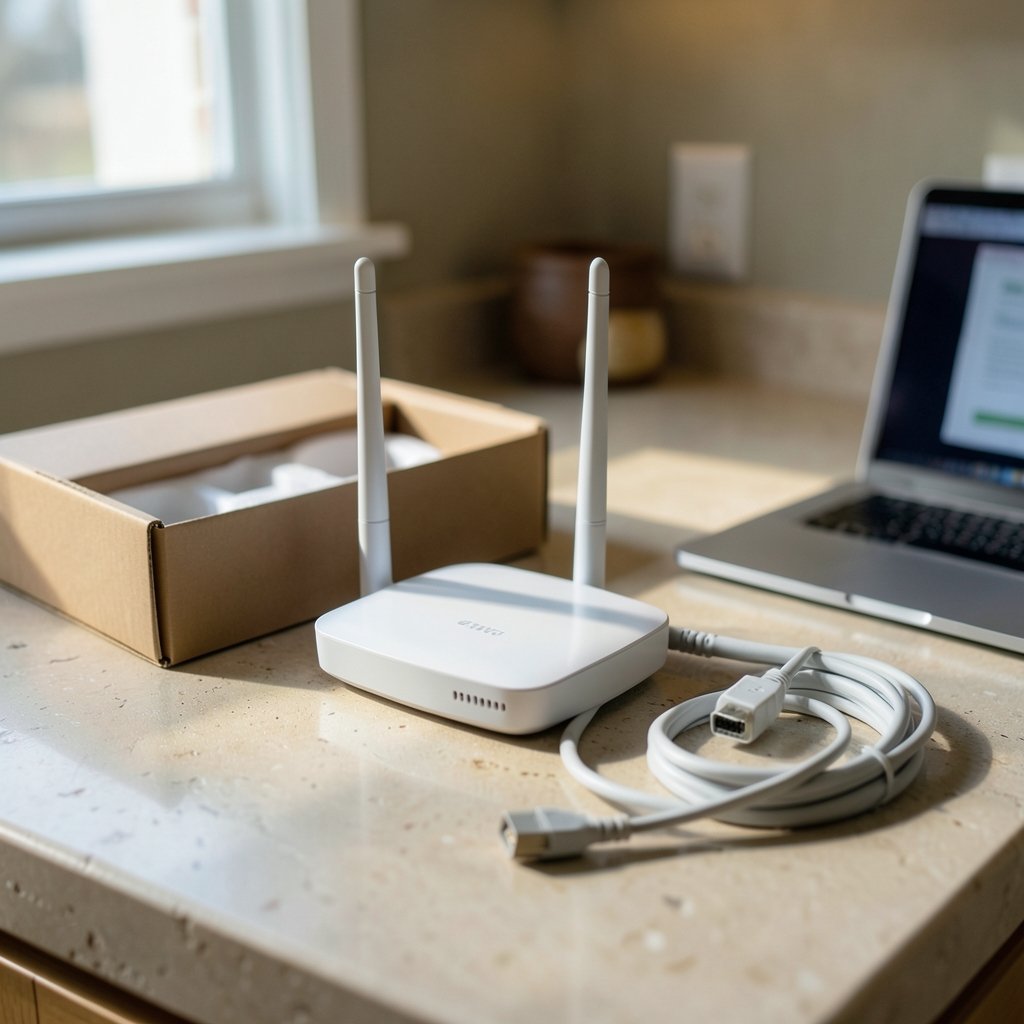
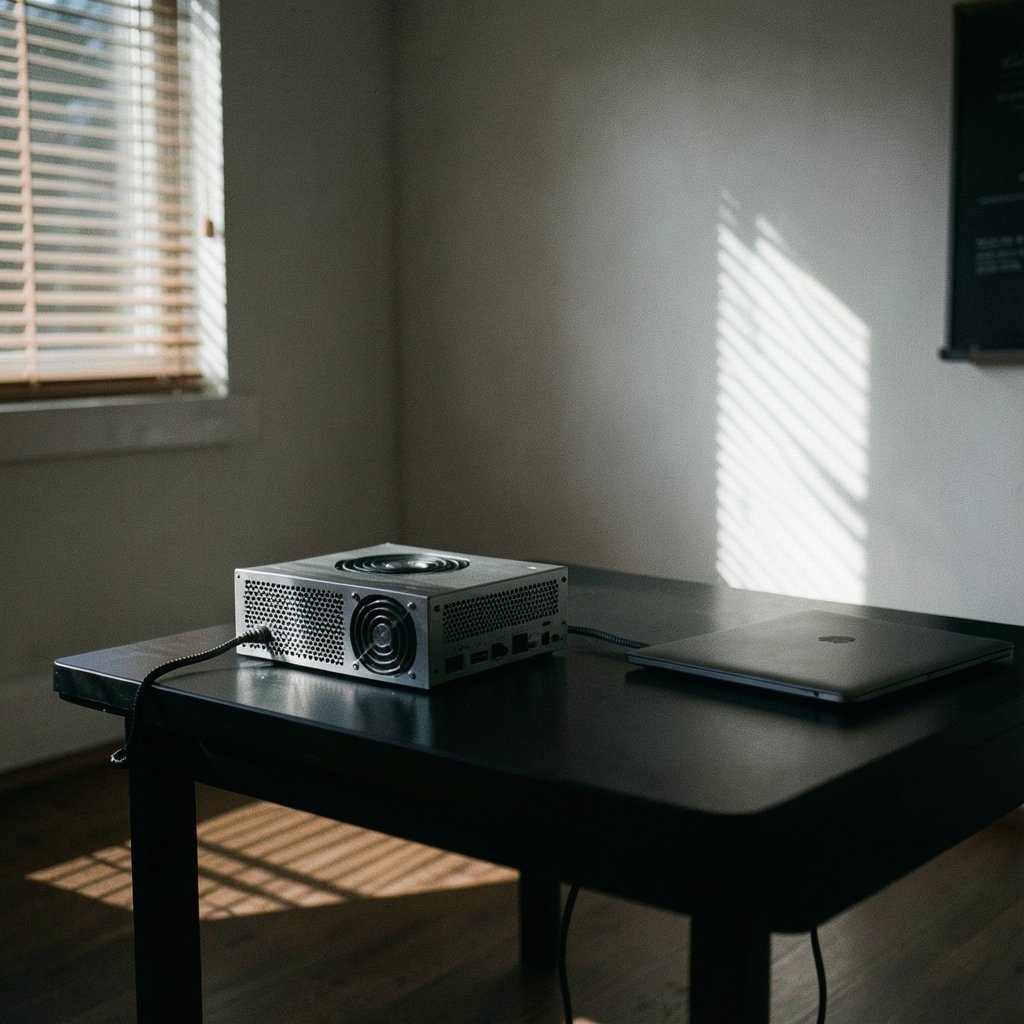
An external GPU (often shortened to eGPU) is a graphics card that lives outside the main computer, usually inside a dock or enclosure. The host machine, whether a laptop, a mini PC, or a gaming handheld, connects to the dock over a high-speed cable. The dock supplies power, cooling, and video outputs. The host supplies the workload.
Announcements in this space tend to fall into three buckets:
- Consumer docks sold as finished products with a fixed GPU inside.
- Enclosures where you install your own desktop card.
- Developer or experimental kits that preview a connection standard before it ships.
The recent wave touches all three. That variety is exactly why the category is confusing for newcomers. A $223 pre-order in China and a $1,699 flagship dock are both “external GPU announcements,” but they serve very different buyers.
The compact chassis trend: laptop GPUs inside a dock
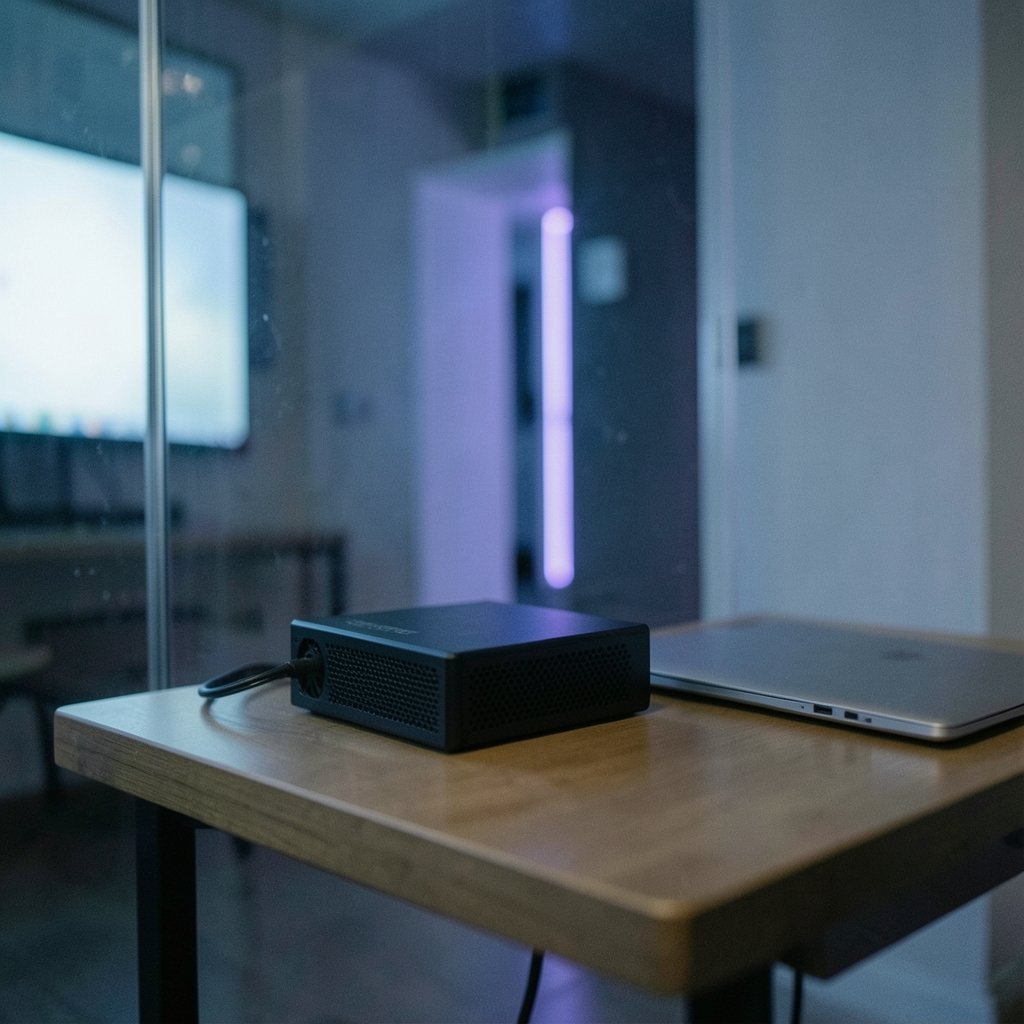
One of the clearest patterns is the move toward laptop-class GPUs in compact enclosures. The logic is simple. Laptop chips run cooler and draw less power than full desktop cards, so the dock can stay small and quiet.
Morefine’s G1 is a good example. It can be equipped with an RTX 4060 Laptop, RTX 4080 Laptop, or RTX 4090 Laptop GPU, and it doubles as a dock thanks to a healthy selection of ports. Pricing starts at $659 for the RTX 4060 Laptop variant and rises to $1,099 for the RTX 4080 Laptop version, while the top RTX 4090 Laptop model carries a $1,699 price tag and was out of stock at the time of its reveal.
For context, the RTX 4060 Laptop packs 3,072 CUDA cores paired with 8 GB of GDDR6 VRAM. That lands it roughly in the same league as some mid-range mobile GPUs, which is a useful reality check. You are not getting desktop-class performance. You are getting a tidy, portable boost.
The trade-off is upgradeability. A dock with a soldered laptop GPU cannot be refreshed later. If you like the idea of swapping cards, look at enclosures instead. If you value a small footprint and a single cable, the fixed-GPU route makes more sense.
Thunderbolt 5 and USB4 v2 change the bandwidth math
Connection speed has always been the bottleneck for external graphics. Early eGPU setups lost a meaningful slice of performance because the link could not keep up with the card.
That is changing. Thunderbolt 5 pushes up to 80 Gbps bidirectional bandwidth, and USB4 v2 targets the same territory. The practical effect is less overhead and smoother frame delivery.
Peladn’s Link S-3 is positioned as the company’s first external GPU dock with Thunderbolt 5 connectivity, following earlier Thunderbolt 5 dock designs. It was listed for pre-order in China at CNY 1,599 (roughly $223), with shipping starting July 26 and no global availability announced. That price is notable because it is enclosure-level money, not flagship-dock money.
ASUS took a similar path with its refreshed ROG XG Mobile. The redesigned platform uses an improved vapor chamber system offering 150% more cooling surface area and features Thunderbolt 5 connectivity at up to 80 Gbps bidirectional. It was prepped for NVIDIA’s Blackwell GeForce RTX 50 Mobile GPU series, with a China launch date of February 25.
If you are planning a laptop purchase around one of these docks, it pays to verify the port spec before you commit. Not every USB-C port labeled “fast” supports the full standard. A quick check of GPU vs TPU compatibility checks before a 2027 upgrade can save you from buying a dock your machine cannot fully feed.
ASUS XG Core and the Radeon RX 9060 XT LP puzzle
The strangest announcement of the bunch came from ASUS at Computex 2026. The company showed the XG Core, a compact external graphics dock with USB4 Type-C, HDMI, and DisplayPort, aimed at notebooks, mini PCs, NUCs, and gaming handhelds.
Inside sits what ASUS calls an “AMD Radeon RX 9060 XT LP Laptop GPU” with 16 GB GDDR6. Here is the wrinkle. AMD lists the Radeon RX 9060 XT as a desktop graphics card, and a clearly confirmed mobile RDNA 4 variant of this class has not been cleanly documented. The card itself is a low-profile desktop part with reduced power draw at 140W, 16 GB of GDDR6 on a 128-bit bus, RDNA 4 architecture, 32 compute units, and 2,048 stream processors.
ASUS did not show the XG Core’s internals, so it is unclear whether this is a re-soldered chip, an MXM module, or some custom engineering job. The dock is said to deliver 1440p gaming and support AI applications.
Does the naming matter to a buyer? Somewhat. It affects driver support, warranty expectations, and how the product is classified. It also signals that the line between “mobile” and “desktop” silicon is blurring. For a deeper look at how this naming confusion plays out, the reporting on the ASUS XG Core and AMD’s mobile RDNA 4 lineup lays out the open questions clearly.
OCuLink and MCIO: the enthusiast back door
Not every announcement chases the mainstream. Two connection standards are quietly gaining traction among tinkerers.
OCuLink uses a direct PCIe link rather than tunneling graphics traffic over USB. Framework previewed an OCuLink Dev Kit for attaching high-throughput peripherals like external GPUs to its laptops. The kit acts as a modular bridge between the Framework Laptop 16 and its Expansion Bay, allowing direct high-speed communication between the CPU and external hardware. It was shown as a preview only, with no pricing or firm availability.
The numbers are compelling. The kit uses OCuLink 8i for bidirectional throughput of 128 Gbps, which Framework says makes the Laptop 16 the first laptop with an 8-lane OCuLink interface.
MCIO is the other one to watch. GPD announced two products using the connector. The GPD BOX mini PC is based on Intel Core Ultra 300 “Panther Lake” processors, offers a PCIe Gen5 x8 MCIO 8i interface, and includes two USB4 v2 ports at 80 Gbps. The GPD G2 is billed as the first eGPU enclosure with both MCIO and USB4 v2, and it reportedly loses only 2% performance with a GeForce RTX 4090. It also includes an M.2 SSD bay and supports 100W PD-out power delivery.
That 2% figure is the kind of claim that deserves skepticism until independent testing appears. Still, the direction is clear. Direct PCIe links are closing the gap with internal cards.
Comparing the recent announcements
| Product | Connection | GPU | Notable detail | Price signal |
|---|---|---|---|---|
| Morefine G1 | Dock with ports | RTX 4060/4080/4090 Laptop | Doubles as a dock | From $659 to $1,699 |
| Peladn Link S-3 | Thunderbolt 5 | Not specified | First TB5 dock for Peladn | ~$223 pre-order in China |
| ASUS ROG XG Mobile | Thunderbolt 5 (80 Gbps) | RTX 50 Mobile series | 150% more cooling surface | Not stated |
| ASUS XG Core | USB4 | Radeon RX 9060 XT LP | Naming dispute | Not stated |
| GPD G2 | MCIO + USB4 v2 | User-supplied (RTX 4090 tested) | 2% performance loss claim | Not stated |
| Framework OCuLink Dev Kit | OCuLink 8i (128 Gbps) | User-supplied | Dev kit preview only | Not stated |
Practical mistakes buyers make with eGPU docks
Plenty of people buy an external GPU and then wonder why the numbers do not match the reviews. A few common missteps explain most of the disappointment.
Ignoring the host port spec. A dock rated for 80 Gbps is wasted on a laptop port with a lower maximum. Check the exact standard your machine supports, rather than only the connector shape.
Expecting desktop parity. Laptop GPUs in compact docks are efficient, not equal to full-size cards. Budget for a performance gap and you will be happier.
Skipping the cable. Cheap or long cables can cause dropouts. If your drive or dock keeps cutting out mid-task, the troubleshooting steps for when an external SSD keeps disconnecting during file transfer apply to eGPU links too, since both depend on stable high-bandwidth connections.
Forgetting thermals. A compact enclosure with a hot card inside will throttle. If you plan to push a dock hard, monitor temperatures rather than assuming the cooling is adequate. The same discipline covered in this guide on how to check GPU temperature in 13 steps keeps an eGPU setup honest.
Overlooking storage. Some docks, like the GPD G2, include an M.2 bay. If yours does, a fast drive matters. Our breakdown of the best external SSD picks that prioritize real speed over marketing is a useful starting point.
What to watch next
Three threads will shape the next round of announcements.
First, Thunderbolt 5 and USB4 v2 adoption. As more laptops ship with these ports, docks will get cheaper and more common. The Peladn pre-order price hints at where the floor might land.
Second, direct PCIe links. OCuLink and MCIO offer the lowest overhead, and if dev kits turn into retail products, enthusiasts will have a genuine alternative to USB tunneling.
Third, naming clarity. The Radeon RX 9060 XT LP episode shows how muddy mobile-versus-desktop labeling has become. Buyers deserve clearer specs, and pressure from reviewers usually delivers them.
If you are weighing a dock against a full machine, it also helps to understand where cloud GPU pricing fits. This comparison of AWS vs Azure vs GCP GPU cloud pricing and architecture decisions frames the rent-versus-own question well.
Conclusion
External GPU announcements have moved past the novelty stage. Compact docks with laptop silicon now ship at real prices, Thunderbolt 5 and USB4 v2 remove the worst bandwidth bottlenecks, and direct PCIe options like OCuLink and MCIO promise near-native performance for people willing to tinker.
The catch is that the category rewards careful reading. A $223 pre-order and a $1,699 flagship are not competing for the same buyer. A laptop GPU is not a desktop card. A port labeled USB-C is not automatically fast. Match the dock to your machine’s actual capabilities, keep expectations calibrated, and an external GPU can genuinely extend the life of a laptop, mini PC, or handheld. Ignore those details, and you will pay for bandwidth you cannot use.
FAQ
What is an external GPU?
An external GPU is a graphics card housed outside the main computer, typically in a dock or enclosure. It connects over a high-speed link such as Thunderbolt, USB4, OCuLink, or MCIO, and provides extra graphics power to laptops, mini PCs, and handhelds.
Do external GPU docks work with any laptop?
No. The host device needs a compatible high-speed port and the right firmware support. A dock rated for Thunderbolt 5 at 80 Gbps will not deliver full speed on a slower port, so check your machine’s exact specification before buying.
Are laptop GPUs in docks as fast as desktop cards?
Generally not. Laptop-class chips prioritize efficiency and lower heat output. The RTX 4060 Laptop, for example, pairs 3,072 CUDA cores with 8 GB of GDDR6, which lands roughly in the same league as some mid-range mobile GPUs rather than full desktop cards.
What is the difference between Thunderbolt 5 and OCuLink for eGPUs?
Thunderbolt 5 tunnels graphics traffic over a flexible USB-C-style connection at up to 80 Gbps. OCuLink uses a direct PCIe link, which Framework says reaches 128 Gbps bidirectional on its Laptop 16 dev kit. OCuLink typically means less overhead but less convenience.
Why did the ASUS XG Core cause confusion?
ASUS describes the XG Core as containing a Radeon RX 9060 XT LP “Laptop GPU,” but AMD lists that card as a desktop product, and a confirmed mobile RDNA 4 variant of that class has not been clearly documented. ASUS did not show the dock’s internals, leaving the classification unresolved.
Should I wait for the next generation of eGPU docks?
It depends on your timeline. Thunderbolt 5 and USB4 v2 hardware is arriving now, and direct PCIe options are still largely in preview or limited release. If you need a boost today, current docks work. If you can wait, standards support will likely broaden.