
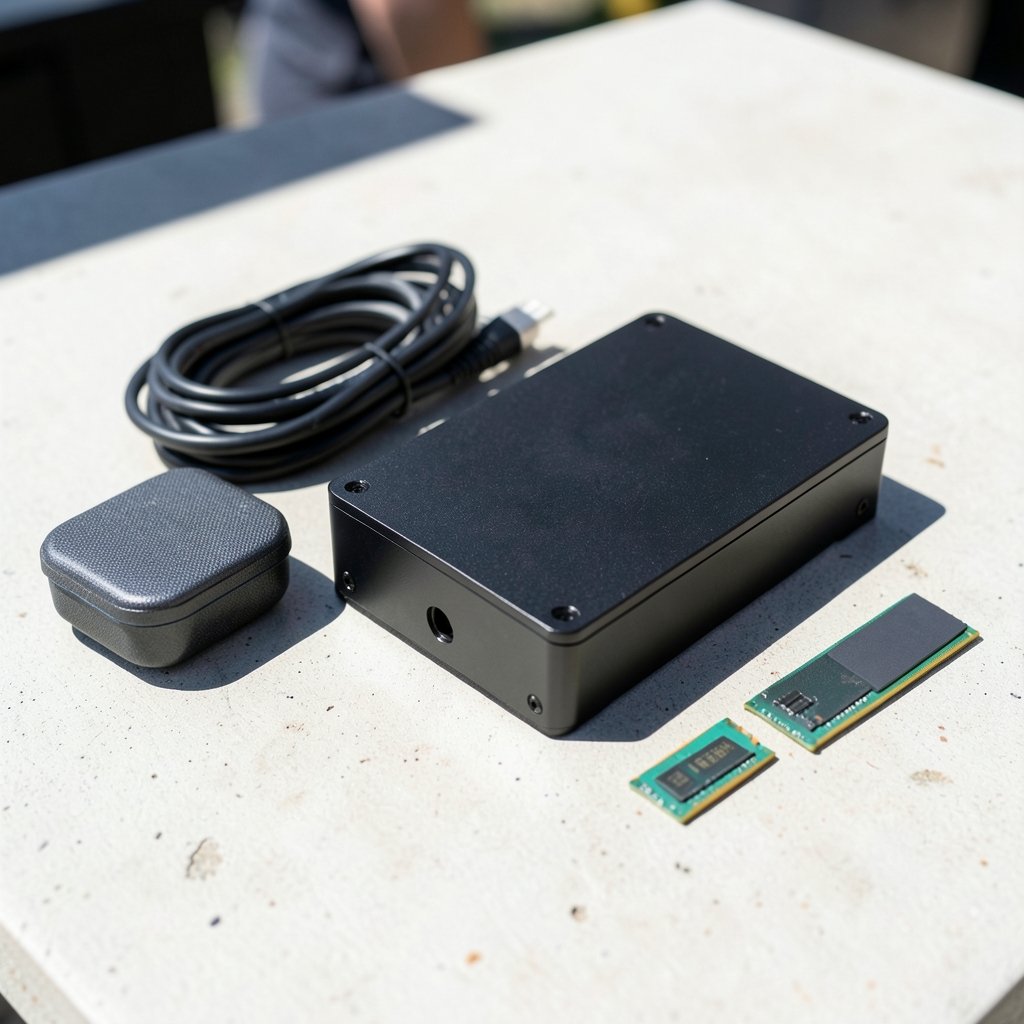
What if the workstation under your desk could shrink to the size of a lunchbox and still run local AI models, render 3D scenes, and push 25-gigabit networking? That question is no longer hypothetical. Over the past few months, a wave of compact workstations has arrived from brands like Acemagic, ASRock, Gunnir, MINISFORUM, HP, and Lenovo, each squeezing desktop-class silicon into two- to five-liter chassis. The result is a genuinely interesting moment for anyone who needs serious compute without a tower taking up floor space.
This roundup walks through what has actually been announced, what the specs mean in practice, and where the trade-offs still bite. It also covers the mistakes buyers make when they assume a mini PC is just a smaller desktop.
Why compact workstations suddenly matter
For years, the mini PC was a compromise machine. You got a low-power laptop chip, integrated graphics, and maybe two SO-DIMM slots. Fine for office work, useless for a memory-hungry AI model or a GPU render.
That changed because the silicon changed. High-end mobile CPUs now carry 16 to 24 cores. Unified memory architectures let a CPU, GPU, and NPU share one large pool of fast RAM. Small form factor cooling has improved enough to handle sustained loads. And vendors have figured out that professionals will pay for density if the I/O and memory ceiling are high enough.
The other driver is local AI. Running models on your own desk instead of renting cloud time changes the hardware math. Memory capacity matters more than raw clock speed, and that favors machines that can hold 128 GB or more in a very small box.
The headline machines worth knowing
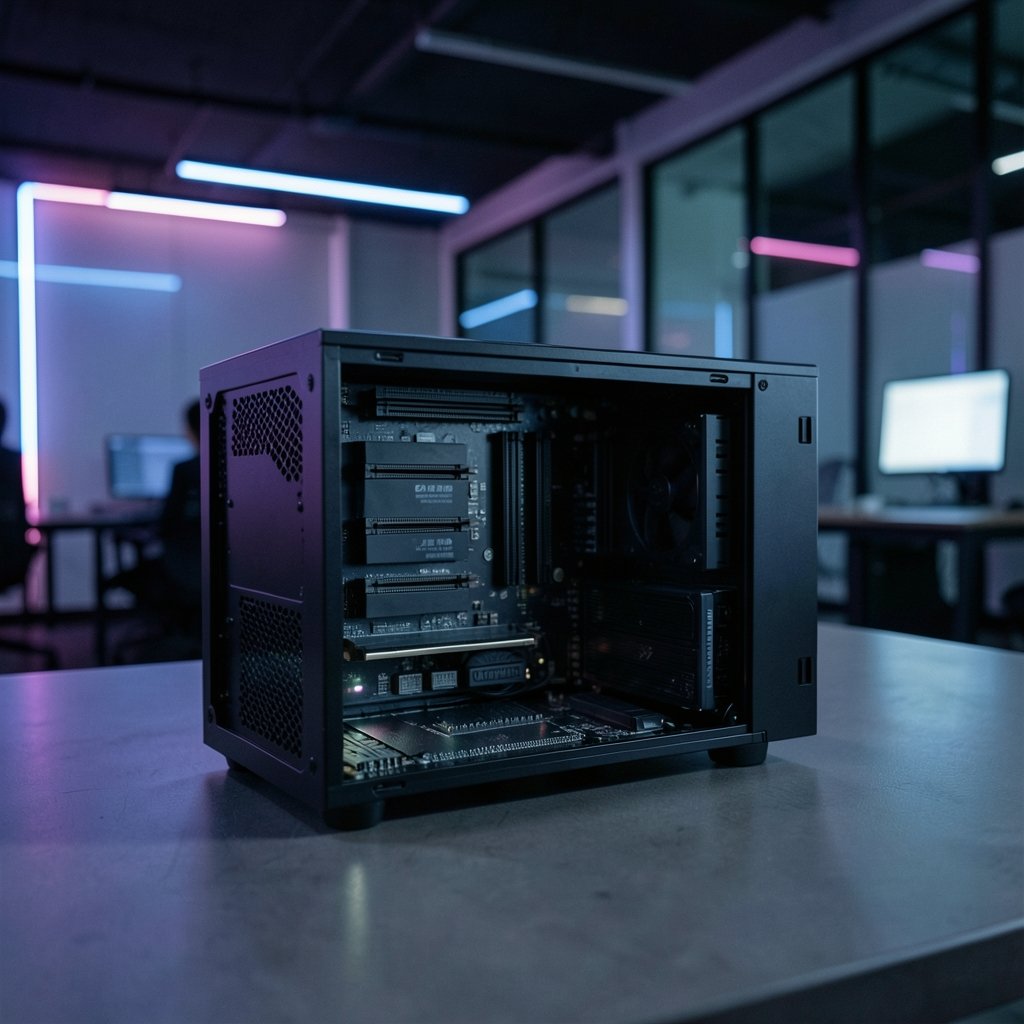
Topfeel DeskOne A1: 24 cores and up to 256 GB
The DeskOne A1 from Topfeel is the most aggressive memory play in this batch. It pairs an Intel Core Ultra 9 275HX “Arrow Lake” chip with 24 cores and 24 threads and supports up to 256 GB of DDR5 RAM. That is a startling amount for a compact chassis, and it puts the machine in territory usually reserved for mid-tower workstations.
The CPU itself is the kind normally found in premium gaming laptops and high-end mini PCs. Multicore performance sits in the same league as a 16-core Apple M4 Max and runs a few percentage points ahead of an AMD Ryzen 9 9955HX, according to benchmark database comparisons. It joins an AMD-based W1 model in the same five-liter family, so buyers get a genuine platform choice rather than a single option.
Gunnir’s dual Arc Pro B70 build: two GPUs, one small box
At the Intel Connection 2026 event in China, Gunnir showed two workstation systems built around Intel Arc Pro B70 graphics. The larger one fits two Arc Pro B70 cards inside a compact enclosure, each carrying 32 GB of GDDR6 ECC memory for 64 GB total across two separate GPUs. Liquid cooling handles the thermal load.
Both machines use Intel Core Ultra 200HX Arrow Lake-HX processors. Notably, there is no AMD processor or graphics option anywhere in either configuration. For workloads that scale across multiple GPUs, this is the most unusual design in the current crop.
ASRock DeskSlim X600 and B760: five liters with room to grow
ASRock’s DeskSlim pair targets professionals who want desktop-class performance and expansion in the smallest possible case. Both are five-liter platforms and can take either an NVIDIA RTX PRO 4000 Blackwell SFF Edition or an RTX PRO 2000 Blackwell professional card.
The expansion story is the selling point. Each chassis has a PCIe 5.0 x16 slot that accepts a dual-slot graphics card up to 200 mm long. The DeskSlim X600 uses an AM5 socket supporting AMD Ryzen CPUs up to the 9000 series, while the DeskSlim B760 runs Intel silicon. That split matters: it is one of the few compact lines where you pick your platform based on software compatibility rather than being locked in.
Acemagic F9A Pro 495: unified memory for local AI
The Acemagic F9A Pro 495 is a roughly two-liter mini workstation built on the AMD Ryzen AI Max+ Pro 495. That chip offers 16 cores and 32 threads with boost clocks up to 5.2 GHz, paired with integrated Radeon 8065S graphics. The interesting part is memory: up to 192 GB of LPDDR5X-8533, shared across the CPU, GPU, and NPU.
That unified pool is exactly what local AI workloads want. A discrete GPU with 24 GB is fine until your model needs more, and then you are stuck. A single large shared pool lets the whole system work on the same data without copying it between separate memory spaces.
MINISFORUM MS-02 Ultra: networking and ECC
MINISFORUM’s MS-02 Ultra pushes into lab and edge-computing territory. It runs an Intel Core Ultra 9 285HX and supports four DDR5 SO-DIMM slots with ECC capability, up to 192 GB. Networking is the standout: dual 25GbE. Distribution in Japan was set to begin in late January 2026 through Links International.
ECC memory support in a compact chassis is rare and worth flagging. If a machine runs long simulations or holds data you cannot afford to have silently corrupted, ECC is not a nice-to-have.
HP and Lenovo: the enterprise angle
HP expanded its workstation portfolio in the Philippines with two compact systems aimed at AI-heavy professional work: the ZBook Ultra G1a mobile workstation and the Z2 Mini G1a desktop. Both target creators, engineers, and enterprises running 3D design, real-time rendering, and local large language models.
Lenovo’s contribution is the ThinkStation PGX, a compact personal AI developer workstation built on the NVIDIA GB10 Grace Blackwell Superchip, rated at up to 1 PetaFlop (1000 TOPS) of AI performance. It is aimed at AI researchers, data scientists, students, and application engineers who want something that works out of the box.
ASUS also showed the ProArt GR1X at IFA 2026, a 150 x 150 x 51 mm desktop based on NVIDIA’s RTX-Spark platform with up to 128 GB of shared LPDDR5X memory.
How the main machines compare
| Machine | CPU | Memory ceiling | Graphics approach | Standout trait |
|---|---|---|---|---|
| Topfeel DeskOne A1 | Intel Core Ultra 9 275HX, 24 cores | 256 GB DDR5 | Integrated | Highest RAM ceiling |
| Gunnir dual B70 | Intel Core Ultra 200HX | Not stated | Two Arc Pro B70, 64 GB total | Dual professional GPUs |
| ASRock DeskSlim X600 / B760 | AMD Ryzen up to 9000 / Intel | Not stated | RTX PRO Blackwell SFF, PCIe 5.0 x16 | Swappable card, two platforms |
| Acemagic F9A Pro 495 | AMD Ryzen AI Max+ Pro 495, 16 cores | 192 GB LPDDR5X | Radeon 8065S integrated | Shared unified memory |
| MINISFORUM MS-02 Ultra | Intel Core Ultra 9 285HX | 192 GB DDR5 with ECC | Integrated | Dual 25GbE, ECC |
| Lenovo ThinkStation PGX | NVIDIA GB10 Grace Blackwell | Not stated | Integrated superchip | 1000 TOPS AI rating |
What the specs actually mean for buyers
The spec sheet is where most people get lost, so here is the practical translation.
Memory ceiling beats memory speed for AI work. A model that does not fit in memory will not run, no matter how fast the RAM is. If your workload involves local language models or large datasets, capacity is the first number to check.
Unified memory is a different category. Machines like the Acemagic and the ASUS ProArt share one pool between CPU and GPU. That is flexible, but it is not the same as dedicated VRAM. Software that expects a discrete card with its own memory may behave differently.
ECC support is a quiet differentiator. Only a few of these machines mention it. If your work involves long-running jobs where a flipped bit ruins the output, filter for it early.
Expansion is the real dividing line. A PCIe 5.0 x16 slot that takes a 200 mm dual-slot card, as on the ASRock DeskSlim, means you can upgrade graphics later. Soldered LPDDR5X means you cannot. Neither is wrong, but they suit different buyers.
Networking gets overlooked. Dual 25GbE on the MINISFORUM is not marketing filler. If you move large files between machines or run a small cluster, it changes your workflow.
Mistakes people make with compact workstations
The most common error is assuming small means weak. Buyers see a two-liter box and reach for laptop-class expectations, then are surprised when a 16-core chip with 192 GB of shared memory outperforms their old tower on the tasks they actually run.
The second mistake is buying for peak benchmarks instead of sustained load. Compact chassis have less thermal headroom. A machine that scores well in a short burst test may throttle in a two-hour render. Look for reviews that measure sustained performance rather than peak numbers alone.
Third, people forget about the power and noise profile. A dual-GPU liquid-cooled build in a small case is a different beast from a fanless office mini PC. Decide which one you are actually buying.
Fourth, buyers over-index on the CPU and ignore the platform. Intel and AMD options exist across these lines for a reason: some software runs better or only on one. Check compatibility before you fall in love with a spec sheet.
Finally, people assume they can upgrade later. Many of these machines solder memory or use SO-DIMMs with tight limits. Confirm what is replaceable before purchase.
What to watch next
The direction is clear. More cores in less space, larger memory ceilings, and a growing split between machines optimized for local AI and machines optimized for professional graphics. The arrival of Grace Blackwell-based desktops and Ryzen AI Max+ systems with 192 GB of shared memory suggests the two-liter workstation is becoming a legitimate category rather than a novelty.
For readers tracking the broader shift in computing hardware, the same pattern shows up elsewhere. If you follow how computer vision news is actually changing in 2026, you will notice that model size and memory bandwidth drive the same purchasing decisions. The compact workstation story is really a memory story. You can also keep an eye on the latest Google AI news for how software demands keep pushing hardware requirements upward, and browse general news coverage for announcements as they land.
One practical tip: before buying any of these machines, check the official product page for the exact memory configuration and warranty terms in your region. Announcements often list a maximum capacity that only one specific SKU actually reaches, and regional availability varies widely.
Conclusion
Compact workstations have crossed a threshold. A two-liter box can now hold 192 GB of shared memory. A five-liter chassis can take a professional Blackwell card on a PCIe 5.0 slot. A 24-core Intel chip with 256 GB of DDR5 fits in something you can carry under one arm. The trade-offs are real, especially around sustained cooling, upgrade paths, and soldered memory, but the category is no longer a compromise. It is a genuine alternative to a tower for a growing list of workloads. The smart move is to match the machine to your actual bottleneck, whether that is memory capacity, GPU count, networking, or ECC, rather than chasing the biggest number on the box.
FAQ
What is a compact workstation?
A compact workstation is a desktop-class computer built in a small chassis, typically between two and five liters, that uses high-end mobile or desktop CPUs, supports large memory configurations, and often includes professional graphics. It sits above a typical mini PC in capability and is designed for workloads like 3D rendering, local AI, and data analysis.
How much RAM can a compact workstation hold?
It varies widely. The Topfeel DeskOne A1 supports up to 256 GB of DDR5. The Acemagic F9A Pro 495 supports up to 192 GB of LPDDR5X shared across CPU, GPU, and NPU. The MINISFORUM MS-02 Ultra supports up to 192 GB of DDR5 with ECC. Smaller or older designs may cap out much lower, so always check the specific model.
Can a compact workstation run local AI models?
Yes, and that is one of the main reasons the category is growing. Machines with large unified memory pools, like the Acemagic F9A Pro 495 with 192 GB of shared LPDDR5X, are specifically positioned for local AI applications. Lenovo’s ThinkStation PGX, built on the NVIDIA GB10 Grace Blackwell Superchip, is rated at up to 1000 TOPS for AI work.
Is a compact workstation upgradeable?
Sometimes, but less than a tower. The ASRock DeskSlim series offers a PCIe 5.0 x16 slot for a dual-slot graphics card up to 200 mm, which is real upgrade room. The MINISFORUM MS-02 Ultra uses four SO-DIMM slots, so memory is replaceable. Many other compact designs solder memory permanently, so confirm before buying.
What is the difference between unified memory and dedicated VRAM?
Unified memory is one pool shared by the CPU, GPU, and NPU, so the whole system can work on the same data without copying it. Dedicated VRAM is separate memory attached to a graphics card, like the 32 GB of GDDR6 ECC on each Gunnir Arc Pro B70. Unified memory offers flexibility and larger capacity; dedicated VRAM offers predictable performance for software tuned for discrete cards.
Do compact workstations support ECC memory?
Some do. The MINISFORUM MS-02 Ultra supports ECC across its four DDR5 SO-DIMM slots, which matters for long simulations and data integrity. Most compact machines do not mention ECC support, so if that is a requirement, filter for it specifically rather than assuming it is included.



