
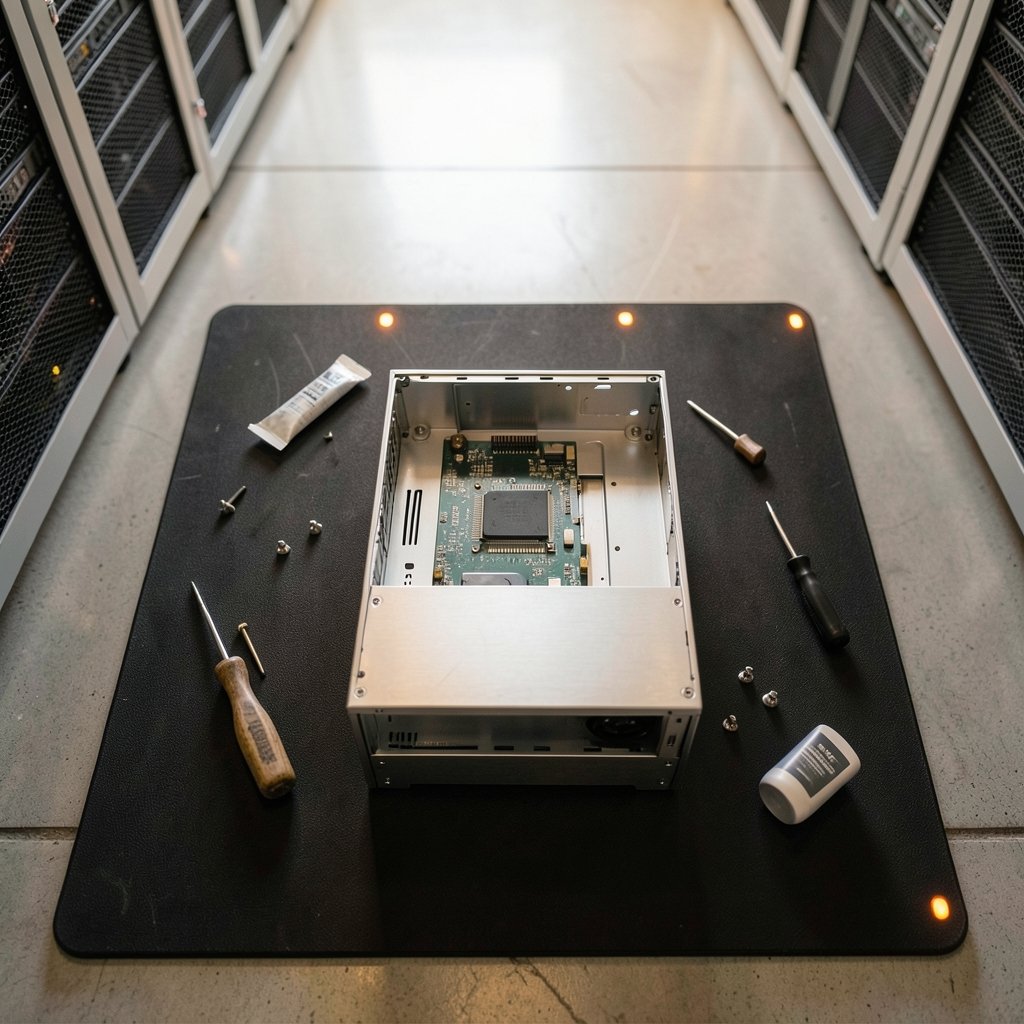
What if you could buy a small computer that arrives half-finished on purpose? That is the strange promise of a barebones PC launch. The box shows up with a motherboard, a processor, and a case, but no memory and no storage. You finish the job. For people who like to choose their own parts, that is a feature, not a flaw. For everyone else, it is a trap that turns a cheap price tag into a bigger bill.
Barebones launches have quietly become one of the busiest corners of the small-form-factor market. Shuttle, ZOTAC, Minisforum, Aoostar, and GMK all keep pushing out new models, each with a different idea of what “barebones” should mean. Some ship with a CPU soldered in. Some ship with an empty socket. A few even include a discrete graphics card and nothing else. This guide sorts out what actually launches, what you get, and how to avoid paying twice.
What a Barebones PC Actually Is
A barebones PC is a partially assembled computer. The manufacturer supplies the chassis, the motherboard, the power supply, and usually the CPU cooling. You add the parts that are easy to swap: RAM, storage, and sometimes the processor itself.
The idea is old. Shuttle built its reputation on XPC barebones going back to the Socket 370 era, and the company is often described as the first mini-PC maker. Those early boxes let buyers drop in their own CPU and memory instead of paying a premium for a pre-configured system. The formula has not really changed. Only the size and the power have.
What confuses buyers is that the word gets used loosely. Three different products all call themselves barebones:
| Type | What ships in the box | What you add | Typical buyer |
|---|---|---|---|
| Classic barebone | Case, board, PSU, cooler | CPU, RAM, storage, OS | Builder who wants control |
| Pre-soldered barebone | Case, board, PSU, soldered CPU | RAM, storage, OS | Buyer who wants a cheap base |
| GPU barebone | Case, board, PSU, CPU, GPU | RAM, storage, OS | Small gaming rig fan |
If you do not check which type you are buying, you can end up with a box that needs a processor you do not own. That is the single most common mistake in this market.
The Launches That Defined the Category
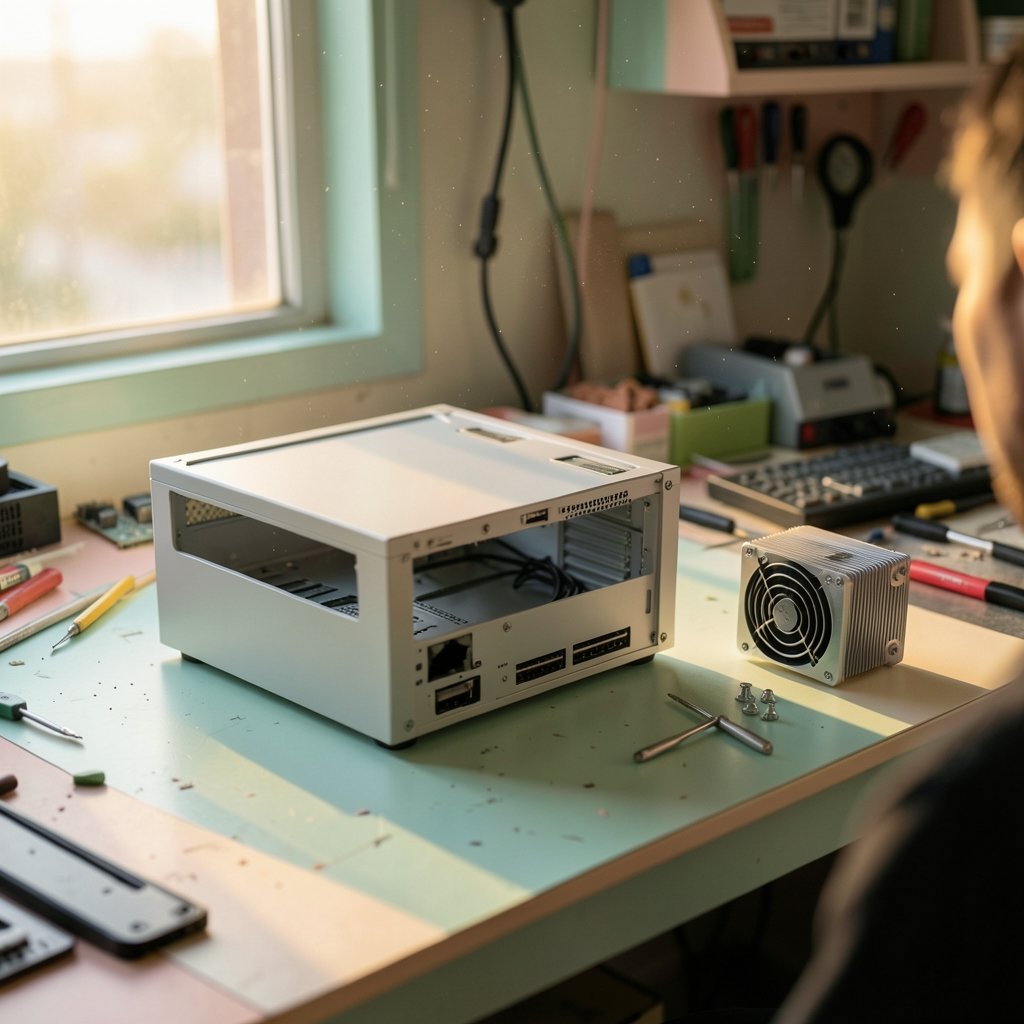
Recent barebones launches show how wide the spread has become. At one end sit tiny fanless boxes. At the other sit near-workstation cubes with desktop graphics.
Shuttle’s Fanless and Compact Line
Shuttle showed a broad mini-PC barebones lineup at Computex, ranging from fanless Intel Twin Lake designs to compact Arrow Lake workstations. The XB860G2 is a compact desktop barebone launched in April and built around Intel Core Ultra 200S “Arrow Lake-S” processors up to 65 W TDP. It supports up to 128 GB of DDR5-5600 memory and includes three M.2 slots, one PCIe 5.0 x4 and two PCIe 4.0. For expansion it has a PCIe 5.0 x16 slot and a PCIe 4.0 x1 slot. Video output covers HDMI 2.1, HDMI 2.0, and DisplayPort 1.4a, with support for up to three independent displays.
Shuttle also showed the DL40N, a fanless successor to the older DL30N. It runs on Intel Core 3 N350, N250, or N150 processors and supports up to 16 GB of DDR5 memory. A 2.5-inch drive, M.2 NVMe storage, and dual 2.5 GbE networking round out the spec sheet. The pattern is clear: small, quiet, and built for people who want to pick their own memory.
Shuttle’s bigger XPC SB860R8 takes a different path. It is a compact barebone with a 13.6-liter chassis measuring 332 by 215 by 190 mm, supports Intel Arrow Lake chips, and can hold up to 192 GB of DDR5 along with a discrete graphics card and four hard drives. That is a small server or a quiet editing box, not a desk toy.
ZOTAC’s Graphics-Heavy ZBOX Magnus
ZOTAC went the other direction. It launched an 8.48-liter ZBOX Magnus with an RTX 5070 Ti and an Intel Core Ultra 7 265, priced at $3,000. That is not a budget barebone. It is a small gaming PC that happens to arrive without memory or storage, and the price reflects the graphics card more than anything else.
The earlier ZBOX Magnus packed an RTX 5060 Ti 16 GB into a 2.65-liter chassis using a mobile platform. The newer EU27507TC variant uses a desktop platform instead. Buyers who want console-sized gaming without building from scratch get a shortcut, but they still pay separately for RAM and an SSD.
Minisforum and the Budget Multi-Core Play
Minisforum’s M1-1390 launched at $399 barebones with a 24-core, 32-thread Intel chip. The pitch was simple: raw multi-threaded CPU power without discrete graphics, at a moment when newer Intel Core Ultra and AMD Ryzen AI platforms command $600 to $900 for similar or modestly better productivity throughput. Software developers, database engineers, analysts, and digital audio workstation users were the target.
The port layout is worth noting. Every port sits on the rear panel, which keeps the front clean. The rear provides one 2.5 Gbps RJ45 Ethernet port and USB-C connectivity among others. If you need lots of cores and do not care about on-device AI acceleration, this kind of launch is where the value sits.
Aoostar and GMK: Cheap Entry Points
Aoostar released a more affordable version of its Maco 470 mini-PC, powered by AMD’s Ryzen AI 9 HX 470 APU. The barebones SKU lets buyers choose their own RAM and storage, with a price range from CNY 5,299 (about $769) to CNY 7,999 (about $1,159). That spread tells you something important: the same barebone costs very different amounts depending on what you put inside it.
GMK took the low road with a barebone version of its G10 mini PC, powered by a Ryzen 5 3500U, at $110. The unit measures 103 by 98 by 42 mm and uses a single turbo fan with a 35 W performance release. At that price, the barebone is almost a disposable appliance. Add RAM and an SSD and you have a classroom or front-desk machine for very little money.
Why Manufacturers Keep Launching Barebones
The economics are straightforward. A barebone lets a small manufacturer ship a product without guessing which memory capacity or storage size buyers want. Memory and SSD prices swing, and holding inventory of pre-configured units is risky. Selling a shell shifts that risk to the buyer, who can shop for deals.
There is also a regulatory angle in some markets. A barebone without a pre-installed operating system avoids some licensing and support costs. Buyers who already own a Windows or Linux license are not paying twice.
For the buyer, the appeal is control. You know exactly which SSD is inside, which matters for warranty and data recovery. You can start with 16 GB of RAM and add more later. You can pick a low-power processor for a quiet office box or a high-core chip for a home lab.
The catch is that the advertised price is never the real price. A $399 barebone with no RAM, no SSD, and no OS is not a $399 computer. It is a $399 starting point.
What You Actually Need to Add
Here is the practical checklist that separates a smooth build from a frustrating afternoon.
- Confirm whether the CPU is included. Some barebones ship with a soldered processor. Others have an empty socket and need a compatible chip, and a BIOS update may be required for newer generations.
- Match the memory type exactly. DDR5-5600 is not interchangeable with DDR4, and SO-DIMM laptop memory is not the same as full-size DIMMs. Check the slot count and the maximum capacity.
- Pick storage that fits the slots. An M.2 NVMe drive is standard on most modern barebones, but some also take a 2.5-inch SATA drive.
- Budget for an operating system. Many barebones ship with no OS at all.
- Check the cooling and power limits. A 65 W TDP ceiling means a high-wattage chip will throttle or refuse to boot.
A common mistake is buying memory before reading the spec sheet. Another is assuming a barebone includes a Windows license. It usually does not.
If you are weighing a barebone against a pre-built desktop, the same logic that applies to appliances applies here: choose the one that actually earns its place on your desk rather than the one with the lowest sticker price. The same principle shows up in electric appliances that actually earn their keep, where the cheapest unit often costs more over time. (Ai website builders 2027 actually launches one afternoon)
Barebones Versus Pre-Built: A Fair Comparison
| Factor | Barebones PC | Pre-built mini PC |
|---|---|---|
| Upfront price | Lower | Higher |
| Total cost after RAM and SSD | Often similar | Fixed and known |
| Component choice | Full control | None |
| Warranty | Split between vendor and parts | Single vendor |
| Setup time | An hour or more | Minutes |
| Upgrade path | Usually easier | Often limited |
The total-cost column is where most buyers get surprised. A cheap barebone plus quality RAM and a fast SSD can land within $50 of a pre-built with the same specs. The barebone wins when you already have spare parts or when you care about a specific SSD model.
Who Should Buy One and Who Should Not
Barebones make sense for a few clear profiles. Home lab users who want a quiet, low-power box with dual 2.5 GbE networking. Developers who need many CPU cores and already own memory. Small offices that buy RAM in bulk. Tinkerers who enjoy the build.
They make less sense for anyone who wants a single warranty, a pre-installed OS, and a machine that works out of the box. If you are buying for a relative who will call you when it does not turn on, buy the pre-built.
There is a middle path worth knowing. Some launches, like the GMK G10, are cheap enough that the barebone is a hobby purchase rather than a primary computer. Others, like the ZOTAC Magnus, are premium enough that the missing RAM feels like an odd omission at the price.
How to Read a Launch Announcement Without Getting Fooled
Launch posts are written to sound exciting. A few habits keep you grounded.
Check the spec table for the word “barebone”; the headline alone can miss it. Check whether the processor is listed as “included” or “supported.” Supported means you supply it. Look at the memory line: “up to 128 GB DDR5” tells you the ceiling, not what is in the box.
Watch the price context. A figure described as a starting price for a barebones configuration is not the price of a working system. The Aoostar range, from roughly $769 to $1,159 for the same barebone, shows how much the final number depends on configuration.
Finally, check the ports and the display support. Three independent displays on a tiny box is a genuine productivity feature. A single HDMI port on a machine marketed for offices is a limitation worth knowing before you order.
The same care you would apply to any tech purchase applies here. It is a bit like checking whether collectible coins are actually worth anything before you pay a premium, a habit covered in this look at state quarters worth money and which ones actually hold value. Verify the spec, not the story.
Conclusion
Barebones PC launches are not a niche curiosity anymore. They are a steady stream of small, quiet, configurable machines from Shuttle, ZOTAC, Minisforum, Aoostar, GMK, and others. The category rewards buyers who read carefully. Know whether the CPU is included, match your memory to the board, budget for storage and an OS, and compare the total cost against a pre-built before you commit.
The best barebone is the one whose missing parts you were going to choose anyway. If that describes you, a barebone launch is one of the best ways to get exactly the small computer you want. If it does not, the pre-built on the next shelf is probably the smarter buy.
Frequently Asked Questions
What does barebones mean for a PC?
It means the computer ships partially assembled. You usually get the case, motherboard, power supply, and cooling, and you add the memory, storage, and sometimes the processor yourself. The exact contents vary by model, so the spec sheet matters more than the label.
Do barebones PCs come with a CPU?
Sometimes. Some models ship with a soldered processor, while others have an empty socket and list which chips are supported. A BIOS update may be needed for newer processor generations. Always confirm before ordering.
Is a barebones PC cheaper than a pre-built?
Not always. The barebone price is lower, but once you add RAM, an SSD, and an operating system, the total can land close to a pre-built with similar specs. It is cheaper mainly when you already own compatible parts or find good deals on memory and storage.
Do I need to install Windows on a barebones PC?
Usually yes. Most barebones ship without an operating system, so you supply your own license and installation. Some buyers use Linux instead, which avoids the license cost entirely.
Can I upgrade a barebones PC later?
Often yes, and that is part of the appeal. Many barebones have accessible memory slots and multiple M.2 storage slots, plus room for a discrete graphics card in larger models. Check the maximum memory and slot count before you buy.
Are barebones good for gaming?
They can be. Graphics-heavy models like the ZOTAC ZBOX Magnus pair a desktop-class GPU with a compact chassis, but they cost significantly more and still need memory and storage. For budget gaming, a pre-built or a full self-build usually offers better value.



