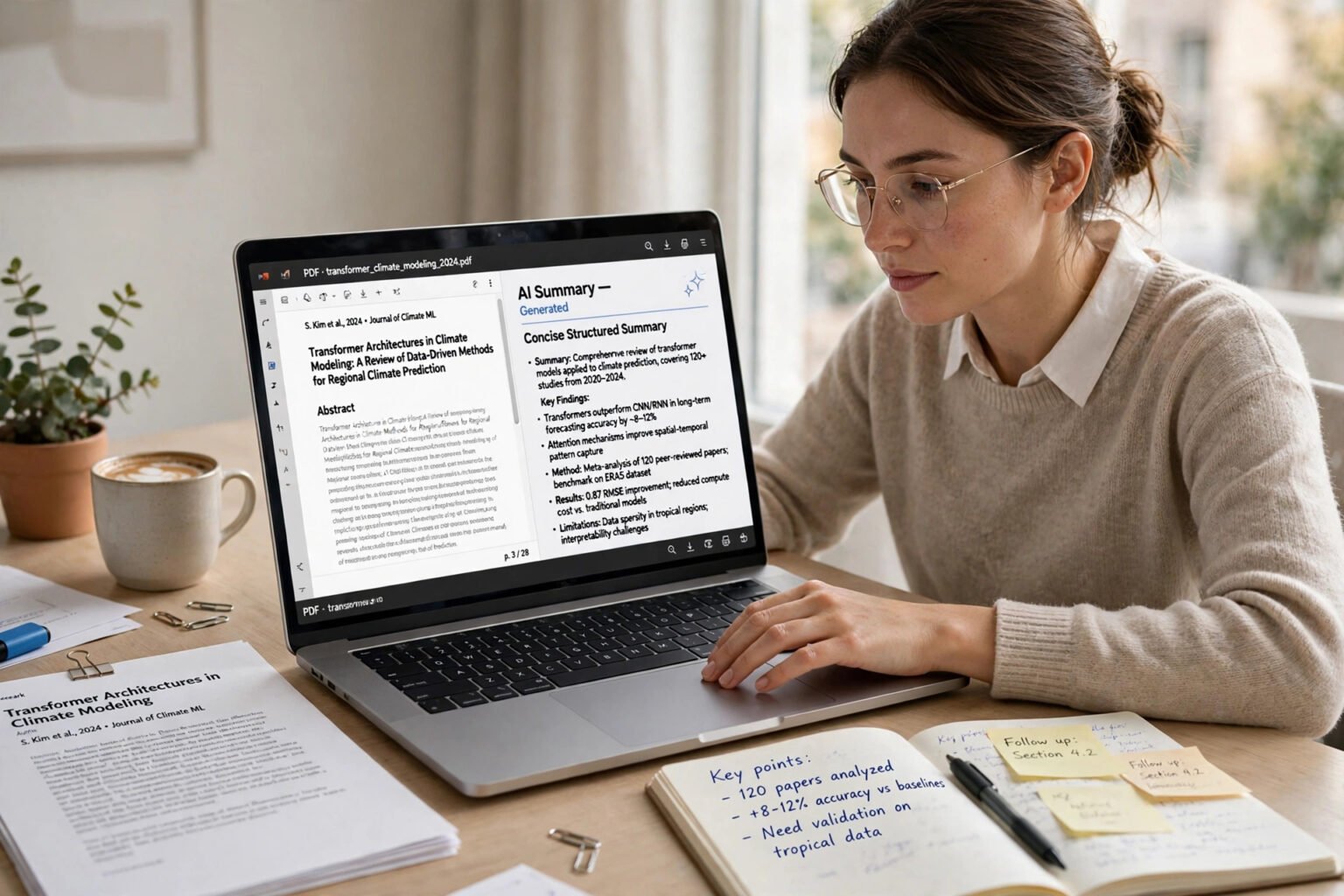
Learning how students can use AI to study without cheating starts with a simple distinction: AI is a study partner, not a substitute for your thinking. The question is not whether you touch an AI tool, but whether the work you submit still shows your understanding, your judgement and your words.
The short answer is yes — you can use AI to explain a concept, quiz yourself and summarise your own notes, provided your course allows it, you disclose it when asked, and you write assessed work yourself.
Key takeaways
- Check the rule first. What is allowed changes by course and assignment. Your syllabus comes before any general advice.
- Use AI to learn, not to produce. Explaining, quizzing and summarising are usually safe. Submitting AI-written paragraphs as your own is not.
- Disclose when asked. Name the tool, say what it did, and keep a note of your prompts.
- Verify everything. AI can invent references and get facts wrong — see what AI hallucination is. Check claims against original sources.
- Keep your drafts. Notes and earlier versions are the clearest proof the thinking was yours.
What counts as cheating with AI?
AI use becomes cheating when it misrepresents who did the assessed work. If an AI tool writes the essay or produces the analysis you submit, and you present that output as your own, most academic integrity rules treat that as misconduct — even if the text is technically original.
The traffic-light test
Many universities use a three-way model. It is not universal, but it helps you read your own course rules.
Red means no AI at all. No brainstorming, outlining, drafting or editing with a generative tool. This is common for examinations and assignments designed to measure unaided reasoning.
Amber means limited use. AI may be allowed for brainstorming, defining terms, summarising readings for your own understanding, or light grammar checks — with disclosure. Drafting full paragraphs or creating citations is usually still off limits.
Green means AI is part of the task. You may be asked to use AI, critique its output or compare it with your own. Even here, show your reasoning and disclose the tool as instructed.
How to use AI as a study partner
The strongest study uses of AI make you think harder, not less. They turn passive rereading into active recall.
Ask AI to teach, not to tell
Ask for an explanation you must then use: “Explain this concept in three ways, then quiz me one question at a time.” See AI tools for teachers. Best for: ChatGPT Study Mode — best for guided explanations and step-by-step quizzing from your own notes.
Summarise your own notes, then check the summary
Write your own rough summary first. Then ask AI for its summary of the same material. Compare the two and note what you missed, what AI added, and what AI got wrong. That comparison is the learning. Best for: Gemini Notebook — best for studying only from your own sources, with citations that point back to the passage used. Gemini Notebook, formerly NotebookLM, was renamed in July 2026. Google states its answers use only the sources you add, and the free version allows up to 50 sources per notebook.
Turn notes into flashcards and quizzes
Ask AI to turn a chapter into questions, not just cards: “Make 10 questions from these notes. Do not show answers until I attempt each one.” Shuffle the cards, space them over days, and retire only the ones you can answer without hesitation. Best for: Anki with AI-generated question lists — best for spaced repetition over weeks, not last-minute cramming.
Use AI to find gaps, not to fill them
Ask AI to test you and list where your answers were weak, then return to the textbook for those areas alone.
Safe, risky and banned: a clear comparison
Use this table as a starting point, not as a replacement for your course rules. When a row conflicts with your syllabus, your syllabus wins.
| Study task | Usually safe | Risky | Usually banned |
|---|---|---|---|
| Understanding a concept | Asking for an explanation in plain language | Asking AI to rewrite a definition for your essay | Submitting the AI explanation as your answer |
| Revision notes | Summarising your own notes for study | Summarising readings you have not read, then citing them | Submitting an AI summary as coursework |
| Practice questions | Generating quizzes from your notes | Using AI to answer a take-home test | Using AI during a closed-book exam |
| Writing | Grammar checks on your own draft, if allowed | Heavy rewriting that changes your argument | Submitting AI-written paragraphs as your own |
| Research | Asking for background and search terms | Treating AI summaries as sources | Citing AI-invented references |
| Coding | Explaining an error message | Pasting AI code without understanding it | Submitting AI-written code where original code is assessed |
How to cite and disclose AI use
If your course allows AI, it will often still require you to say how you used it. Disclosure is not an admission of guilt. It is the same honesty as citing a book.
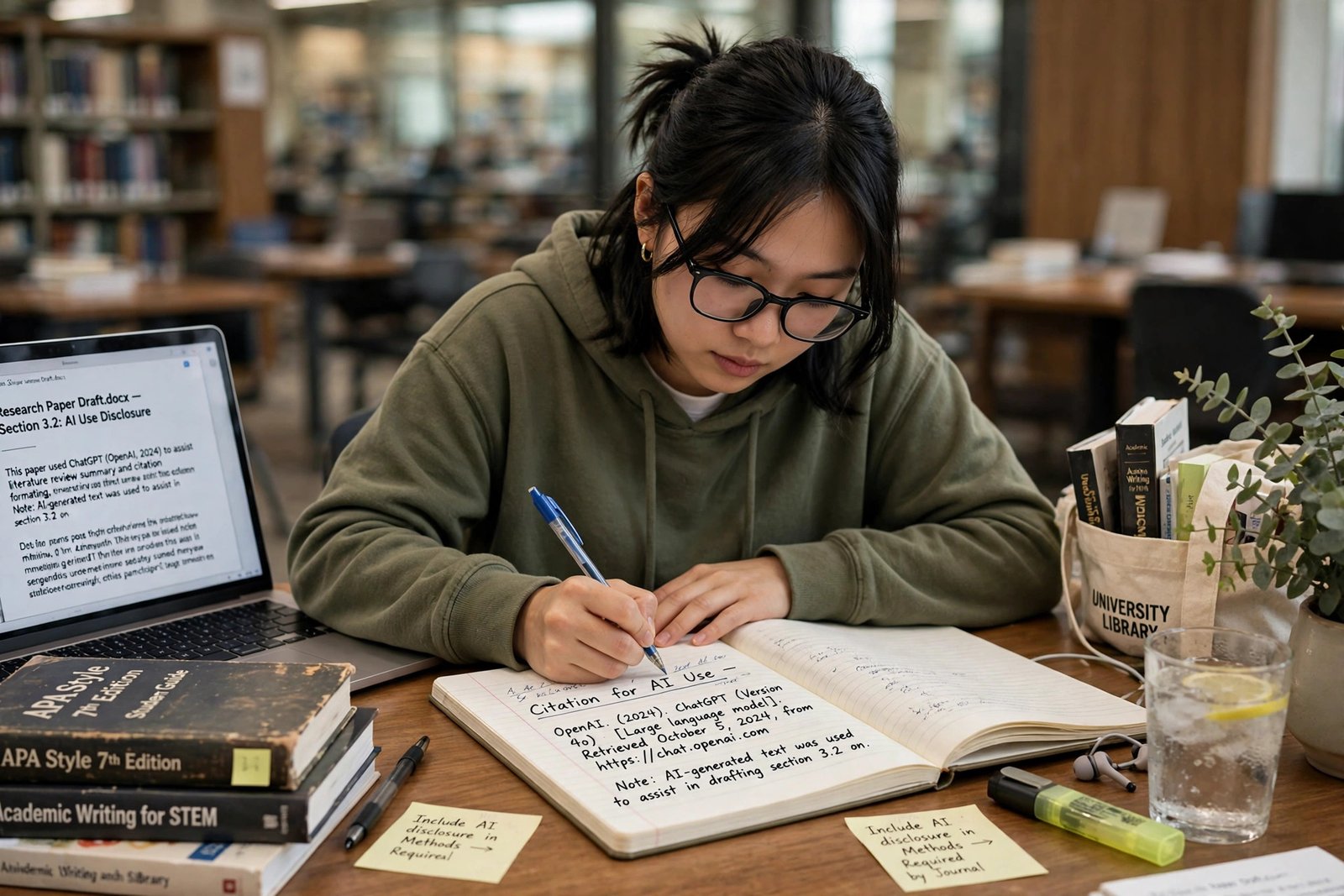
APA: APA updated its guidance in September 2025. It distinguishes between citing a specific AI conversation, using a shareable link where available, and citing an AI tool generally. The company that built the tool is treated as the author, for example OpenAI for ChatGPT. An in-text citation would read (OpenAI, 2026).
MLA: MLA published updated guidance in August 2025. It recommends citing generative AI when you quote, paraphrase or otherwise incorporate AI-generated content. The prompt is used as the title, and the entry names the tool, model, company, date and shareable link where available.
Chicago: Chicago recommends acknowledging AI-generated content in the text or in a footnote or endnote, rather than treating it as a conventional published source.
In every style, one rule holds: if AI points you to a journal article, book or report, find the original source, read it, and cite that source — not the AI summary. AI can summarise sources incorrectly and can invent references. Keep a log of prompts and dates, and disclose use in a short note when asked.
What about AI detection?
AI detectors, including Turnitin’s AI writing detection, are not proof of cheating on their own — see how teachers can detect AI-written homework fairly. Turnitin states its AI score should not be used as the sole basis for adverse action against a student, and scores below 20% are shown as an asterisk rather than a number. Turnitin says it aims to keep its false positive rate — incorrectly identifying fully human-written text as AI-generated — under 1% for documents with more than 20% AI writing. That is a narrow claim. Independent tests have found detection falls sharply when AI text is edited, paraphrased or mixed with human writing. If you are wrongly flagged, your drafts, notes and prompt log are your best evidence.
A workflow that keeps you honest
- Read the rule. Check the syllabus and assignment brief. Ask if anything is unclear.
- Learn first. Read the material and write your own notes before you open an AI tool.
- Use AI to test, not to write. Ask for explanations, quizzes and feedback on your reasoning. Keep AI output separate from your draft.
- Write in your own words. Draft assessed work yourself. Use AI only for checks your course allows.
- Verify and disclose. Check every fact and reference against an original source. Ask: could I explain every claim without the AI output in front of me?
Before you submit: a checklist
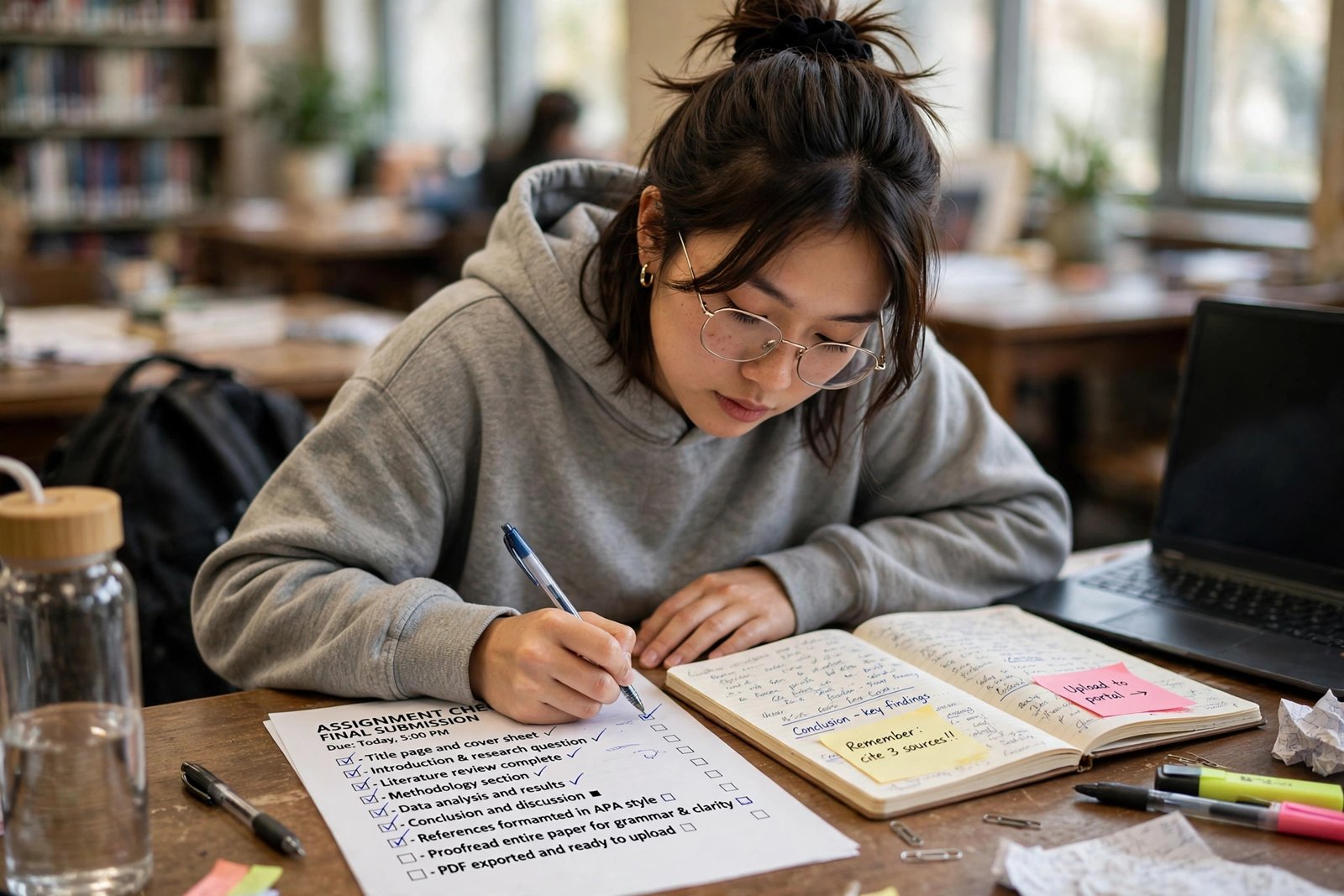
- I have read the AI rule for this specific assignment.
- The final draft is in my own words, and I can explain its main arguments.
- Every fact and reference has been checked against an original source.
- I have not submitted AI-written paragraphs, answers or code as my own.
- I have disclosed AI use as my course asks for.
- I have kept my notes, outlines, prompts and earlier drafts.
Frequently asked questions
Is using ChatGPT to study cheating?
Not necessarily. Using ChatGPT to explain a concept, quiz you or summarise your notes is study, provided your course allows it. Submitting ChatGPT-written work as your own, without permission or disclosure, is cheating in most courses.
Can my university tell if I used AI?
It may detect some AI-written text, but detectors are imperfect. Follow your course rules and keep drafts as evidence.
How do I cite ChatGPT in APA?
APA updated its guidance in September 2025. Cite the specific conversation where a shareable link is available, with the company as author, for example OpenAI (2026). Follow your institution’s current style guide.
Is Grammarly cheating?
Usually not, for spelling and grammar in your own draft, if your course allows it. It becomes a problem if used to rewrite your argument.
Can I use AI for maths and coding homework?
You can use AI to explain a method or debug an error, in most courses. You should not submit AI-generated solutions or code as your own where original work is assessed.
What should I do if I am accused of using AI unfairly?
Stay calm, ask what evidence it is based on, and share your drafts, notes and prompt log.
The honest way forward
AI will not disappear from study, and it should not. Used well, it can make a difficult subject clearer and a weak spot easier to find. Used badly, it can make a student look competent on paper while leaving them unprepared for the exam or job that follows. The students who gain most use AI deliberately: to test themselves and build understanding they can defend without a chatbot beside them. Start with your next assignment, and keep your evidence. That is how students can use AI to study without cheating.