The best phones for seniors easy to use are not the newest or most powerful phones on the shelf. They are the phones with large, clear text, a simple home screen, loud and clear calls, and a battery that lasts through the day without constant charging.
That answer shapes every choice in this guide. A good senior-friendly phone removes friction: fewer menus, buttons that are easy to find, and settings that stay put once set up.
Key takeaways
- Choose simplicity first. A clear home screen, large text and loud calls matter more than camera power.
- Look for a simple mode, hearing-aid compatibility, and an emergency contact you can reach quickly.
- Long battery life beats a phone that needs charging by mid-afternoon.
- Set the phone up first. Add contacts, enlarge the text, and remove unneeded apps.
- Buy from a seller with a clear returns policy, so you can change the phone if it does not suit.
What makes a phone easy to use for seniors?
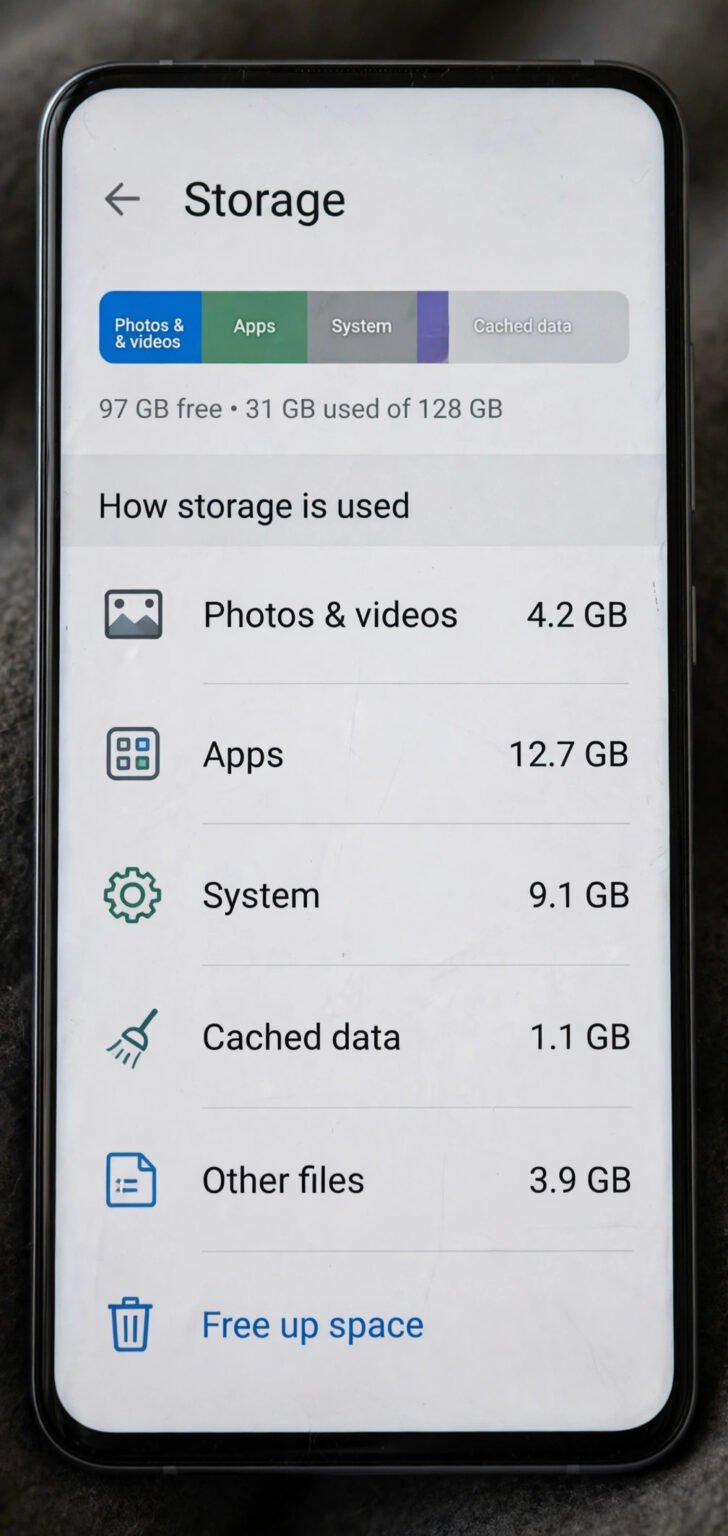
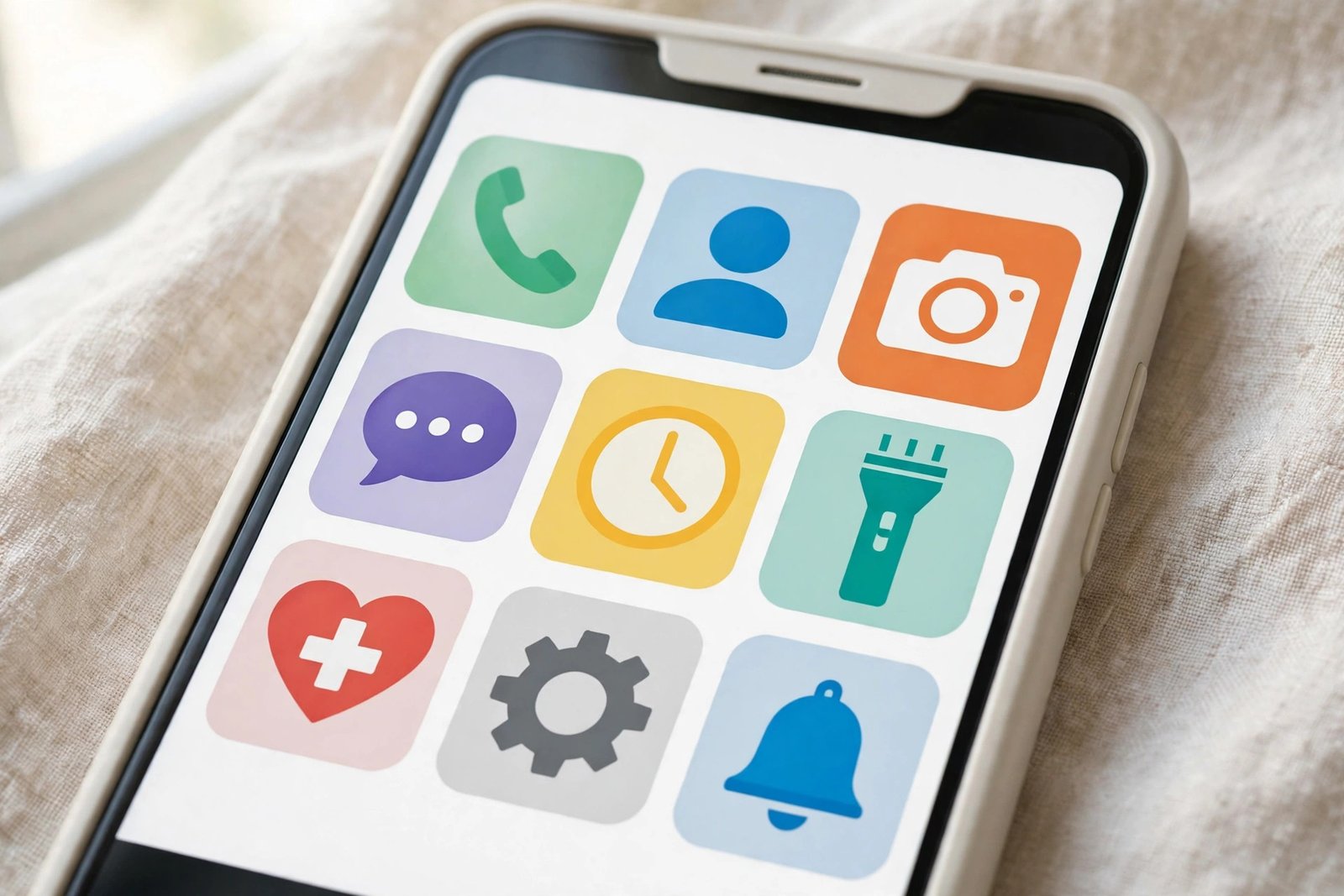
Ease of use starts with the screen. Text should be large enough to read without glasses in normal light, icons should be easy to tell apart, and the home screen should show only the apps that are actually used. Many modern phones offer a simple mode that enlarges icons, reduces menus, and puts calls and messages front and centre.
Sound matters just as much. A phone should be loud enough for a normal conversation in a kitchen or a car, and clear enough that voices do not sound muffled. Hearing-aid compatibility is worth checking if the person using the phone wears a hearing aid, as it can reduce buzzing and interference during calls.
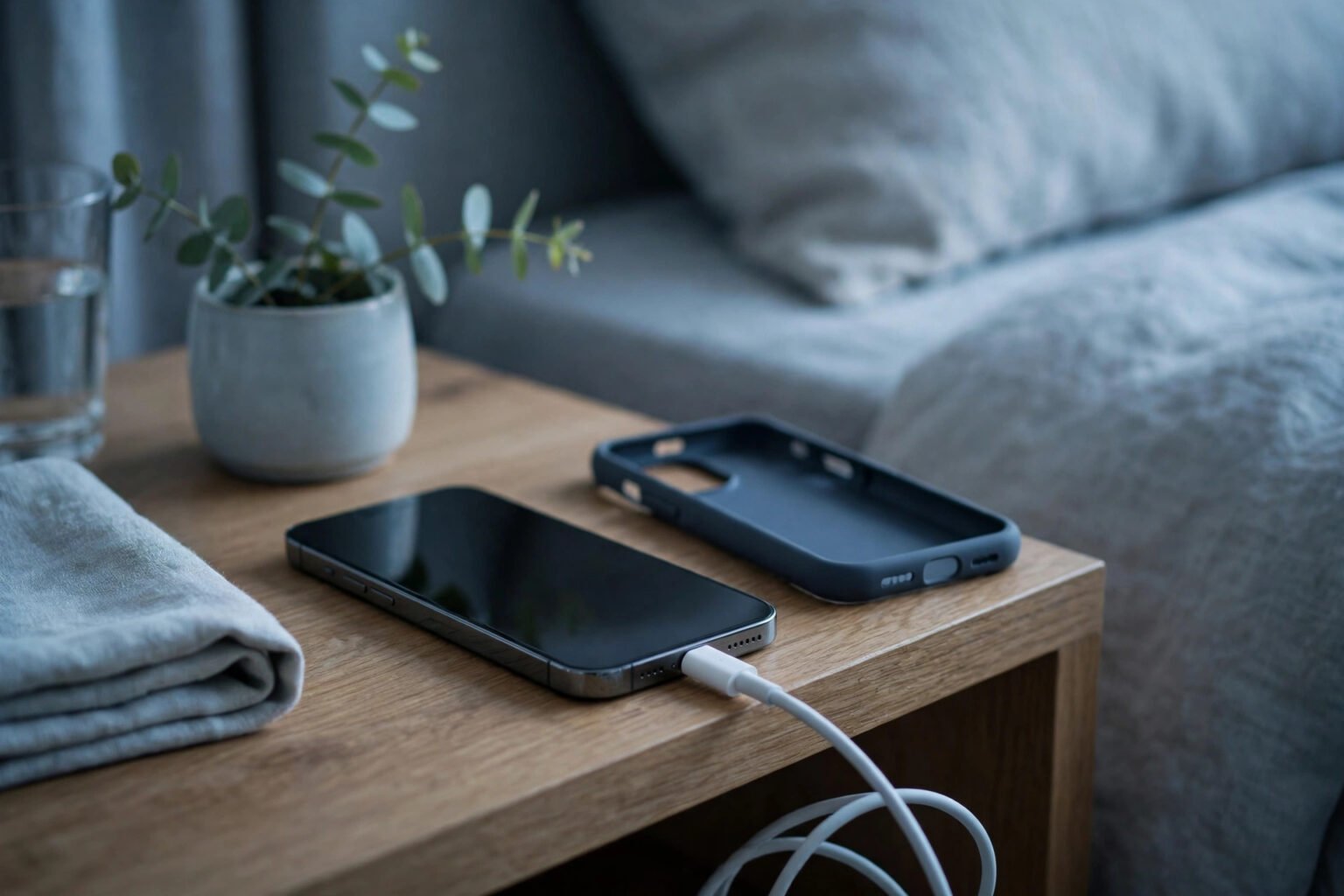
Physical design is the third piece. A phone that is comfortable to hold, with a case that adds grip, is easier to use than a slim, slippery handset. Physical buttons can help too, especially for answering calls. A phone that lasts a full day removes one daily worry, and a charging cable kept in one fixed place by the bed is often easiest.
The best phones for seniors: our picks
These picks cover the main choices: a simple smartphone, a phone with physical buttons, and a familiar mainstream smartphone set up in simple mode. No single phone suits everyone, so match the pick to the person, not to the specification sheet.
1. Best overall simple smartphone
This is the safest starting point for most people who want a modern smartphone without a steep learning curve. It has a large, bright screen, a simple home screen with large icons, and a camera that opens with one tap. Calls are loud and clear, and video calls work well on home Wi-Fi.
Best for: most seniors who want a full smartphone, but with the clutter switched off.
2. Best phone with large physical buttons
Some people prefer real buttons. Large, well-spaced keys make dialling feel familiar and reduce wrong taps. The screen is still large enough to read messages, and this type of phone usually has a simple menu, a loud speaker and a long-lasting battery.
Best for: anyone who finds touchscreens fiddly, or who wants a phone that feels like the phones they have used before.
3. Best familiar smartphone in simple mode
If the person already uses a mainstream smartphone, or family members use the same brand, keeping that familiarity can be the kindest choice. It can be set to a simple layout, with larger text and fewer apps. The advantage is support: family already know how it works.
Best for: seniors who already know a mainstream phone, or whose family can offer regular help with the same system.
4. Best phone for clear calls and hearing-aid use
Call quality is the priority here, for someone who wears a hearing aid or often asks callers to repeat themselves. It offers clear, loud audio and hearing-aid compatibility that helps reduce interference. The rest stays simple: large contacts with photos, clear call history and an easy speakerphone.
Best for: anyone whose main need is reliable, comfortable phone calls.
5. Best phone with an emergency help button
This pick is for someone who lives alone, or who wants extra reassurance. It has a clearly marked help or SOS button that can call or message a chosen contact when pressed. The phone itself is straightforward, with large text and simple menus. Set it up carefully, with the right contacts and a test call.
Best for: seniors who live alone, or families who want a simple safety net built into the phone.
6. Best phone for photos and video calls with family
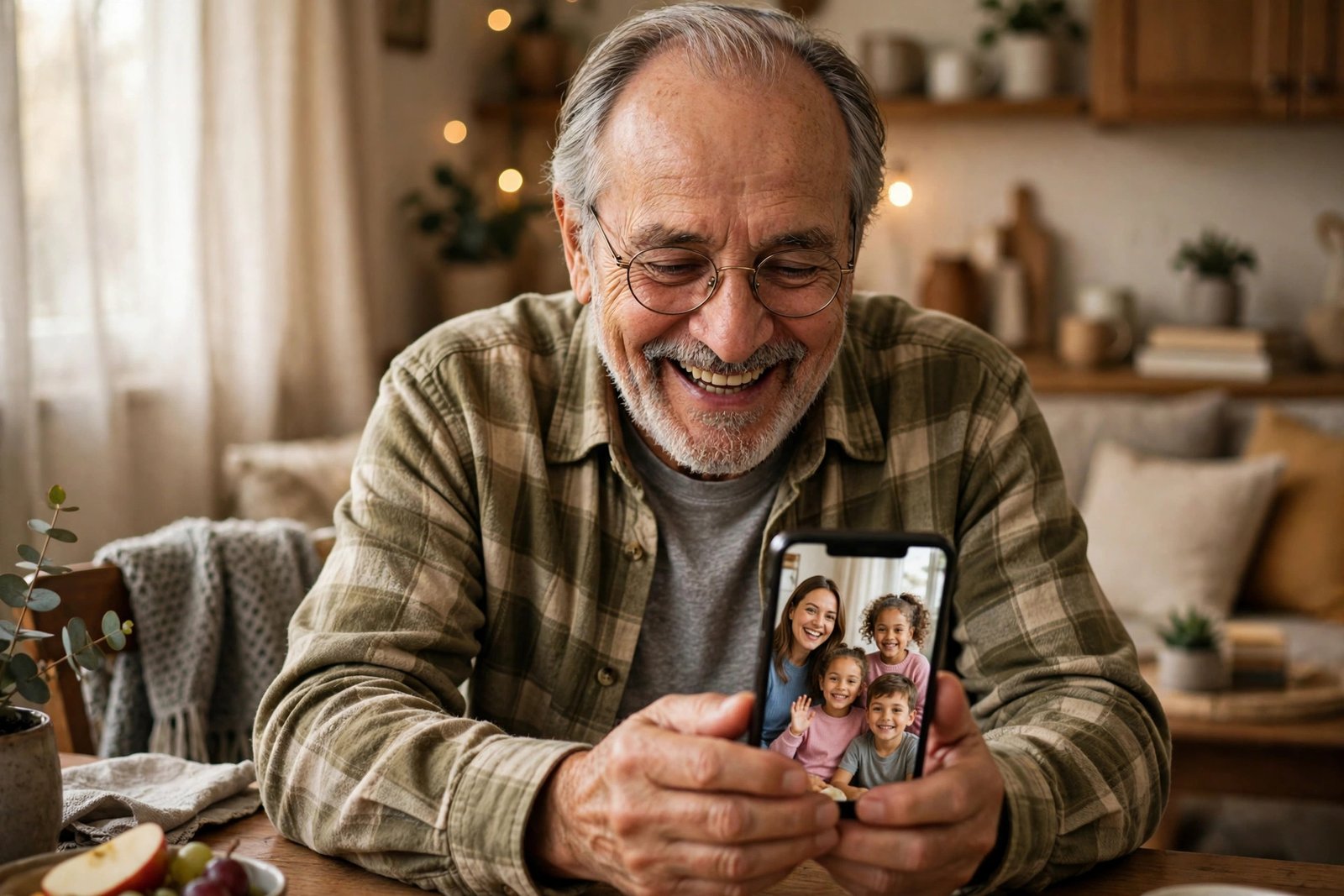
Some seniors use a phone mainly to stay close to grandchildren and friends. This pick has a good front camera for video calls, a bright screen that is easy to see in daylight, and a camera app that opens quickly. Photos are easy to find and share from a simple album on the home screen.
Best for: grandparents who want clear video calls and simple photo sharing.
How the picks compare
Use this table to narrow the list to two or three options, then try those in person if you can. A phone that looks good on paper can still feel wrong in the hand.
| Pick | Main strength | Screen and controls | Best suited to |
|---|---|---|---|
| Best overall simple smartphone | Simple layout, good all-round use | Large touchscreen, simple mode | Most first-time senior smartphone users |
| Phone with large physical buttons | Familiar keys, fewer accidental taps | Large keys and a clear display | People who prefer buttons to touchscreens |
| Familiar smartphone in simple mode | Family support, familiar system | Large touchscreen, larger text | People who already use that brand |
| Phone for clear calls and hearing-aid use | Loud, clear audio | Large contacts, easy speakerphone | People who rely on voice calls |
| Phone with an emergency help button | One-press help contact | Simple menus, marked help button | People who live alone |
| Phone for photos and video calls | Clear video calls, easy camera | Bright screen, simple camera app | Grandparents and frequent video callers |
Caption: A quick comparison of the six senior-friendly picks in this guide, by main strength and who each one suits best.
A practical checklist before you buy
Work through this list with the person who will use the phone. It takes ten minutes.
- Try the text size first. Turn the text and icon size up in the shop, and check that messages, contacts and settings are still easy to read.
- Make a test call. Call a family member, check the volume, and try the speakerphone. Ask whether voices sound clear or muffled.
- Check hearing-aid compatibility. If a hearing aid is used, ask the seller to confirm compatibility and test a call with the aid in place.
- Simplify the home screen. Keep calls, messages, photos and one or two other apps. Move everything else into a folder or remove it.
- Add contacts with photos. A photo next to each name makes it much easier to find the right person quickly.
- Set up the emergency contact. Add at least one trusted contact, and test the help button or emergency feature before the phone is used daily.
- Agree on charging. Choose one charging spot, keep the cable there, and show where the battery indicator sits on the screen.
- Check the returns policy. Keep the receipt and the box for the first two weeks, in case the phone needs to be exchanged.
How to set up a senior-friendly phone
Set-up is where a good phone becomes a great one. Update the phone and turn on automatic updates if available. Next, enlarge the text and display size, and turn on a simple home screen if the phone offers one.
Add the most-used contacts, set a clear ringtone, and turn the volume up. Remove or hide unneeded apps, turn on spam call filtering if offered, and explain how to decline an unknown call. Finally, practise the basics together: calls, messages, photos and video calls. A short practice session on day one beats a thick manual. For more on keeping a phone running well day to day, see our guide to checking iPhone battery health and our round-up of the best phones for battery life.
Frequently asked questions
What is the easiest phone for a senior to use?
The easiest phone is usually a simple smartphone with a large screen, a simple mode and large text, or a phone with large physical buttons. It depends on whether the person prefers a touchscreen or real keys.
Should a senior get a smartphone or a basic phone?
A basic phone suits someone who only wants calls and texts. A smartphone suits someone who wants video calls, photos, maps or messaging apps. If video calls with family matter, a smartphone is usually the better choice, even if most of its features are never used.
Do senior phones work with hearing aids?
Many do, but compatibility varies by model. Check the phone’s accessibility settings, and test a call with the hearing aid in place before you buy.
How can I make a normal smartphone easier for an older parent?
Turn on larger text, enable a simple home screen if available, keep only the apps that are used, and add contacts with photos. A short practice session helps more than any single setting.
Is a phone with an SOS button worth it?
It can be, for someone who lives alone or who worries about feeling unwell at home. The button only helps if it is set up with the right contacts and tested, so treat the set-up as part of the purchase, not an afterthought.
Our verdict
The best phone for a senior is the one that gets used every day without frustration. That usually means a large, clear screen, loud calls, a simple home screen and a battery that does not need constant attention. It does not mean the newest model, and it does not mean the cheapest model either.
Start by asking how the phone will be used most: calls, messages, video calls or photos. Then choose the pick above that matches, and try it in person if you can. If you are still deciding, our guide to the best smartphones can help you compare the wider market. Set the phone up together and check in after the first week.