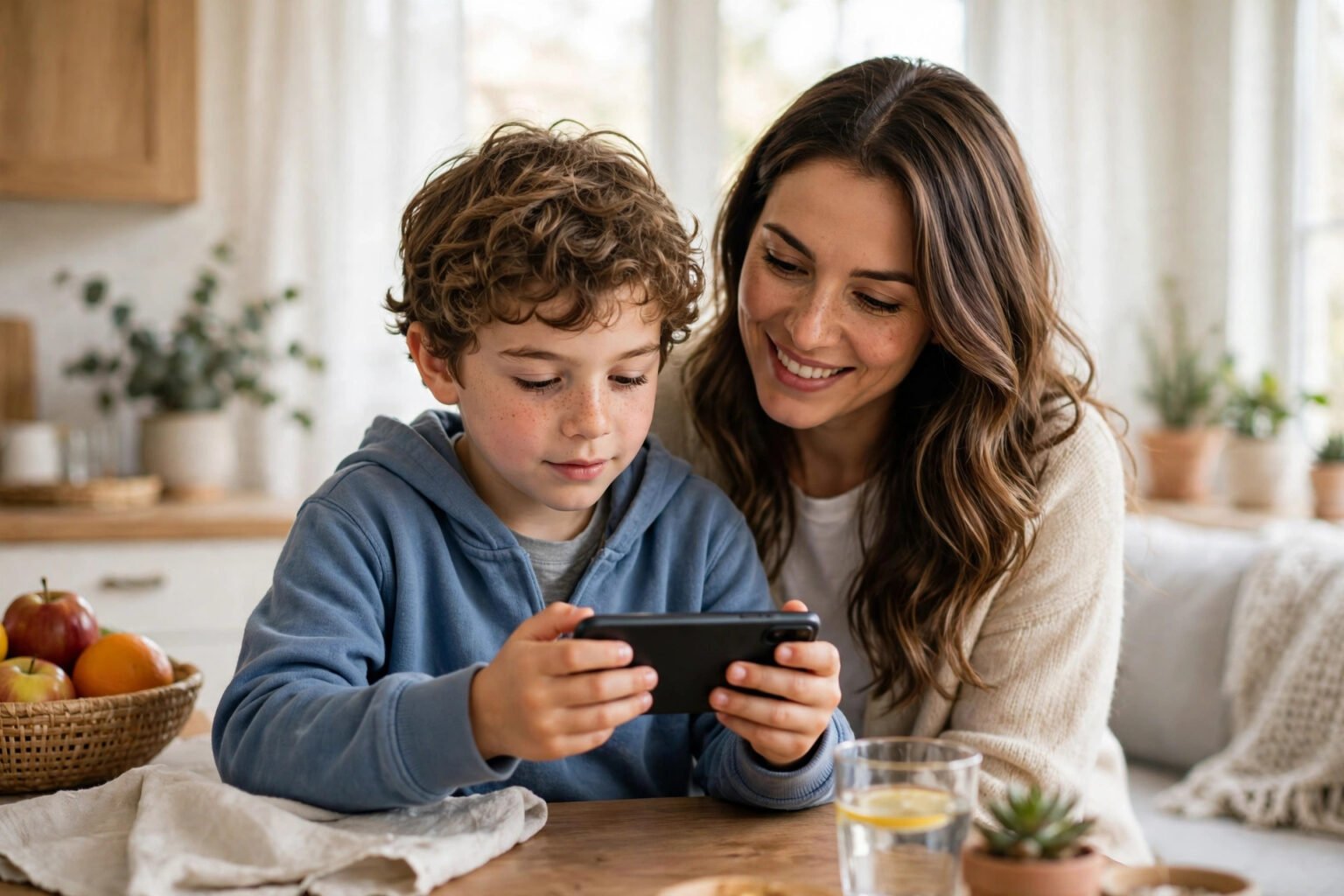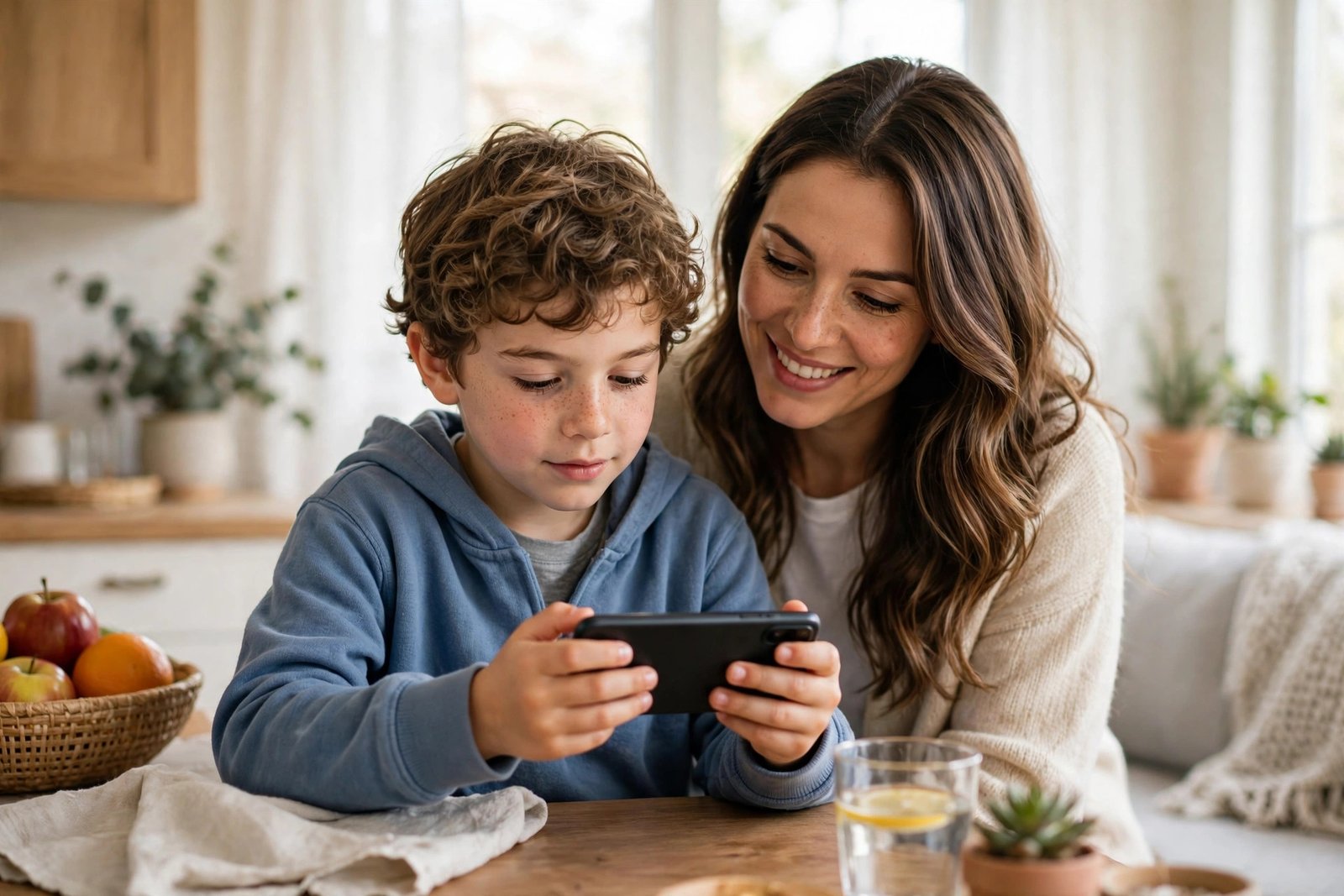
The best phones for kids first phone 2027 buyers want are safe, simple and hard to break. A good first phone lets a child call home, message a parent, and stay in touch on the way to and from school, without opening the door to unlimited apps, late-night scrolling, or surprise spending.
That is the central question for parents: how much phone is enough, and how much is too much? The answer is usually less than a flagship. A first phone should cover calls, messages, location sharing and a small number of approved apps, with parental controls set up first.
Key takeaways
- Start simple. Calls, messages and location sharing matter more than a powerful camera.
- Set up parental controls before you hand the phone over, not after a problem appears.
- Choose a durable phone or a strong case. A first phone will be dropped.
- Agree the rules together: when the phone is used, where it charges at night, and what happens if rules are broken.
- Keep the software updated, and review apps and settings together every few weeks.
What makes a good first phone for a child?
A good first phone is easy to understand and hard to misuse by accident. The home screen should be clear, the contacts list short, and calling a parent obvious.
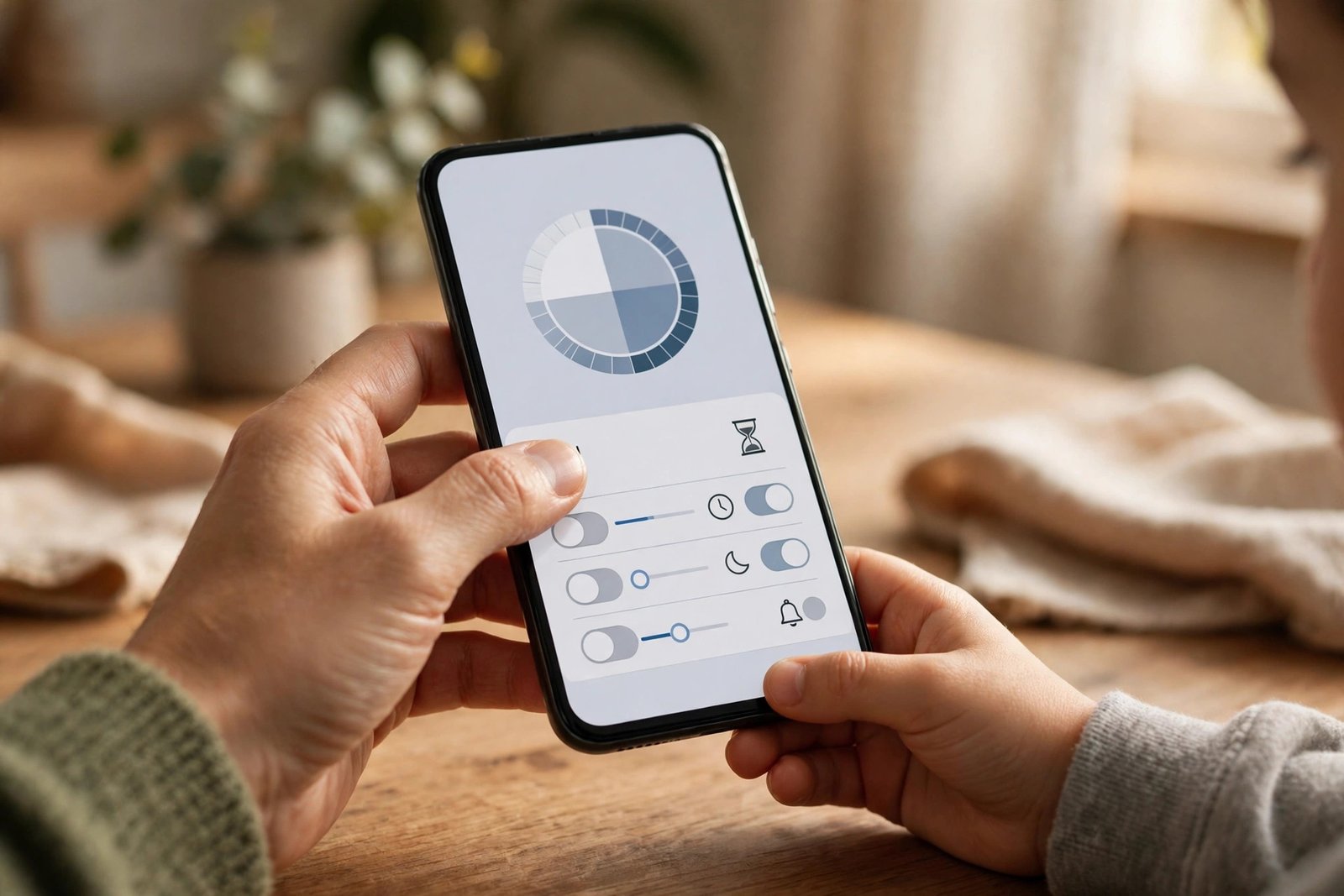
Parental controls are the key feature. On an iPhone, Apple Screen Time lets a parent set limits on app use, restrict content, and approve app downloads. On Android, Google Family Link offers similar controls, including screen-time limits and app approval. Both work best when set up on the parent’s device first.
Durability matters more for a first phone than for an adult phone. A strong case, a screen protector, and a battery that lasts the school day help. Storage and speed do not need to be top of the range: a first phone needs enough space for a few apps and school messages, and enough speed for calls, maps and messaging.
The best first phones for kids: our picks
These picks cover the main routes: a simple smartphone with strong parental controls, a basic phone for calls only, and a durable option for younger or more active children. Match the pick to your child’s age and daily routine.
1. Best overall first smartphone
This is the best starting point for most families: a mainstream smartphone, set up with parental controls from day one, with a clear home screen, a short contacts list, and only approved apps. Calls and messages work well, the camera suits school projects, and location sharing can be switched on.
Best for: most children getting a first phone for school, clubs and staying in touch.
2. Best first phone for younger children
A younger child does not need a full smartphone. This pick is a simpler phone with calls, messages and a few approved features, with controls that limit who can call and message the child. It is easy to hold, hard to break with a case, and simple enough to learn in a day.
Best for: younger children, or a first phone where calls and safety matter more than apps.
3. Best first phone with strong parental controls
Some parents want tighter control, and this pick is built around that. A parent can set daily screen-time limits, approve each new app, filter web content, and set a bedtime when the phone locks down to calls only. The phone itself is straightforward, with a good battery and a clear screen.
Best for: parents who want clear limits on apps, content and screen time from the start.
4. Best durable first phone
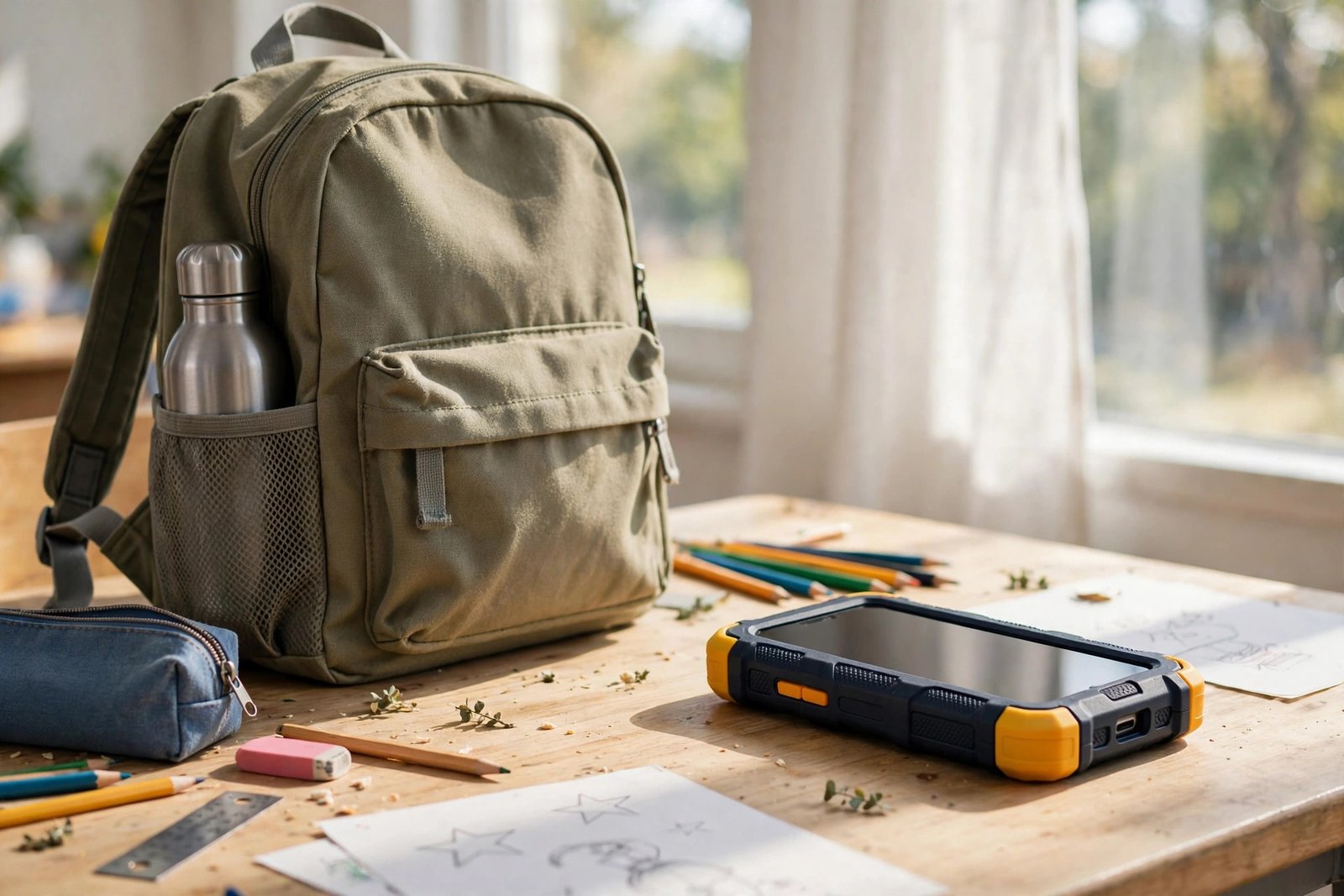
This pick is for children who are active, play sport, or tend to drop things: a sturdy phone, or a standard phone in a tough, grippy case with a screen protector, that can survive a fall in the playground. A battery that lasts the whole day and a screen that is easy to read outdoors both help.
Best for: active children, or any child who has already broken a tablet or a family phone.
5. Best basic phone for calls and texts only
Not every child needs a smartphone. A basic phone covers the essentials: calls, texts, and an alarm for school. It has no social media, no app store to browse, and far fewer distractions. It suits a child who only needs to contact home, or a family that wants to delay a smartphone for a year or two.
Best for: families who want a phone for safety and contact, without apps or social media.
6. Best first phone for photos and school projects
Some children use a phone for more than calls. This pick has a good camera for school projects, a screen large enough to read documents and watch short learning videos, and enough storage for photos and school apps. Parental controls still apply, with limits on entertainment apps.
Best for: older children who need a phone for schoolwork, photos and approved learning apps.
How the picks compare
Use this table to narrow the list, then talk through the top two options with your child. A phone they accept is more likely to be looked after.
| Pick | Main strength | Controls and apps | Best suited to |
|---|---|---|---|
| Best overall first smartphone | Balanced, easy to set up | Parental controls, approved apps only | Most first-time phone users |
| First phone for younger children | Simple, easy to learn | Tight contact limits, few apps | Younger children |
| First phone with strong parental controls | Clear limits and approvals | Screen-time limits, app approval | Parents who want tighter control |
| Durable first phone | Survives drops and daily use | Standard controls, tough case | Active children |
| Basic phone for calls and texts only | No apps, no distractions | Calls and texts only | Families delaying a smartphone |
| First phone for photos and school projects | Good camera, larger screen | Parental controls, school apps | Older children, school use |
Caption: A quick comparison of the six first-phone picks in this guide, by main strength, controls and who each one suits best.
A practical checklist before you buy
Work through this list before the phone is switched on. It takes less than an hour.
- Decide the purpose first. Safety, school, or staying in touch? The answer decides how much phone you need.
- Set up parental controls on your own device first. Link the child’s account to yours and test the screen-time limit and app approval.
- Agree a data limit. Choose a plan with a clear limit and turn off premium-rate services.
- Add a strong case and a screen protector. Fit them before the first day of use.
- Add family contacts with photos. Keep the list short, so a parent is easy to find.
- Turn on location sharing. Agree who can see it, so your child understands it is about safety.
- Set a charging spot. Choose one place where the phone charges overnight, outside the bedroom.
- Write a short family agreement. Cover when the phone is used, what is shared online, and what happens if rules are broken.
How to talk about the phone with your child
A first phone works best as a shared decision, not a surprise. Explain what the phone is for, what the limits are, and why they exist. Children accept rules more easily when they understand the reason is safety.
Talk about what should never be shared online: full names and addresses, school details, passwords, and photos of other children without permission. Explain that messages and photos can be copied and shared further, even in a private chat. Agree what to do if a stranger messages the child, or a classmate is unkind online: stop, do not reply, save the message if possible, and tell a trusted adult.
For more on keeping a phone in good shape, see our guide to fixing a phone that overheats while charging, and our round-up of the best camera phones.
Frequently asked questions
What age should a child get a first phone?
There is no single right age. Most families decide based on need: a child who travels to school alone or attends clubs is more likely to need a phone than a child who is always with an adult. Maturity matters more than a birthday.
Should a child’s first phone be a smartphone?
It depends on the purpose. A basic phone covers calls and texts, and suits families delaying apps and social media. A smartphone suits a child who needs school apps or messaging for clubs, provided parental controls are set up first.
How do parental controls work on a first phone?
On an iPhone, Apple Screen Time lets a parent set app limits, restrict content and approve downloads. On Android, Google Family Link offers similar controls. Both need to be set up on the parent’s account.
How can I limit screen time on a child’s phone?
Set a daily limit in the parental controls, agree a bedtime when the phone locks to calls only, and keep the phone charging outside the bedroom overnight. Review the limit together after a few weeks.
What should I do if my child loses their first phone?
Use the phone’s find-my-device feature to locate it, or to lock it remotely if it cannot be found. Talk with your child about what happened before deciding on a replacement. A lost phone is a chance to learn, not only a cost.
Our verdict
The best first phone is the simplest phone that meets a real need. For most families, that is a mainstream smartphone with parental controls set up before use, a strong case, and clear rules agreed together. For others, a basic phone is the right first step.
Do not rush the decision. Choose the pick above that matches your child’s age and routine, set up the controls, and try the phone together for two weeks. If you are still weighing a simple phone against a fuller smartphone, our guide to the best phones for seniors is a useful reminder that simple controls suit any age.
Safety disclaimer
A first phone is a family decision, and this guide is general advice, not a substitute for your own judgement. Parental controls, including Apple Screen Time and Google Family Link, can limit apps, content and screen time, but no control is perfect. Review them regularly and keep the software updated.
Set clear rules on screen time, bedtime charging, and what is shared. If your child receives a message that worries them, encourage them to tell a trusted adult straight away. If you are unsure about an app or contact, check it together first.