The best laptops for programming in 2027 are not the most powerful machines you can buy. They are the ones that stay quiet under a heavy build, keep a sharp screen readable for eight hours, and still have charge left at the end of the day. The right choice depends less on raw speed than on the work you actually do: a Python developer, a web developer and a mobile developer need different things.
So which laptop should a programmer buy in 2027? For most developers, the MacBook Air M4 is the best all-round choice, thanks to its fast M4 chip, silent fanless design and long battery life. Windows developers who live in Visual Studio, Docker or .NET will be happier with the Lenovo ThinkPad X1 Carbon, while anyone compiling large projects should look at the MacBook Pro 14.
Key takeaways
- The MacBook Air M4 is the best laptop for most programmers in 2027: fast, silent, light and long-lasting.
- Windows developers should start with the ThinkPad X1 Carbon for its keyboard, Linux support and light weight.
- Choose 16GB of memory as a minimum; 32GB is worth it if you run Docker, virtual machines or large builds.
- A sharp 14-inch screen, a comfortable keyboard and reliable Wi-Fi matter more day to day than a faster chip.
- Buy the laptop that fits your operating system and toolchain first; raw benchmarks come second.
What makes a laptop good for programming?
Programming mixes short bursts of intense activity — compiling code, running tests, building containers — with long stretches of reading, thinking and typing. A good coding laptop handles the bursts without throttling or sounding like a hairdryer, then sips power during the quiet parts.
Memory matters more than most buyers expect. A browser with twenty tabs, an editor, a terminal, a database and a local server can fill 8GB before lunch. That is why 16GB is now the sensible minimum, and why developers who run Docker or virtual machines should aim for 32GB. Storage matters too: 512GB is the practical floor once you count toolchains, SDKs and project history. The screen and keyboard matter even more, because you live with them for hours. Look for a bright, sharp display and a keyboard with clear travel.
Best laptops for programming in 2027 at a glance
| Laptop | Chip family | Screen | Weight class | Best for |
|---|---|---|---|---|
| MacBook Air M4 | Apple M4 | 13.6-inch or 15.3-inch | Light, around 1.2–1.5 kg | Most programmers |
| MacBook Pro 14 | Apple M4 Pro | 14.2-inch | Portable, around 1.6 kg | Heavy builds and mobile development |
| Lenovo ThinkPad X1 Carbon Gen 13 | Intel Core Ultra | 14-inch | Ultralight, under 1 kg | Windows and Linux developers |
| Dell XPS 14 | Intel Core Ultra | 14.5-inch | Portable, around 1.6 kg | Windows developers who want a premium build |
| Framework Laptop 13 | Intel Core Ultra or AMD Ryzen | 13.5-inch | Light, around 1.3 kg | Developers who want repairability |
| HP Spectre x360 14 | Intel Core Ultra | 14-inch touchscreen | Portable, around 1.4 kg | Developers who want a 2-in-1 |
1. MacBook Air M4
Best for: most programmers, and the best laptop for coding on the move.
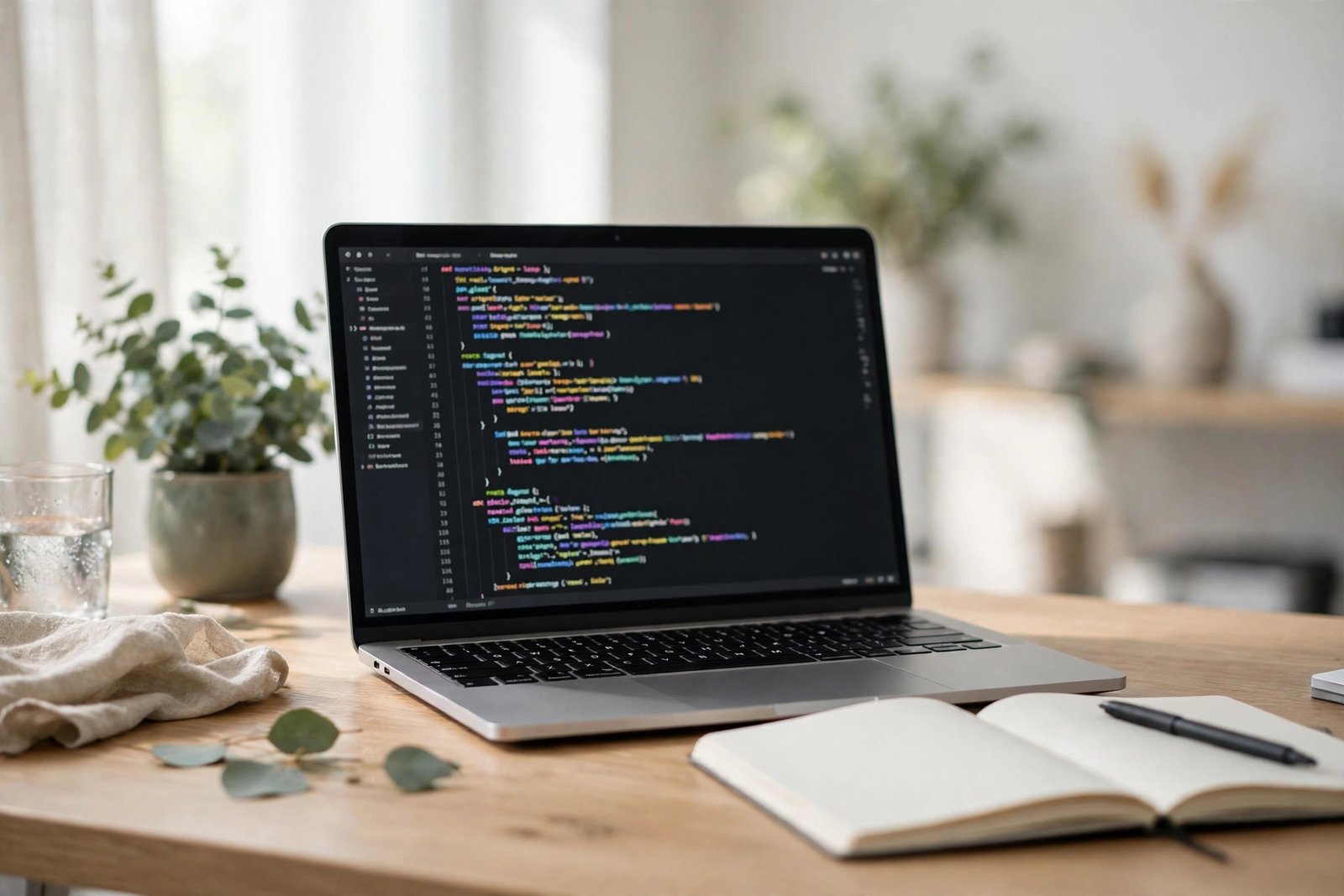
The MacBook Air M4 is the default answer to the best laptop for coding question in 2027. The M4 chip compiles code quickly, handles local AI tools and large browser sessions without fuss, and does it all without a fan. There are two sizes, a 13.6-inch model and a 15.3-inch model. The smaller machine is easier to carry, while the larger one gives you more room for split-screen work. Battery life comfortably lasts a full working day for most people. The limits are familiar: two Thunderbolt ports, MagSafe and a headphone jack, so a hub is worth budgeting for.
2. MacBook Pro 14
Best for: developers who compile large projects, build iOS apps or edit video alongside code.
If the Air is the sensible choice, the MacBook Pro 14 is the powerful one. Its M4 Pro chip adds more CPU and graphics cores, which shows up in faster builds, smoother virtual machines and heavier creative work. The 14.2-inch display is brighter and smoother than the Air’s, with better contrast and high refresh rates. Extra ports help too: three Thunderbolt ports, HDMI and an SD card slot mean fewer adapters. Battery life remains strong, even under load. For iOS developers there is no real alternative: Xcode runs only on a Mac, and the Pro keeps large Swift projects moving.
3. Lenovo ThinkPad X1 Carbon Gen 13
Best for: Windows and Linux developers who type all day.
The ThinkPad X1 Carbon has been the working developer’s laptop for years, and the Gen 13 keeps that reputation. It weighs under a kilogram, yet it feels solid rather than fragile. The keyboard is the best in this group: deep, quiet travel and a sensible layout. Under the lid is an Intel Core Ultra chip, which handles everyday development, virtual machines and containers well. The 14-inch display is sharp and bright, and the port selection is generous for an ultralight, including Thunderbolt, USB-A and HDMI. Linux support is strong, which matters to developers who dual-boot or run Linux full time.
4. Dell XPS 14
Best for: Windows developers who want a premium, minimalist laptop.
The Dell XPS 14 is the Windows answer to the MacBook Pro’s clean design. Its aluminium and glass body looks sharp on any desk, the 14.5-inch display is bright and colour-accurate, and the thin bezels make it feel smaller than its screen size suggests. The Intel Core Ultra chip handles web development, Python, data work and lighter machine learning tasks without complaint. Dell’s keyboard is comfortable, if shallower than the ThinkPad’s, and the large glass trackpad is precise. Two things to know: ports are limited to Thunderbolt, so you will need adapters for USB-A or HDMI, and the touch function row divides opinion. Try one in a shop if you can.
5. Framework Laptop 13
Best for: developers who want a repairable, upgradeable laptop.
The Framework Laptop 13 is the only machine here you can take apart with a single screwdriver. Every major part — memory, storage, battery, screen, ports, even the mainboard — can be replaced or upgraded by the owner. For a developer who plans to keep a laptop for five years rather than three, that changes the maths completely. The 13.5-inch display is sharp, the keyboard is comfortable, and the choice of Intel Core Ultra or AMD Ryzen chips covers everyday development well. Port selection is clever: you choose your own expansion cards, so you can have the USB-C, USB-A, HDMI and Ethernet ports you actually use. It is not the thinnest or quietest machine here, and battery life is solid rather than exceptional.
6. HP Spectre x360 14
Best for: developers who want a 2-in-1 for coding, notes and presentations.
The HP Spectre x360 14 is the most flexible laptop in this guide. Its touchscreen folds back into tablet mode, which is useful for sketching architecture diagrams, marking up documents, or presenting work to a colleague across a table. The Intel Core Ultra chip handles web development, Python and general software work, the keyboard is comfortable, and the build quality feels premium. Battery life is respectable for a convertible, and the webcam and speakers suit remote work. The hinge adds a little weight, and the Spectre is not the machine for heavy compilation; the MacBook Pro suits that better.
MacBook vs ThinkPad for coding: which wins?
The MacBook vs ThinkPad for coding debate comes down to operating system and habits, not speed. A MacBook gives you a Unix-based system, long battery life, a silent design and the only route to native iOS development. A ThinkPad gives you Windows with strong Linux support, a better keyboard and more ports. Choose the MacBook if you develop for Apple platforms or want the longest battery life. Choose the ThinkPad if you work in Windows or Linux, or live in .NET or enterprise tools. Freelance developers may also find our guide to how freelancers can use AI to write client proposals faster useful for the business side of the work.
How to choose the best laptop for developers in 2027
Use this checklist before you spend anything. It takes five minutes and saves the most common buying mistakes.
- Start with your stack: list the languages, frameworks and tools you use weekly, then check each one runs well on your chosen operating system.
- Set memory first: 16GB is the minimum; choose 32GB if you run Docker, virtual machines, Android emulators or large data sets.
- Pick storage with headroom: 512GB is the floor; 1TB is worth it if you keep multiple SDKs, projects and local databases.
- Test the keyboard and trackpad: type on the machine before committing to a laptop you will use for thousands of hours.
- Check your ports: count the devices you plug in daily, and make sure the laptop covers them without a tangle of adapters.
- Try your real workflow: if you can, run your editor, browser and build tools on a demo unit rather than trusting a benchmark alone.
That last point is the most important. A laptop that feels fast in a review but stutters with your specific project is the wrong laptop.
Frequently asked questions
What is the best laptop for programming in 2027?
For most programmers, the MacBook Air M4 is the best choice in 2027. It is fast, silent, light and long-lasting, and it handles Python, web development and general software work with ease. Windows developers should consider the ThinkPad X1 Carbon instead.
How much RAM do I need for programming?
16GB is the minimum for comfortable programming in 2027. It covers an editor, a browser with many tabs, a terminal and a local server at the same time. Choose 32GB if you run Docker containers, virtual machines or large builds regularly.
Is a MacBook or a Windows laptop better for coding?
It depends on your work. A MacBook is better for iOS and macOS development, while a Windows laptop such as the ThinkPad X1 Carbon is better for .NET, enterprise development and Linux use. Choose the system that fits your toolchain.
What is the best laptop for Python programming?
The MacBook Air M4 is the best laptop for Python programming for most people, thanks to its fast chip, long battery life and excellent terminal support. The ThinkPad X1 Carbon is the best Windows alternative.
Do I need a dedicated graphics card for programming?
Most programmers do not need a dedicated graphics card. Integrated graphics in modern Apple, Intel and AMD chips handle coding, web development and data work well. You only need a dedicated GPU for machine learning training, 3D work or game development.
The bottom line
The best laptop for programming in 2027 is the one that disappears into your work. The MacBook Air M4 does that for most developers: it is fast, quiet and light, and it lasts all day. The ThinkPad X1 Carbon does it for Windows and Linux developers who value a great keyboard, while the MacBook Pro 14 is there when your builds demand more power. Before you buy, write down your stack and your memory needs, then match those to one of the six laptops above. If you want a second opinion on the setup around the laptop, read our guide to using AI in Google Docs and Sheets, and our guide to using Copilot in Excel and Word if your work mixes code with documents and spreadsheets.