The best premium laptops in 2027 are not simply faster versions of cheaper machines. Are they worth the money? For most people, one premium laptop is worth it — the MacBook Air M4, or a well-chosen Windows equivalent — because it buys a better screen, a quieter design, longer battery life and a build that still feels new after three years. Beyond that point, the extra money buys specialist power, not everyday speed.
That distinction matters, because the most expensive laptop worth buying depends entirely on what you do with it. A writer will notice the screen and keyboard far more than a faster chip. A photographer or video editor will notice screen colour, processor and ports. A frequent traveller will notice the weight.
Key takeaways
- The MacBook Air M4 is the best premium laptop for most people in 2027.
- Pay for a better screen, keyboard, battery and build before you pay for a faster chip.
- MacBook Pro models suit creators; premium Windows laptops suit Microsoft 365 and business users.
- A premium laptop should last four to six years for everyday work.
- The best luxury laptop is the one that fits your software, not the one with the highest price.
What makes a laptop premium in 2027
Premium is not a price tag; it is a set of qualities that show up every day. The screen is the first: brighter, sharper and more colour-accurate than a budget display, and comfortable to look at for hours. The keyboard and trackpad are the second: firm, quiet keys and a large, precise trackpad.
Build quality is the third. Premium laptops use aluminium or magnesium alloys, tight tolerances and hinges that hold the screen exactly where you leave it. Battery life is the fourth: a premium laptop should manage a full working day on light to moderate use, without hunting for a charger by mid-afternoon.
Then there is the less visible side: a fast, efficient chip that stays cool and silent under normal work, good speakers and microphones for calls, and a webcam that does not make you look washed out. Together, they are why a premium laptop feels different from the moment you open it.
Best premium laptops at a glance
| Laptop | Screen and chip | Weight class | Best for | Typical price band |
|---|---|---|---|---|
| MacBook Air M4 | 13-inch or 15-inch, Apple M4 | Around 1.2 kg | Most people | From around $999 |
| MacBook Pro 14 M4 | 14-inch, Apple M4 Pro or M4 Max | Around 1.6 kg | Creators and power users | From around $1,599 |
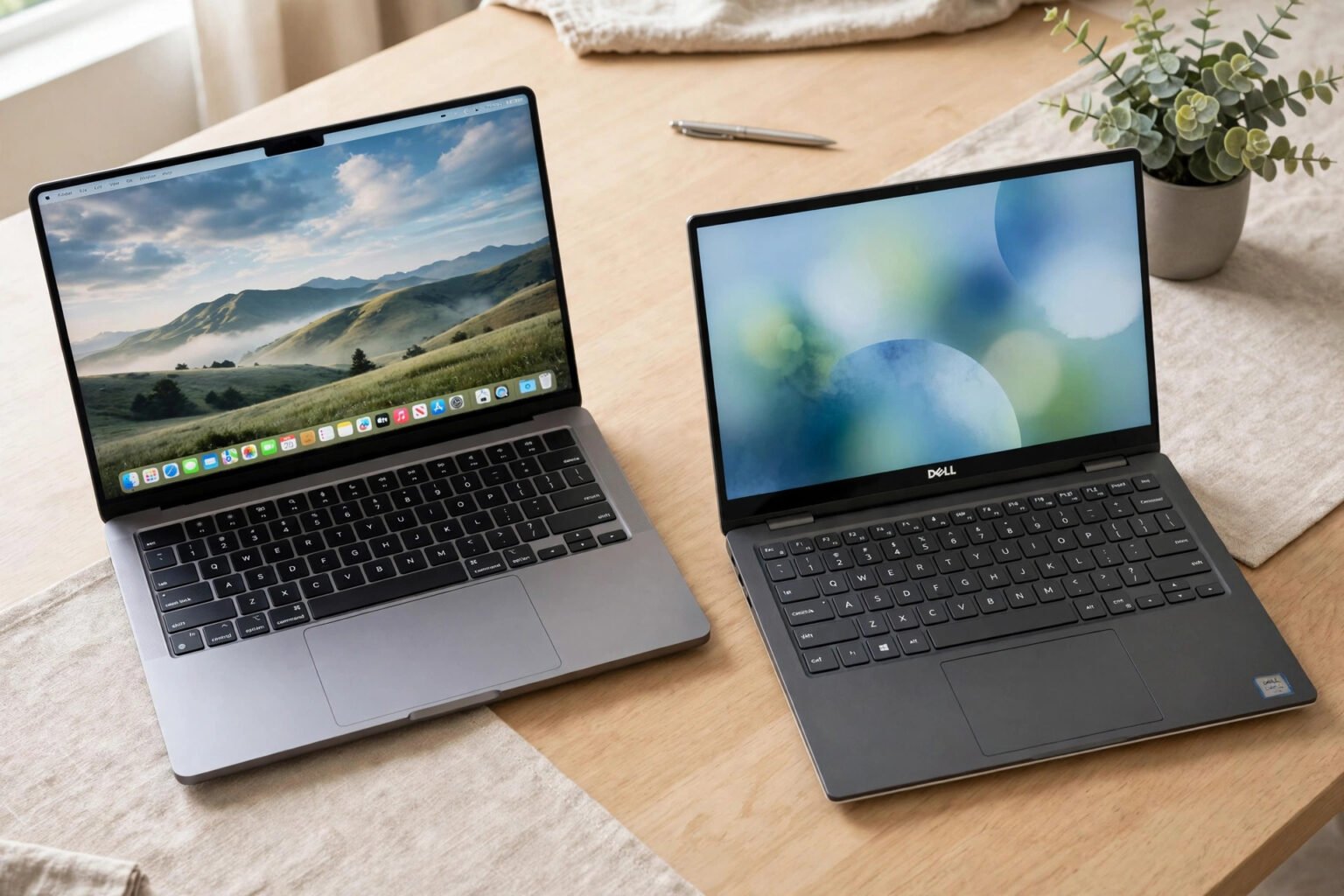
| Dell XPS 14 | 14-inch, Intel Core Ultra | Around 1.7 kg | Premium Windows | From around $1,400 |
| Lenovo ThinkPad X1 Carbon Gen 13 | 14-inch, Intel Core Ultra | Around 1 kg | Business travel | From around $1,500 |
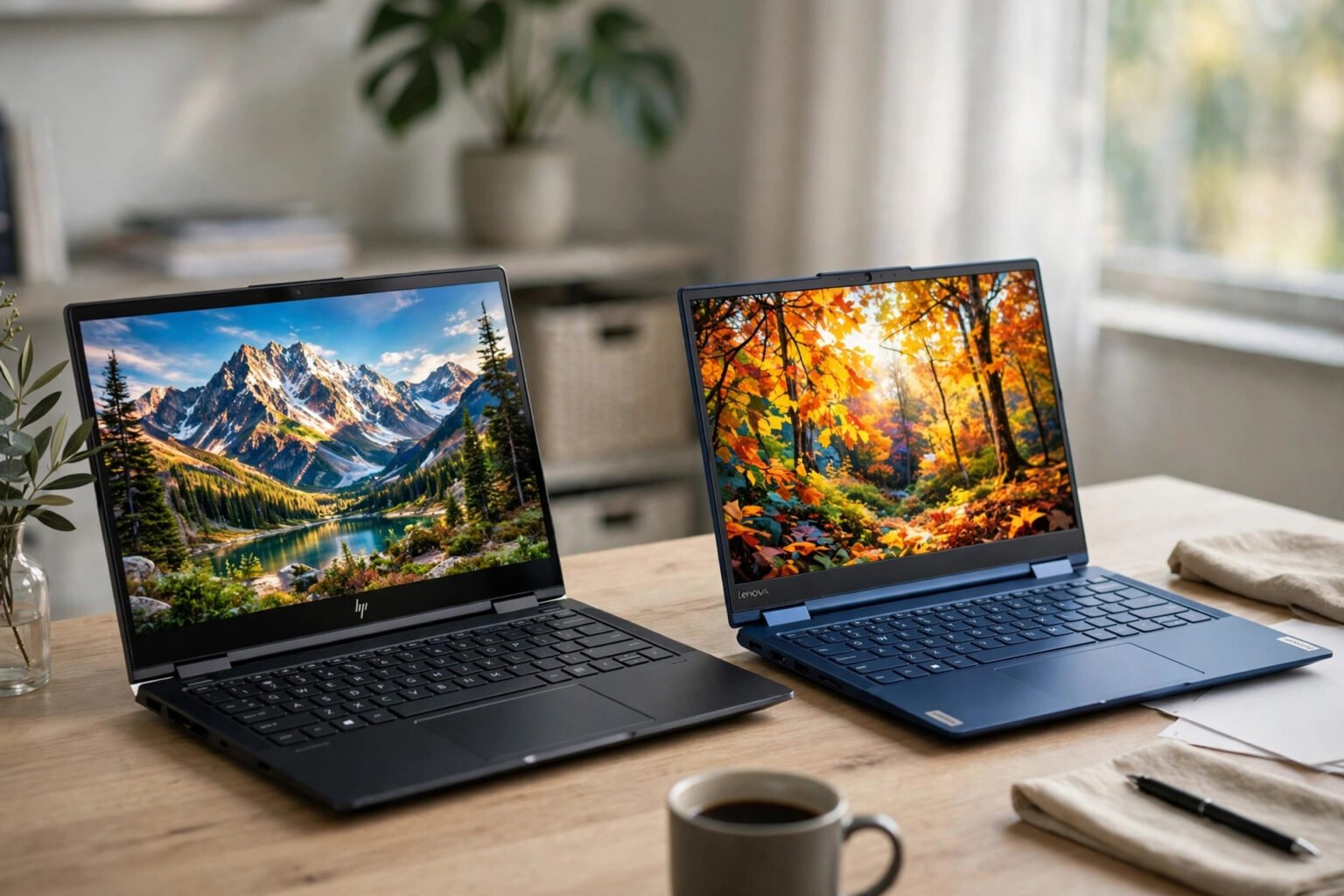
| HP Spectre x360 14 | 14-inch touchscreen, Intel Core Ultra | Around 1.4 kg | A premium 2-in-1 | From around $1,300 |
| Microsoft Surface Laptop, 7th Edition | 13.8-inch or 15-inch, Snapdragon X Elite | Around 1.3 kg | Microsoft 365 and Copilot+ | From around $999 |
Caption: Six premium laptops compared. Prices are starting bands for common configurations and vary by retailer and specification.
1. MacBook Air M4
Best for: most people who want a premium laptop.
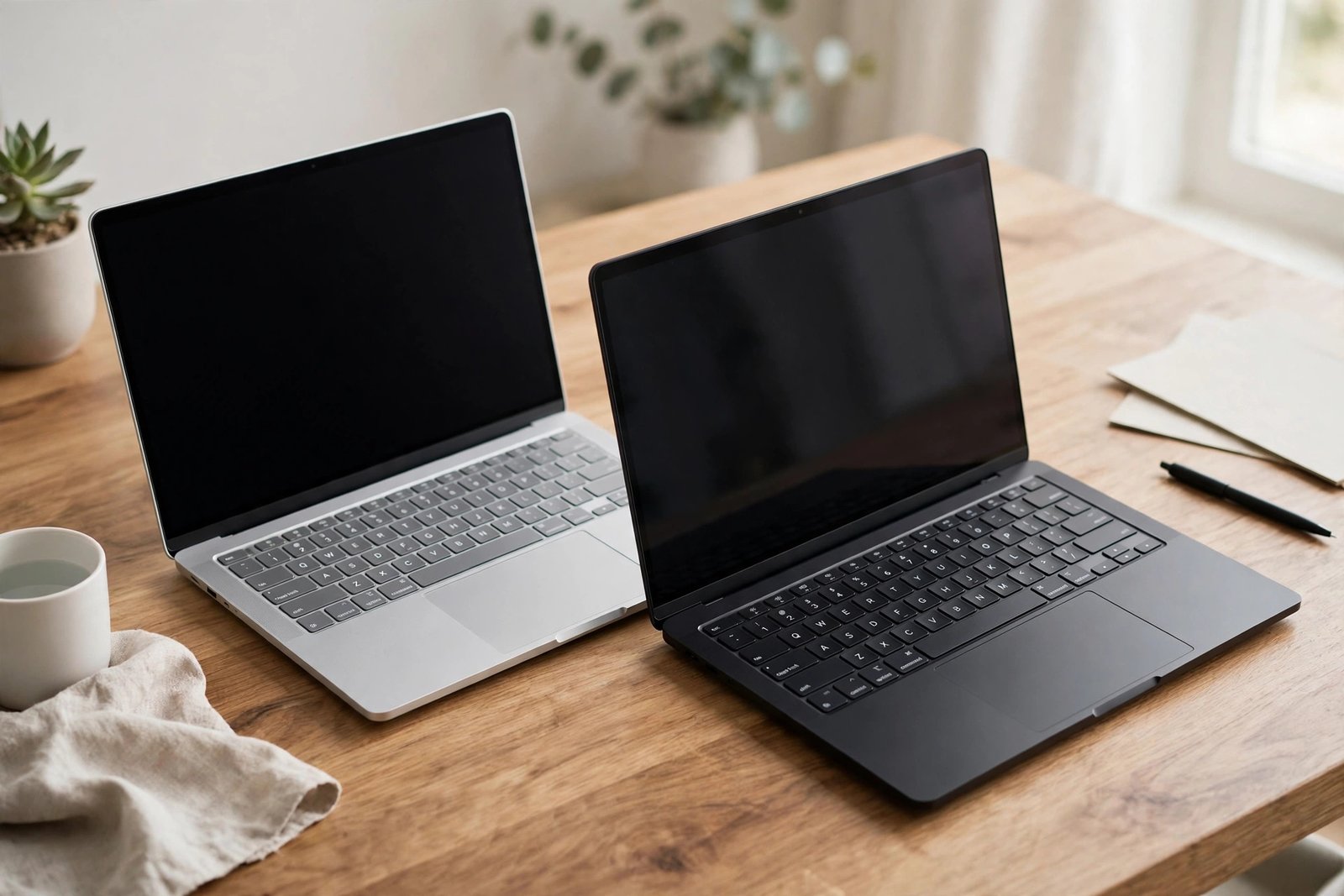
The MacBook Air M4 is the default answer to the best high end laptop 2027 question, and for good reason. It is silent, with no fan, fast for everyday work and light creative tasks, and its battery comfortably lasts a working day. The 13-inch model weighs around 1.2 kg; the 15-inch version adds screen space without much extra bulk.
The display is bright and colour-rich, the keyboard and trackpad are among the best available, and macOS works smoothly with iPhone and iPad. Its limits are modest: two USB-C ports and no fan for sustained heavy rendering. For writing, study, office work and light photo editing, none of that matters. Buy the 15-inch model for side-by-side documents; buy the 13-inch if you travel.
2. MacBook Pro 14 M4
Best for: creators, developers and anyone who renders, edits or compiles regularly.
The MacBook Pro 14 is the Air with the brakes off. With M4 Pro or M4 Max chips, it handles 4K video editing, large photo libraries and heavy multitasking that would make a fanless laptop slow down. Its display is brighter and more colour-accurate, and it offers more ports, including HDMI and an SD card slot on most configurations.
At around 1.6 kg it is heavier than the Air, and it costs substantially more. You are paying for sustained performance and a professional display, not for everyday speed. If your work involves video, photography or code, the Pro earns its price. If it does not, the Air gives you almost everything else for far less. For creative work, compare our guides to the best laptops for photo editing and the best laptops for 4K video editing.
3. Dell XPS 14
Best for: a premium Windows laptop with a striking design.
The XPS 14 is Dell’s answer to the MacBook Pro, and the most design-led Windows laptop in this guide. Its slim aluminium chassis, near-borderless display and minimalist keyboard deck look and feel expensive. Intel Core Ultra chips keep everyday work fast and efficient, and the display options include bright, high-resolution panels suited to creative work.
It is not the lightest premium laptop, at around 1.7 kg, and its hidden touch function row and buttonless trackpad divide opinion — try them before you buy if you can. For Windows users who want MacBook-level build quality without leaving Windows software behind, the XPS 14 is the strongest choice.
4. Lenovo ThinkPad X1 Carbon Gen 13
Best for: business travel and years of hard daily use.
The ThinkPad X1 Carbon has been the business-travel standard for years, and the Gen 13 keeps that reputation. At around 1 kg with a 14-inch screen, it is the lightest laptop here by a clear margin, yet it feels reassuringly solid. The keyboard is the best in this guide for long typing sessions, and the trackpoint gives precise control without reaching for the trackpad.
Intel Core Ultra chips, a bright display and strong security features complete a package built for airports, offices and long working days. It is not the flashiest laptop, and its design is deliberately understated. If you travel weekly, this is the premium laptop to beat.
5. HP Spectre x360 14
Best for: a premium 2-in-1 that works as a laptop and a tablet.
The Spectre x360 14 is the most versatile premium laptop here. Its touchscreen folds flat for reading, presenting and annotating, and it supports a stylus on many configurations. The design is genuinely attractive, with gem-cut edges and a premium finish, and the OLED display options are among the most vivid available.
At around 1.4 kg it is heavier than the Air or the X1 Carbon, and the 2-in-1 hinge adds cost. If you will use tablet mode regularly — for marking up documents or presenting to a client — it is worth it. If you will not, a conventional laptop gives you more for the same money.
6. Microsoft Surface Laptop, 7th Edition
Best for: Microsoft 365 users who want Copilot+ features.
The Surface Laptop, 7th Edition, is Microsoft’s own premium laptop, built around the Snapdragon X Elite chip and the Copilot+ platform. It is slim, quiet and efficient, with a bright touchscreen, a comfortable keyboard and battery life that competes with the MacBook Air on light work. The 13.8-inch model weighs around 1.3 kg; a 15-inch version is also available.
Its strength is integration: Windows 11, Microsoft 365 and Copilot features feel native here. The trade-off is software compatibility: most everyday apps run well, but a few specialist Windows apps built for Intel chips may run through emulation or not at all. Check your essential software before buying. If you live in Microsoft 365, learn how to use Copilot in Excel and Word to get the most from it.
MacBook Pro vs premium Windows laptop: how to decide
The MacBook Pro vs premium Windows laptop question comes down to software and habit more than hardware. Choose a MacBook if you already use iPhone, iPad or Mac software, if you edit video in Final Cut Pro, or if you value battery life and silence above all. Choose a premium Windows laptop if your work depends on Windows-only software, Microsoft 365, or a business IT setup built around Windows.
Try the keyboard and trackpad before you decide, if you can.
A decision framework: are you buying the right premium laptop?
Answer these five questions honestly before you pay.
- What will you do most days? Writing, browsing and office work need a great screen and keyboard, not a top-end chip. Video, photo and code work need sustained performance and ports.
- Which software must run? List the five apps you cannot work without, then check each one runs natively on the laptop you are considering.
- How much will you carry it? Under 1.3 kg is comfortable for daily travel. Over 1.6 kg is fine at a desk, but you will notice it in a bag.
- How long should it last? A premium laptop should serve four to six years. Buy 16GB of memory as a minimum, and more if you edit video or run virtual machines.
- What are you actually paying for? A brighter screen, a better keyboard and a lighter build are worth paying for. A faster chip you will never stress is not.
If the laptop you want fails question two, do not buy it, however attractive the hardware.
Frequently asked questions
Are premium laptops worth the money in 2027?
For most people, one step up is worth it: a MacBook Air M4 or a premium Windows equivalent buys a better screen, keyboard, battery and build that you notice daily. Paying far more only makes sense if your work needs sustained performance, a professional display or a very light chassis.
What is the best premium laptop for most people?
The MacBook Air M4, in 13-inch or 15-inch form, is the best premium laptop for most people. It is silent, fast for everyday work, light to carry and long-lasting on battery. Windows users should look at the Dell XPS 14 or the Microsoft Surface Laptop instead.
MacBook Pro or MacBook Air: which should I buy?
Buy the Air unless your work regularly involves 4K video editing, large photo libraries or compiling code. The Pro adds sustained performance, a brighter display and more ports, but the Air matches it for writing, office work and light creative tasks at a much lower price.
How long should a premium laptop last?
A premium laptop should last four to six years for everyday work, with battery health declining gradually. Buying enough memory and storage at the start — 16GB as a minimum, 512GB or more of storage — is the simplest way to make it last.
Is a luxury laptop better than a mid-range one?
A best luxury laptop is better in build, screen, keyboard and battery life, but not dramatically faster for everyday tasks. A mid-range laptop with a modern chip handles writing, spreadsheets and streaming just as well. You pay for refinement and longevity, not for basic speed.
The bottom line
The best premium laptops in 2027 reward buyers who choose by use, not by price. For most people, the MacBook Air M4 is the answer: fast, silent, light and long-lasting. Creators should step up to the MacBook Pro 14. Windows users should choose the Dell XPS 14 for design, the ThinkPad X1 Carbon for travel, or the Surface Laptop for Microsoft 365.
Before you buy, list the software you cannot live without, try the keyboard if you can, and buy enough memory and storage to last four to six years. The right premium laptop is not the most expensive one.